20 results found
Dive into Mike Lacher's hilarious browser game, `Triple-A Minesweeper`, a brilliant parody imagining the classic puzzle game as a modern, story-driven blockbuster. Featuring an oblivious protagonist and dramatic character calls inspired by GTA and Cyberpunk, it's a satirical jab at today's gaming trends. Experience the absurdity of a multi-million dollar Minesweeper that thankfully isn't real.

Shopify is breaking from competitors by allowing browser-based AI agents to complete purchases on merchant sites, extending its WebMCP support to checkout. This move introduces new tools for agents to read, update, and submit orders with buyer authorization, leveraging Shopify’s Universal Commerce Protocol for secure and structured transactions.
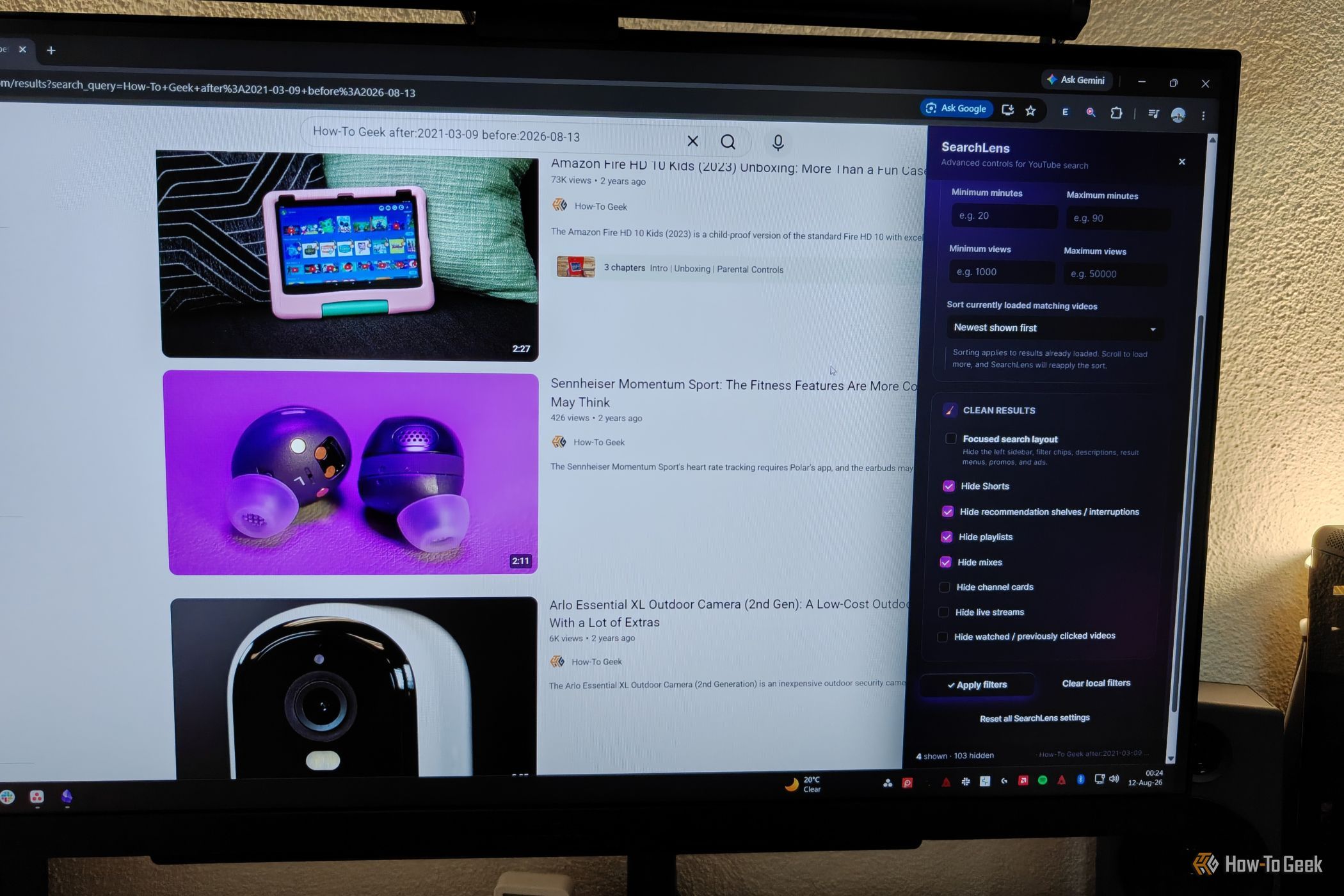
Transform your YouTube search with three browser extensions. Gain precise control, remove clutter, and personalize results for a more efficient video discovery experience in just a few steps.

Have you recently seen an urgent pop-up in your browser demanding a “critical” security update for Chrome? Hold on a moment before clicking! What appears to be a legitimate browser update could actually be a cleverly

Cloudflare has launched Kitesurf, a new cloud-hosted browser specifically engineered for AI agents to navigate and interact with the web. Optimized for efficiency and lower computing costs, Kitesurf eschews human-centric visual elements in favor of performance, scalability, and context management, offering a specialized solution for developers building task-oriented AI.

This article guides developers through building a browser-based PDF OCR to Text converter using JavaScript. It explains the problem of unsearchable scanned PDFs, details how client-side OCR works with PDF.js and Tesseract.js, and covers implementation steps for document upload, page preview, configurable OCR settings, text extraction, and progress tracking. The solution emphasizes privacy and performance by processing documents locally in the browser.

The browser wars have entered a new phase in 2026, shifting focus from search engine dominance to AI acting on users' behalf. While Chrome and Safari remain market leaders, a new wave of alternative browsers is emerging. These include AI-powered options like Perplexity's Comet and OpenAI's Atlas, privacy-focused browsers such as Brave and Ladybird, and "mindful browsers" like Opera Air. This diversification reflects a growing demand for specialized browsing experiences beyond the mainstream.

This article guides developers through building a browser-based PDF analyzer using JavaScript, emphasizing client-side processing for privacy and speed. It covers the problem of manual PDF inspection, the benefits of automation, and a practical implementation using `PDF-lib`, `PDF.js`, `Tesseract.js`, and `Chart.js`. The tutorial details workflow from file upload and preview to configurable analysis and report export.
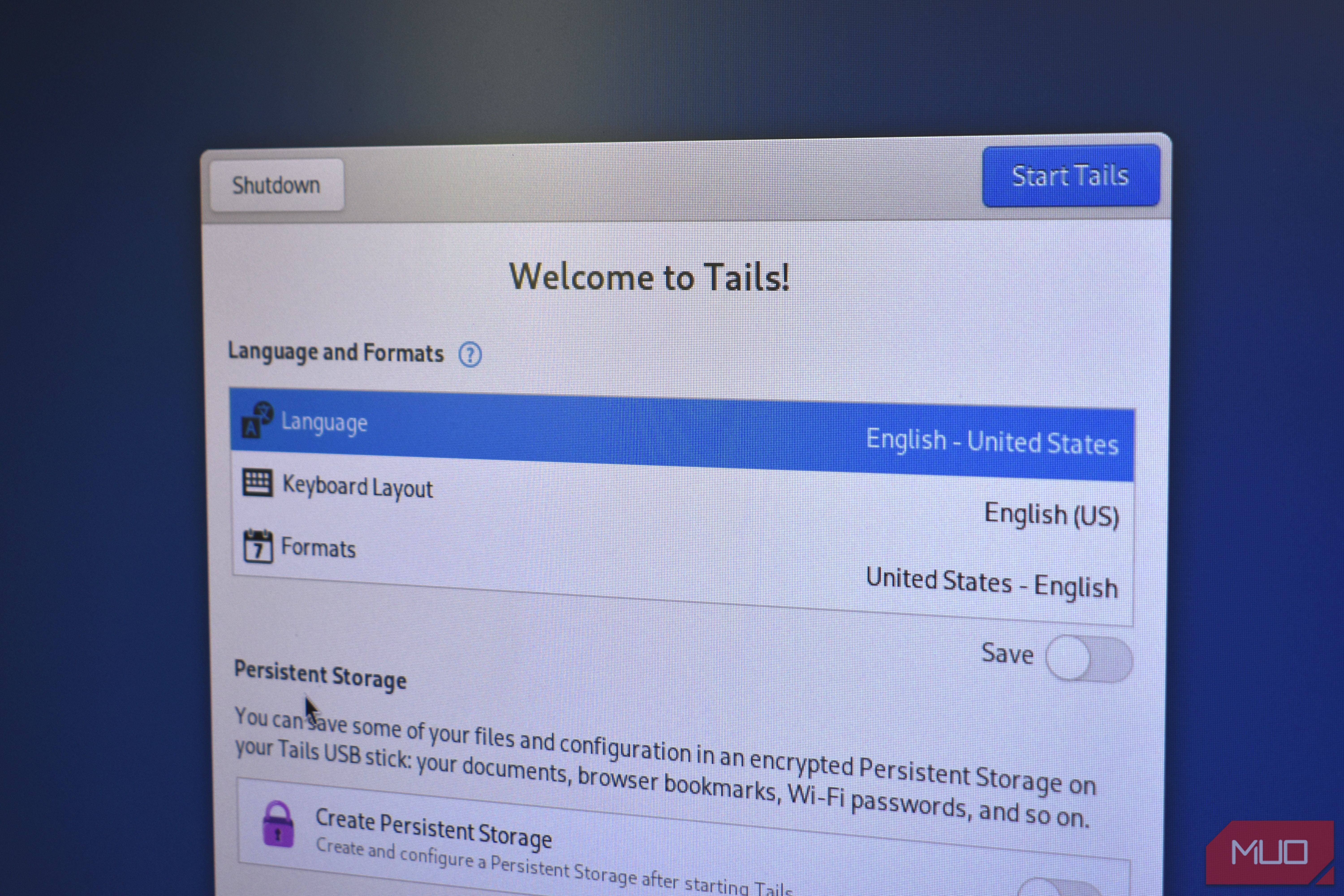
Most people believe that using a browser's "Incognito Mode" or "Private Browsing" will hide their online activity. The truth is, these modes only clear your local history and cookies; your internet service provider

PDF files often arrive with pages in an incorrect sequence, a common byproduct of scanning multiple documents, merging various exports, or batch processing. This can lead to significant manual effort in rearranging

WIRED recently published a guide highlighting five browser extensions designed to significantly enhance the YouTube experience. While the article promises improved interaction with YouTube's vast daily content, detailed recommendations are exclusively available to paid subscribers. This underscores the value of expert curation for optimizing digital platforms, though some extensions may also involve their own subscription fees.

Roger Linn, the legendary innovator behind instruments like the MPC, maintains a remarkably focused digital life, often operating with just a single browser tab open. His minimalist tech habits, including avoiding social media, underline his philosophy of simplicity in a complex world, all while he explores new frontiers in VR.
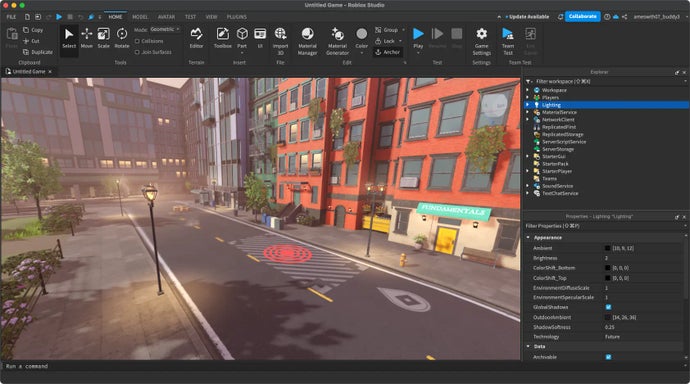
Remember the golden age of Flash games? Those quirky, endlessly replayable browser titles that kickstarted countless developer careers and filled our lunch breaks with joy? Well, Jim Greer, the co-founder of Kongregate
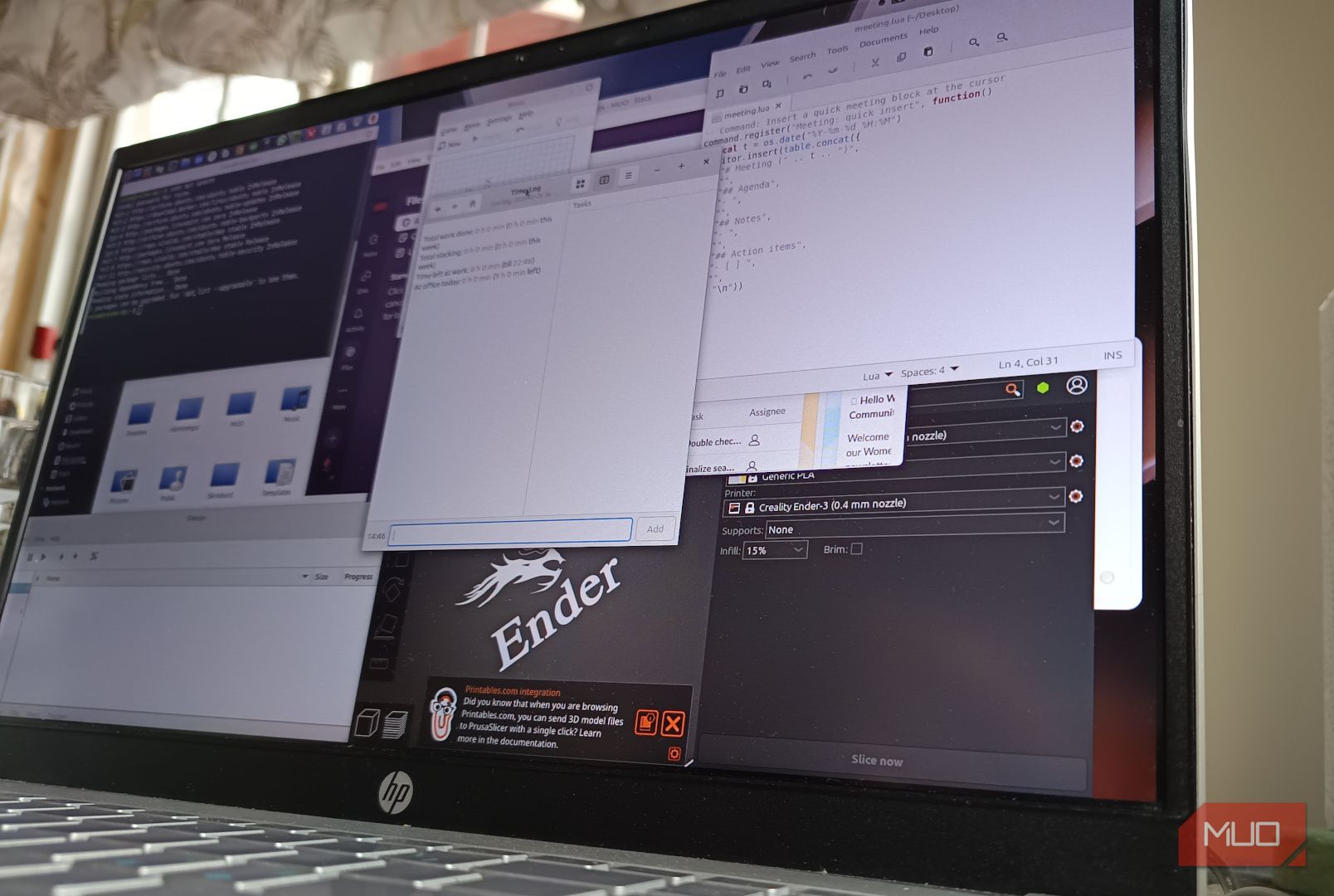
Learn to build your own private cloud workspace with KASM Workspaces in a few easy steps, leveraging Ubuntu Server, a custom domain, and Let's Encrypt for a secure, browser-based remote access solution.

Google is significantly enhancing its Chrome web browser with the introduction of a new AI-powered feature called “Skills.” Announced Tuesday by the tech giant, this update allows users to save and reuse their preferred
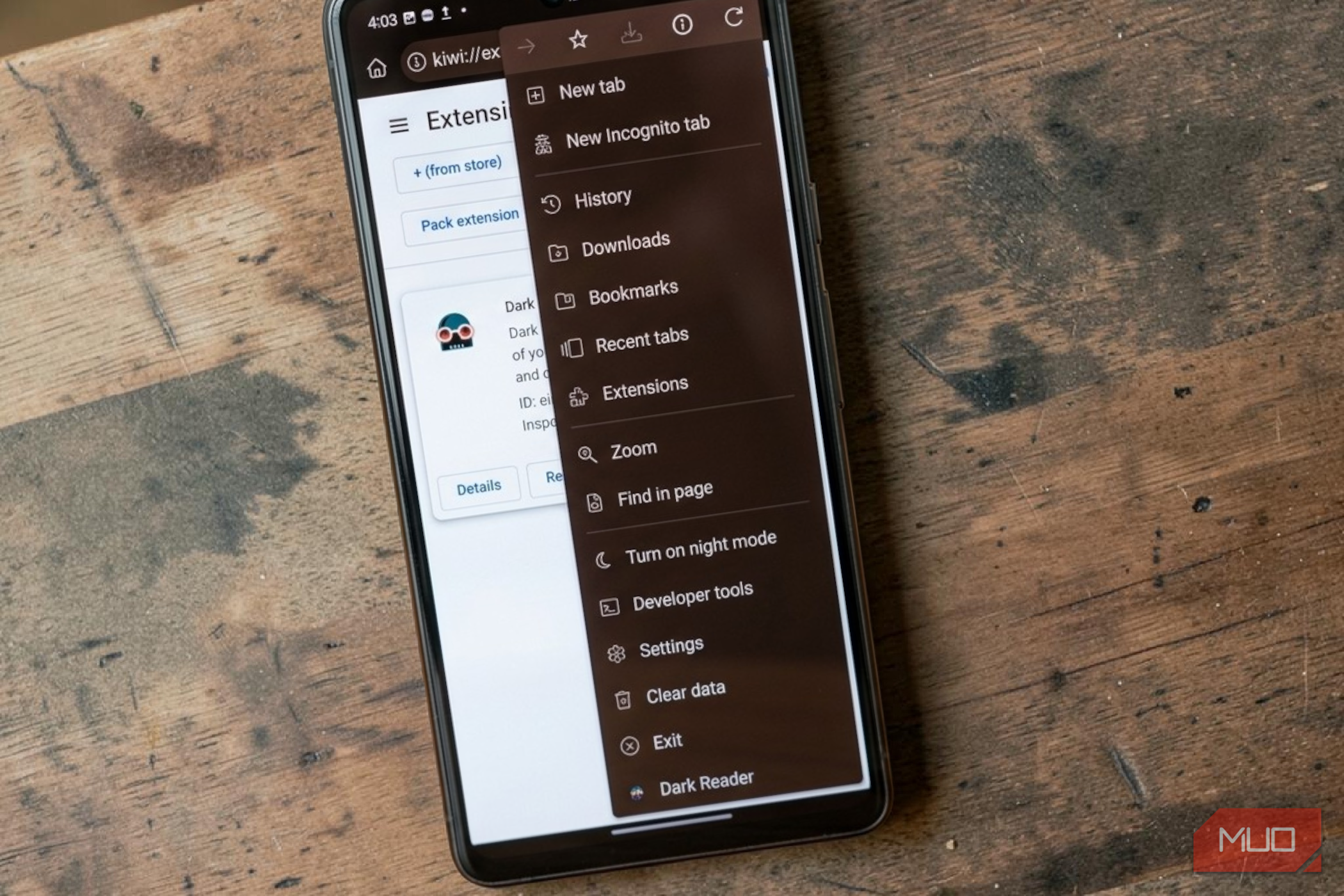
For years, a common frustration for Android users has been the absence of Chrome extensions. Imagine having access to your favorite desktop browser tools, like ad blockers, grammar checkers, or dark mode enforcers,

This article demonstrates how to build a browser-based image converter using JavaScript, leveraging client-side APIs to ensure fast, private, and efficient image processing. It covers setting up a basic HTML interface, reading local files with `FileReader`, converting images via the `Canvas` API's `toDataURL` method, and enabling direct downloads. The guide also discusses practical considerations like handling large images, controlling JPEG quality, and ensuring robust input validation.

Real-time updates are vital for applications like live scores. This guide demonstrates building a real-time system using MQTT, a lightweight messaging protocol, and Express.js. You'll learn to integrate an MQTT broker with an Express backend and stream instant updates to browsers via Server-Sent Events, using a practical football score application as an example.

Building a robust screen recording and sharing platform, akin to Loom, presents a unique set of technical challenges. From capturing media efficiently in the browser to managing complex video encoding, streaming, and

Google Chrome users can now extensively customize their browser toolbar with recently enhanced options. These new features allow quick access to essential tools, from pinning extensions and toggling key functions like Incognito mode to adding advanced features like the Task Manager and Google Lens, significantly streamlining the browsing experience.
