
How to Subscribe to Spotify Podcast Memberships - Support Your
Learn to easily subscribe to Spotify podcast Memberships directly within the app, supporting creators with perks like exclusive content and early access, and understand the financial implications for podcasters.
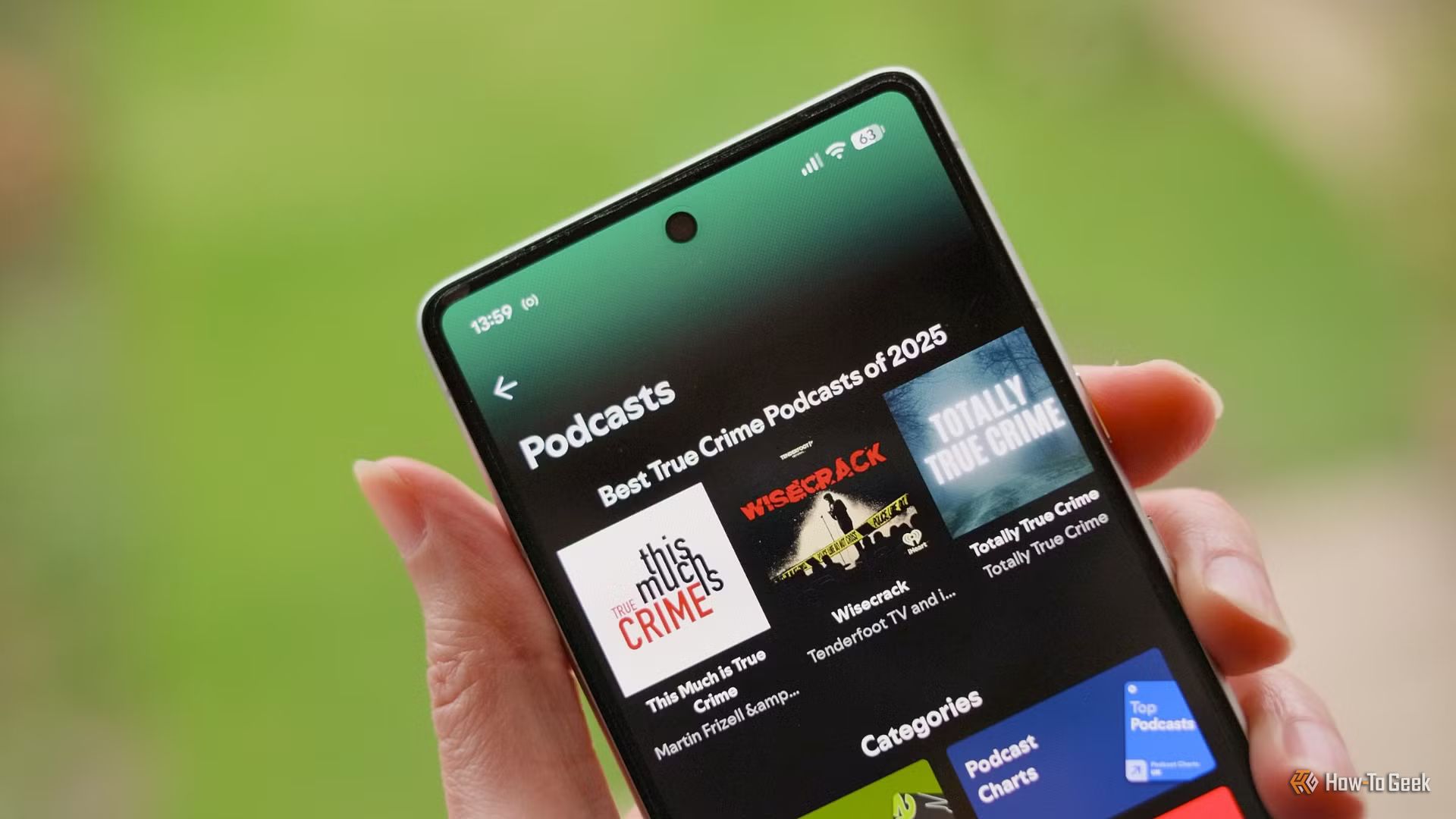
Unlock Exclusive Content and Support Your Favorite Podcasters with Spotify Memberships
Spotify Podcast Memberships offer a direct and convenient way to financially support the podcasts you love, while gaining access to a variety of exclusive perks. Whether you're a long-time listener or new to a show, these paid subscriptions allow creators to offer special content, early access, and a more personalized experience directly through the Spotify app. This guide will walk you through everything you need to know about joining a Spotify Podcast Membership, understanding its benefits, and making an informed decision about how to best support your favorite audio creators.
What You'll Accomplish
By following this guide, you will learn how to:
- Understand what Spotify Podcast Memberships are and what they offer.
- Identify the benefits of subscribing to a podcast directly through Spotify.
- Navigate the Spotify app to find and join a podcast membership.
- Make an informed decision about supporting podcasts, considering Spotify's revenue share and alternative platforms.
- Troubleshoot common issues related to podcast memberships.
What You'll Need
Before you begin, ensure you have:
- The Spotify app installed on your mobile device (iOS or Android) or desktop computer.
- An active Spotify account (free or Premium).
- A valid payment method linked to your Spotify account or capable of in-app purchases.
- An internet connection.
What You'll Get from Spotify Podcast Memberships
When you subscribe to a podcast membership on Spotify, you're not just supporting creators; you're also unlocking a range of exclusive features designed to enhance your listening experience. Podcasters set the specific perks, but these often include:
- Exclusive Episodes: Access to content that isn't available to non-members.
- Early Access: Listen to new episodes before the general public.
- Reduced or Ad-Free Listening: Enjoy your favorite shows with fewer interruptions.
- Free Trials: Many memberships offer a trial period to let you experience the benefits before committing.
- Comment Badges: Stand out in episode comments with a special badge indicating your support.
These benefits are available to all Spotify users, regardless of whether you have a free or Premium account. Furthermore, your contact details are only shared with creators if you give express permission, giving you control over your privacy.
How to Subscribe to a Spotify Podcast Membership
Subscribing to a podcast membership is designed to be a straightforward process directly within the Spotify app. Follow these steps to join your favorite show's community:
- Open the Spotify App: Launch the Spotify application on your smartphone, tablet, or desktop computer.
- Find Your Podcast: Use the search bar to locate the specific podcast you wish to support, or navigate to it from your library if you're already following it.
- Go to the Podcast's Show Page: Tap or click on the podcast's name to open its main show page. This page typically displays episode lists, show information, and options to follow or share.
- Look for Membership Options: On the show page, actively look for a dedicated section or button related to "Membership," "Subscribe," or "Support this Podcast." This option allows you to directly pay through the app.
- Review Membership Tiers and Perks: Once you select the membership option, you'll likely see different tiers or plans offered by the creator. Each tier will detail its price and the specific perks it includes (e.g., exclusive content, ad-free listening, early access). Take time to review these options to choose the one that best suits your preferences and budget.
- Select Your Desired Tier: Choose the membership tier you wish to subscribe to. If a free trial is available, you may see that option here as well.
- Confirm Payment Details: Follow the on-screen prompts to confirm your payment information. This will typically leverage the payment method associated with your Spotify account or your device's app store (e.g., Apple App Store or Google Play Store).
- Complete Your Subscription: Once your payment is processed, your membership will be active. You should immediately gain access to any exclusive content or perks offered at your chosen tier.
Understanding the Creator's Cut and Alternative Support Options
While convenient, it's important to understand how your subscription money is distributed. Spotify takes a 10% cut of the membership revenue. This percentage is notably lower than some competitors, such as Apple Podcasts (30% for the first year, then 15%) and YouTube (30%). However, it still means that a portion of your payment does not directly reach the podcaster.
If ensuring the maximum amount of your contribution goes directly to the creator is a primary concern, you might consider alternative platforms. Many podcasters also offer subscriptions through:
- Their Own Websites: Direct subscriptions often mean creators keep a larger share of the revenue.
- Patreon: A popular crowdfunding platform that typically takes a 5% to 12% cut.
- Ko-Fi: A platform with a lower cut, ranging from 0% to 5%.
- Buy Me a Coffee: Similar to Ko-Fi, taking a 5% cut.
These alternatives might also provide access to multi-show subscriptions or unique bundles that aren't available on Spotify. The main advantage of Spotify Memberships, however, remains its unparalleled convenience. You don't need to leave the app, and you can manage all your podcast billing alongside other Spotify services like Premium and audiobooks, simplifying your digital life and potentially expanding a show's reach to new paying subscribers.
Tips for Maximizing Your Membership
- Check for Free Trials: Always look for free trial offers before committing to a paid membership. This allows you to sample the exclusive content and experience the perks firsthand.
- Review Perk Details: Before subscribing, carefully read the description of each membership tier to ensure the benefits align with what you're looking for.
- Manage Your Subscriptions: Keep track of your active podcast memberships within your Spotify account settings to manage billing and avoid unwanted renewals.
- Engage with Creators: Use your membership badge and access to comment sections or exclusive forums to engage with the podcasters and other loyal listeners. This can enhance your overall experience.
Troubleshooting Common Issues
- Cannot find the Membership Option: Not all podcasts offer memberships through Spotify. Verify if the specific podcast has announced this feature. Spotify is rolling out Memberships, so some shows might adopt it later. If a show isn't listed among the initial offerings (like The Adam Friedland Show or Making Sense with Sam Harris), they may not have it yet.
- Payment Issues: Ensure your payment method linked to Spotify or your device's app store is up-to-date and has sufficient funds. You can also try restarting the app or device.
- Perks Not Appearing: After subscribing, try closing and reopening the Spotify app. If the exclusive content or ad-free experience still doesn't appear, ensure your subscription is active in your account settings. If issues persist, contact the podcast creator directly or Spotify Support for assistance.
Next Steps
Once you've subscribed to a Spotify Podcast Membership, explore the exclusive content and engage with the community. You can also:
- Discover More Member-Supported Podcasts: Keep an eye out for other favorite shows introducing membership options on Spotify.
- Provide Feedback to Creators: Your support helps creators. Consider reaching out to them (if they provide a contact) to share what you appreciate about their member-exclusive content.
- Manage Your Subscription: Regularly review your active subscriptions and billing details in your Spotify account to ensure they meet your needs.
FAQ
Q: Do I need a Spotify Premium account to subscribe to podcast memberships?
A: No, Spotify podcast Memberships are available to both free and Premium Spotify users. Your existing Spotify account status does not affect your ability to subscribe to a podcast directly.
Q: What happens to my personal data when I subscribe to a podcast membership?
A: Spotify will only share your contact details with podcast hosts if you give your express permission. Hosts do receive aggregated member data, which they can use to understand listening habits and refine their shows, but this does not include personally identifiable contact information without your explicit consent.
Q: Can I find all podcasts offering memberships on Spotify?
A: While Spotify is expanding its Memberships feature, not every podcast currently offers it. Initial offerings include shows like The Adam Friedland Show and those from YMH Studios. You'll need to check the specific show page in the Spotify app to see if a membership option is available for your favorite podcast.
Related articles
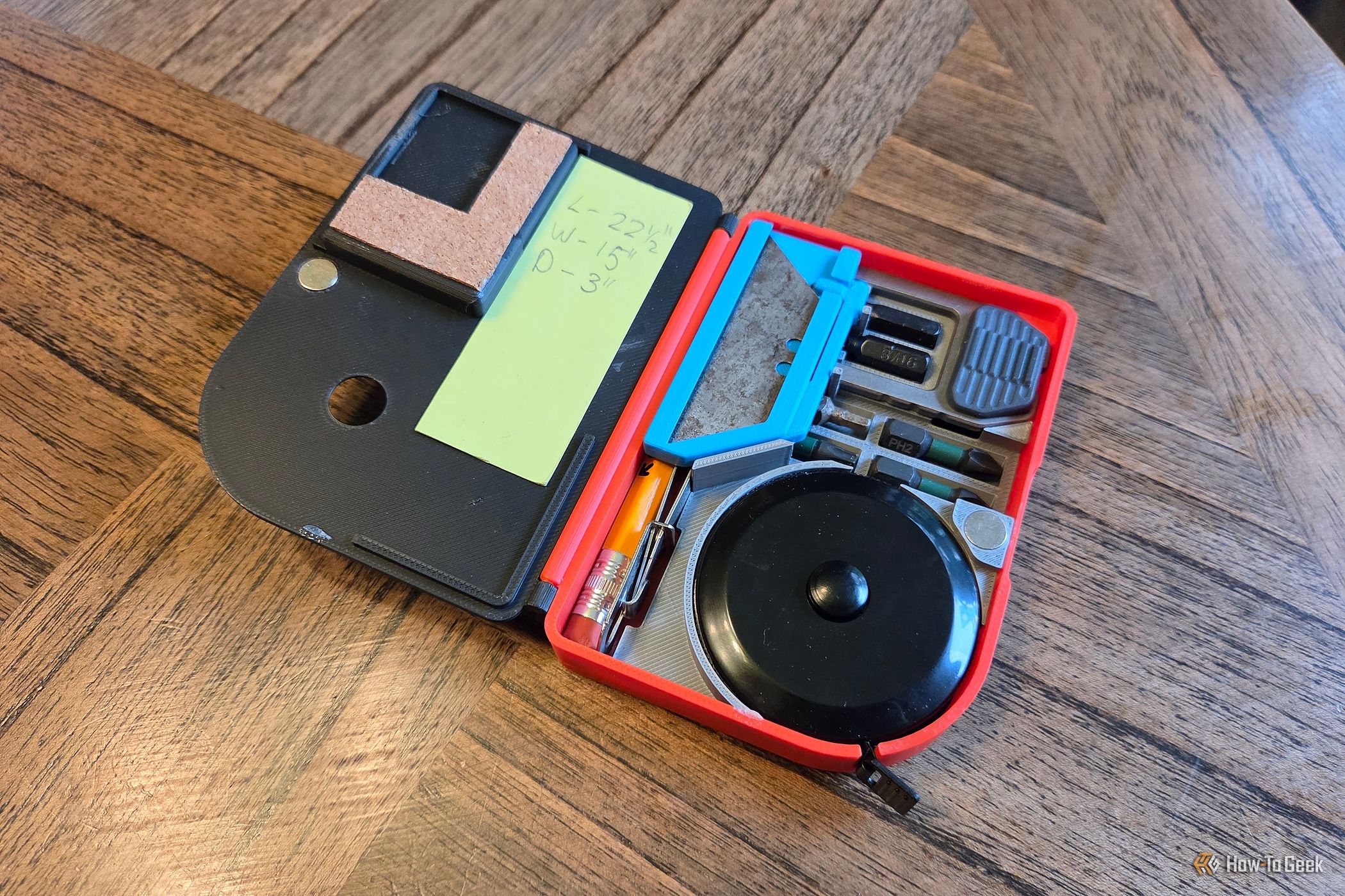
Build Your Own Pocket EDC Toolbox: 6 Tools & Phone-Attachable
Do you often find yourself needing a compact set of tools for quick fixes and everyday tasks? Imagine having a small, portable toolbox that fits right in your pocket or even attaches magnetically to your phone. This

Get Ready for iQOO 16: India Launch, Expected Features & Specs
Discover the highly anticipated iQOO 16, confirmed for India. This guide covers its expected features, powerful specifications, design, camera, battery life, and potential pricing to help you prepare for its launch.

Secure Your Secrets: Lock ChatGPT Conversations with a PIN
Worried about curious eyes peeking at your private ChatGPT conversations? You're in luck! ChatGPT now offers a "Locked Chats" feature, allowing you to hide your sensitive discussions behind a four-digit PIN or biometric

Turn Your ESP32 into a Surveillance Detector for Enhanced Privacy
Turn Your ESP32 into a Surveillance Detector for Enhanced Privacy In an increasingly connected world, privacy concerns are more prevalent than ever. From ubiquitous street cameras to personal smart glasses, it can feel
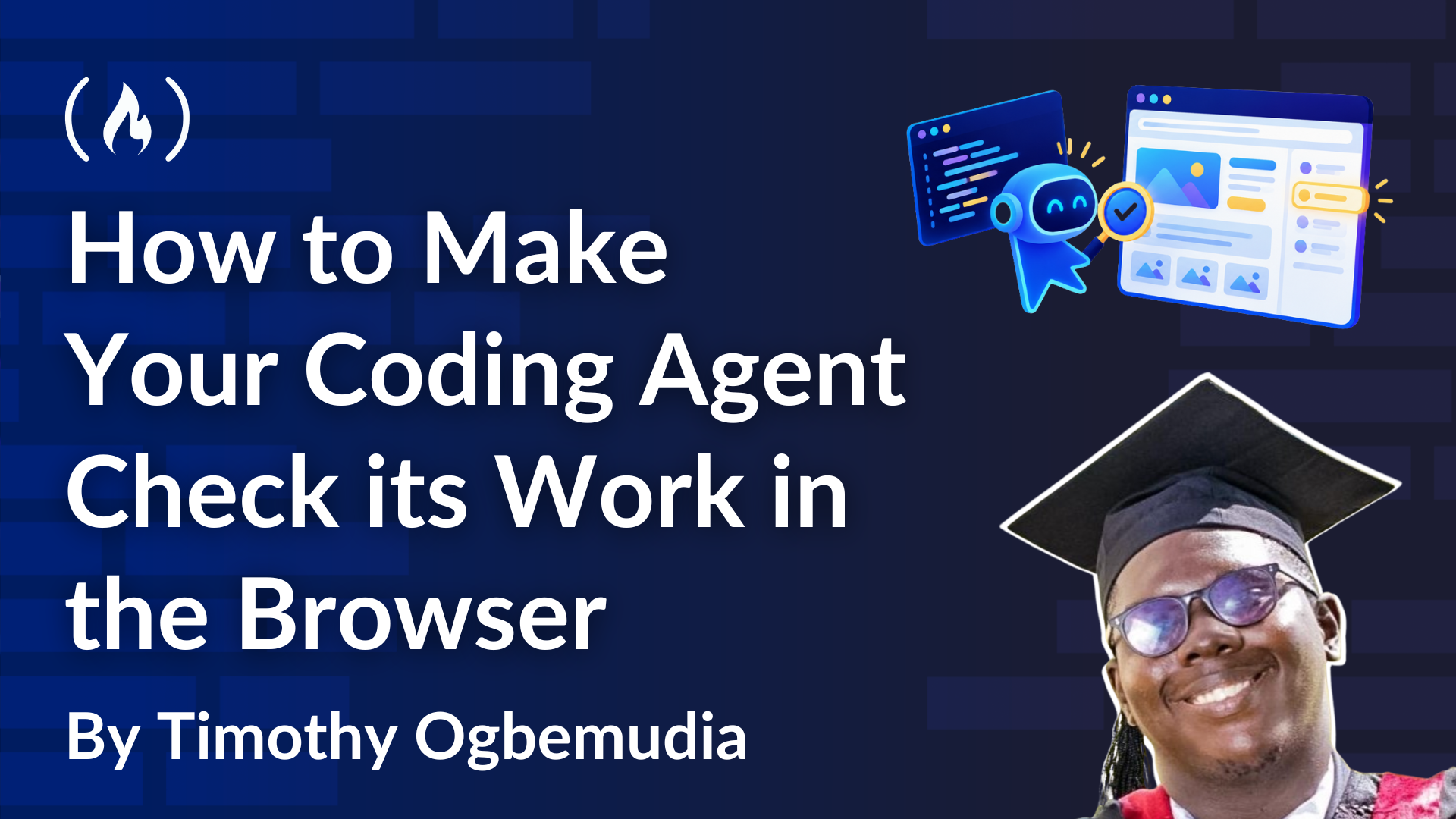
Empower Your Coding Agent: Browser Verification with Playwright MCP
As senior developers, we've all encountered the scenario: a coding agent proudly declares frontend work "implemented and verified." The linter's green, the type checker's silent, and all tests pass. Yet, upon opening
Stupid Never Dies: Eating Your Way to Overpowered Undead Mayhem
GameSpot's new 26-minute gameplay video for *Stupid Never Dies* reveals a chaotic dungeon crawler where you play as a zombie. The core "Style Eat" mechanic lets you devour enemies to gain their abilities, transforming into various monsters. The video highlights later-game dungeons and the satisfying power progression, including one-shotting bosses.