
Empower Your Coding Agent: Browser Verification with Playwright MCP
As senior developers, we've all encountered the scenario: a coding agent proudly declares frontend work "implemented and verified." The linter's green, the type checker's silent, and all tests pass. Yet, upon opening
As senior developers, we've all encountered the scenario: a coding agent proudly declares frontend work "implemented and verified." The linter's green, the type checker's silent, and all tests pass. Yet, upon opening the application, we instantly spot a glaring UI flaw: an overlapping control, a misaligned element, or a state that's correct in the store but invisible on screen. This disconnect highlights a crucial missing step in our agents' development loop: actual browser verification.
The problem isn't that agents aren't good at code; it's that their definition of "done" often overlooks the most user-centric aspect of frontend work. A passing test suite, while essential, doesn't replicate a human eye interacting with the live application. Many subtle UI regressions or visual quirks, like a modal that technically opens but doesn't fit the screen, are simply undetectable without a true browser check. This article will guide you on how to integrate real browser review into your coding agent's workflow using Playwright Model Context Protocol (MCP), ensuring your agent truly verifies its frontend changes.
Bridging the Gap: The Missing Browser Loop
Coding agents excel because they have a robust feedback loop: code, format, test, read failures, and iterate. For frontend tasks, this loop is incomplete without the visual feedback of the application running in a browser. The ideal loop extends further: edit code, run tests, start the application, use the changed feature, observe the outcome, fix issues, and then use it again. That final step, re-verifying after a fix, is critical, as agents are prone to assuming a fix "should now work" without confirming.
Playwright MCP is designed to provide this missing piece. Unlike just asking an agent to run an E2E test suite, Playwright MCP gives the agent direct control over a browser. It can navigate to localhost, inspect the page, locate and interact with elements (click, type), observe changes, and capture screenshots. This allows the agent to move beyond checking pre-defined test scenarios and instead dynamically explore how a specific change impacts the UI and user experience, similar to how a human developer would conduct a focused review.
To set this up, ensure you have Node.js 20+ and an MCP-capable client. You simply add a configuration to expose the Playwright MCP server:
{ "mcpServers": { "playwright": { "command": "npx", "args": ["@playwright/mcp@latest"] } } }
A quick test, asking your agent to open the Playwright TodoMVC demo, add a task, and confirm its presence, will verify the browser is accessible.
Guiding Your Agent: Beyond "Page Loaded"
Merely giving an agent a browser isn't enough. Without specific instructions, agents will revert to the cheapest form of "verification" – typically, just confirming a page loaded. Reports like "Opened /route. Page loaded successfully. Browser verification complete." are useless. To make browser review meaningful, we need explicit rules on what to inspect, how deeply to check, and what constitutes valid proof.
1. Review Derived from the Change
The most critical rule is that the review must directly stem from the code change. If a filter component was modified, the agent should interact with that filter. If persistence logic was touched, the agent must refresh the page to verify data survives. This means the agent should first analyze the diff, then formulate a short, targeted test plan. For example, a change to a filter bar might generate a plan like this:
text Changed: src/features/projects/FilterBar.tsx, src/features/projects/useFilters.ts Plan:
- Open /projects and note how many rows are showing.
- Filter by Status: Active. Every row should say Active.
- Add Owner: me on top. The list should narrow again.
- Clear filters. The original row count should come back.
- Apply a filter and refresh. The filter lives in the URL, so it should survive.
During execution, the agent uses Playwright MCP calls to carry out each step:
text browser_navigate { "url": "http://localhost:5173/projects" } browser_snapshot {} → table with 40 rows browser_click { "element": "Status filter", "ref": "e14" } browser_click { "element": "Active option", "ref": "e31" } browser_snapshot {} → table with 12 rows, all "Active" browser_click { "element": "Clear filters", "ref": "e15" } browser_snapshot {} → table with 40 rows
The ref values, derived from accessibility snapshots, allow agents to find elements robustly.
2. Check the End Result, Not Just Interaction
Agents should verify the outcome of an interaction, not just that the interaction didn't throw an error. For instance, after clicking "Reset," the verification isn't that the click occurred, but that the application state returned to its initial form. If a setting is saved, the true test is whether that setting persists after a page reload. This mirrors how we write robust E2E tests:
ts import { test, expect } from "@playwright/test";
test("weekly digest setting survives a reload", async ({ page }) => { await page.goto("/settings/notifications"); await page.getByRole("switch", { name: "Weekly digest" }).click(); await page.getByRole("button", { name: "Save" }).click(); await page.reload(); await expect(page.getByRole("switch", { name: "Weekly digest" })).toBeChecked(); });
Your agent can perform this flow manually via MCP, checking the switch's state after navigation.
3. Provide Appropriate Evidence
Not all problems are visual, and not all visual problems are obvious from DOM inspection. For functional claims (e.g., URL change, button disabled, dialog opened), querying the DOM or browser state is sufficient. For visual claims (e.g., clipping, overlap, text wrapping), screenshots are essential. For layout changes, the agent should resize the viewport and capture multiple screenshots:
text browser_resize { "width": 375, "height": 812 } browser_click { "element": "Export button", "ref": "e22" } browser_take_screenshot { "filename": "export-dialog-375.png" } browser_resize { "width": 1440, "height": 900 } browser_take_screenshot { "filename": "export-dialog-1440.png" }
Additionally, instructing the agent to check the browser console for new errors and network requests for failed API calls (like a 500 on a save operation) provides a more complete picture. The goal is to evolve agent reports from vague "Page loaded" to actionable, evidence-backed summaries:
text Route: /settings/notifications Did: turned on "Weekly digest", clicked Save, reloaded the page. Checked: switch still on after reload (aria-checked="true"); PUT /api/settings returned 200; no new console errors. Screenshots: settings-375.png, settings-1440.png (label wraps cleanly on mobile) Tests: pnpm test settings (14 passed) Found and fixed: Save stayed disabled after the first save. Fixed in SettingsForm.tsx, then went through the flow again.
Starting the Application Reliably
Agents must start the application in a way that accurately reflects your project's setup, avoiding shortcuts like temporary auth bypasses or altering .env files. The procedure should prioritize standard development scripts, then documented local setups, and finally existing Docker configurations. The agent should identify the dev script in package.json first. If none exists, it should check the README. If the app requires external services (like Postgres or Redis via Docker Compose), it should use the existing docker-compose.yml.
Crucially, the agent must record the PID of any process it starts to ensure it can clean up only what it initiated. For a typical Vite/Next.js project, this might look like:
bash
1. How does this project start?
jq .scripts package.json
{ "dev": "vite", "build": "vite build", "test": "vitest run", "e2e": "playwright test" }
2. Start the dev server in the background, in a temp folder the agent owns,
and record the PID so it can stop exactly this process later.
QA_DIR=$(mktemp -d) pnpm dev --port 5173 > "$QA_DIR/dev.log" 2>&1 & echo $! > "$QA_DIR/dev.pid"
3. Wait until the server answers before opening a browser.
until curl -sf http://localhost:5173 > /dev/null; do sleep 1; done
If the agent cannot proceed, for example, due to an unresolvable authentication requirement, it should report this blockage rather than inventing a workaround that bypasses the actual application logic.
Structuring Agent Instructions: AGENTS.md vs. Skills
Overloading a single AGENTS.md file with every possible instruction makes it unwieldy and costly in terms of context. A more effective strategy is to treat AGENTS.md as the "constitution" – short, high-level principles that apply broadly and are always in the agent's context. Detailed, step-by-step procedures, or "playbooks," are better encapsulated in dedicated "skills" folders, which are only loaded when needed.
AGENTS.md would contain a concise rule like:
md
Browser Verification
User-visible work is not complete until the affected behavior has been verified in the running application. For user-visible changes, follow .agents/skills/browser-review/SKILL.md. A successful build, type check, unit test suite, or E2E test suite does not replace browser verification. Do not commit browser-verification artifacts. Stop anything you started for verification and clean up before hand-off.
The actual implementation details, such as how to start the app or what steps to take during verification, reside in a SKILL.md file within a dedicated browser-review skill folder. This approach optimizes context usage, ensuring the agent has critical principles readily available while allowing access to comprehensive procedures on demand.
Conclusion
Integrating real browser verification into your coding agent's workflow using Playwright MCP transforms its capabilities. By providing clear instructions on what to check, how to verify, and what constitutes proof, you empower your agent to catch the kind of user-facing bugs that often slip past traditional automated tests. This method, which gave rise to tools like katalepsis, moves agents closer to performing a human-like review, drastically improving the quality of their frontend contributions and freeing up developer time for more complex problem-solving.
FAQ
Q: What are the main benefits of using Playwright MCP over just running Playwright E2E tests? A: Playwright MCP provides the agent with a direct, interactive browser environment, allowing it to dynamically explore and verify changes based on the code diff, rather than just executing predefined E2E test scripts. This enables more flexible, ad-hoc, and targeted visual and functional checks that might not be covered by existing E2E suites.
Q: How does the agent know what specific elements to interact with during browser verification without explicit CSS selectors?
A: Playwright MCP provides accessibility snapshots of the page. The agent can use these snapshots to identify elements by their accessible roles, names, or other attributes, similar to how page.getByRole() or page.getByLabel() work in standard Playwright tests. This makes the interaction more robust and less brittle than relying on specific CSS selectors.
Q: What is the primary difference in context cost between AGENTS.md and a skill's SKILL.md file?
A: AGENTS.md content is typically loaded into the agent's context for every task, making it suitable for high-level, always-applicable rules. A skill's SKILL.md content, however, is only loaded when the agent explicitly decides to use that skill, often triggered by a task matching its description. This allows for verbose, detailed procedures without incurring the context cost on every single agent invocation, thus saving tokens and improving efficiency.
Related articles
AI Model Lock-in? It's Not the Model, It's Everything Else
A recent survey reveals that while swapping AI models is becoming common, the real lock-in risk for enterprises lies in the surrounding infrastructure: integrations, agent workflows, and guardrails. Despite concerns about vendor lock-in, it often ranks lower than immediate priorities like security and cost in AI purchasing decisions. However, multi-model adopters are proactively building open, flexible architectures, demonstrating a path to mitigate future migration headaches.
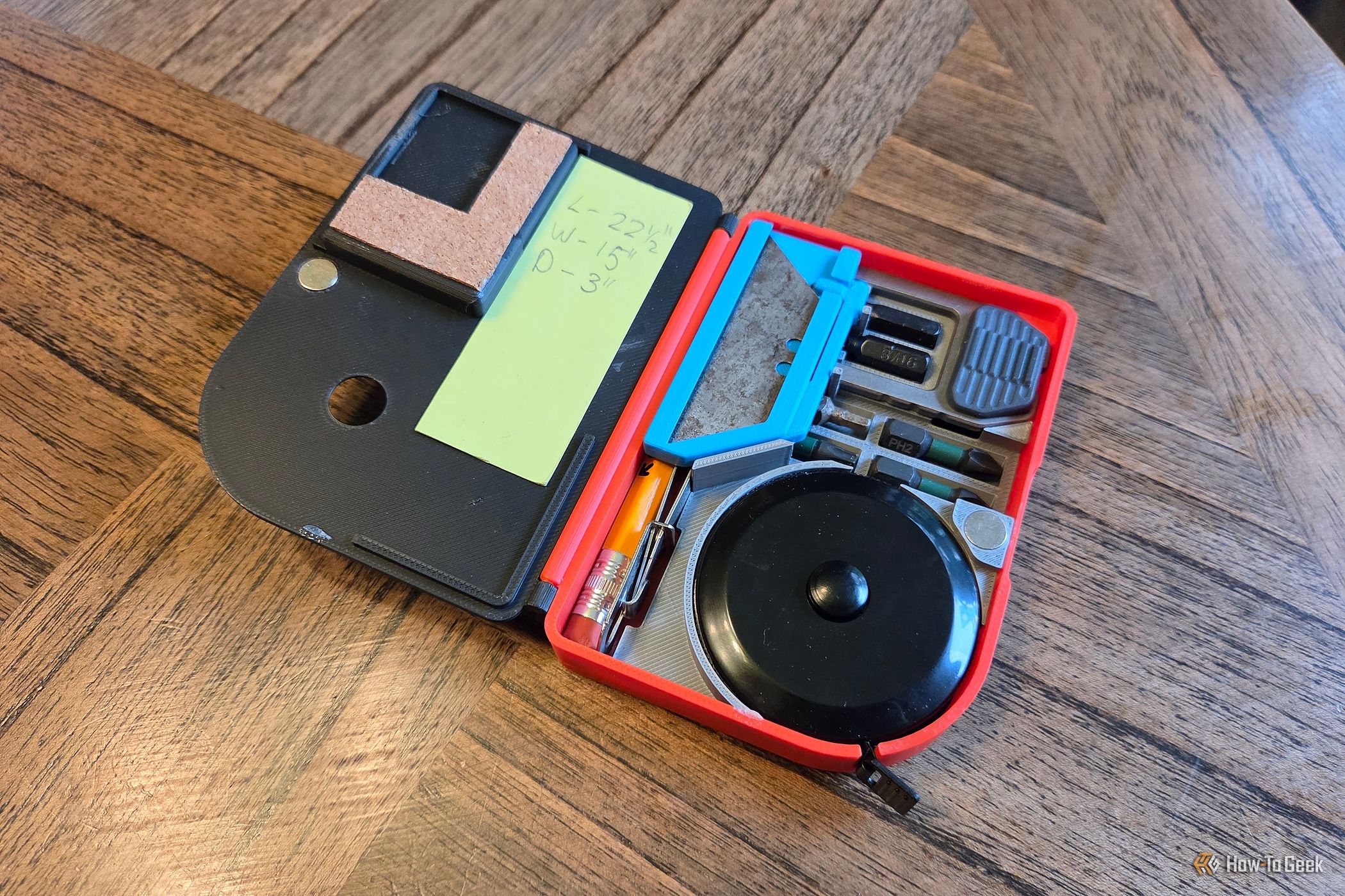
Build Your Own Pocket EDC Toolbox: 6 Tools & Phone-Attachable
Do you often find yourself needing a compact set of tools for quick fixes and everyday tasks? Imagine having a small, portable toolbox that fits right in your pocket or even attaches magnetically to your phone. This

Anthropic Pitches AI Safety Bill: Blocking Models at 50+ Deaths
Anthropic has pitched a draft AI safety bill to Congress that would allow blocking an AI model's release if it poses a "catastrophic risk" – defined as potentially causing over 50 deaths or $1 billion in damages through specific threats. The controversial proposal mandates that federal agencies seek judicial approval to halt a model's distribution, limiting their independent authority. This move comes amid ongoing debates over AI regulation and concerns about agentic hacking.

Secure Your Secrets: Lock ChatGPT Conversations with a PIN
Worried about curious eyes peeking at your private ChatGPT conversations? You're in luck! ChatGPT now offers a "Locked Chats" feature, allowing you to hide your sensitive discussions behind a four-digit PIN or biometric
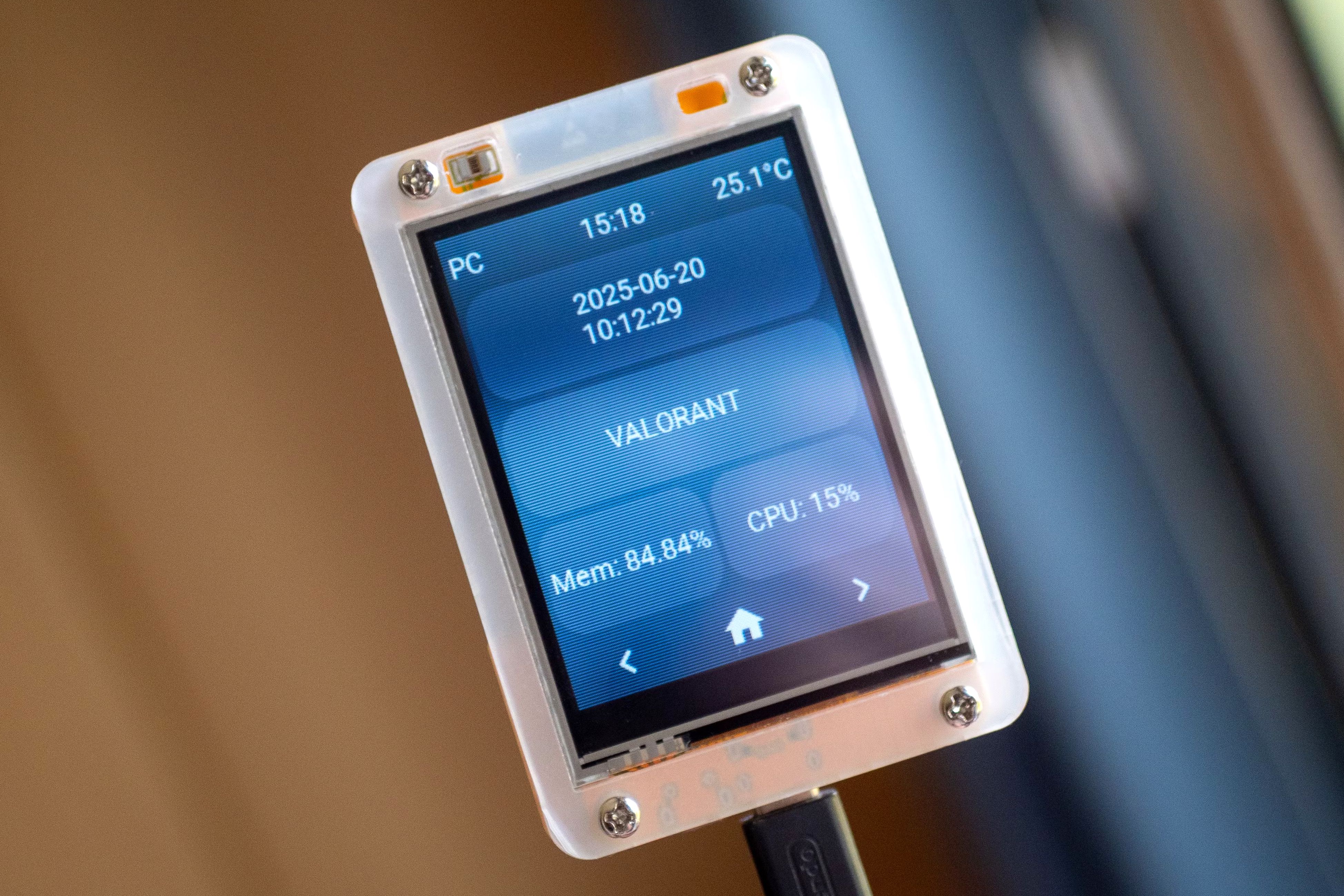
Turn Your ESP32 into a Surveillance Detector for Enhanced Privacy
Turn Your ESP32 into a Surveillance Detector for Enhanced Privacy In an increasingly connected world, privacy concerns are more prevalent than ever. From ubiquitous street cameras to personal smart glasses, it can feel

How to Subscribe to Spotify Podcast Memberships - Support Your
Learn to easily subscribe to Spotify podcast Memberships directly within the app, supporting creators with perks like exclusive content and early access, and understand the financial implications for podcasters.