6 results found
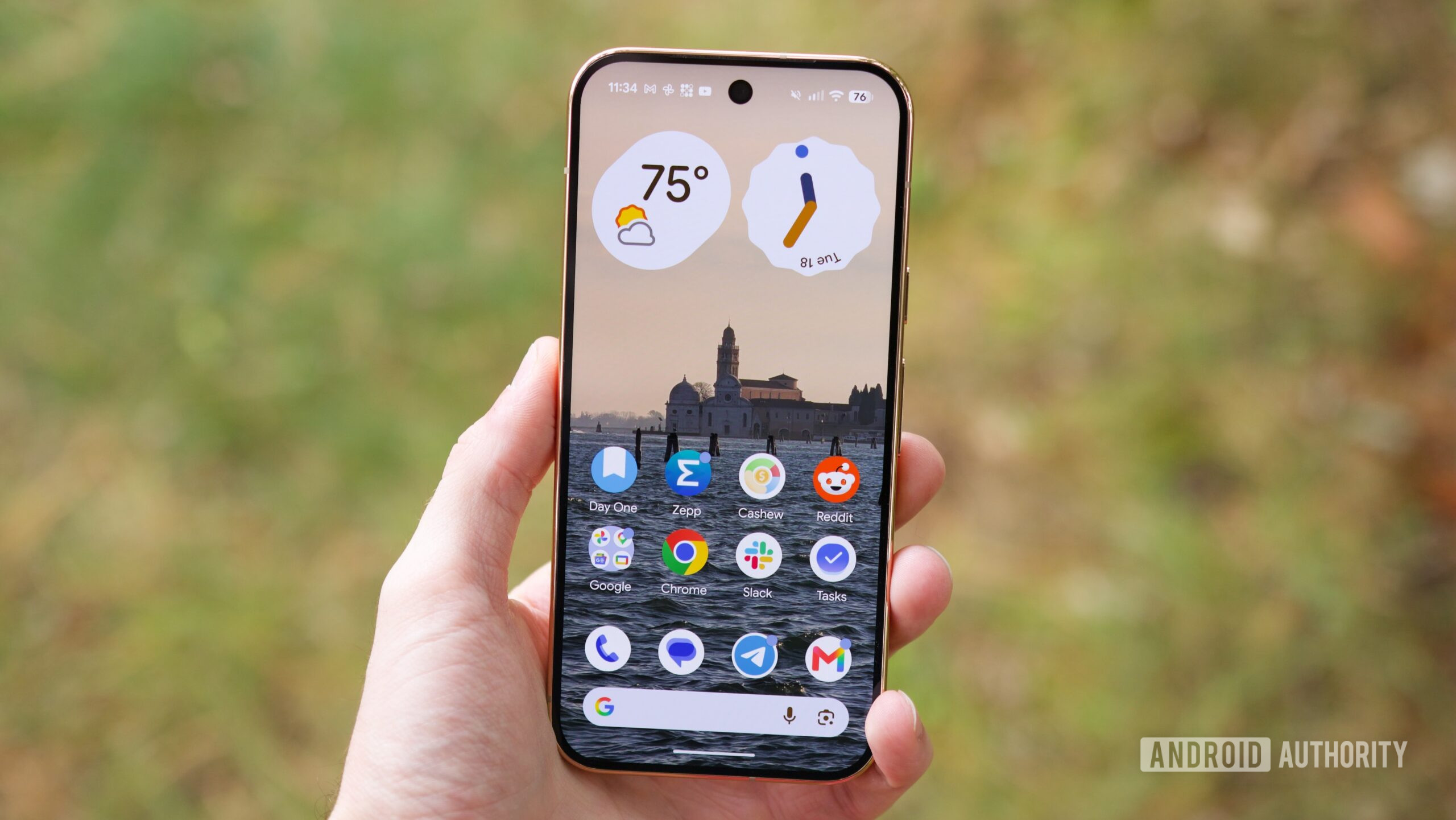
Pixel 11: The Verdict on Security and Custom ROMs Quick Verdict: The Google Pixel 11 series marks a significant regression for privacy and security enthusiasts. The confirmed omission of Arm's Memory Tagging Extensions
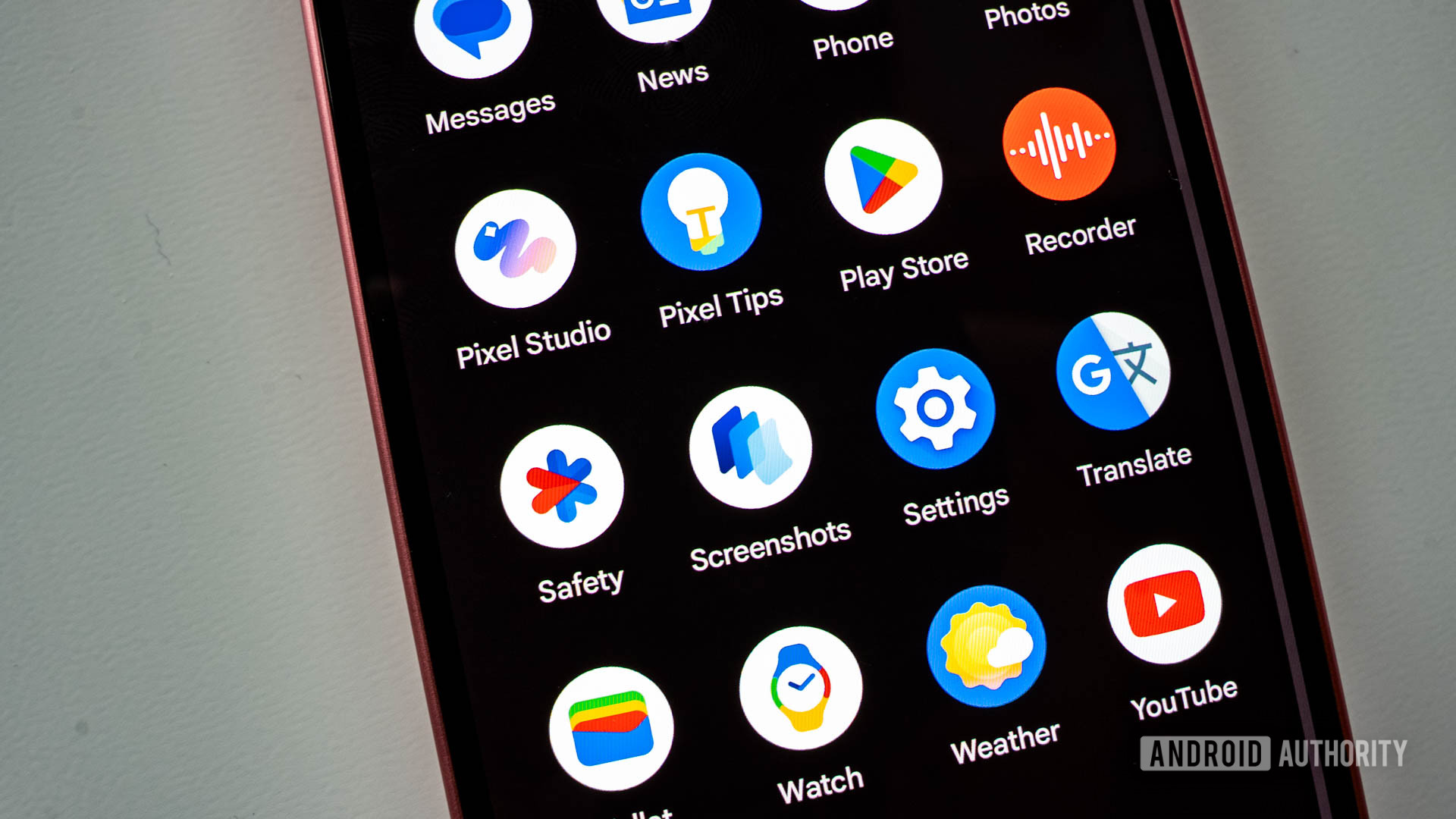
Quick Verdict: A Long-Awaited Privacy Boost, With Caveats Google is finally bringing a native app lock feature to Android, initially for its Pixel devices. While this is a genuinely welcome move that significantly
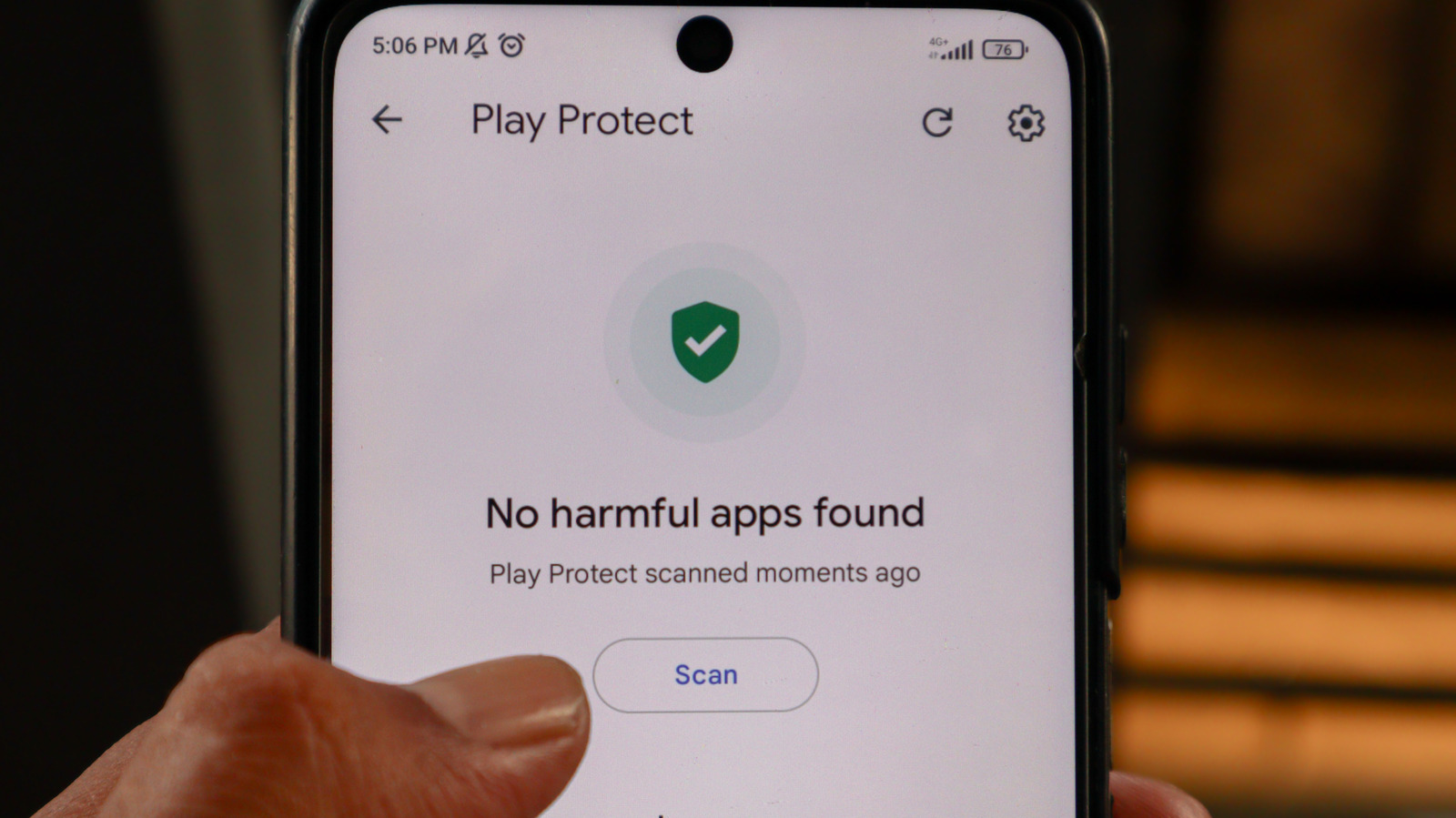
Google Play Protect is Android's built-in security, crucial for blocking malicious apps and safeguarding user privacy. While it restricts sideloading, disabling it significantly heightens risks. Most users should keep it enabled; power users must understand the grave security trade-offs.

Quick Verdict For years, Android enthusiasts have yearned for greater control over their flagship devices, often hindered by locked bootloaders. A new exploit chain, dubbed the "Qualcomm GBL Exploit," has emerged,
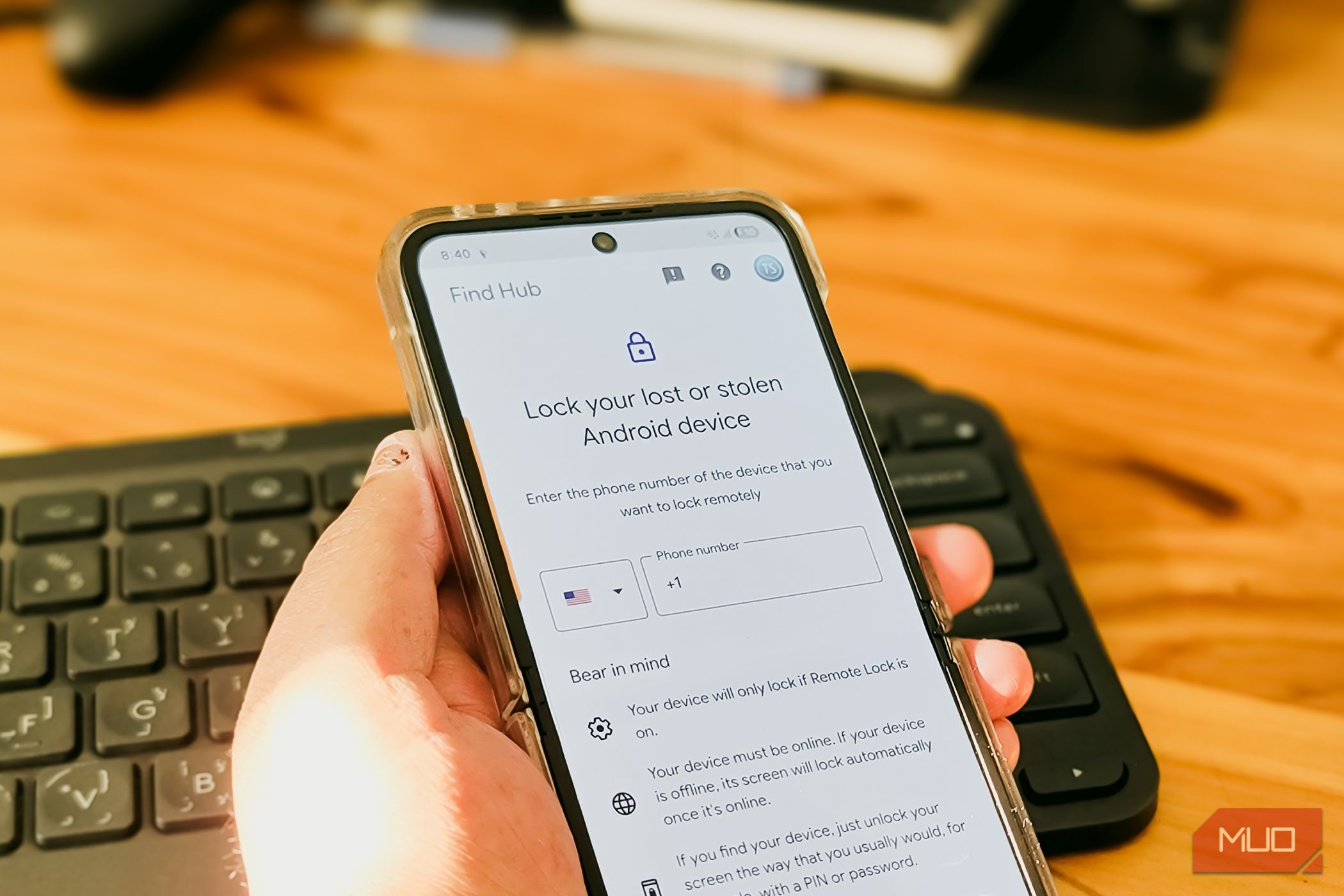
Learn to enable three critical Android security settings in minutes to protect your phone from theft, making it almost useless to thieves with automatic locks and biometric safeguards.
Android threats may be entering a new AI phase, according to Android Authority. This development suggests mobile malware could become more adaptive and sophisticated, challenging traditional security methods. While the precise AI models or real-time adaptation mechanisms are not detailed in the source, it underscores a critical evolution in the cybersecurity landscape for Android users and developers.
