
Demystify Storage: Why a DAS Might Be Better Than a NAS for You
Deciding on the right storage solution can feel like navigating a maze of acronyms and technical specifications. Two common options are Network-Attached Storage (NAS) and Direct-Attached Storage (DAS). While NAS often
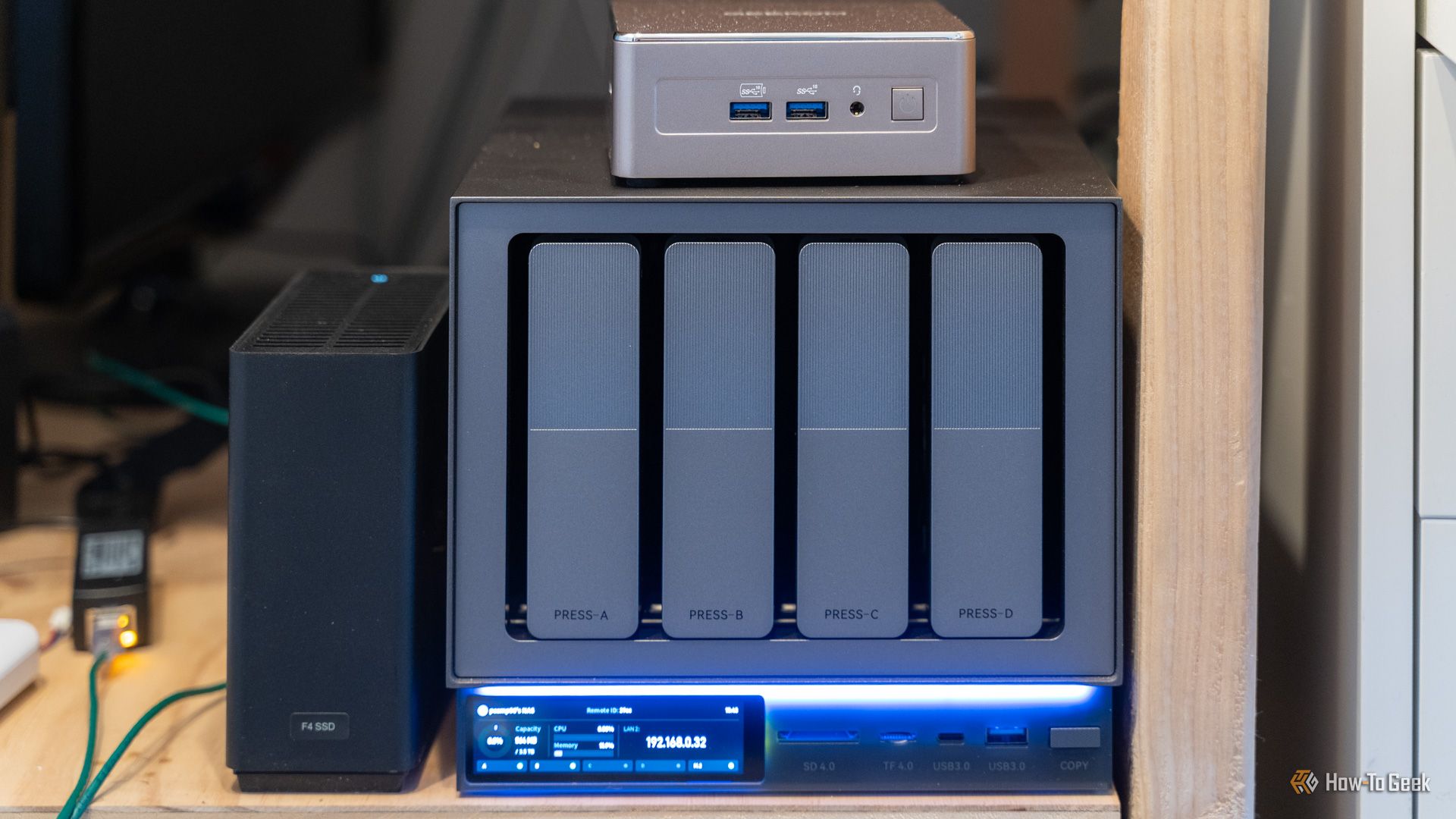
Deciding on the right storage solution can feel like navigating a maze of acronyms and technical specifications. Two common options are Network-Attached Storage (NAS) and Direct-Attached Storage (DAS). While NAS often grabs headlines with its "personal cloud" appeal, many individuals overlook the simpler, faster, and often more cost-effective benefits of a DAS. This guide will help you understand the core differences, highlight the advantages of DAS, and walk you through a decision-making process to determine if a DAS is the ideal storage solution for your needs.
What You'll Accomplish
By the end of this guide, you will:
- Clearly understand what Direct-Attached Storage (DAS) is and how it differs from Network-Attached Storage (NAS).
- Identify the key advantages of a DAS, including superior speed, effortless simplicity, and better cost-efficiency.
- Recognize situations where a DAS excels and when a NAS might be more appropriate.
- Be equipped to make an informed decision on which storage solution best fits your personal workflow.
Prerequisites
To get the most out of this guide, you should have:
- A basic understanding of computer storage concepts (like hard drives and SSDs).
- A computer (desktop or laptop) to which you would connect a storage device.
Understanding Direct-Attached Storage (DAS)
At its essence, a DAS is a storage device that connects directly to a host computer. Think of it as a super-powered external hard drive. While a single portable drive is technically a DAS, the term most commonly refers to multi-bay enclosures designed to house several hard drives or solid-state drives. Unlike a NAS, which operates as a self-contained server with its own operating system, processor, and RAM, a DAS is functionally passive. It leverages the processing power and file management capabilities of the computer it's connected to.
These units typically connect using high-speed interfaces such as USB-C, Thunderbolt, or eSATA. Your computer recognizes a DAS just like an internal drive, treating it as a local volume ready for immediate use. This direct architecture often allows for flexible drive configurations, including "Just a Bunch of Disks" (JBOD), where each drive is seen individually, or RAID arrays, which combine drives for improved performance or data redundancy. A DAS doesn't require network configurations, an IP address, or continuous firmware updates, making it a straightforward extension of your existing computer's storage.
Why a DAS Might Be Your Best Choice
For many users, the benefits of Direct-Attached Storage significantly outweigh those of a NAS. Here’s why a DAS could be the superior option for you:
1. Unmatched Speed
One of the most compelling reasons to choose a DAS is its incredible speed. Because it connects directly via high-bandwidth protocols, data transfer rates are substantially higher than what's typically achieved over a standard home network. For example, a common Gigabit Ethernet connection on a NAS might max out around 110 megabytes per second. In contrast, a Thunderbolt-connected DAS can theoretically hit speeds up to 40 gigabits per second. This significant difference makes a DAS ideal for bandwidth-intensive tasks such as:
- Editing High-Resolution Media: Seamlessly work with 4K or 8K video footage.
- 3D Rendering: Faster access to assets for complex 3D projects.
- Managing Large Photo Libraries: Quickly browse and process massive collections of high-resolution images.
The absence of network layers eliminates common bottlenecks, ensuring lower latency and faster throughput.
2. Effortless Simplicity
DAS units are remarkably simple to set up and maintain. They embody a "plug-and-play" philosophy that a NAS cannot match. With a DAS, you won't need to:
- Configure routers or network switches.
- Manage user accounts, permissions, or security patches.
- Perform ongoing firmware updates for the storage device itself.
Once plugged in, your operating system handles the mounting, file structure, and permissions automatically, reducing the need for you to act as a system administrator.
3. Cost-Effective Storage
Generally, the cost per terabyte for a DAS is lower than for a NAS. This is because you are primarily paying for the enclosure and the drives themselves, rather than a specialized motherboard, CPU, and proprietary software that come with a NAS. For individual users seeking to maximize storage capacity without unnecessary features or overhead, a DAS presents a more economical investment.
When a DAS Isn't Enough (And When to Consider a NAS)
While a DAS offers significant advantages, it's not a universal solution. Its direct connection is also its primary limitation. You might need a NAS if your workflow involves:
- Network Access and Collaboration: If you need multiple users to access files simultaneously or require remote access to your data when your main computer is off, a DAS cannot fulfill these roles. A NAS is designed for multi-user, networked environments.
- Media Streaming and Server Roles: If your goal is to set up a 24/7 media server (like Plex) that streams content to various devices throughout your home, a NAS is the appropriate tool. A DAS relies on its host computer to be on and connected.
- Multi-Device Wireless Backups: For wirelessly backing up multiple laptops, tablets, or phones across a household, a NAS provides centralized network backup capabilities that a DAS lacks.
Making Your Decision: Key Questions to Ask
To determine if a DAS is right for you, consider these questions about your storage needs:
- Do I primarily work from a single desktop or laptop? If yes, a DAS offers direct, high-speed access that's perfect for individual workflows.
- Do I need the absolute fastest possible data transfer speeds for large files? For tasks like video editing or large file transfers, DAS's direct connection is superior.
- Do I prioritize simplicity and minimal maintenance? If you prefer a plug-and-play experience without network configuration or server management, a DAS is ideal.
- Do I require remote access to my files or simultaneous access for multiple users? If so, a NAS is the necessary choice.
- Do I plan to run a 24/7 media server or back up multiple devices wirelessly? These functionalities are core strengths of a NAS.
If your answers lean towards single-user, high-speed, and straightforward local storage, a DAS is undoubtedly the correct hardware choice.
Tips for a Smooth DAS Experience
- Match Your Connection: Ensure your computer has the appropriate high-speed port (Thunderbolt, USB 3.2 Gen 2/4) to take full advantage of your DAS's speed capabilities.
- Choose the Right Drives: For maximum capacity, opt for traditional Hard Disk Drives (HDDs). For blistering speed, fill your DAS with Solid State Drives (SSDs).
- RAID is Not Backup: Remember that while many DAS units support RAID for drive redundancy (protecting against a single drive failure), a RAID array does not constitute a backup. Always implement an additional backup strategy for your critical data, whether to a cloud service or another physically separate drive.
Next Steps
Once you've decided that a DAS is the right fit for you, your next steps should include:
- Researching Specific Models: Look for DAS enclosures that support the number and type of drives you need (e.g., 2-bay, 4-bay, HDD/SSD compatibility) and offer the fastest connection type your computer supports.
- Planning Your Backup Strategy: Even with a DAS, having a robust backup plan is crucial for data safety. Consider external backups or cloud solutions.
- Enjoying Your Fast Local Storage: Dive into your high-bandwidth tasks with the confidence of high-speed, low-latency storage.
FAQ
Q: Can I access files on my DAS from another computer on my home network?
A: No. A DAS connects directly to a single host computer and appears as local storage. Files can only be accessed by the computer it is currently connected to.
Q: Do I need special software to manage a DAS?
A: For basic use, typically no. Your computer's operating system (Windows, macOS, Linux) will recognize and manage the drives within the DAS as it would any other external storage. If you're using RAID configurations, some DAS enclosures include a hardware RAID controller, or you might use your operating system's software RAID features.
Q: If my DAS uses RAID for redundancy, is that considered a backup?
A: No, RAID is for redundancy, not backup. RAID helps protect against data loss from a single drive failure within the array, allowing the system to continue operating or rebuild data from remaining drives. However, it does not protect against accidental deletion, file corruption, ransomware attacks, fire, theft, or other catastrophic events affecting the entire unit. You still need a separate backup solution to a different location or device.
Related articles
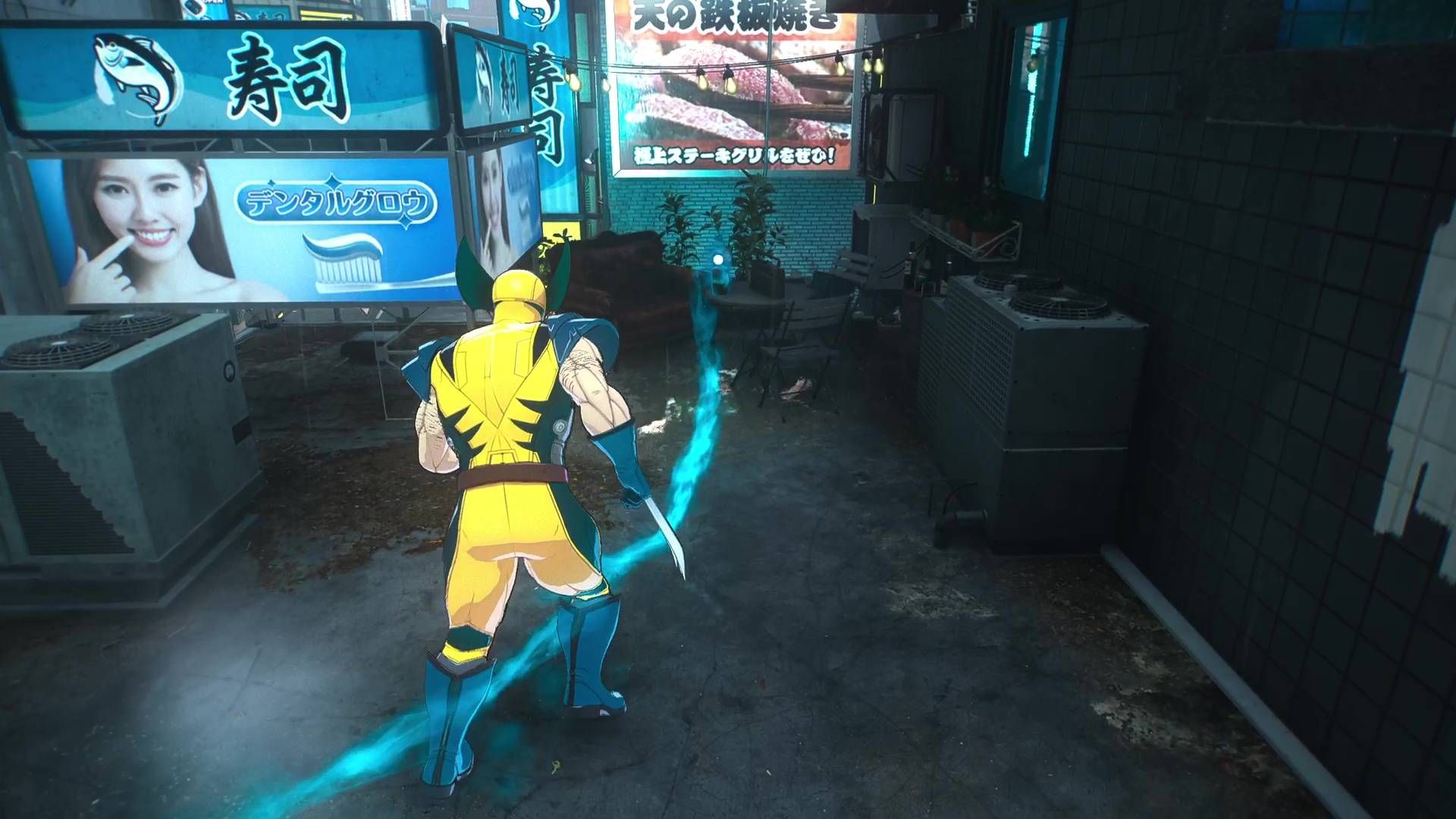
Wolverine's Controversial Scent Trails Just Got a Much-Needed Facelift
Marvel's Wolverine has received a significant post-launch update addressing player feedback on its controversial "scent trails." Insomniac Games reduced the opacity of these in-game navigation cues, making them less intrusive and blending better with the environments. The developer also teased future toggleable options for even greater player control.
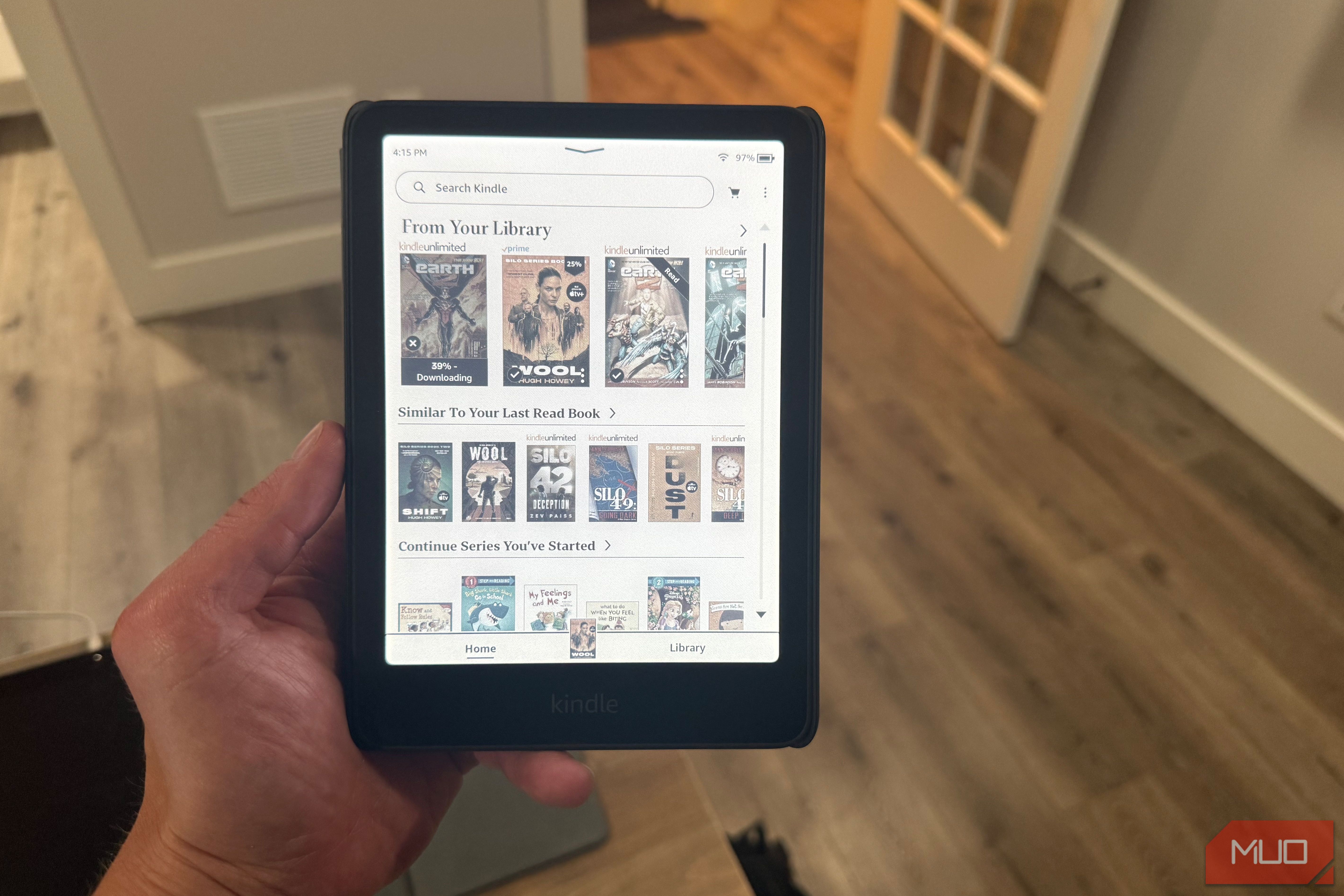
Claim Your 2 Free Kindle Books with Amazon Prime This September
Learn how to claim two free Kindle books as an Amazon Prime member this September through the First Reads program in just a few steps.
howto: 3 Home Assistant projects to build multipurpose devices this
Build smarter, multipurpose Home Assistant devices this weekend (Sep 18-20)! Learn to combine presence sensing, smart buttons, and status lights into one unit, add displays to Bluetooth proxies, and integrate your standing desk with presence tracking for a cleaner, more efficient smart home.
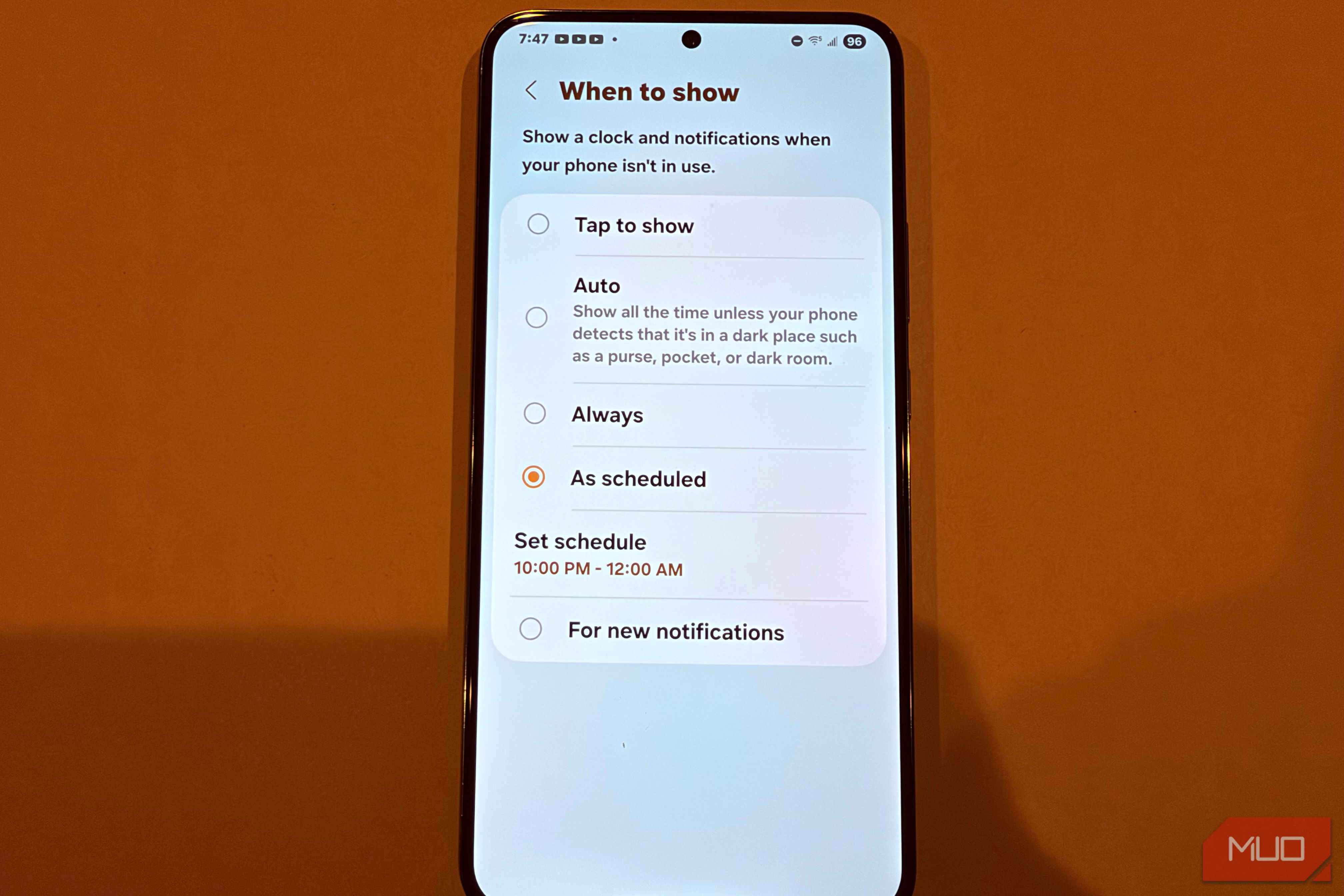
Your Galaxy's Always-On Display Draining Battery? Schedule a Hidden
Reclaim Your Battery: Schedule Your Galaxy's Always-On Display Your Samsung Galaxy's Always-On Display (AOD) is a handy feature, showing you the time and notifications at a glance. However, keeping it active all day can
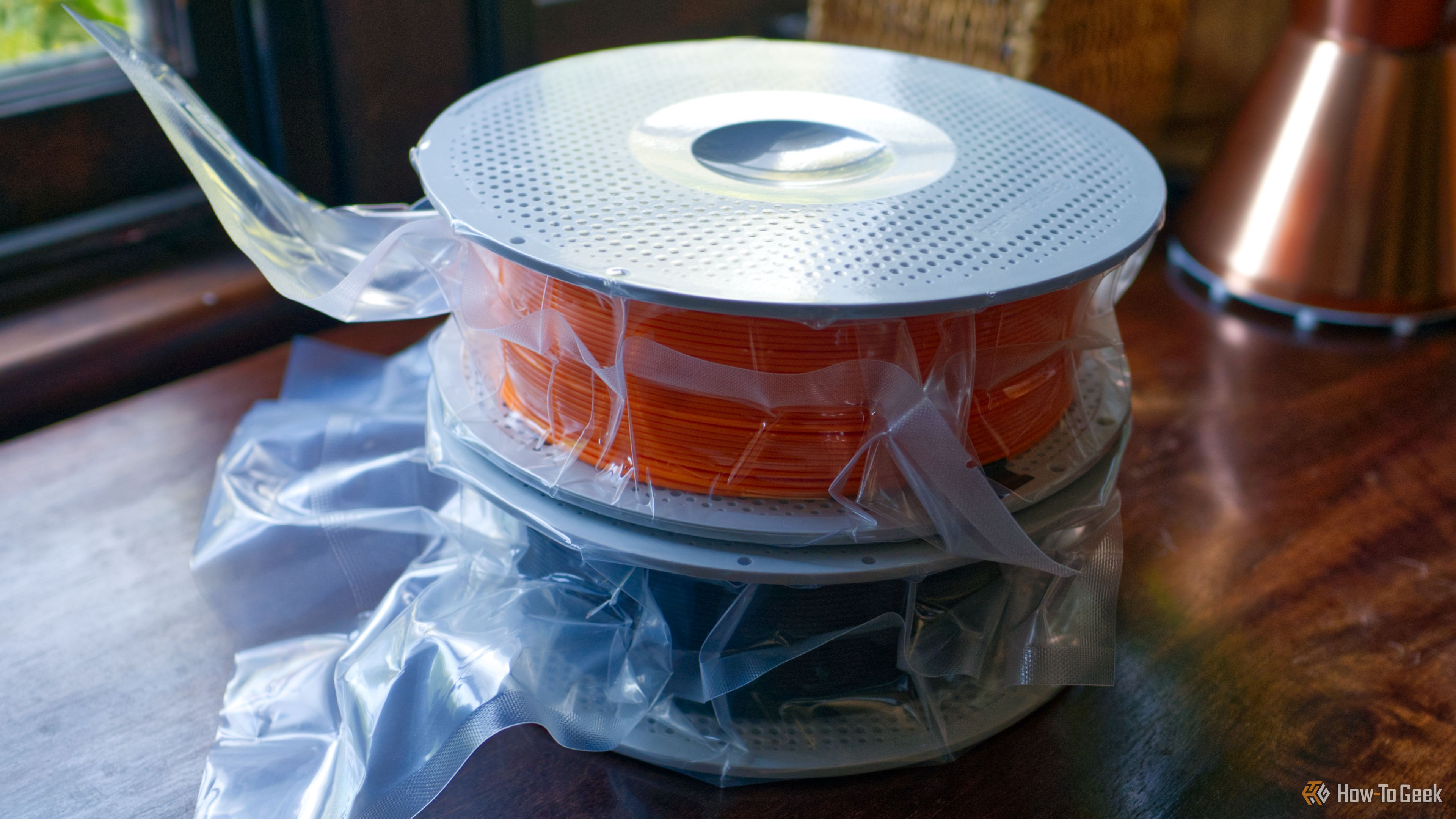
Turn Filament Packaging into Free 3D Printer Upgrades
Repurpose empty filament spools, boxes, and silica packets into free 3D printer upgrades and storage solutions in a few simple steps. Organize your workshop and protect your filament.
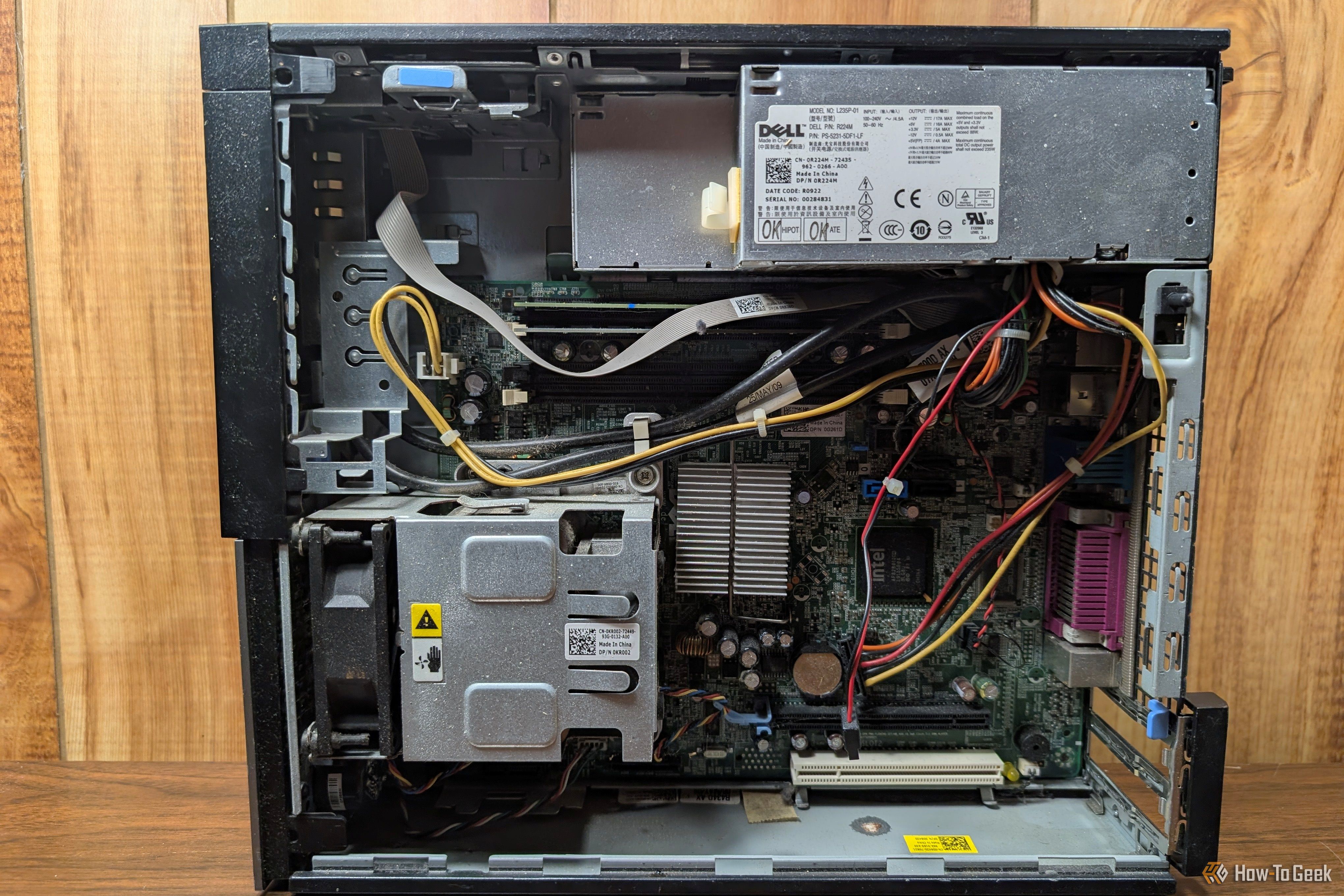
Turn Your Old PC into a Homelab: 6 Beginner Self-Hosting Projects
Breathe New Life into Your Old PC with Self-Hosting Don't let that dusty old laptop or desktop gather cobwebs! While it might not keep up with today's demanding software, an older PC often has more than enough power to