
How to Claim Your Free August Kindle Books: Discover 5-Star Gems
Learn to claim your free Amazon Kindle books for August in just 4 simple steps, highlighting two 5-star gems you shouldn't miss.
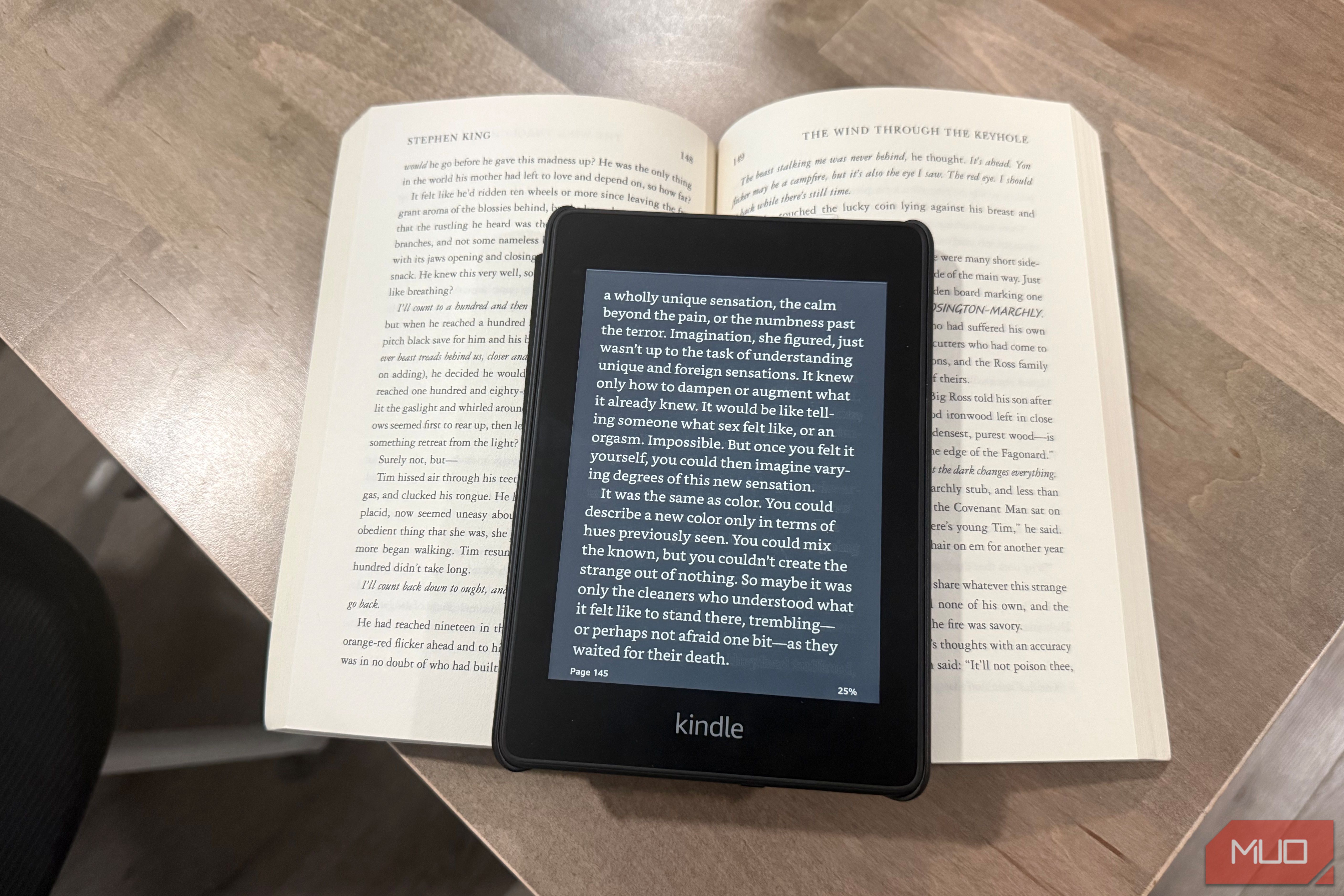
Welcome, fellow bookworms! Each month, Amazon's First Reads program delivers a fresh selection of captivating Kindle books, and August's lineup is particularly exciting. As an Amazon Prime member, you have the fantastic opportunity to claim one main Kindle book and a bonus short read absolutely free. Non-Prime members can still purchase these titles for a nominal fee of $1.99 each.
This month, among the diverse offerings, two books stand out with perfect 5-star ratings, promising truly exceptional reads. Once claimed and downloaded, these digital treasures become a permanent part of your Kindle library, yours to enjoy forever. But don't wait too long – this generous offer is only available until the end of August. Let's dive in and make sure you don't miss out on these literary finds!
What You'll Need
Before you start browsing and claiming your free books, ensure you have the following:
- Active Amazon Prime Membership: This is essential to claim your free book and bonus short story. If you're not a Prime member, you can still purchase the books for $1.99 each.
- Amazon Account: You'll need to be signed in to your Amazon account.
- Internet Access: To access the First Reads page and download your selections.
- Kindle Device or App: Your claimed books will be delivered directly to your Kindle library, accessible on any Kindle e-reader or through the free Kindle app on your smartphone, tablet, or computer.
Discover August's Must-Read Freebies
This August, Amazon is spoiling us with a choice of eight compelling books and an additional bonus short story. We've sifted through the selections to highlight the top-rated picks, ensuring you grab the best of the bunch. Here’s a rundown of what’s available:
The 5-Star Gems
- Philippa Flynn's Year of Panic and Piracy by Jacqueline Firkins: This witty and engaging piece of book club fiction explores chaotic life transitions with abundant heart and charm. It's a highly-rated choice for those who love stories that are both humorous and deeply relatable.
- The Last Harbinger by Jeff Wheeler: For epic fantasy enthusiasts, this title comes highly praised for its immersive world-building. Dive into a richly imagined realm that promises to transport you from the very first page.
Other Highly-Rated Options
- The Black Orchid by Loreth Anne White (4 stars): A masterclass in psychological thriller writing, this book is heavily recommended on community forums for its twisty, high-stakes suspense that will hook you from chapter one.
- In the Killer's Sight by Mike Omer (4 stars): A gripping police procedural known for its sharp pacing and great investigative depth. Crime fiction fans will find this title near the top of community ratings.
- The Summer Between Us by Jennifer Probst (4 stars): A warm, emotional contemporary romance that delves into family dynamics and the possibility of second chances. Perfect for a heartfelt read.
- The Getaway by Kieran Scott (4.6 stars, pre-order): A fast-paced suspense story that makes for an excellent weekend page-turner. While a pre-order, its early rating is promising.
Intriguing Unrated Reads
- I've Got a New Complaint by Laurie Notaro: A sharply humorous essay collection, ideal for anyone in need of a good laugh and some relatable observations on life's quirks.
- Dreams of Earth and Sky by Shirley Perez West: A sweeping historical fiction pick, rich in period detail, offering a journey back in time through compelling storytelling.
Bonus Short Read
- The Spider Silk Scarf by Ana Reyes: A neat little bonus short story that provides a quick, atmospheric bite of fiction, perfect for when you have just a few moments to read.
Step-by-Step: Claim Your August Kindle Freebies
Claiming your free Kindle books is quick and easy. Follow these steps to add your selections to your library before the month ends:
-
Log In to Your Amazon Prime Account: Open your web browser or the Amazon shopping app. Sign in using your Amazon account credentials that are linked to your active Prime membership. This ensures you receive the books for free.
-
Navigate to the First Reads Page: In the Amazon search bar, type "First Reads" and click on the relevant search result to go to the dedicated program page. Alternatively, you can often find a direct link on the Amazon homepage at the beginning of the month.
-
Choose Your Free Books: Browse the selection of August titles. Select one main Kindle book and the bonus short read that appeal most to you. Click the "Buy for $0.00" button next to your chosen titles. If you are not a Prime member, you will see an option to purchase for $1.99.
-
Enjoy Your New Reads: Once you've confirmed your selection, the books will be instantly added to your Kindle library. They will be available for download and reading on any of your registered Kindle devices or through the Kindle app. You can then start reading them whenever you're ready!
Tips for a Seamless Experience
- Claim Early: It's a good practice to claim your books at the beginning of the month so you don't forget before the offer expires.
- Yours to Keep: Remember, once you've claimed and downloaded these titles, they are permanently yours. Even if your Prime membership lapses, these books remain in your library.
- Gift for Non-Prime Members: If you know someone who isn't a Prime member but would love one of these books, they can still purchase them for $1.99, which is a great deal for new releases.
Troubleshooting Common Issues
- Books Not Appearing in Library: If your new books aren't showing up immediately, first ensure your Kindle device or app is connected to the internet. Then, try syncing your device or refreshing your Kindle app. Also, double-check that you completed the "purchase" for $0.00.
- Can't Find the First Reads Page: Use the search bar on Amazon and type "First Reads." This should direct you to the correct page. Make sure you're on the Amazon website for your region (e.g., amazon.com, amazon.co.uk).
- Offer Showing a Price Instead of Free: Confirm that you are logged into an Amazon account with an active Prime membership. If your membership has expired or is on hold, the books will display their $1.99 price tag.
FAQ
Q: Who is eligible for these free books? A: Amazon Prime members can claim one main Kindle book and one bonus short story for free each month through the First Reads program. Non-Prime members have the option to purchase these books for $1.99 each.
Q: How long do I have to claim my free books? A: You have until the end of the current month (August, in this case) to claim your free First Reads selections. The offer refreshes with new titles on the first day of each new month.
Q: Once claimed, are these books mine permanently? A: Yes! Once you successfully claim and download your chosen Kindle books through the First Reads program, they become a permanent part of your digital library and are yours to keep forever, even if your Amazon Prime membership expires.
What to Read Next
With your new literary acquisitions safely in your Kindle library, the only thing left to do is find a comfy spot and start reading! If you're looking for more ways to enhance your reading experience, consider exploring other great Kindle features beyond just reading books, or discover how to organize your ever-growing digital library. Happy reading!
Related articles
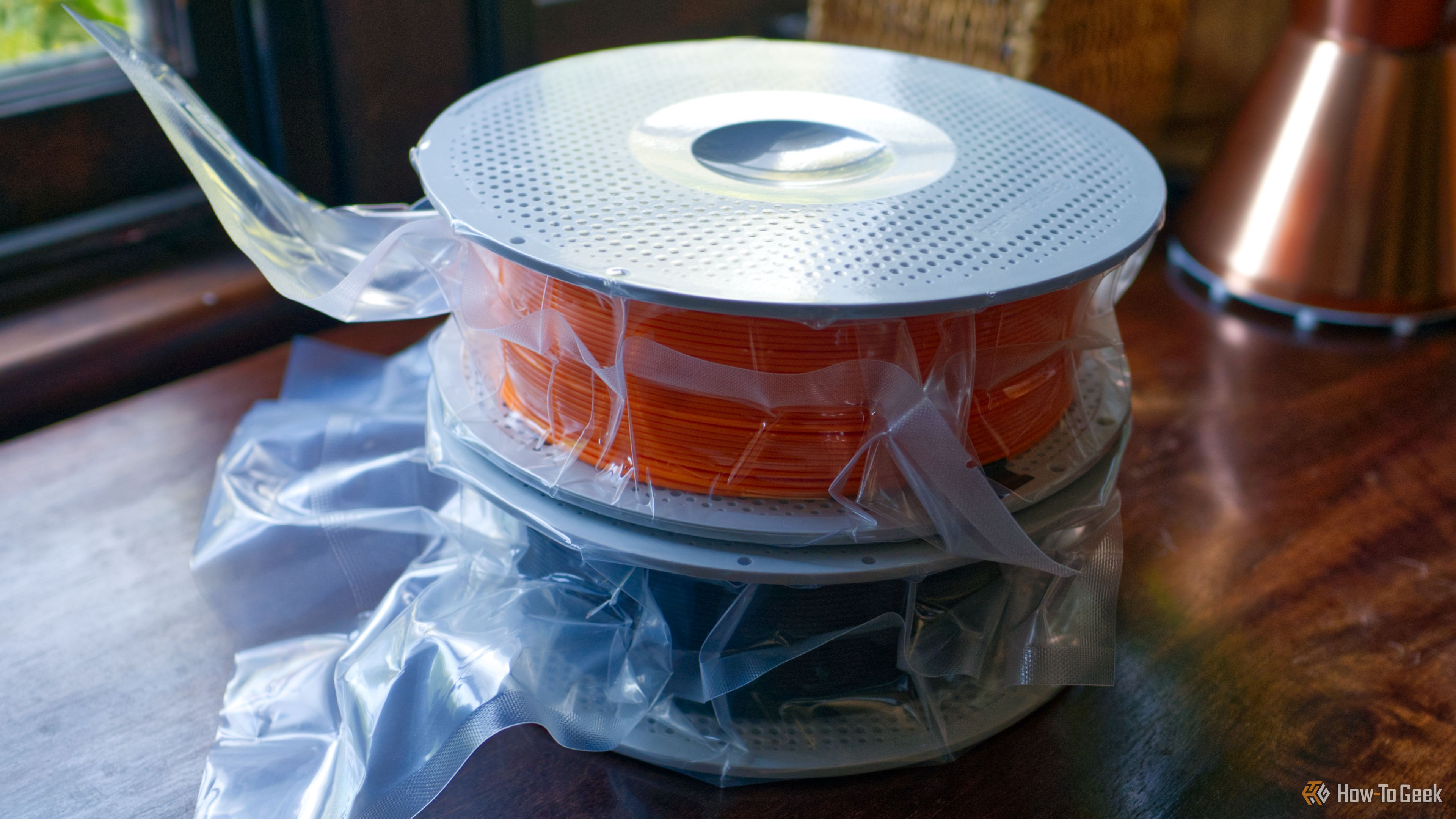
Turn Filament Packaging into Free 3D Printer Upgrades
Repurpose empty filament spools, boxes, and silica packets into free 3D printer upgrades and storage solutions in a few simple steps. Organize your workshop and protect your filament.
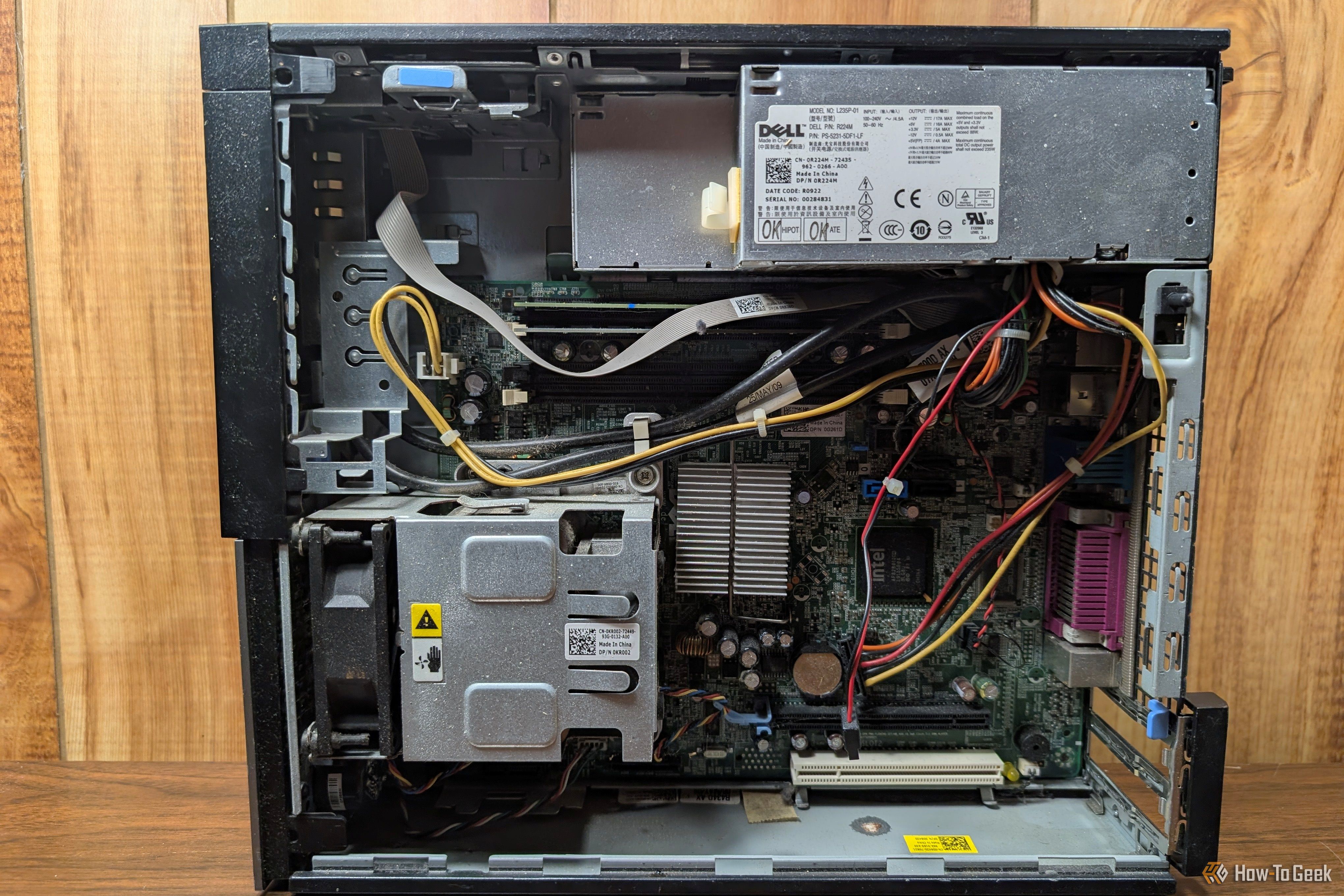
Turn Your Old PC into a Homelab: 6 Beginner Self-Hosting Projects
Breathe New Life into Your Old PC with Self-Hosting Don't let that dusty old laptop or desktop gather cobwebs! While it might not keep up with today's demanding software, an older PC often has more than enough power to
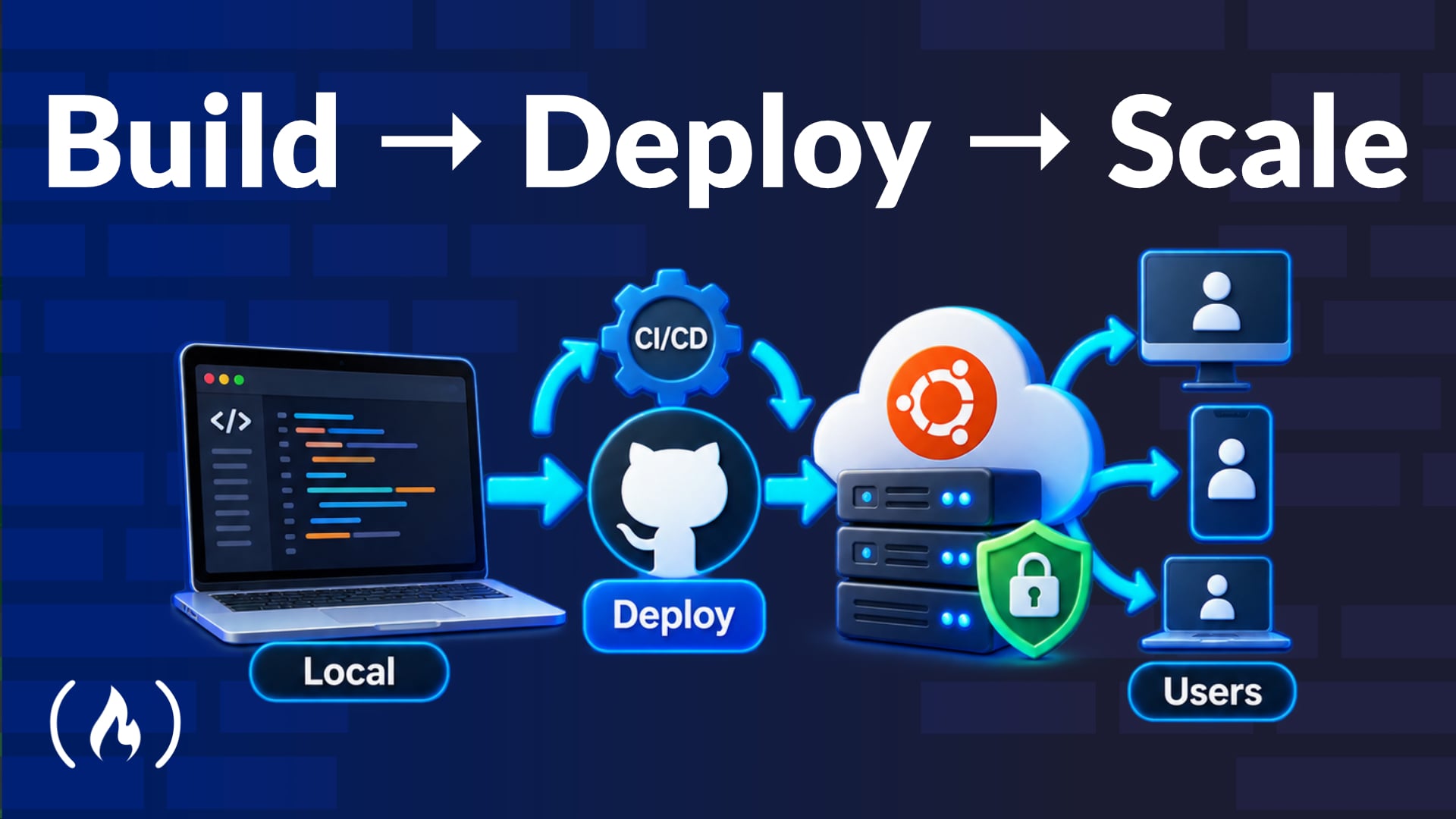
Mastering Full-Stack Deployment: Secure, Automate, Go Live
This article highlights a comprehensive freeCodeCamp.org course on deploying, securing, and automating full-stack web applications. It covers crucial steps from server provisioning and foundational security with UFW and Fail2Ban, to application runtime setup, data management, global access via Nginx and Cloudflare, and robust CI/CD pipelines with GitHub Actions. The course emphasizes a hands-on approach, integrating continuous security testing and observability, culminating in a production-ready application.

in-depth: ZuckOff Is a Free App That Sees Meta Glasses Before They
A new free app, ZuckOff, is gaining popularity for its ability to detect Meta smart glasses using Bluetooth, offering a tool for personal privacy against unsolicited filming. Developed by Pawel Szydlowski, it alerts users to the presence of devices like Ray-Ban Meta and Snap Spectacles, addressing growing concerns over covert recording. This innovation provides a partial solution amidst calls for stronger legislative and technological safeguards.
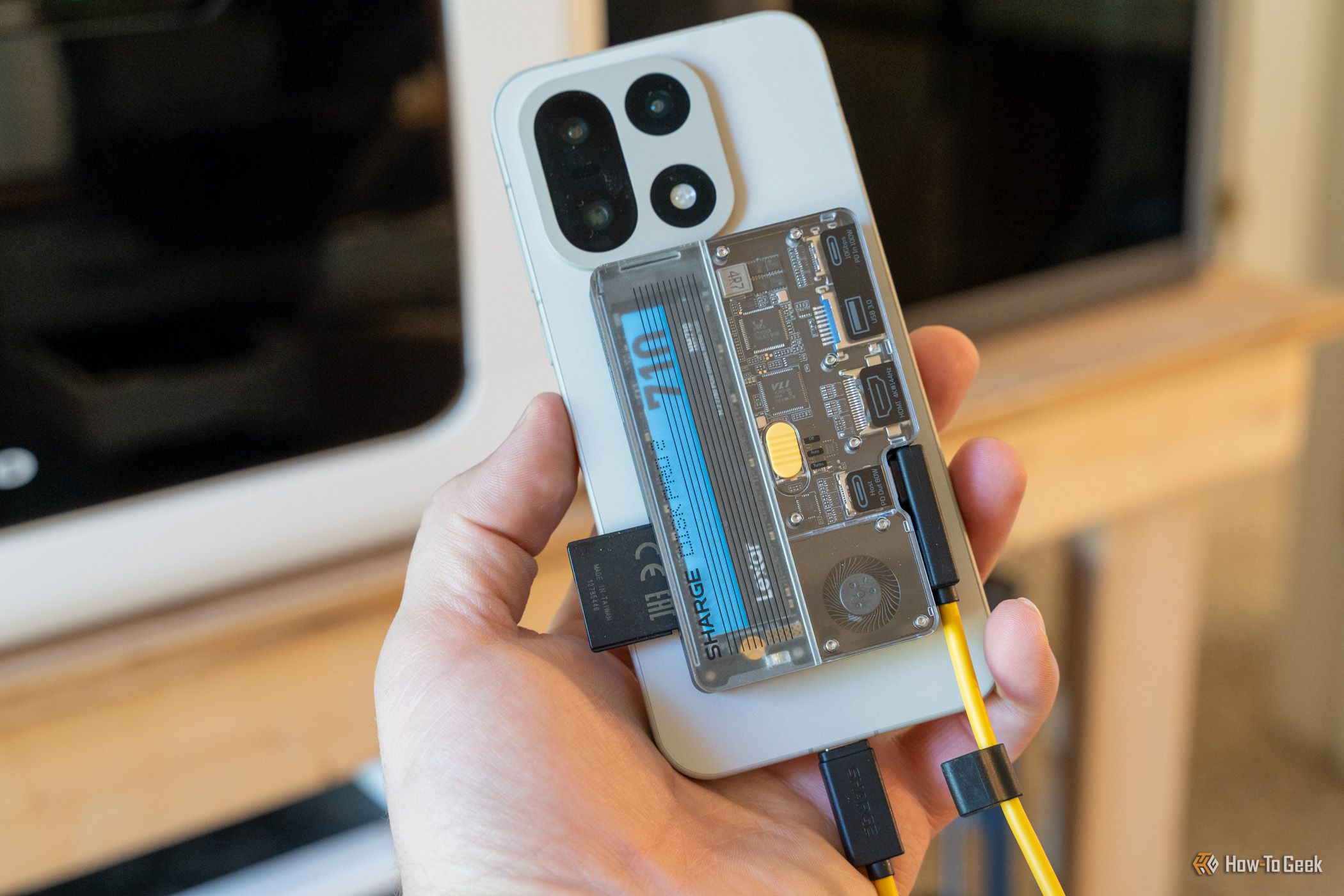
Maximize Your Sharge Disk Pro 2: Setup, Storage & Hub Features
Learn how to set up, install an SSD, and utilize all features of your Sharge Disk Pro 2, including its HDMI output, card readers, and power delivery, in this comprehensive guide.
Windows 11 Media Creation Tool: The Official Path to Bootable USBs
Verdict: Windows 11 Media Creation Tool - Your Gateway to a Fresh OS Install For anyone looking to install Windows 11, either on a brand-new PC or by performing a clean wipe on an existing one, Microsoft's official