
ZDNET's "Every way your phone tracks your location": An Essential
ZDNET's "Every way your phone tracks your location": An Essential Privacy Guide Verdict ZDNET's guide, "Every way your phone tracks your location - and how to stop it," is an exceptionally thorough and practical

ZDNET's "Every way your phone tracks your location": An Essential Privacy Guide
Verdict
ZDNET's guide, "Every way your phone tracks your location - and how to stop it," is an exceptionally thorough and practical resource for anyone concerned about their digital privacy. It meticulously breaks down the myriad methods by which smartphones reveal our whereabouts, from the obvious GPS to the often-overlooked nuances of Wi-Fi, Bluetooth, and even wearables. More importantly, it empowers users with actionable steps to reclaim control over their location data. While the sheer depth of information might initially feel daunting, the clear structure and honest assessment make this a vital read for modern smartphone users.
Overview
In an era where our smartphones are extensions of ourselves, silently broadcasting our movements and habits, understanding the intricacies of location tracking is no longer optional. ZDNET tackles this complex issue head-on with a comprehensive guide that dissects every conceivable method your device uses to pinpoint your location. The article isn't just a technical exposé; it's a call to awareness, detailing not only how tracking occurs but also who benefits from this data and, crucially, how to stop it.
Key Tracking Mechanisms Explained
The article excels in its systematic approach to demystifying location tracking. It starts with the most recognized method, Global Positioning System (GPS), explaining how satellites and device signals triangulate coordinates with remarkable accuracy, underpinning everything from navigation to delivery services.
Beyond GPS, ZDNET delves into equally prevalent, yet less obvious, tracking vectors:
- Wi-Fi Signals and Positions: Connecting to a Wi-Fi hotspot logs your device's MAC address, creating a movement history. Even with Wi-Fi simply enabled, your phone constantly scans for networks, broadcasting identifiers. ISPs also gather data based on your home network usage.
- Cellular Data: Merely having cellular data on connects you to cell towers. The article explains how “cellular triangulation” uses signal timing across overlapping towers to pinpoint active devices, offering a basic but persistent form of tracking.
- Bluetooth: This short-range technology, while convenient for connecting accessories, also reveals approximate device locations, as it constantly seeks nearby compatible hardware.
- App Information Sharing and Leaks: This section highlights apps as major culprits. Many apps, from fitness trackers to social media, request broad location permissions. The article warns that these permissions often come with fine print allowing data sharing with third parties for targeted advertising. Furthermore, it points out the risk of data exposure through app security vulnerabilities, citing Ted Miracco of Approov on the inadequacy of app store reviews for privacy vetting.
- Mobile Browsers: Surprisingly, even mobile browsers contribute to tracking. A Surfshark study cited reveals that popular browsers like Microsoft Edge, Google Chrome, and Apple Safari collect varying degrees of location data, often for profit-driven exploitation rather than functional necessity.
- Wearables: Smartwatches, fitness trackers, and smart rings, while offering valuable health insights, also leverage GPS and Bluetooth. The article stresses that health data from these devices is often poorly regulated federally, making it critical for users to scrutinize privacy policies and manage connections as diligently as they would with a smartphone.
- Combining Signals: The most concerning revelation is how these individual data points — GPS, Wi-Fi, cellular, Bluetooth, app, and wearable data — can be stitched together. This aggregation creates an incredibly precise and comprehensive picture of a user’s daily life, habits, and significant locations.
Who and What Could Track You?
The guide clearly identifies the various entities interested in your location data:
- Advertisers and Marketing Companies: Utilizing check-ins, shopping habits, and app usage for targeted advertising.
- Data Brokers: These firms aggregate and sell personal data, including location information, often without explicit consent, for consumer profiling.
- Friends and Family: Typically for safety via dedicated apps, though the potential for misuse is acknowledged.
- Employers: For company-issued devices, tracking can be enabled directly or via work-related apps.
- App Developers: For user analytics, especially if location permissions are granted.
- Technology Providers (Google, Apple): When features like 'Find My Phone' are enabled.
- Cybercriminals and Stalkers: Through compromised devices, vulnerabilities, or covert tracking app installations.
User Experience and Actionable Advice
Where many privacy articles can feel overwhelming, ZDNET’s guide shines by balancing comprehensive analysis with practical, easy-to-follow advice. The writing is clear and direct, avoiding jargon where possible, making complex technical concepts accessible to a broad audience. The article doesn't just present problems; it offers concrete solutions in its “How to stop location tracking on your phone” section:
- Turn off GPS: A fundamental first step, to be enabled only when necessary.
- Disable Unneeded Connectivity: Keep Wi-Fi and Bluetooth off when not in use, and consider disabling background network scans or using Flight Mode.
- Use a VPN: A Virtual Private Network can mask your IP address, hiding your digital location for online activities, though its impact on GPS or cellular tracking is limited.
- Delete Old, Unused Apps: A simple yet effective security measure, especially for apps with location permissions.
- Review App Permissions: Regularly scrutinize and adjust which apps have access to your location data.
This balance of explanation and empowerment makes the article incredibly valuable. It shifts the narrative from passive acceptance of tracking to active management of personal data.
Pros
- Comprehensive Coverage: Explores a wide array of tracking methods, including often-overlooked ones like browser data and wearables.
- Clear Explanations: Breaks down complex technical concepts into understandable language.
- Actionable Steps: Provides practical, step-by-step advice on how to mitigate tracking.
- Identifies Stakeholders: Clearly outlines who is interested in your location data, adding crucial context.
- Honest Assessment: Does not shy away from the pervasive nature of tracking and the limitations of some privacy measures.
Cons
- Potential for Overwhelm: For privacy novices, the sheer number of tracking vectors might initially feel discouraging, though the actionable steps mitigate this.
- General 'How-To's: While practical, some steps could benefit from slightly more device-specific instructions (e.g., precise menu paths for iOS vs. Android) for absolute beginners, though the current advice is broadly applicable.
Buying Recommendation
This ZDNET article is not a product to purchase, but rather an invaluable resource that every smartphone owner should 'consume.' It serves as an essential primer for understanding digital privacy in the context of location data. We highly recommend reading this guide thoroughly and implementing its advice. For anyone feeling adrift in the sea of digital surveillance, this article offers a clear map to better privacy practices. Make it a priority to educate yourself with this detailed and honest analysis.
FAQ
Q: Is turning off GPS enough to stop all location tracking? A: No, as the article explains, turning off GPS is a crucial step but not sufficient on its own. Your phone can still be tracked via Wi-Fi signals, cellular data triangulation, Bluetooth connections, apps with specific permissions, and even your mobile browser.
Q: Can a VPN prevent my location from being tracked by my phone? A: A VPN is effective in hiding your IP address and thus your digital location when you are online, making it appear as though you are browsing from a different geographic area. However, it cannot prevent tracking methods like GPS, cellular tower triangulation, or Bluetooth signals from revealing your physical location to your device and, subsequently, to apps or services with appropriate permissions. You'll need to combine VPN use with other privacy settings mentioned in the article.
Q: What is the single most important action I can take to reduce location tracking? A: The article emphasizes that a combination of actions is most effective, but consistently reviewing and limiting app permissions is paramount. Many apps covertly collect and share location data, often buried in terms of service. Regularly checking which apps have access to your location and revoking unnecessary permissions can significantly reduce your tracking footprint.
Related articles
howto: 3 Home Assistant projects to build multipurpose devices this
Build smarter, multipurpose Home Assistant devices this weekend (Sep 18-20)! Learn to combine presence sensing, smart buttons, and status lights into one unit, add displays to Bluetooth proxies, and integrate your standing desk with presence tracking for a cleaner, more efficient smart home.

Gundam Rogue Orbit: Get Ready for High-Octane Mech Mayhem
Gundam Rogue Orbit: Get Ready for High-Octane Mech Mayhem! Bandai Namco is cooking up something special, and after a hands-on session at Tokyo Game Show this week, we're buzzing with excitement. Prepare yourselves, mech

CNET's NYT Connections: Sports Edition Hints & Answers (Sept. 18)
CNET's NYT Connections: Sports Edition Hints & Answers (Sept. 18) Review: A Clear Victory Quick Verdict: CNET's daily guide for the NYT Connections: Sports Edition puzzle offers a clear, well-structured, and invaluable
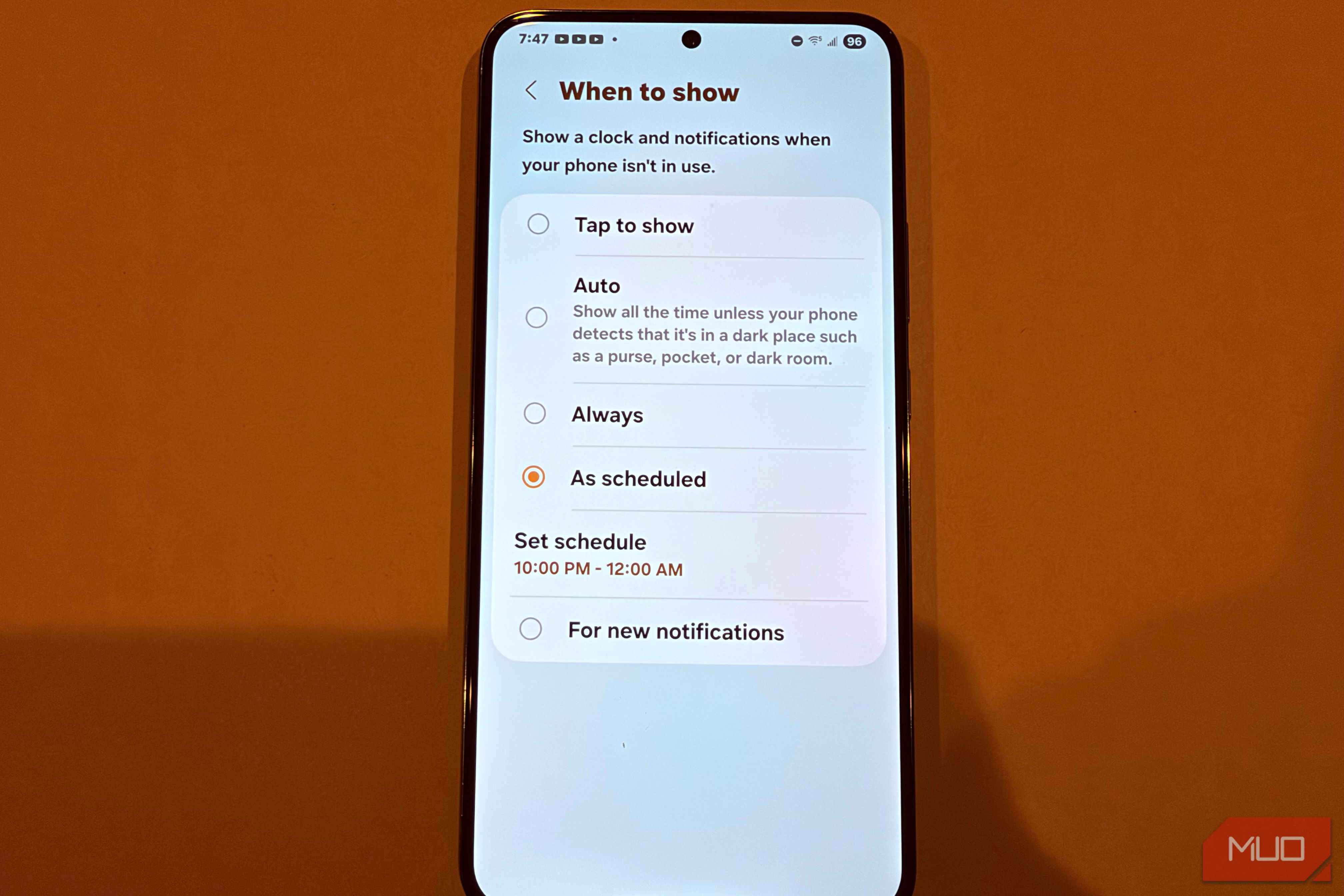
Your Galaxy's Always-On Display Draining Battery? Schedule a Hidden
Reclaim Your Battery: Schedule Your Galaxy's Always-On Display Your Samsung Galaxy's Always-On Display (AOD) is a handy feature, showing you the time and notifications at a glance. However, keeping it active all day can

Community Fibre 8.5Gbps: UK's Fastest, But Pricey Fibre
Quick Verdict Community Fibre has just launched the UK's fastest residential internet connection, boasting an incredible 8.5Gbps (8,200Mbps) symmetrical full fibre service. It's a technical marvel, delivering speeds

Turn Filament Packaging into Free 3D Printer Upgrades
Repurpose empty filament spools, boxes, and silica packets into free 3D printer upgrades and storage solutions in a few simple steps. Organize your workshop and protect your filament.