
Unlock New Gaming Worlds: Explore Microsoft & Amazon's Cloud Gaming
Cloud gaming is rapidly changing how we play, offering more flexibility and accessibility than ever before. If you're looking to dive into the world of gaming without needing a high-end console or PC, or simply want to

Cloud gaming is rapidly changing how we play, offering more flexibility and accessibility than ever before. If you're looking to dive into the world of gaming without needing a high-end console or PC, or simply want to expand where and how you play your favorite titles, Microsoft and Amazon have recently introduced exciting new options. Both tech giants are expanding their cloud gaming services, each targeting a different type of player.
This guide will walk you through what these new offerings entail, who they're designed for, and most importantly, how you can start experiencing them today. We'll cover Microsoft's ad-supported cloud gaming for Xbox Insiders and Amazon Luna's integration directly into Prime Video for Fire TV users. Whether you're a dedicated gamer with an existing library or a casual player looking for easy entertainment, there's a new cloud gaming path for you.
What You'll Accomplish
By following this guide, you will understand the features, benefits, and requirements for both Microsoft's new ad-supported Xbox cloud gaming tier and Amazon Luna's enhanced Fire TV integration. You'll gain the knowledge to decide which service best suits your gaming habits and learn the step-by-step process to get started with either option.
Prerequisites and Requirements
Before you jump into the cloud, here’s what you’ll need for each service:
For Microsoft's Ad-Supported Xbox Cloud Gaming:
- An Xbox console (Series X|S or Xbox One) or a Windows PC: This is where you'll download the necessary app.
- Xbox Insider Program Membership: This is a free program you'll need to enroll in.
- Cloud-Compatible Games: You'll need to own digital titles that are supported by Xbox cloud gaming.
- Internet Connection: A stable internet connection is crucial for cloud gaming performance.
- Compatible Controller: An Xbox controller or other compatible gamepad is recommended for the best experience.
For Amazon Luna on Fire TV:
- Amazon Prime Membership: Luna games are included with your existing Prime membership.
- Amazon Fire TV Device: This includes a Fire TV Stick, Fire TV Cube, or a smart TV running the Fire TV operating system.
- Internet Connection: A stable internet connection is essential for smooth streaming.
- Compatible Controller (Optional but Recommended): You can use any Bluetooth controller or your smartphone as a controller for Luna games.
Dive into Microsoft's Ad-Supported Xbox Cloud Gaming
Microsoft is currently exploring a novel way to make Xbox gaming more accessible. They're testing a free, ad-supported cloud gaming service specifically for members of the Xbox Insider Program. This means you can play select games you already own from your library via the cloud without needing a Game Pass Ultimate subscription, by simply watching some advertisements.
How to Get Started with Microsoft's Ad-Supported Cloud Gaming:
- Download the Xbox Insider Hub App: On your Xbox Series X|S, Xbox One console, or Windows PC, search for and download the "Xbox Insider Hub" application. This app is your gateway to early access programs and features.
- Enroll in the Xbox Insider Program: Open the Xbox Insider Hub app and follow the prompts to enroll in the program. It's a free registration process.
- Start Streaming Your Games: Once enrolled, you can begin streaming cloud-compatible games that you own. Be prepared to watch advertisements at the beginning of your gaming sessions. Currently, playtime is capped at one hour per session; if you wish to continue playing after an hour, you'll need to watch additional ads.
This initiative is particularly geared towards "core" gamers who have accumulated a library of titles but might want the flexibility to play them on secondary devices like a laptop or a smartphone, without the full Game Pass Ultimate subscription.
Experience Amazon Luna on Fire TV
Amazon is making its Luna cloud gaming service even easier to access for Prime members with Fire TV devices. Instead of navigating to a separate app, Luna is now being embedded directly into the Prime Video interface, offering a seamless gaming experience alongside your movies and TV shows.
How to Access Amazon Luna on Fire TV:
- Ensure You Have a Fire TV Device: Make sure you are using an Amazon Fire TV Stick, Fire TV Cube, or a smart TV that runs the Fire TV operating system. This new integration is exclusive to these devices.
- Navigate to the Main Menu: On your Fire TV device's main menu, you should now observe a dedicated "Games" tab. This tab will be positioned alongside existing categories such as "Movies," "TV shows," and "Sports."
- Explore and Play: Click on the "Games" tab to browse the available Luna titles. With your Prime membership, you can access games like Hogwarts Legacy, EA Sports FC 26, and Clue. Simply select a game and start playing.
- Choose Your Controller: You have the flexibility to play Luna games using any Bluetooth-enabled controller you might already own, or you can even utilize your smartphone as a controller through the Luna Controller app.
Amazon's strategy is to appeal to more "casual" gamers by placing gaming content prominently alongside other popular entertainment. This makes it incredibly easy for someone to discover and play a game based on familiar intellectual property, perhaps even before watching a related movie or show.
Tips and Best Practices
- Internet Connection is Key: For both services, a strong, stable internet connection with low latency is crucial for a smooth and enjoyable cloud gaming experience. Wi-Fi can work, but a wired Ethernet connection often provides the best performance.
- Controller Comfort: While some games might be playable with basic inputs or touch controls (on mobile for Xbox Cloud Gaming), a comfortable gamepad significantly enhances the experience for most cloud gaming titles.
- Monitor Session Times (Microsoft): If you're using Microsoft's ad-supported tier, keep an eye on your one-hour play sessions to manage ad interruptions. Plan longer sessions accordingly or consider a Game Pass Ultimate subscription if the ads become too frequent for your liking.
- Explore the Luna Library: Amazon isn't adding new content for Fire TV users, but they are making existing Luna games more visible. Take time to explore the full library available with your Prime membership, as new titles are added regularly to the broader Luna service.
Troubleshooting Tips
- Check Your Internet Connection: If you experience lag, dropped frames, or difficulty connecting, first verify your internet speed and stability. Try resetting your router and modem.
- Restart the Application/Device: Sometimes, simply closing and reopening the Xbox Insider Hub app or the Prime Video app, or restarting your Fire TV device, can resolve minor glitches.
- Update Your Apps/Software: Ensure your Xbox Insider Hub app, Prime Video app, and Fire TV device software are all up to date. Outdated software can lead to compatibility issues.
- Controller Connectivity: If your controller isn't responding, check its battery levels, Bluetooth connection, or USB cable connection. For phone controllers, ensure both your phone and gaming device are on the same Wi-Fi network.
- Game Compatibility (Microsoft): For Microsoft's service, double-check that the specific game you wish to play is listed as cloud-compatible. Not all Xbox titles are currently available via cloud streaming.
FAQ
Q: Do I need an Xbox console to use Microsoft's ad-supported cloud gaming? A: No, you can also use a Windows PC to download the Xbox Insider Hub app and access the cloud gaming service. The primary requirement is enrollment in the free Xbox Insider Program and owning cloud-compatible games.
Q: Is Amazon Luna on Fire TV a brand new service, or is it just a new way to access existing content? A: The source indicates that Amazon is integrating its Luna cloud gaming service directly into Prime Video for Fire TV users, changing how it presents the games it offers. The company isn't adding extra content specifically for Fire TV users; it's making the existing Luna library more easily discoverable within the Prime Video interface for Fire TV devices.
Q: Are these cloud gaming options truly free? A: Microsoft's ad-supported tier allows you to play owned cloud-compatible games without a Game Pass Ultimate subscription, but you will need to watch ads. Amazon Luna on Fire TV is included with your existing Amazon Prime membership, meaning there's no additional cost beyond your Prime subscription.
Next Steps
With these new cloud gaming options from Microsoft and Amazon, the landscape of gaming is more dynamic than ever. Keep an eye on both services for updates, new game additions, and potential expansions of their features. Explore the game libraries, try out different controllers, and enjoy the convenience of cloud-based entertainment from the comfort of your home or on the go!
Related articles
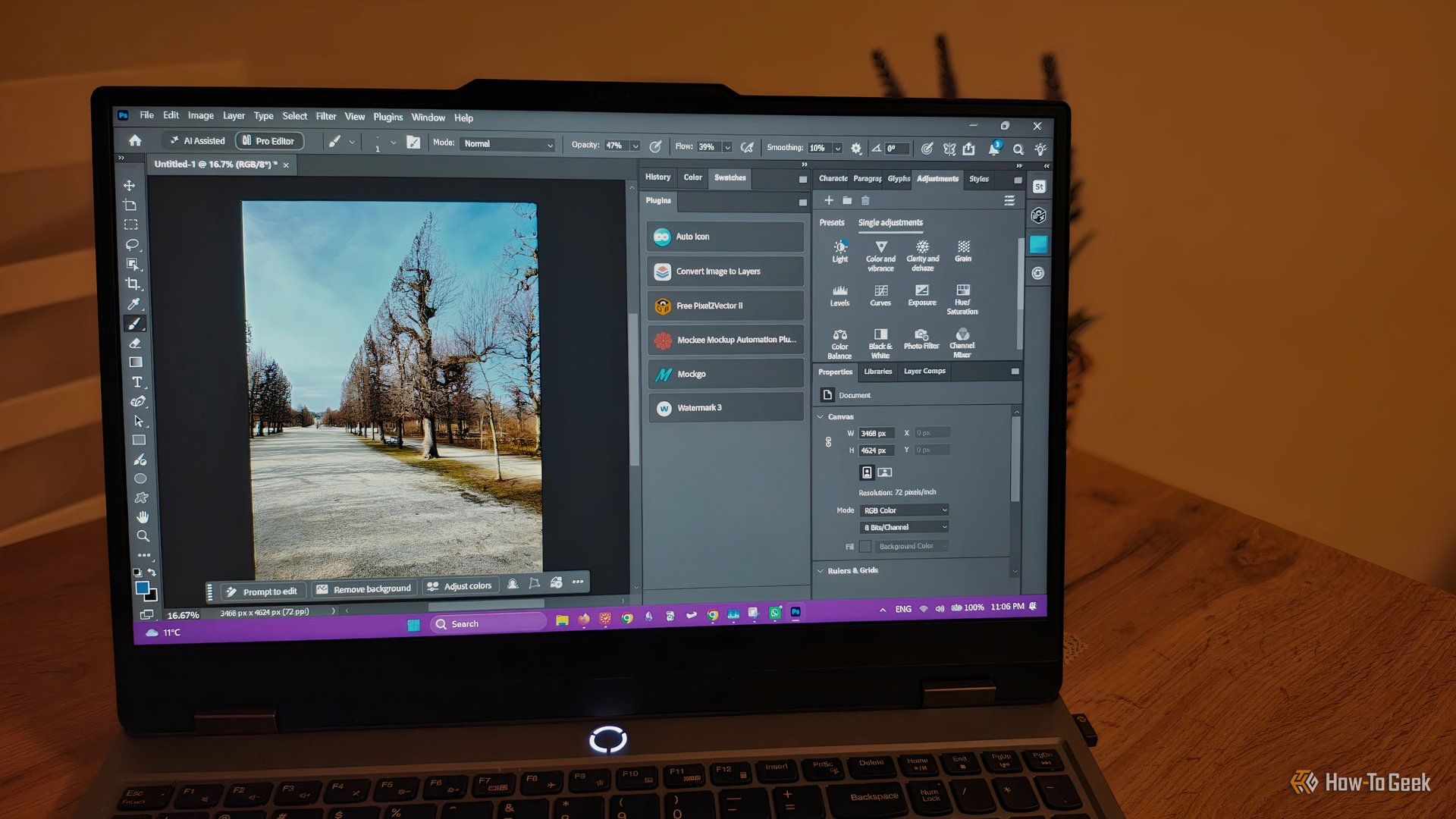
howto: 4 Photoshop plugins so essential they should be built-in
Discover four essential Photoshop plugins that streamline your workflow, save time, and unlock new creative possibilities, making you wonder why they aren't built-in features.
Solve Annoying PDF Problems Locally in Your Browser with BentoPDF
Dealing with PDFs can often feel like a never-ending series of small, annoying tasks. You might need to combine several documents, reduce the size of a bulky file, or even make an image-only scan searchable. Typically,

Your Guide to LG's 115-inch QNED evo TV: Features, Gaming & Price
Welcome to an exciting exploration of LG's latest innovation in home entertainment: the colossal 115-inch QNED evo AI Mini LED TV. This guide is designed to walk you through everything you need to know about this

How to Stop Google Using Your Gmail & Drive Data for Ads
Google's "Personal Intelligence" feature, designed to offer more tailored AI responses, may inadvertently lead to your personal data from apps like Gmail, Google Drive, and Google Photos being used for targeted

UK Gaming's Future on the Line: UKIE Pushes for Modern Tax Credits
UKIE is urging the government to modernize the Video Games Expenditure Credit (VGEC) and introduce a new 'Games Scale-Up Fund' ahead of the Autumn Budget. This move is critical to keep the UK competitive in global game development, address outdated rules, and prevent studios and talent from relocating, ensuring a vibrant future for British-made games.
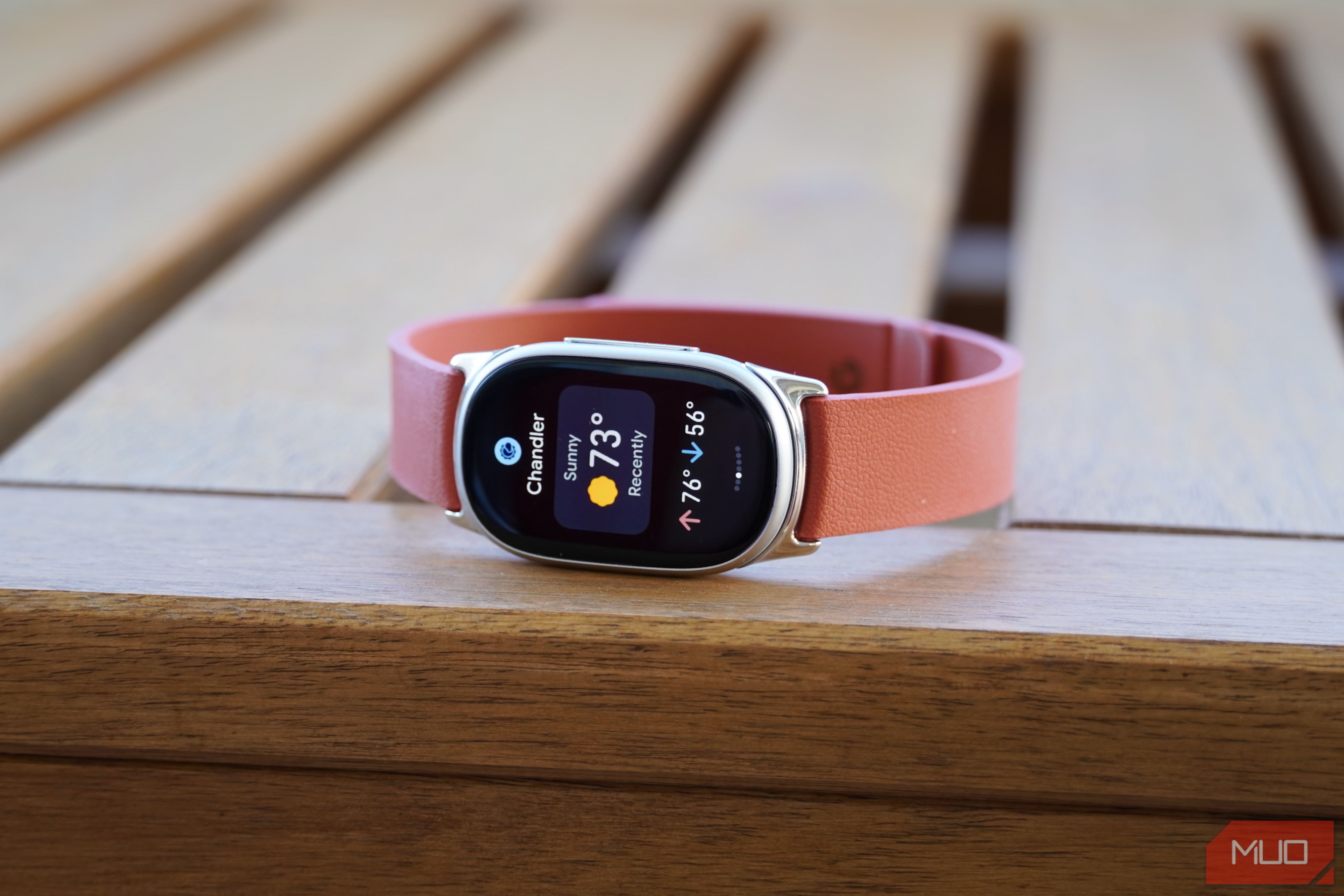
Google Fitbit Edge Review: Your Anti-Smartwatch Fitness Sweet Spot
Learn if the Google Fitbit Edge is the right fitness tracker for you, balancing core health features with a simplified experience. Discover its design, advanced tracking, and software insights to make an informed decision.