
Gemini Memory Summary: Essential User Control
Google Gemini, like many advanced AI systems, aims to personalize your interactions by remembering details about you. While this can enhance your experience, it also brings up natural privacy concerns regarding what

Google Gemini, like many advanced AI systems, aims to personalize your interactions by remembering details about you. While this can enhance your experience, it also brings up natural privacy concerns regarding what data is collected and how it's used. Google has now introduced a crucial feature called "Memory summary," which offers users unprecedented control over the personal information Gemini retains. This new option allows you to view, manage, and even force Gemini to forget specific details, marking a significant step towards greater user autonomy in the age of AI.
What is Gemini's Memory Summary?
Memory summary is a dedicated section within Gemini's settings that compiles all the personal tidbits the AI has learned about you. These details can originate from your past conversations or information you've explicitly shared with Gemini. The core purpose of this memory is to help Gemini tailor its responses and provide more relevant, personalized interactions. However, the source article points out that these personal details could potentially be used for training the AI or even be reviewed by human operators, making user control over this data incredibly important.
User Experience and Control Across Platforms
One of the strengths of the Memory summary feature is its broad availability. Whether you interact with Gemini via the dedicated website, its mobile apps on iOS and Android, or the desktop applications for Windows and Mac, you can access and manage your AI's memory. This consistent access ensures that users can maintain control regardless of their preferred platform.
Accessing the feature is straightforward: navigate to the Settings icon in the left pane of your Gemini interface, select "Personal Intelligence," and then click or tap "Memory summary." If the option appears grayed out, it simply means the broader Memory feature is currently disabled, and you'll need to re-enable it to proceed. You can always turn it off again later if you wish.
Upon entering the Memory summary, you'll find your remembered details organized into intuitive categories such as "Essentials," "Business & Career," "Reading & Interests," and "Culinary Preferences." This categorization helps in quickly scanning and understanding the type of information Gemini has stored. A "Memory history" option, accessible via a three-dot icon, allows you to review recent changes and updates made to Gemini's memory, providing a clear audit trail.
Editing and Deleting Memories
Gemini's Memory summary offers two distinct methods for modifying its recollection of you:
- Direct Editing (Web and Desktop Apps): On the Gemini website or desktop applications, you'll find a pencil icon at the top of the Memory summary screen. Clicking this allows you to directly edit the text within each category, enabling you to add, remove, or revise specific details. Once your changes are complete, a simple click on "Save" updates Gemini's memory across all your devices.
- Conversational Commands (All Platforms): For mobile users, where direct text editing is not available, or for anyone who prefers a more natural interaction, you can simply tell Gemini what changes you want. By typing or speaking your request directly into the prompt, you can instruct the AI to remove an incorrect detail or add a new piece of information. The article provides examples of correcting a mistaken location or deleting a fictional business reference, demonstrating the AI's ability to process and act on these commands efficiently.
This dual approach to editing is particularly commendable, offering flexibility and catering to different user preferences and device capabilities. It ensures that regardless of how you interact with Gemini, you have the means to manage your privacy.
Privacy Implications and User Empowerment
Google has not always been celebrated for its privacy practices, and the underlying data collection for AI training remains a broader concern. However, the introduction of Memory summary is a positive step. The ZDNet article acknowledges Google's effort, giving them credit for providing an easy and accessible way for users to control personal data. This feature empowers users to enjoy the benefits of personalization without feeling entirely exposed. It allows individuals to keep the memory feature enabled for its utility while actively curating what specific information Gemini retains, striking a better balance between functionality and privacy.
Pros and Cons
Pros
- Comprehensive Control: Users can view, add, remove, and revise specific personal details stored by Gemini.
- Cross-Platform Availability: Accessible via web, iOS, Android, Windows, and Mac applications, ensuring consistent control.
- Intuitive Interface: Details are neatly categorized for easy review and management.
- Flexible Editing Methods: Offers both direct text editing (on web/desktop) and conversational commands (all platforms) for convenience.
- Enhances Privacy: Allows users to mitigate privacy concerns by actively curating the data Gemini remembers, even if the underlying data collection for AI training persists.
- Personalization & Utility: Enables users to leverage Gemini's personalization features without compromising on data sensitivity.
Cons
- Mobile Editing Limitation: Direct text editing is not available on mobile apps; users must rely on conversational commands.
- Initial Discoverability: If the main Memory feature is off, the summary option will be grayed out, requiring an extra step to enable.
- Underlying Data Collection: While user control is improved, the fact that Gemini gathers and stores personal data (potentially for training or human review) remains a foundational privacy consideration.
The Verdict
Gemini's Memory summary feature is a genuinely valuable addition that puts more power in the hands of the user. In an era where AI models are increasingly integrated into our digital lives, the ability to clearly see and meticulously manage what an AI knows about you is not just a convenience, but a necessity. While Google's broader privacy stance with AI still warrants scrutiny, this particular feature demonstrates a commendable commitment to user control. The ease of editing, coupled with its availability across all platforms, makes it a robust tool for balancing personalized AI experiences with personal privacy. We highly recommend all Gemini users familiarize themselves with and utilize Memory summary to tailor their AI interactions and safeguard their information.
FAQ
Q: Why should I care about Gemini remembering things about me? A: Gemini remembers details to personalize your interactions, making responses more relevant. However, this data could also be used for AI training or potentially reviewed by humans, raising privacy concerns. Controlling what Gemini remembers helps protect your personal information while still benefiting from personalization.
Q: Is the Memory summary feature available on all devices? A: Yes, the Memory summary feature is accessible across all Gemini platforms, including the Gemini website, mobile apps for iOS and Android, and desktop applications for Windows and Mac. While direct text editing is limited to web and desktop, conversational commands work on all platforms.
Q: What kind of information does Gemini remember, and can I delete it all? A: Gemini remembers details from your conversations or information you directly tell it, categorized into areas like Essentials, Business & Career, Reading & Interests, and Culinary Preferences. You can view, add, remove, or revise any specific detail within these categories, effectively controlling what Gemini retains about you.
Related articles

Android XR Smartglasses: Display-less Specs Redefine AI Wearables
For years, I've approached smartglasses without integrated displays with a healthy dose of skepticism. My thinking was simple: if I can't see augmented reality overlays or discrete notifications right in my line of
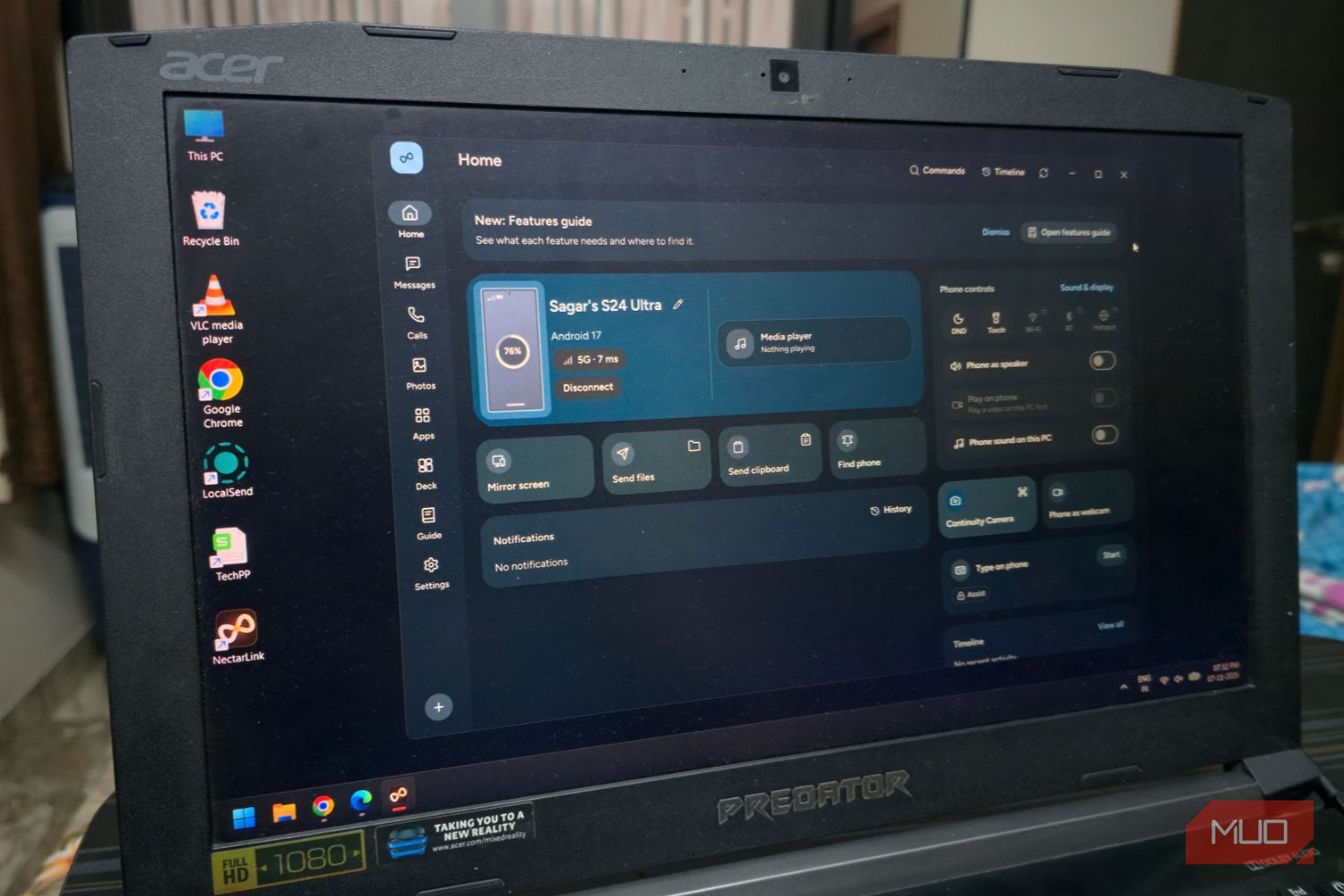
Seamlessly Connect Your Android to Windows with NectarLink
Learn to connect your Android phone to Windows using NectarLink, a free, open-source hub, in a few simple steps. Get notifications, sync files, mirror screens, and control your phone securely without cloud accounts.

Humble Bundle's "Vibe-Coded" Revamp: Security Stripped, Trust Shaken
Humble Bundle's recent redesign, described as 'vibe-coded,' has introduced critical security flaws, including the removal of two-factor authentication and inadequate password/email change verification. Users are also facing significant quality-of-life regressions like poor library sorting and forced frequent logins. Gamers are advised to remove payment info until issues are resolved.

CNET's Wordle #1972 Guide: A Solid Daily Puzzle Companion
Quick Verdict CNET's daily offering of Wordle hints, answers, and strategic help for puzzle #1972 is a robust and reliable resource for both casual players and those seeking to refine their game. While the concept of a

Pixel's Android Auto Gemini AI: A Proactive Leap Rivaling Siri
Pixel's Android Auto Gemini Intelligence: A Proactive Leap Rivaling Siri Quick Verdict: The latest Android Auto update brings Google's advanced Gemini Intelligence to eligible Pixel users, delivering a profoundly
Make 8GB of RAM Work on Windows 11 - Boost Performance
Optimize your Windows 11 PC with 8GB RAM for better performance by updating Windows, managing background apps, optimizing your browser, configuring virtual memory, and using lightweight software alternatives.