
Chrome Bookmark Bar for Android: Desktop Power on Mobile Screens
Quick Verdict Google is finally bringing a dedicated bookmark bar to Chrome on Android tablets and foldables, a small but significant update that aims to bridge the gap between desktop and mobile browsing experiences.

Quick Verdict
Google is finally bringing a dedicated bookmark bar to Chrome on Android tablets and foldables, a small but significant update that aims to bridge the gap between desktop and mobile browsing experiences. While it's a feature that some users will undoubtedly overlook, for those who leverage their larger Android devices for more 'robust computing,' this is a genuinely welcome, productivity-boosting addition. It's not revolutionary, but it's a solid, incremental improvement that enhances the utility of these devices by making frequently accessed sites just a tap away.
Key Details and What It Offers
This new feature, rolling out with Chrome for Android version 146, introduces a persistent bookmark bar directly below the Omnibox (address bar) in the browser interface. The primary goal is to mirror the familiar desktop Chrome experience, providing quicker access to saved websites without needing to dive into menus.
The bookmark bar on Android will display Favicons (website icons) alongside the site names, making for an easily scannable visual directory of your most important web destinations. For users with a large collection of bookmarks, a chevron icon will be present, allowing them to scroll and access a deeper list of their saved links. Furthermore, a long press on any displayed bookmark will reveal its full URL, a handy detail for those who need to verify or copy web addresses directly.
Crucially, this isn't a feature that automatically appears upon updating Chrome. By default, devices will have the bookmark bar set to "Hidden on narrow screens," reflecting Google's understanding that this feature is most valuable on larger displays and might be undesirable on smaller phone screens. To enable it, users will need to navigate through Chrome's Settings, then Appearance, and finally select "Show bookmarks bar." This manual activation gives users control, allowing them to decide if the convenience outweighs the slight reduction in screen real estate.
User Experience: Bridging the Desktop-Mobile Divide
The introduction of a bookmark bar on Android tablets and foldables is a clear step towards treating these devices as more than just oversized smartphones. For years, one of the primary frustrations for users attempting to use their Android tablets or foldables as productivity machines has been the lack of desktop-like efficiency in core applications, particularly the web browser. While mobile browsers have evolved, they often prioritize touch-friendly interfaces over direct access to tools power users rely on.
This bookmark bar directly addresses that gap. Imagine a professional using a Samsung Galaxy Tab or a Pixel Fold for work. They might frequently visit a handful of internal company portals, cloud document services, or research sites. Previously, accessing these meant either typing out the URL, navigating through a 'favorites' menu, or relying on auto-completion. Now, with the bookmark bar, these essential links are front and center, reducing clicks and saving precious seconds throughout the day. This seemingly minor addition can significantly streamline workflows for anyone who relies on specific websites for their daily tasks.
The visual implementation, with Favicons and site names, ensures quick recognition and reduces cognitive load. The chevron for deeper lists respects screen space while still offering comprehensive access. The long-press for URL information is a thoughtful touch, acknowledging that advanced users sometimes need more than just a direct link – they need the underlying address.
However, the user experience isn't entirely frictionless. The manual activation, while offering user choice, also means that many casual users might never discover or enable this beneficial feature. Google's default to "Hidden on narrow screens" is logical, but perhaps a clearer prompt or onboarding during the update for users of larger devices would have been helpful to maximize adoption. Additionally, while the bookmark bar is great for quickly accessing existing bookmarks, the ease of adding new bookmarks directly to this bar or organizing them isn't explicitly detailed, which could be an area for future refinement.
Pros and Cons
Like many software updates, the Chrome bookmark bar for Android comes with its own set of advantages and potential drawbacks, depending on how you use your device.
Pros:
- Enhanced Productivity for Power Users: This is the standout benefit. For anyone who uses their Android tablet or foldable for work, research, or content creation, having frequently accessed sites directly visible can drastically cut down on navigation time and improve efficiency. It makes the browser a more powerful tool for focused tasks.
- Desktop-Like Familiarity: For users transitioning between a desktop computer and a larger Android device, the consistent presence of a bookmark bar reduces the learning curve and mental friction. It contributes to a more cohesive ecosystem experience across platforms.
- Better Utilization of Large Screens: Tablets and foldables offer abundant screen real estate. The bookmark bar uses this space effectively, turning what might otherwise be empty browser chrome into a functional area for quick access, making the device feel more capable and less like an enlarged phone.
- Quick Access to Essential Sites: Whether it's news sites, work tools, social media, or specific research pages, having them visible and directly clickable means less tapping through menus or typing.
Cons:
- Manual Activation Required: While offering control, the default setting means many users, especially less tech-savvy ones, might never realize this feature exists or how to enable it. It adds an extra step to leverage its benefits.
- Screen Real Estate Consumption: Although designed for larger screens, any persistent UI element will take up a portion of the display. For users who prioritize maximum content viewing area, even a small bookmark bar might be perceived as clutter, especially if they don't frequently use bookmarks.
- Niche Appeal: As the source article suggests, this is a feature you'll either embrace enthusiastically or completely ignore. Casual users who rely more on search, recent tabs, or home screen shortcuts might find little value in it, making it an inactive element for a segment of the user base.
- Not a Game-Changer: While a definite improvement, it's an incremental quality-of-life update rather than a transformative feature that redefines how Android tablets or foldables function. It addresses a specific usability pain point but doesn't introduce entirely new capabilities.
Comparison to Alternatives
The source content primarily focuses on Chrome's implementation of this feature, and it does not offer any direct comparisons to similar bookmark bar functionalities in alternative web browsers for Android tablets or foldables. Therefore, I cannot construct a comparison table based solely on the provided information. However, it's worth noting that within the Chrome ecosystem on Android, this bookmark bar stands as a unique, new addition that directly enhances the browser's desktop parity on larger screens. While other mobile browsers might offer various ways to manage and access bookmarks (e.g., through menus, start pages, or dedicated panels), a persistent, visually integrated bookmark bar directly below the Omnibox is a specific implementation choice by Google for Chrome.
Buying Recommendation (or, rather, Enabling Recommendation)
Given that this is a free software update to an existing browser, the recommendation shifts from 'buying' to 'enabling' or 'trying.'
We strongly recommend that users of Android tablets and foldables, particularly those who frequently use their devices for productivity, work, or extensive web browsing, enable the new Chrome bookmark bar. If you find yourself repeatedly typing URLs, searching for specific sites, or navigating through your bookmark menu, this feature is designed for you. It genuinely makes these larger form-factor devices feel more competent and efficient as desktop replacements or companions.
If your primary use for a tablet is casual content consumption (streaming, light browsing), or if you prefer to keep your screen as uncluttered as possible, you might find less value in it. However, given its easy activation and the ability to hide it if you dislike it, there's no harm in giving it a try. For power users, this is a no-brainer that you should activate immediately to enjoy a more streamlined browsing experience.
FAQ
Q: Is the Chrome bookmark bar automatically enabled after the update? A: No, the bookmark bar is not automatically enabled. By default, it's set to "Hidden on narrow screens." You will need to manually enable it by going to Chrome Settings > Appearance > "Show bookmarks bar."
Q: Will the bookmark bar take up too much screen space on my foldable device when it's folded? A: The setting defaults to "Hidden on narrow screens," implying Google has optimized it for larger displays. When your foldable is in its smaller, phone-like configuration, the bookmark bar should remain hidden. It's intended for the expanded tablet-like view.
Q: Can I customize which bookmarks appear on the bar? A: The source content indicates that the bar displays Favicons and site names, with a chevron to scroll deeper into your list. While it doesn't specify direct customization of which subset of bookmarks appear on the main visible bar, it typically reflects your top-level bookmarks folder, similar to desktop Chrome. You can organize your bookmarks on desktop Chrome, and those changes usually sync across devices.
Related articles

Chuwi UniBox AI495 Pro Review: A Mini AI Powerhouse
Chuwi's UniBox AI495 Pro review: A powerful mini workstation with 192GB RAM and an AMD Ryzen AI chip for local LLM processing, packed into a compact, Mac Pro-esque design.
Pixel Connectivity: Battery Drain, Not Data Speed, Is the Real
Google's Pixel series has consistently offered a compelling Android experience, often earning a spot on recommendation lists for its clean software and camera prowess. However, a recurring shadow has loomed over the

CNET's NYT Connections: Sports Edition Hints & Answers - Daily Puzzle
CNET's daily guide for NYT Connections: Sports Edition offers clear, spoiler-protected hints and answers, making it an efficient and reliable resource for sports puzzle enthusiasts.
Unofficial Sony Headphone PC Apps: Ditch Your Phone, Take Control
Tired of Sony's mobile app? These unofficial, open-source PC tools like Sony Device Center and SonyBridge offer desktop control over your Sony headphones' ANC, EQ, and more. A convenient, albeit unofficial, solution for Windows, Linux, and Mac users looking to ditch their phone for audio adjustments.
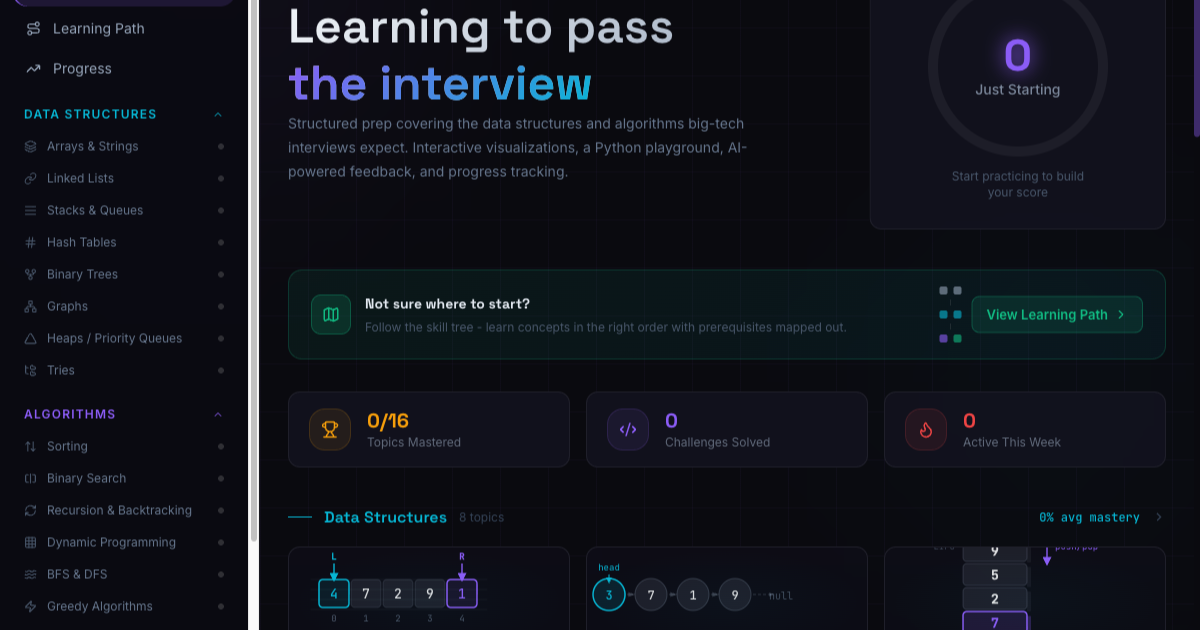
Learningto/Pass: Free, AI-Powered Interview Prep for Developers
Landing a role at a top-tier tech company often hinges on mastering complex data structures and algorithms, coupled with a solid grasp of system design. The problem for many aspiring software developers is that quality
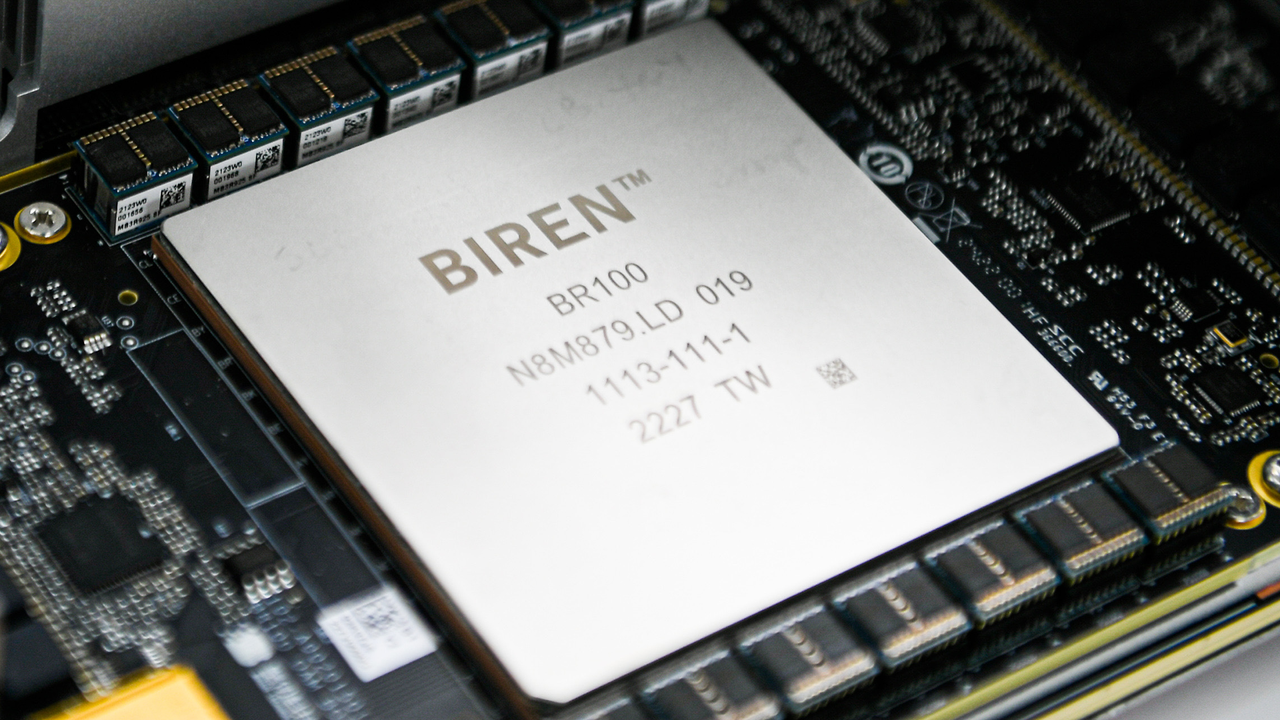
Biren AI Accelerators: Explosive Growth in a Restricted Market
Biren Technology shows explosive 2,000% revenue growth in China's AI accelerator market, benefiting from US export controls. Despite impressive gains from a small base, challenges in manufacturing and software remain.