7 results found
Microsoft is enhancing security for enterprise users of OneDrive and SharePoint, blocking screenshots of sensitive PDFs in Edge starting August. This protection, tied to Purview Information Protection labels, aims to prevent data leaks. However, the feature is exclusive to Microsoft Edge, requiring organizations to enforce its use for full effectiveness.

This article guides developers through building a browser-based PDF OCR to Text converter using JavaScript. It explains the problem of unsearchable scanned PDFs, details how client-side OCR works with PDF.js and Tesseract.js, and covers implementation steps for document upload, page preview, configurable OCR settings, text extraction, and progress tracking. The solution emphasizes privacy and performance by processing documents locally in the browser.

This article guides developers through building a browser-based PDF analyzer using JavaScript, emphasizing client-side processing for privacy and speed. It covers the problem of manual PDF inspection, the benefits of automation, and a practical implementation using `PDF-lib`, `PDF.js`, `Tesseract.js`, and `Chart.js`. The tutorial details workflow from file upload and preview to configurable analysis and report export.

PDF files often arrive with pages in an incorrect sequence, a common byproduct of scanning multiple documents, merging various exports, or batch processing. This can lead to significant manual effort in rearranging

Master NotebookLM's latest update to effortlessly integrate web sources and generate diverse, editable file formats for research. Learn to create presentations, PDFs, and charts directly from your conversations, saving time while ensuring accuracy.

Learn to efficiently transform PDFs, videos, and audio into infographics, videos, podcasts, and slides using IvyCraft's integrated AI workspace, streamlining your content creation process.
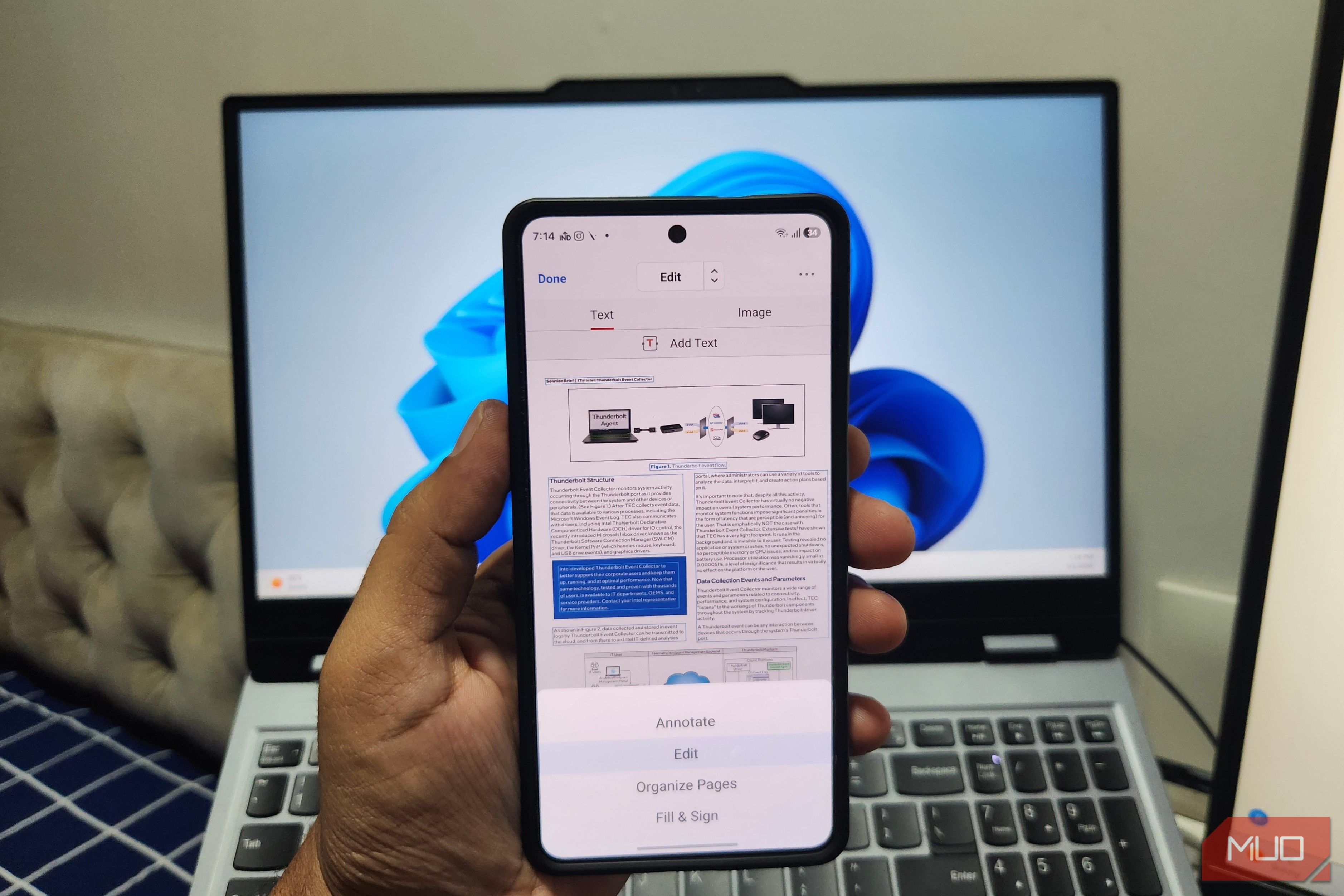
Learn to efficiently edit, annotate, and manage PDFs on your Android phone using PDFgear, a free and powerful app, allowing you to ditch your laptop for quick document tasks.
