3 results found
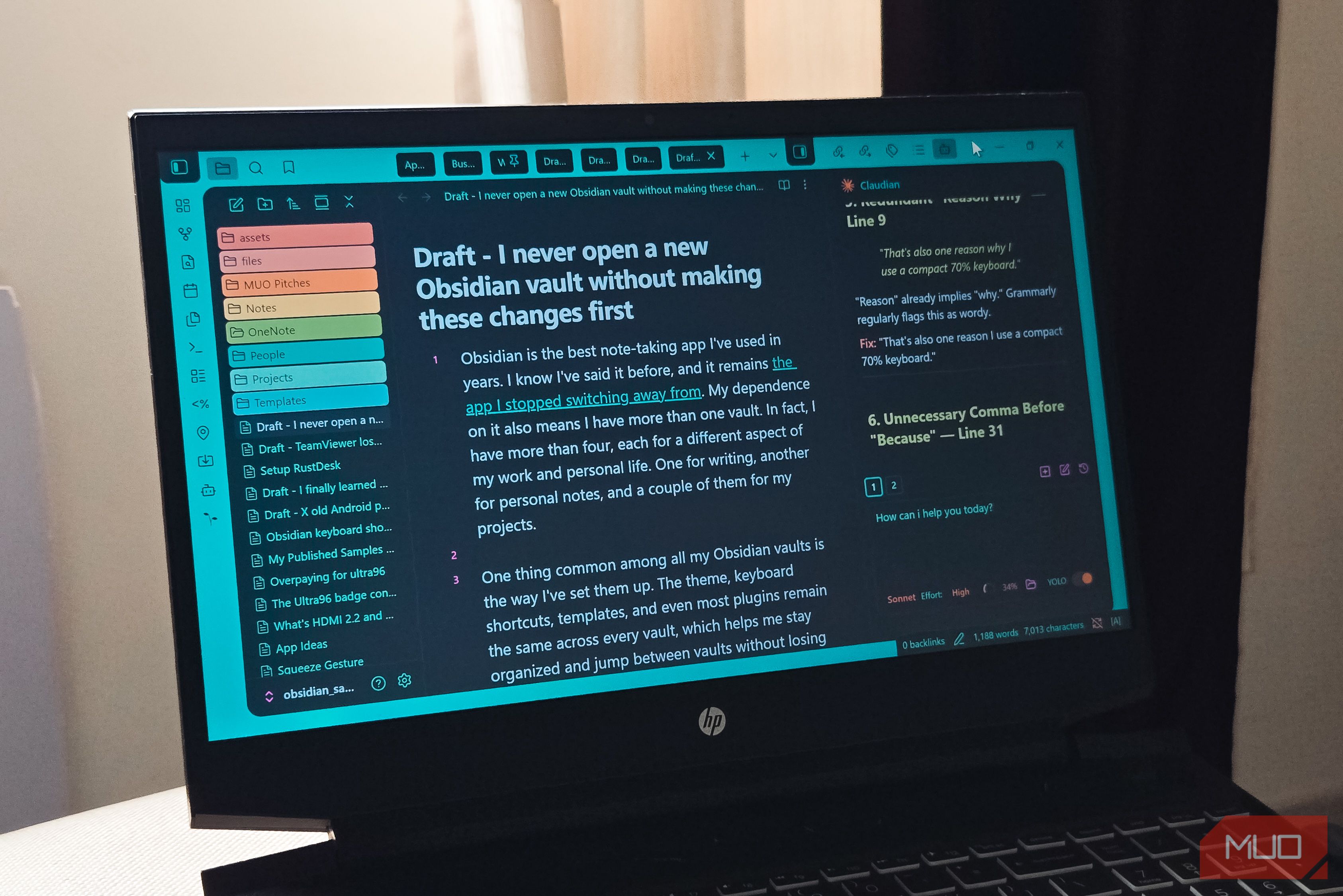
Optimize your new Obsidian vault by configuring essential settings like keyboard shortcuts, themes, bookmarks, and plugins for a more efficient and personalized workflow.
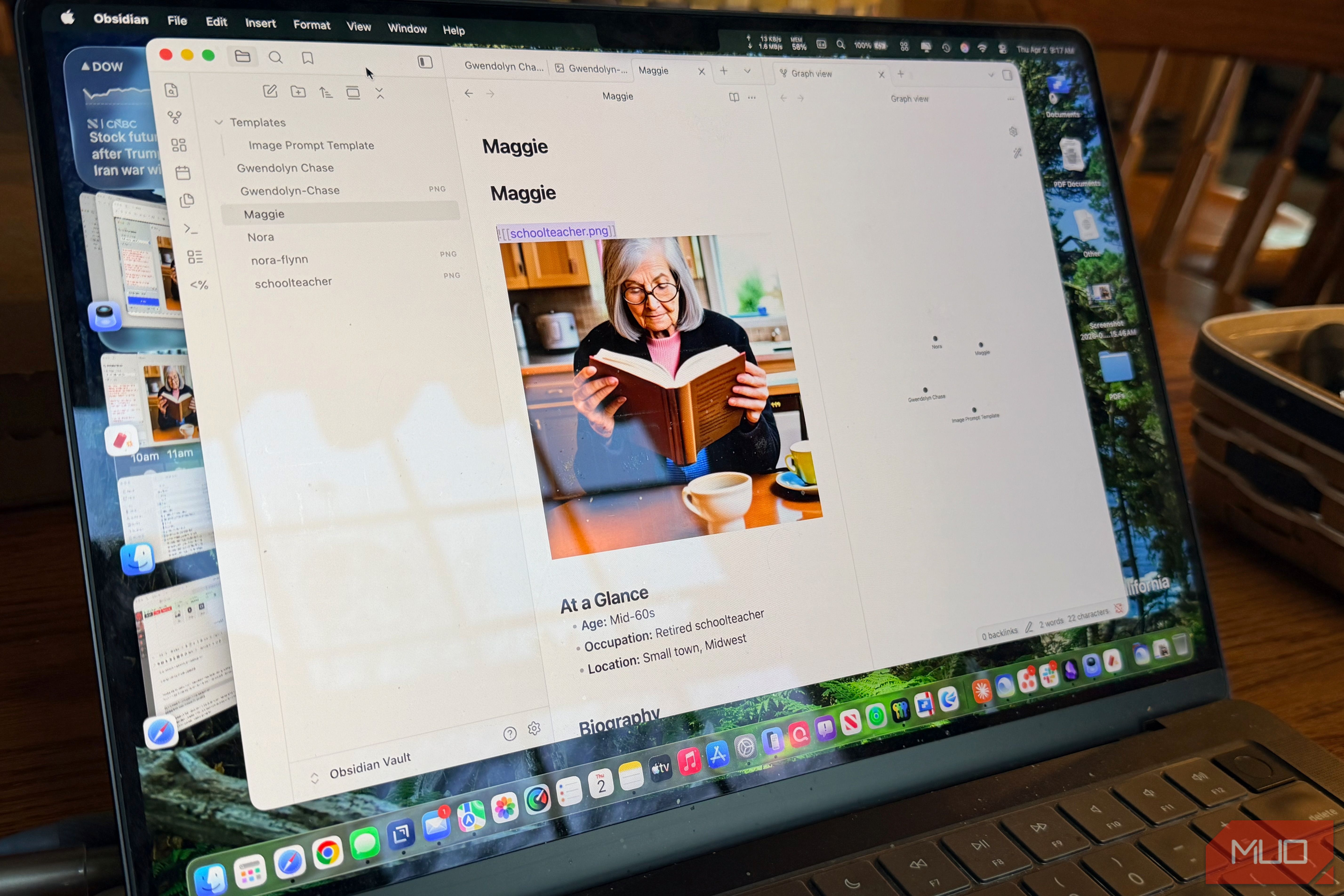
Learn to enhance your Obsidian notes with personalized, locally-generated AI images in seven steps, transforming text-heavy content into a visually rich, private knowledge vault that engages both your verbal and visual thinking.
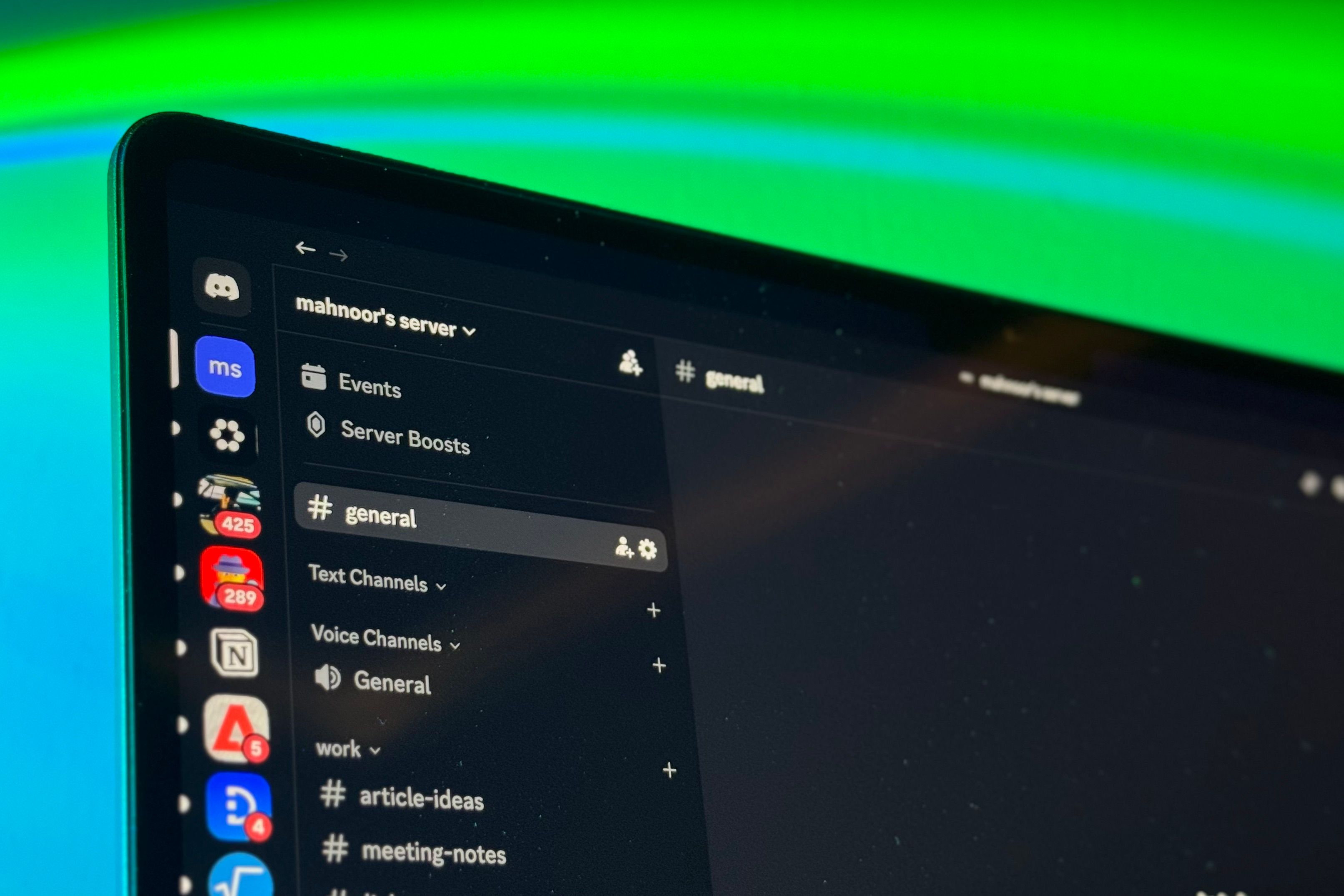
Learn to set up Discord as a powerful, free, and instantly syncing note-taking app in a few simple steps. Discover how to organize your notes, leverage threads, and integrate bots for enhanced productivity.
