
Unlock Free Entertainment on Your LG TV: A Guide to LG Channels
Learn how to unlock and enjoy a wealth of free, ad-supported content on your LG TV with LG Channels, supplementing your paid streaming services without additional cost.
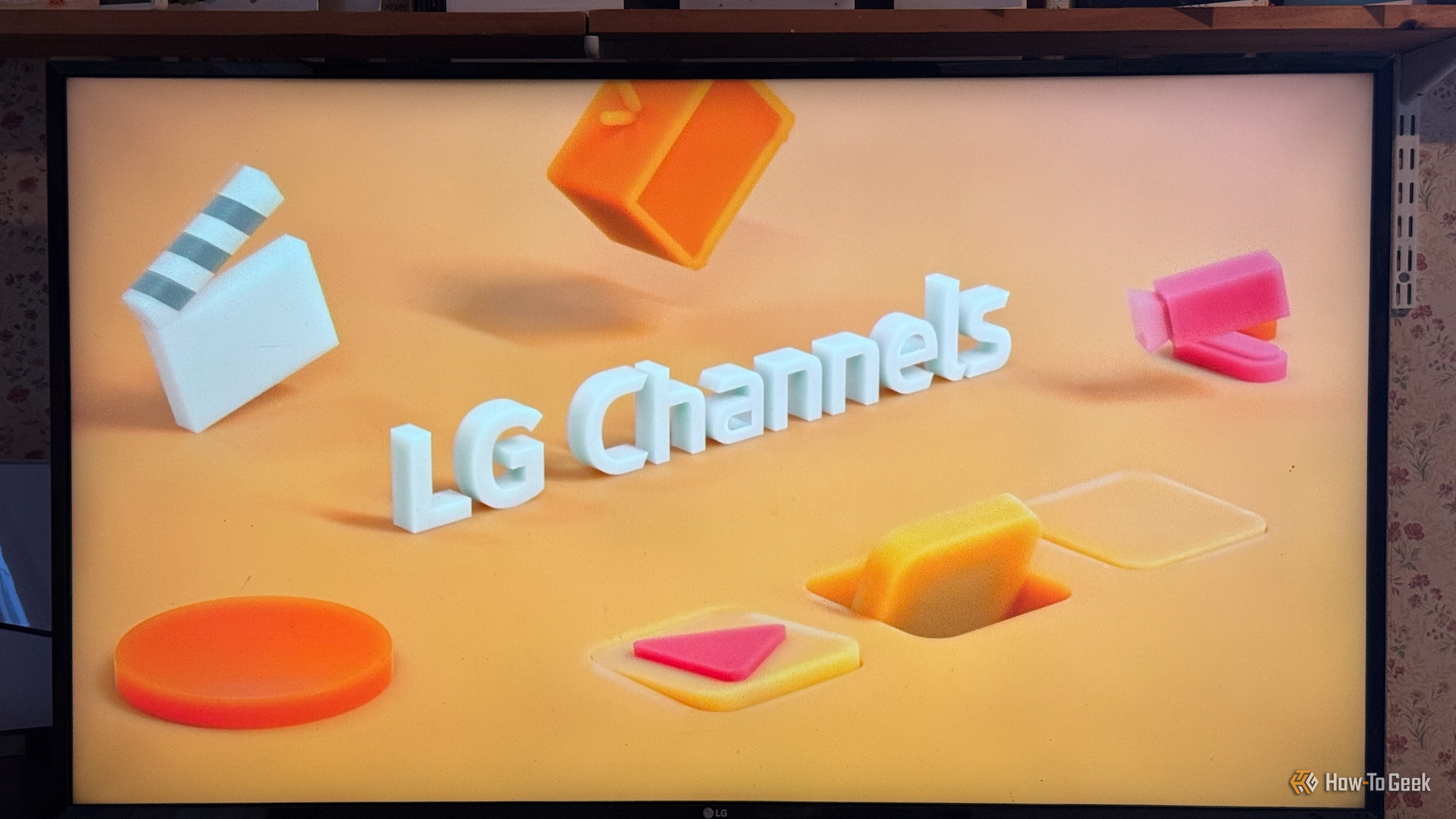
Stop Overpaying for Streaming: Discover Free Content on Your LG TV
Are you feeling the pinch from ever-increasing streaming service costs? With subscriptions like Netflix, Disney+, Apple TV, Prime Video, Hulu, Max, Paramount+, and Peacock potentially costing up to $1600 annually, it’s no wonder many of us are looking for alternatives. Even with rotating subscriptions, the expense can be significant, often coupled with ads, creating a less-than-ideal viewing experience.
Many LG TV owners, myself included, have spent years overlooking a fantastic, built-in solution: LG Channels. This free, ad-supported streaming feature offers a surprising amount of content, from classic TV shows to movies and unique live feeds, right on your smart TV. If you've been focused on third-party apps like Tubi or Plex for free content, you might be missing out on what your LG TV offers directly. It’s time to stop ignoring those subtle promotions and dive into the wealth of free entertainment waiting for you.
What Exactly is LG Channels?
LG Channels is an ad-supported streaming service exclusive to many LG smart TVs. It provides a wide array of shows and movies without requiring any additional subscriptions or payments. Think of it as a modern take on traditional television, but delivered through your internet connection, offering both live channels and some on-demand content.
Prerequisites
To access and enjoy LG Channels, you'll need:
- An LG Smart TV: This feature is built into compatible LG televisions.
- An active internet connection: LG Channels streams content over the internet, so a stable connection is essential.
How to Access and Navigate LG Channels
Finding and using LG Channels is straightforward. The interface is designed to feel familiar, much like scrolling through traditional TV channels.
- Locate LG Channels: On your LG Smart TV's home screen or app launcher, look for the "LG Channels" icon. It's often prominently displayed, as LG frequently promotes it.
- Launch the Application: Select the LG Channels icon to open the service.
- Browse Live Channels: Once inside, you'll find a channel listing that mimics a traditional TV guide. You can scroll through the various live channels available, much like flipping through channels on a cable box.
- Select Content: When you find something interesting, simply select it to begin watching. Most content is presented as live streams, meaning you tune in to what's currently playing.
- Discover On-Demand Content: While the primary focus is live streaming, LG Channels also offers some on-demand shows and movies. Look for sections or categories within the interface that designate "On Demand" options. This allows you to choose specific titles to watch at your leisure, rather than waiting for them to air live.
What You'll Discover on LG Channels
The range of content on LG Channels can be surprisingly diverse, offering a mix of nostalgia, specialized interests, and even some genuinely good films and shows. While not everything will be top-tier, there's enough quality content to make it a worthwhile exploration.
- Nostalgic Cartoons & Classic TV: You might stumble upon beloved kids' cartoons like Sonic X and Super Mario World. For adults, channels dedicated to classic shows like The Incredible Hulk or even non-stop Seinfeld can provide hours of entertainment. I personally enjoyed rediscovering The Six Million Dollar Man.
- Movies: Amidst the live channels, you can find a selection of on-demand movies. I was pleasantly surprised to find films like the brilliant An American Werewolf in London.
- Popular Shows: Beyond classics, you might find popular sitcoms like The IT Crowd available on demand.
- Unique & Niche Channels: LG Channels also features some truly unique offerings. For example, the "Space Live" channel broadcasts live feeds of Earth from the International Space Station (ISS) and satellites, which can be mesmerizing to watch for extended periods.
- Varied Content: The content selection can change and vary by region, so your personal experience may differ. It's worth exploring regularly to see what new shows or channels have been added.
Making the Most of Your Free Streaming Experience
LG Channels isn't designed to replace your premium streaming subscriptions, but it serves as an excellent complement. Here's how to maximize its value:
- Embrace the Live Experience: A significant appeal of LG Channels is the return to passive viewing. Instead of endlessly scrolling through options and struggling to pick something, there's a refreshing simplicity in flicking through live channels and landing on something unexpected. It offers a sense of relief from decision fatigue.
- Manage Expectations: Understand that some content may not be high-quality, and ads are part of the free model. While ads can be frustrating, the free access to content often outweighs this inconvenience.
- Check for On-Demand Gems: Don't limit yourself to just the live channels. Explore the on-demand section for specific movies or shows that might appeal to you.
- Look Beyond LG: If you don't own an LG TV, many other smart TV manufacturers offer similar free, ad-supported streaming services (FAST channels). It's worth checking your TV's features to see what's available.
Troubleshooting Common Issues
While LG Channels is generally reliable, you might encounter a few minor hiccups.
- Content Loading Issues: If channels aren't loading or buffering frequently, ensure your LG TV has a strong and stable internet connection. Try restarting your TV or router if problems persist.
- Limited Controls: Keep in mind that for most live content, you cannot pause, rewind, or fast-forward. The user experience for fast-forwarding on on-demand content can also be a bit clunky. The service is primarily designed for a "sit back and watch" approach to live programming.
- Content Availability: Remember that content varies by region and can change over time. If a specific show or movie you enjoyed is no longer available, it may have been removed or rotated out of the library.
FAQ
Q: Is LG Channels truly free, or are there hidden costs? A: LG Channels is genuinely free to use. It's supported by advertisements, which is how LG provides the content without charging a subscription fee.
Q: Can I control playback, like pausing or fast-forwarding, on LG Channels? A: For most live channels, playback control (like pausing or fast-forwarding) is not available, mirroring traditional live TV. However, some on-demand content does offer limited playback control, though the experience might not be as smooth as dedicated streaming apps.
Q: What if I don't have an LG TV? Can I still access similar free content? A: While you won't get LG Channels specifically, many other smart TV manufacturers offer their own proprietary free, ad-supported streaming services. It's definitely worth exploring the features and apps built into your specific brand of smart TV; you might find similar hidden gems.
Unlock More Entertainment Without Breaking the Bank
Discovering LG Channels has been a pleasant surprise, proving that there's still plenty of great content available without adding to your monthly bills. It offers a refreshing way to unwind, providing curated channels and on-demand options when you're tired of making choices or simply want to stumble upon something new. So, next time you power on your LG TV, take a moment to explore LG Channels. You might just find your next favorite show or rediscover a beloved classic, all for free.
Related articles

Ditch Merge & Center: The Better Way to Align Text in Excel
Learn to use Excel's "Center Across Selection" to align text across cells without merging, avoiding common data manipulation issues. This guide provides steps to utilize this newly accessible feature and add it to your Quick Access Toolbar.

Ars Technica's Rocket Report: Your Essential Space Industry Briefing
Quick Verdict Ars Technica's Rocket Report, presented by veteran space reporter Stephen Clark, offers an invaluable and meticulously organized weekly (or similar frequency, implied by "Edition 9.15") digest of the most
%20102026%20top%20art%20SOURCE%20Govee.jpg)
in-depth: The Best Permanent Outdoor Lights (2026): Govee, Eufy
WIRED, a leading voice in technology journalism, has just released its updated guide for 2026 on the best permanent outdoor lights, spotlighting top contenders Govee, Eufy, and Cync. These innovative eave lights are

Stop Android Auto Battery Drain: Essential Features to Disable and
Android Auto offers unparalleled convenience, bringing your phone's most useful features directly to your car's display. From navigation and calls to messages and music, it keeps you connected without distracting you
Beyond the Bugs: Conquering Studio Headaches in Indie Dev
This guide, part three in a series on running an indie studio, tackles the crucial but often overlooked aspect of dealing with non-development related issues. It introduces creating a shared 'studio backlog' for collective problems and using the IDS (Identify, Discuss, Solve) framework to address them constructively. The core message is to build powerful habits that keep studios from getting quietly derailed by lingering challenges.
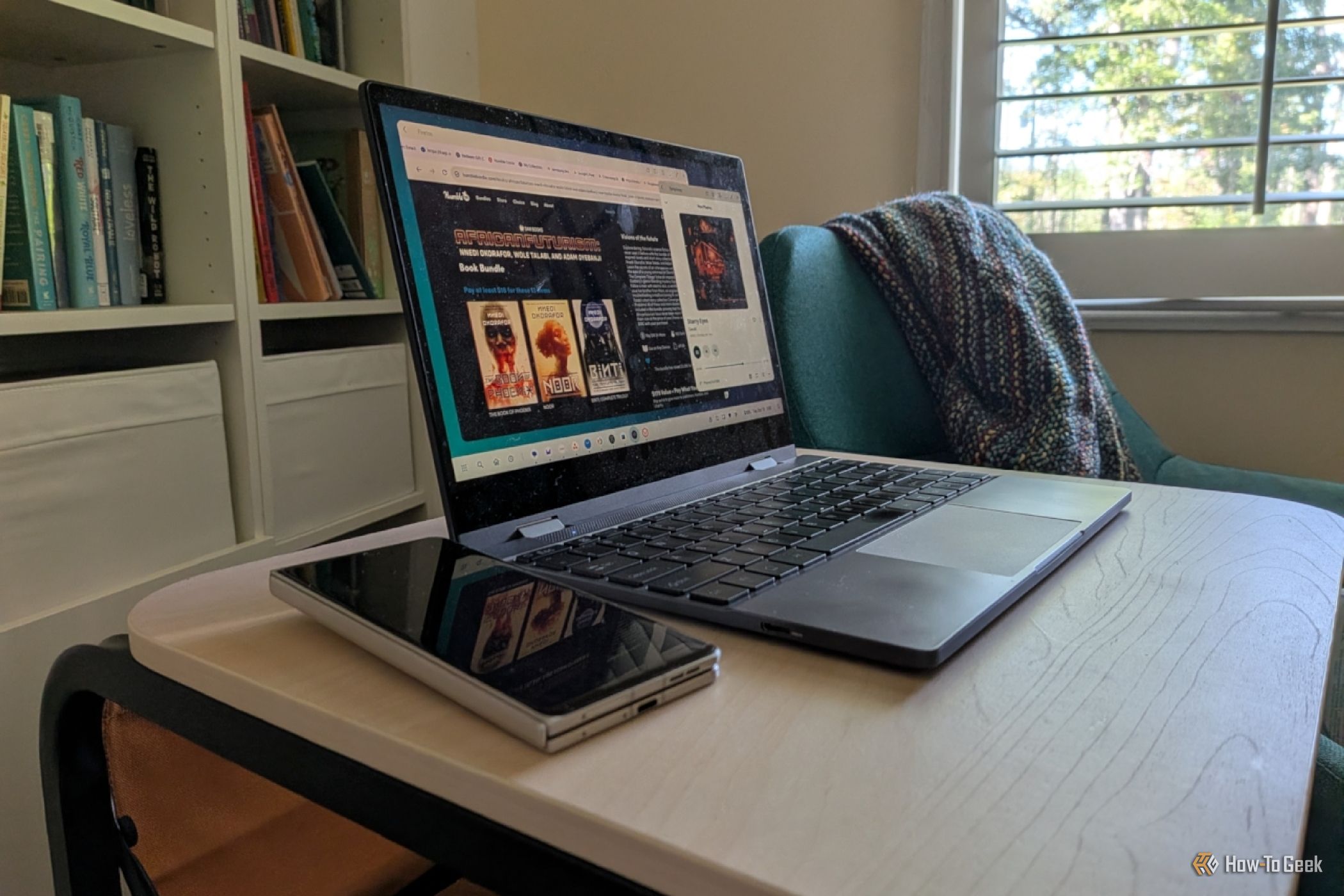
Turn Your Android Phone into a Powerful Desktop Replacement
Learn how to transform your Android phone into a full-fledged desktop computer using external displays and accessories, providing a cost-effective and integrated alternative to new Googlebooks.