
Smart Plugs: What NOT to Plug In & Safe Alternatives
Smart plugs are fantastic for automating your home, turning ordinary devices into smart ones. However, they have a critical limitation: their power rating. Plugging the wrong device into a standard smart plug can lead
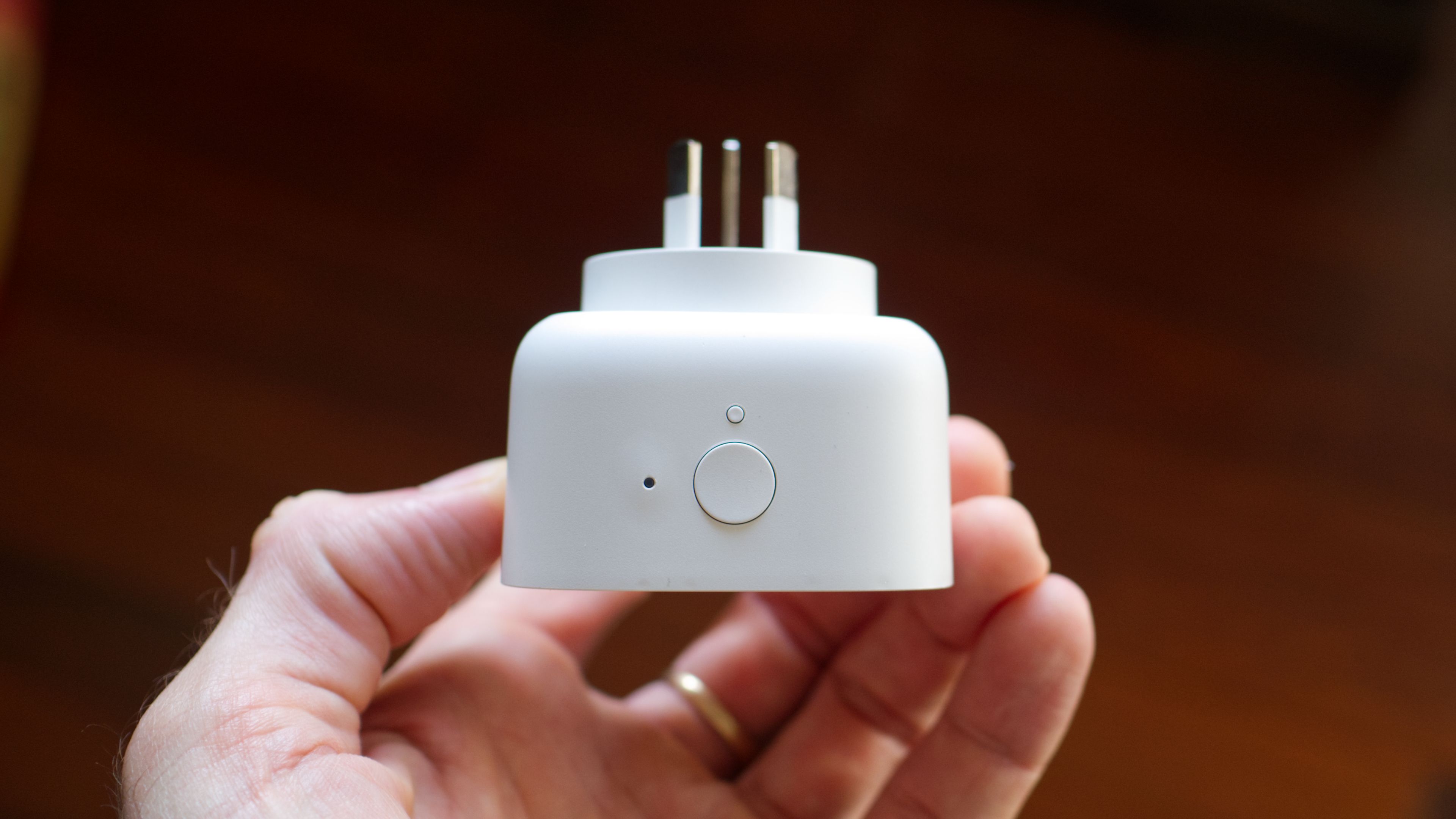
Smart plugs are fantastic for automating your home, turning ordinary devices into smart ones. However, they have a critical limitation: their power rating. Plugging the wrong device into a standard smart plug can lead to overheating, appliance damage, and even fire hazards. This guide will help you identify risky devices, understand smart plug limits, and find safe, appropriate automation solutions for your high-power appliances, ensuring a secure and efficient smart home.
Prerequisites
Before you begin, have access to your appliance manuals, packaging, or manufacturer websites. You'll also need to locate power ratings on devices themselves. A basic understanding of electrical terms like Amps (A), Volts (V), and Watts (W) will be helpful.
Step 1: Understand Standard Smart Plug Limits
Most standard smart plugs handle a maximum of 10 Amps (A). In North America (120V), this means up to 1200 Watts (W); in 240V regions, 2400W. Always check your smart plug's specific rating, usually printed on it. Exceeding these limits causes overheating, melting, appliance damage, or potential fires. While devices like lamps and fans are generally safe, high-power appliances pose a serious risk.
Step 2: Identify High-Power Devices
Be wary of appliances that generate heat, provide cooling, or have significant power spikes. These typically include:
- Clothes dryers, ovens, cooktops, electric water heaters, radiators, and portable heaters.
- Air conditioning units (including many portable models).
- Electric vehicle (EV) chargers and powerful pumps.
Even if they operate within limits normally, their startup surges can easily overload a standard smart plug.
Step 3: Determine Your Device's Power Usage
To find your device's power needs, check its user manual, packaging, manufacturer's website, or the label on the appliance itself. Look for Amps (A) or Watts (W). If you find Amps and Volts, calculate Watts: Watts = Volts x Amps. If your device's draw exceeds your smart plug's capacity (e.g., over 1200W for a 10A/120V plug), or if you're unsure, do not use a standard smart plug.
Step 4: Be Mindful of Combined Loads
Even low-power devices can create an overload when grouped. If you connect an extension cord or power strip to a smart plug, the smart plug handles the total power of all connected devices. While a few lamps are usually fine, an entire entertainment unit used simultaneously could exceed the smart plug's limit. This applies even to surge protector power strips.
Step 5: Choose Safe Alternatives for High-Power Automation
You can safely automate high-power devices using specialized solutions:
Option 1: Heavy-Duty Smart Plugs and Switches These plug into standard outlets but are designed for higher loads.
- Example: The Shelly Plug US Gen4 handles up to 15A/1800W, compatible with various smart home systems.
- Example: Zooz offers heavy-duty Z-Wave switches for robust control.
Option 2: Hard-Wired Relays These integrate directly into your electrical wiring. Important: Always comply with local electrical codes. Consult a qualified electrician if you lack experience.
- Example: The Shelly 1 Gen4 relay manages 240V at 16A, suitable for many hard-wired appliances.
- Example: For very heavy loads like EV chargers, the Aeotec Heavy Duty Smart Switch handles up to 40A.
If you're currently using a standard smart plug with a high-power device, rectify this setup for safety.
Troubleshooting Tips
What if I can't find the power rating for my device? If thorough searching fails, assume the device might exceed standard smart plug limits. Opt for a heavy-duty smart solution, or contact the manufacturer.
My standard smart plug feels warm or hot to the touch after use. What should I do? Immediately unplug the device and the smart plug. A hot plug indicates overload and unsafe operation. Do not reuse that smart plug with that device; replace it if damaged. This is a fire risk.
Tips & Best Practices
- Always Verify: Never assume safety. Always check device power ratings.
- Prioritize Safety: Convenience isn't worth fire or equipment damage risks.
- Review Existing Setups: Periodically check all smart plug connections.
- Professional Help: For hard-wired installations, hire a qualified electrician if unsure.
Next Steps
Understanding smart plug limitations and choosing appropriate heavy-duty alternatives ensures a safe and automated home. Continue exploring smart home devices to build an intelligent, efficient, and secure living space. For hard-wired solutions, consult a local electrician for professional installation advice.
FAQ
Q: Can I use a power strip with a smart plug for multiple small devices like phone chargers and small lamps? A: Yes, typically this is safe, provided the combined total power draw of all devices connected to the power strip does not exceed the smart plug's rated capacity (e.g., 10A/1200W). Always calculate the total wattage to ensure safety.
Q: What if my device sometimes goes over the 10A limit, but not always? A: Any instance of exceeding the smart plug's rated limit, even temporarily (like a startup surge), is dangerous. Standard smart plugs are not designed for intermittent overloads. For such devices, always use a heavy-duty smart plug or a hard-wired relay.
Q: Is it safe to use a standard smart plug for charging a laptop or phone? A: Yes, laptops, tablets, and phone chargers draw low power, well within a standard smart plug's safe limits. They don't generate significant heat or power surges that would typically cause an overload, making them excellent candidates for smart plug automation.
Related articles

Apple Unveils iPhone Duo: Pricey Foldable Sees Soaring Demand
Apple has officially entered the foldable smartphone arena with the long-anticipated launch of the iPhone Duo. Priced starting at a hefty $1,999, the device features a 5.4-inch outer display and a larger 7.6-inch inner

DJI Solo Video Setups: Smart Choices for Lone Creators
This review delves into DJI's recommended solo video setups, highlighting the Osmo Pocket 3 Creator Combo as a top pick for its integrated camera, gimbal, and mic. It also covers stabilizers like the Osmo Mobile 8 and RS 4, and the DJI Mic Mini series for enhanced audio, providing honest pros, cons, and clear buying advice.

Ditch Merge & Center: The Better Way to Align Text in Excel
Learn to use Excel's "Center Across Selection" to align text across cells without merging, avoiding common data manipulation issues. This guide provides steps to utilize this newly accessible feature and add it to your Quick Access Toolbar.

Enterprise AI Beyond Chatbots: A Vision for Actionable Intelligence
Quick Verdict: Redefining Enterprise AI's Potential TechRadar Pro's opinion piece, "What it takes to move enterprise AI beyond the chatbot," delivers a refreshingly honest and vital perspective on the current state and

Secure Internal API Access for AI Agents with MCP
AI agents accessing internal APIs directly pose significant risks, including identity loss, unrestricted queries, and security bypasses. The Model Context Protocol (MCP) offers a solution by defining explicit tools. A secure architecture involves an MCP server wrapping the API with strict input validation, coupled with a gateway that handles authentication, rate limiting, and audit logging, ensuring safe and accountable access.

regional: ‘What is fusion?’ Helion Energy harnesses the power of
Helion Energy, the Everett-based fusion startup, gained mainstream attention this week after being featured as a clue on the popular game show "Jeopardy!". The $800 clue, part of a "Y Combinator" category, highlighted Helion's mission to build the first fusion power plant, bringing the concept of clean energy to a wider audience. CEO David Kirtley celebrated the "surreal" moment as a sign that reliable clean power is becoming more accessible.