
Recover Significant Android Storage with the Powerful SD Maid SE App
Running low on storage can slow down your Android phone and limit what you can do. While your device's built-in storage manager offers basic cleaning, it often misses a significant amount of hidden junk. This guide will
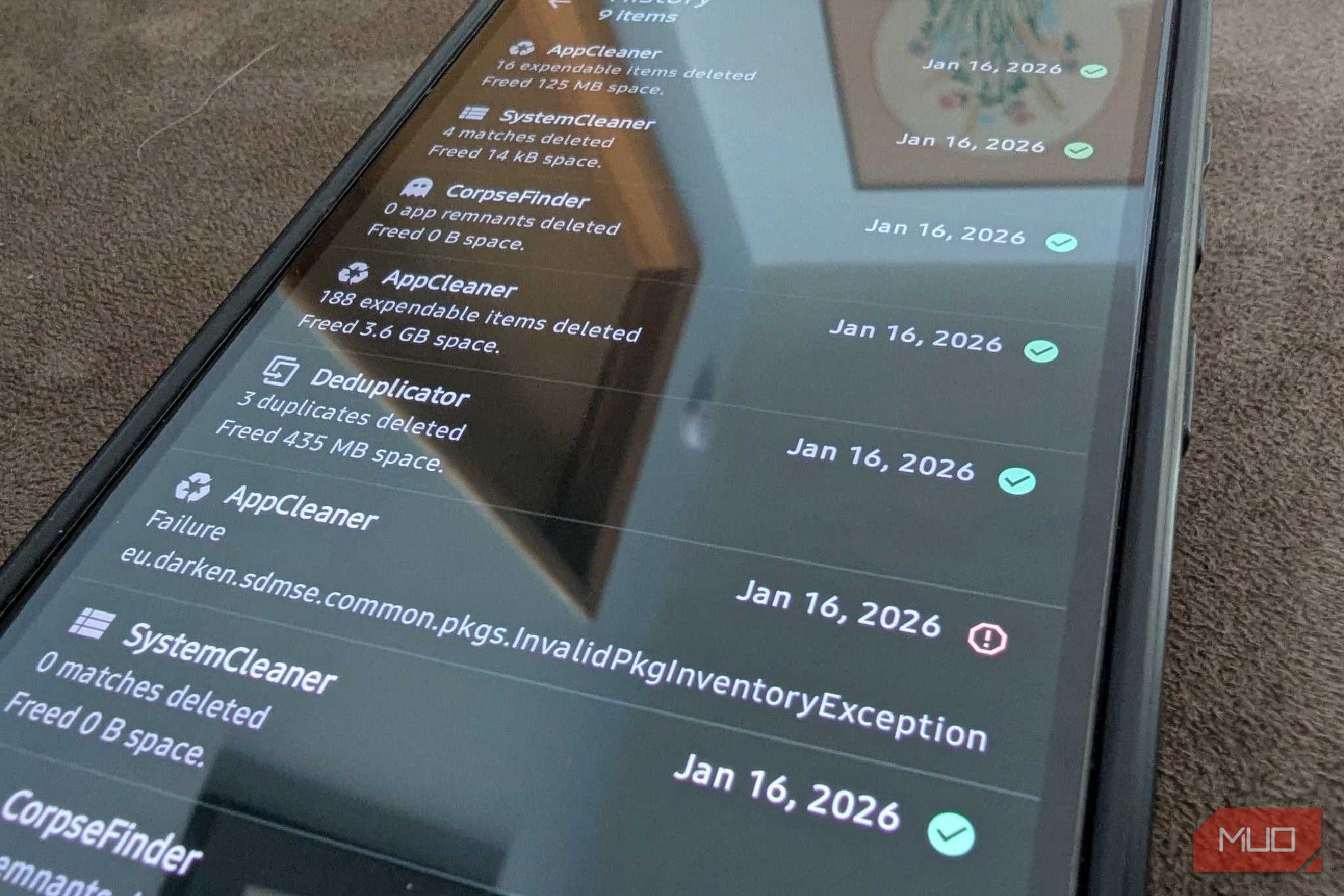
Running low on storage can slow down your Android phone and limit what you can do. While your device's built-in storage manager offers basic cleaning, it often misses a significant amount of hidden junk. This guide will walk you through using SD Maid SE, an open-source Android app, to perform a deep clean and reclaim valuable storage space—just like recovering 8.4GB on a new device.
SD Maid SE goes beyond typical cleaners by offering advanced tools to target leftover data, system clutter, and app caches that commonly go unnoticed. By the end of this guide, you’ll be able to identify and safely remove these unnecessary files, boosting your phone’s performance and capacity.
What You'll Need
To get started with deep cleaning your Android phone, you only need two things:
- An Android smartphone: This guide is applicable to any Android device.
- The SD Maid SE app: Download it from the Google Play Store, F-Droid, or its GitHub page. While the app has a Pro version, the free features are powerful enough to recover substantial storage.
Understanding SD Maid SE: A Deeper Clean for Your Android
Unlike many default Android storage managers, which might suggest clearing generic cache or large files, SD Maid SE provides a comprehensive overview of what's truly consuming your storage. It excels at revealing the mysterious 'other' storage sections that other cleaners often can't explain.
SD Maid SE leverages Shizuku integration, an Android utility that grants apps advanced access without requiring root privileges. This enhanced access allows SD Maid SE to perform deep cleaning tasks that Android's standard permissions would normally restrict, giving it an edge over less capable cleaning tools.
Key Tools for Deep Cleaning Your Android with SD Maid SE
SD Maid SE features 10 tools, with five core ones available in the free version. These are the tools that will help you recover significant storage. Follow these steps to utilize them effectively:
1. Tackle Leftover Data with CorpseFinder
Android's default uninstaller often leaves behind data, folders, and residual files even after an app has been removed. These remnants can accumulate over time, silently eating away at your storage.
- What it does: CorpseFinder meticulously scans your device for these leftover files from previously uninstalled applications.
- How to use it: Open SD Maid SE and navigate to the CorpseFinder tool. Initiate a scan. The app will list any detected remnants. Review the findings and select the data you wish to remove. Using this tool regularly ensures that old app data doesn't become permanent clutter.
2. Deep Clean System Junk with SystemCleaner
Beyond the basic cache that most cleaners target, your Android system generates various expendable files, such as crash logs, temporary files, and old installer packages. SystemCleaner is designed to identify and remove these specific types of system clutter.
- What it does: SystemCleaner uses unique filters to find and clear crash logs, temporary files, and obsolete installer files that are safe to delete.
- How to use it: Access the SystemCleaner feature within SD Maid SE. Start a scan to let it analyze your system files. Once the scan is complete, you'll see a list of detected junk. Confirm the items you want to delete to free up space.
3. Optimize Active Apps with AppCleaner
Even currently installed apps accumulate expendable data, including app cache, thumbnail cache, and offline cached content. While individually small, these can add up to gigabytes of storage over time, especially from social media or streaming apps.
- What it does: AppCleaner scans for and identifies various forms of expendable data from your active applications that are safe to remove without affecting app functionality.
- How to use it: Go to the AppCleaner section of SD Maid SE. Run a scan to see how much cached data your installed apps are holding onto. You'll likely find significant amounts from frequently used apps. Review the list and proceed with cleaning to recover space.
4. Review Before You Remove with Swiper
Accidentally deleting important files is a common concern with cleaning apps. SD Maid SE addresses this with its Swiper tool, which provides a crucial manual review step.
- What it does: Swiper gives you a detailed overview and control over the data that SD Maid SE intends to remove. It's your last line of defense against unwanted deletions.
- How to use it: After performing any scan and clean operation with CorpseFinder, SystemCleaner, or AppCleaner, SD Maid SE will often present its findings through a screen that allows you to swipe through or review the files. Take your time to check the list of items proposed for deletion to ensure nothing critical is selected before confirming the cleanup.
5. Manage Your Apps Effectively with App Control
App Control is a more robust version of your Android phone's built-in app settings, offering detailed insights and management options for your installed applications.
- What it does: It provides information like installation date, last usage, update history, and allows you to export
.apkinstallers or batch-select apps for management tasks. - How to use it: While not directly a storage recovery tool in the same way as the others, App Control helps you manage your apps more efficiently. You can use it to identify apps you no longer use, export
.apkfiles before uninstalling (if you want a backup), or gain a clearer understanding of your app ecosystem. This indirect management can lead to informed decisions about which apps to keep or remove, contributing to better storage hygiene.
Why SD Maid SE Stands Out: Trust and Transparency
It's natural to be cautious about granting an app extensive permissions. However, SD Maid SE is an open-source application, meaning its code is publicly available for scrutiny. This transparency fosters trust for several reasons:
- Local Data Processing: All data processing occurs directly on your device. The app does not collect, store, or sell any of your personal information, a rare trait among free cleaning apps.
- Ad-Free Experience: SD Maid SE is completely free of ads and doesn't aggressively push you to buy a paid version or bundled services, ensuring a clean and focused user experience.
- Long-standing Reliability: The app has maintained its core purpose and integrity for years, demonstrating a commitment to its users rather than pursuing quick monetization schemes.
Tips for Maintaining a Clean Android
- Regular Scans: Make it a habit to run SD Maid SE scans periodically (e.g., once a month) to prevent junk files from accumulating.
- Understand What You're Cleaning: Always use the Swiper feature to review files before deletion. While SD Maid SE is designed to identify safe-to-remove items, a quick check can prevent accidental loss of important data.
- Identify Heavy Offenders: Pay attention to which apps consistently generate the most cache, as identified by AppCleaner. This insight can help you decide if you need to adjust your usage of those apps or clear their cache more frequently.
Troubleshooting Common Issues
- Not finding much to clean? If you've recently acquired your Android device or regularly use other cleaning tools, SD Maid SE might not immediately find gigabytes of junk. Give it some time for new app data and system logs to accumulate. Its strength lies in catching what other cleaners miss over time.
- Permission difficulties? Ensure you've granted all necessary permissions when prompted by SD Maid SE. For advanced features or if encountering issues with deep cleaning, ensure Shizuku is correctly set up and enabled, as this utility is crucial for SD Maid SE's comprehensive access.
FAQ
Q: Is SD Maid SE safe to use on my Android phone?
A: Yes, SD Maid SE is widely considered safe. It's an open-source application, meaning its code is transparent and can be reviewed by experts. It processes all data locally on your device, does not collect or sell your personal information, and only requests permissions essential for its deep cleaning functions.
Q: Do I need to root my phone for SD Maid SE to work?
A: No, you do not need to root your phone. SD Maid SE achieves its advanced access capabilities through Shizuku integration, which provides necessary permissions without requiring root. This makes it accessible to a wider range of Android users who prefer not to root their devices.
Q: What's the main difference between the free and paid (Pro) versions of SD Maid SE?
A: The free version of SD Maid SE provides access to the most critical cleaning tools like CorpseFinder, SystemCleaner, and AppCleaner, which are sufficient for significant storage recovery. The Pro version unlocks additional features such as automated cleaning (scheduling cleanups), a deduplicator to find and remove duplicate files, and other advanced functionalities for even greater control and convenience.
Next Steps: Keep Your Android Optimized
Now that you've experienced the power of SD Maid SE, consider integrating its use into your regular phone maintenance routine. For those who want to take their optimization further, exploring the Pro version's automated features might be a worthwhile investment to keep your Android running smoothly with minimal effort.
Related articles
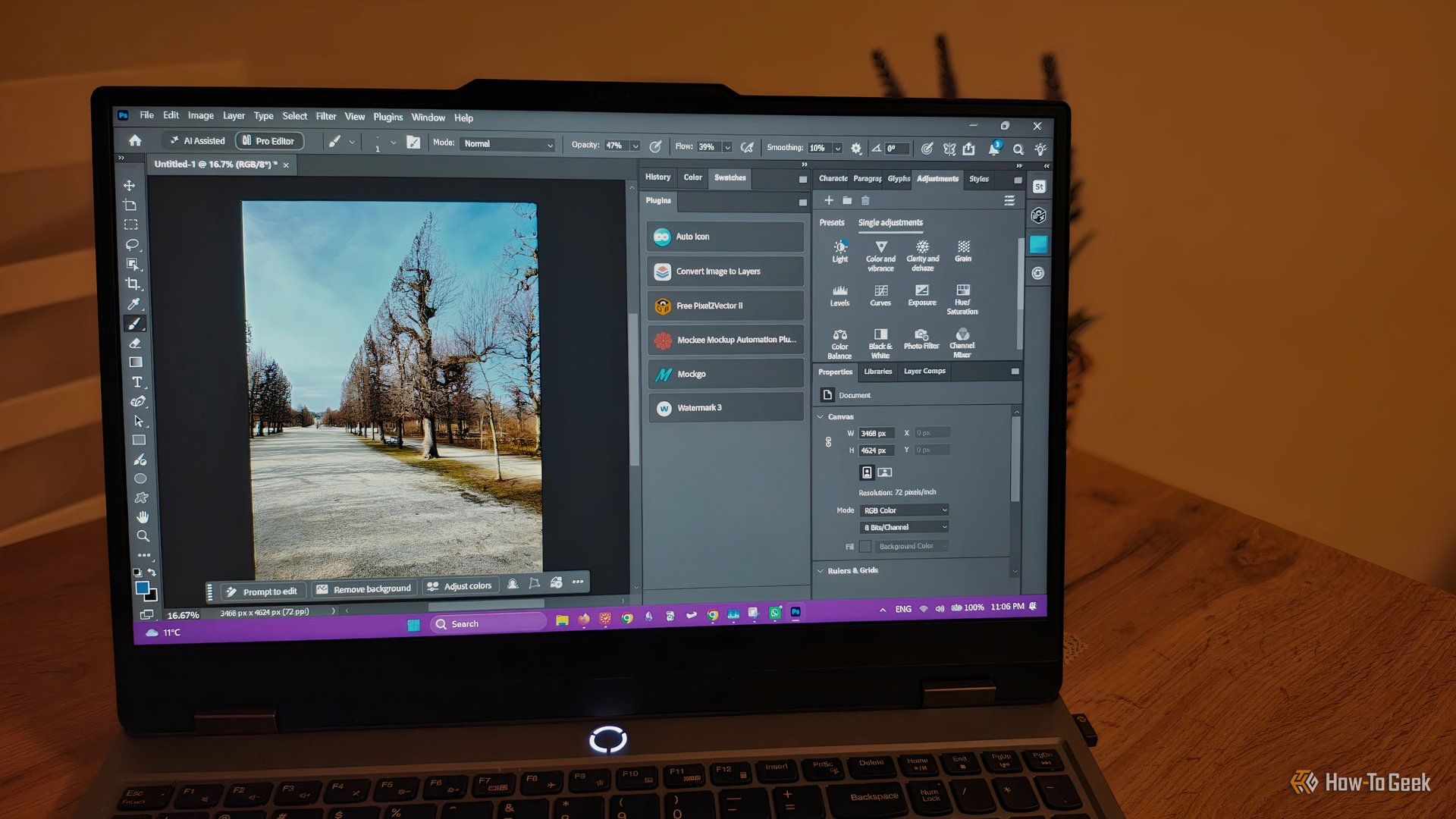
howto: 4 Photoshop plugins so essential they should be built-in
Discover four essential Photoshop plugins that streamline your workflow, save time, and unlock new creative possibilities, making you wonder why they aren't built-in features.

Here’s where you can preorder the new OLED-equipped iPad Mini: Apple
Apple has officially opened preorders for its eighth-generation iPad Mini, featuring a vibrant 8.5-inch OLED display and powerful A20 Pro chip. Starting at $699, the device can be preordered from Apple and Best Buy before its November 6th release, promising significant upgrades in visual technology and performance.

Xreal Unveils Aura Wired Smart Glasses Running Android XR
At the Android Dev Summit on Wednesday, Xreal, Google's smart glasses collaborator, officially introduced its new Xreal Aura wired smart glasses. The device, which had been teased earlier in the year at Google's I/O
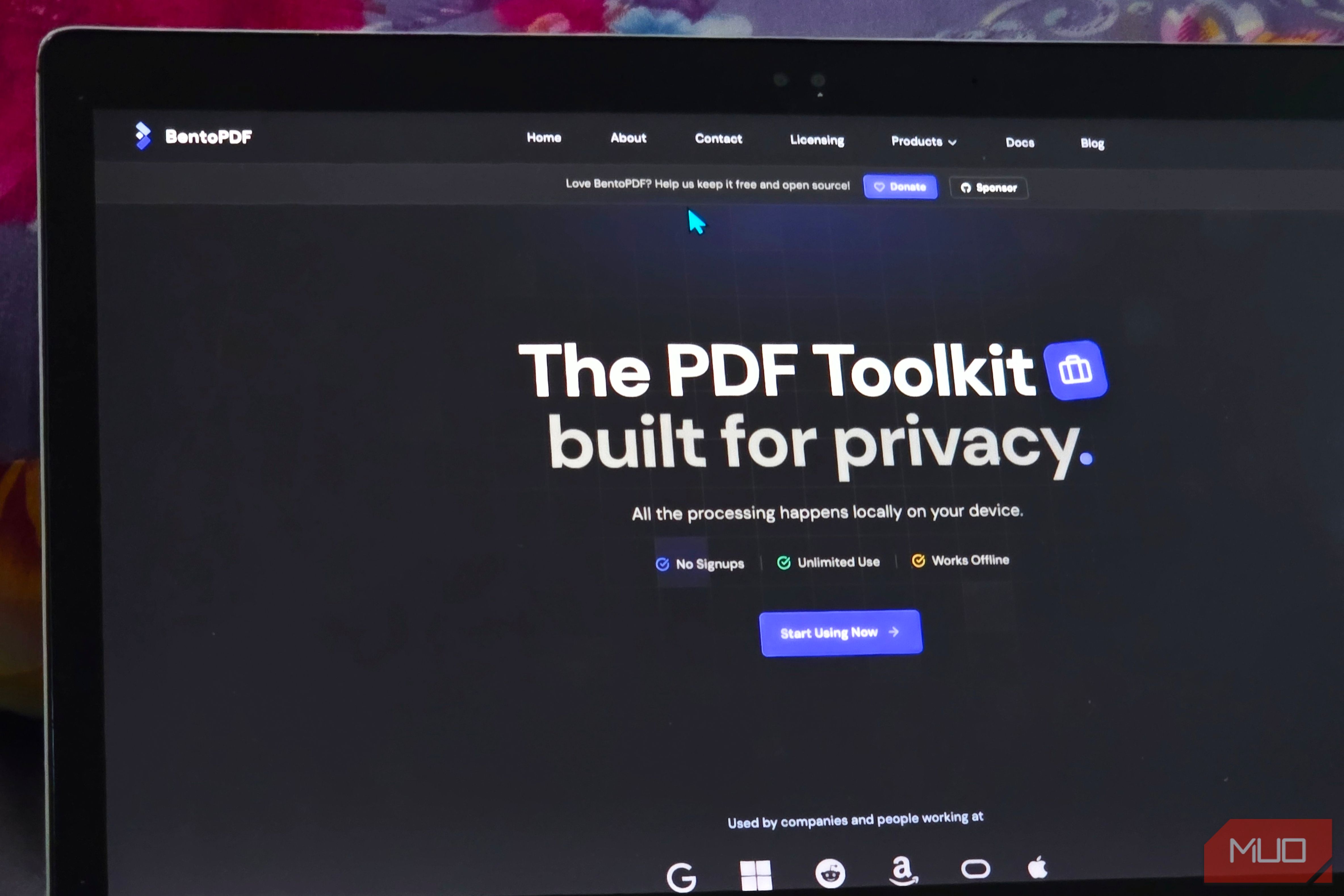
Solve Annoying PDF Problems Locally in Your Browser with BentoPDF
Dealing with PDFs can often feel like a never-ending series of small, annoying tasks. You might need to combine several documents, reduce the size of a bulky file, or even make an image-only scan searchable. Typically,

Your Guide to LG's 115-inch QNED evo TV: Features, Gaming & Price
Welcome to an exciting exploration of LG's latest innovation in home entertainment: the colossal 115-inch QNED evo AI Mini LED TV. This guide is designed to walk you through everything you need to know about this

GM Pivots to Hybrids with $2 Billion Investment in Lansing Plant
In a significant strategic shift, General Motors has announced plans to invest over $2 billion in its Lansing region operations, including $1.25 billion specifically for its Lansing Delta Township Assembly plant. This