
Mastering AI Debugging: Choose the Right LLM to Fix JavaScript Bugs
Learn to choose the best LLM for debugging JavaScript by understanding how Claude, ChatGPT, and Gemini perform on complex bugs, emphasizing accuracy over speed to fix root causes efficiently.
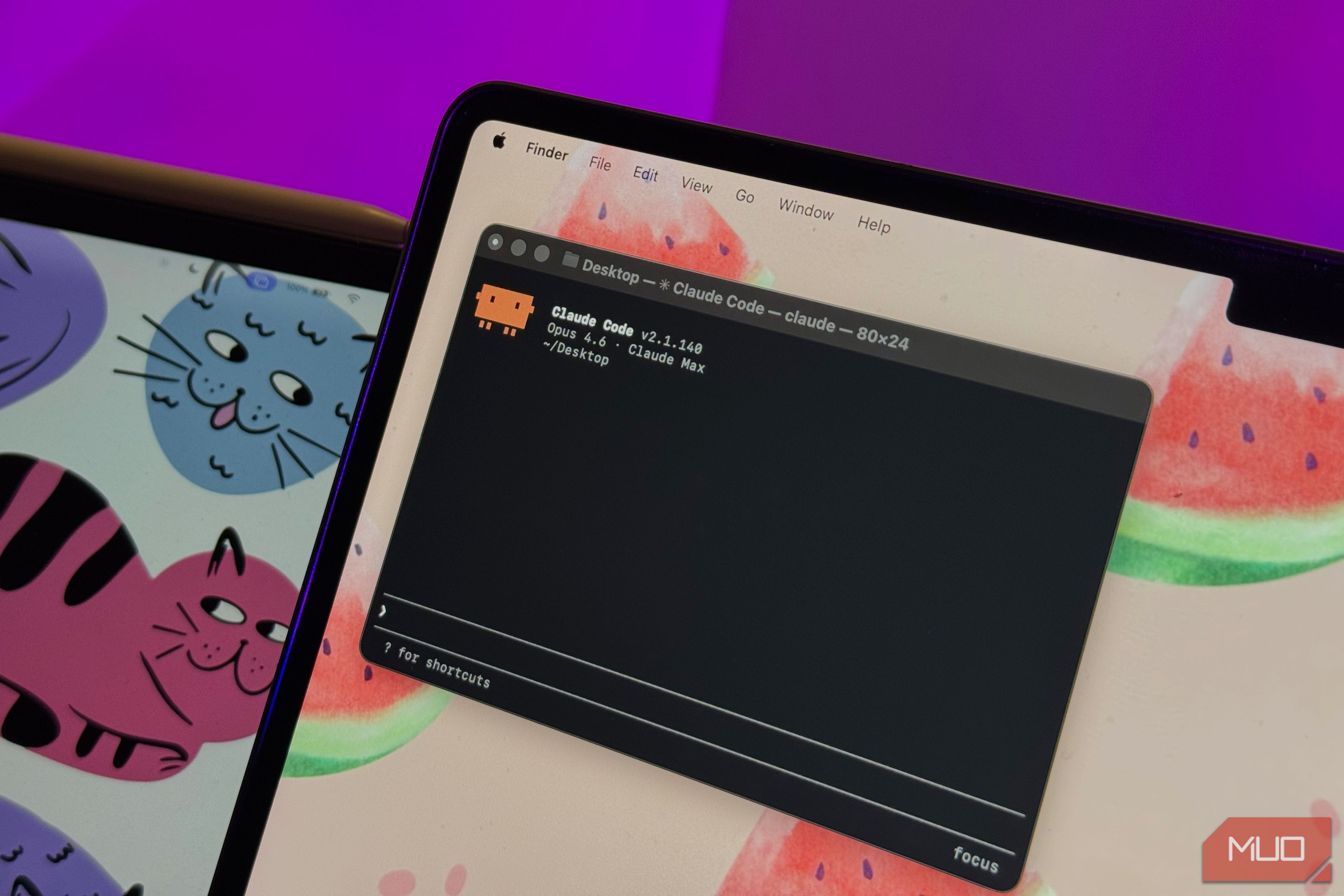
Debugging complex JavaScript code can feel like searching for a needle in a haystack, especially when console errors lead you down the wrong path. Thankfully, Large Language Models (LLMs) are powerful allies in this quest, capable of doing more than just generating code – they can help you meticulously comb through problematic snippets to pinpoint hidden issues.
This guide will help you navigate the strengths and weaknesses of popular LLMs like Claude, ChatGPT, and Gemini when it comes to debugging JavaScript. We'll explore how each performed in a controlled test with subtle, hard-to-find bugs, empowering you to choose the best AI assistant for your specific debugging challenges, ultimately saving you valuable time and stress.
What You'll Accomplish
By the end of this guide, you will:
- Understand the comparative performance of Gemini, ChatGPT, and Claude on complex JavaScript debugging tasks.
- Learn which LLM is best suited for different types of debugging scenarios, from quick checks to intricate root cause analysis.
- Gain insights into why accuracy and completeness are more critical than speed in debugging.
- Be equipped with practical tips for integrating AI assistants effectively into your debugging workflow.
Prerequisites
To make the most of this guide, you'll need:
- Basic JavaScript Knowledge: Familiarity with JavaScript concepts will help you understand the nuances of the debugging examples discussed.
- Access to LLMs: While not strictly required for reading, having access to Gemini, ChatGPT, or Claude will allow you to apply the principles in your own coding projects.
The Hidden Bugs That Trip Up Code (and Sometimes LLMs)
Debugging isn't always about spotting obvious syntax errors. Sometimes, bugs are deeply embedded, leading to non-deterministic behavior or unexpected output. The test used to evaluate these LLMs involved a JavaScript file with three particularly tricky issues:
- A Scoping Issue: Where a variable's scope led to incorrect values.
- An Async Race Condition: Causing functions to execute in an unintended order due to a missing
await. - An Index-Based Assignment Bug: Resulting in non-deterministic ordering of data, making consistent behavior elusive.
These are the kinds of bugs that can ruin an afternoon, making the console output actively misleading. Let's see how our AI contenders fared against them.
LLMs in the Debugging Arena: A Comparative Look
When faced with the same complex JavaScript, each LLM approached the task differently, revealing distinct strengths and weaknesses.
1. Gemini: The Quick Guesser, Sometimes Inconsistent
Gemini positioned itself in the middle ground regarding response speed, often providing two different answers before ChatGPT but after Claude. It successfully identified the scoping issue, even offering an explanation of block scoping as part of its proposed solution.
However, Gemini struggled with the more subtle problems. It completely missed the async race condition, meaning its suggested fix, while making the code look correct, wouldn't resolve the underlying problem. Running the code would still produce issues, leaving you scratching your head.
Furthermore, Gemini's responses could be inconsistent. One response didn't even clarify the changes or their impact. Multiple attempts with the same prompt yielded varying results, occasionally detecting the async race issue but still failing to catch the index-based assignment bug. While useful for quick checks or simpler tasks, its inconsistency and tendency to miss deeper issues make it less reliable for complex debugging.
2. ChatGPT: The Methodical Analyzer, Close to the Mark
ChatGPT took longer to generate a response, but its thoroughness was notable. It managed to identify all three bugs: the scoping issue, the missing await causing early logs, and the non-deterministic ordering from random delays. Its explanations were methodical and generally easy for a beginner to understand.
ChatGPT often presented multiple options for fixes, each with different implications. Its primary recommendation involved patching the code in a way that assumed other sections would align, which, while technically correct, didn't address the root cause directly – merely postponing the problem rather than fully resolving it. To its credit, it also suggested a more comprehensive fix involving a loop, acknowledging that this correct approach might be slower to implement.
While ChatGPT's reasoning was strong and it caught all the issues, its solutions sometimes offered surface-level fixes rather than diving straight to the root, which could lead to further confusion down the line.
3. Claude: The Root Cause Resolver, Fast and Comprehensive
Claude was the fastest to provide a response and offered the most complete solution. Unlike the others, it didn't give multiple answers or different ways to fix the problem; it directly identified, methodically explained, and patched all three issues. (It's worth noting that Claude Chat was used for the test, not Claude Code, though Claude recommended switching to Claude Code immediately after responding).
Claude's output was technically sound and detailed. While a seasoned programmer would appreciate its depth, a newcomer might need a follow-up request for a simpler explanation. Despite the technical nature of its output, Claude excelled at cleaning up code and consistently providing accurate, well-structured solutions that directly addressed the root causes of the bugs. This made it stand out as a highly effective debugging tool, capable of saving significant time.
The Crucial Lesson: Accuracy Trumps Speed
While speed is often desirable, in debugging, accuracy and completeness are paramount. Claude's ability to consistently provide more complete and correct solutions, even if sometimes matched in speed by ChatGPT, holds significant real-world value. A partial fix from an LLM can save a few minutes initially, but it can lead to hours of additional work and confusion later when new or different problems emerge from an unresolved root cause.
When working with a large codebase, every minute saved by a truly effective solution compounds into hours. Opting for an LLM that dives deeper and resolves the foundational issue is an investment that pays off immensely, preventing the headache of chasing symptoms rather than cures.
Choosing Your Debugging AI Companion
Each LLM offers distinct advantages depending on your debugging needs:
-
For Quick Sanity Checks or Simple Issues (Gemini): If you need a fast glance at a minor issue, or if the problem is straightforward and easily identifiable, Gemini's quick responses can be helpful. It's also useful for tasks that benefit from its integration with the Google ecosystem.
-
For Most Common Bugs and Explanations (ChatGPT): When you encounter typical bugs and appreciate a methodical explanation, ChatGPT is a strong contender. It generally catches most issues and provides reasoning that can be beneficial for learning, even if its solutions occasionally require a deeper dive from your end to ensure root cause resolution.
-
For Deeply Hidden, Misleading, or Technical Bugs (Claude): When dealing with bugs that are actively deceptive, highly technical, or require tracing complex cause-and-effect through execution flow, Claude shines. Its speed combined with its consistent, complete, and root-cause-focused solutions makes it an invaluable tool for critical debugging sessions. While its explanations can be dense, its accuracy is unparalleled in these challenging scenarios.
Best Practices for AI-Assisted Debugging
- Focus on Root Cause: Always aim to understand the underlying problem, not just the symptom. An AI might offer a quick patch; ensure it addresses the core issue.
- Verify Solutions: Never blindly trust an AI's fix. Always test the proposed code changes thoroughly in your environment to confirm they resolve the bug without introducing new ones.
- Provide Context: The more context you give the LLM about your code and the bug, the better its chances of providing an accurate solution.
- Iterate and Refine: If an initial AI response isn't perfect, try rephrasing your prompt or asking for alternative solutions or simpler explanations.
Next Steps: Elevate Your Debugging Workflow
Now that you understand the nuances of using different LLMs for JavaScript debugging, try incorporating them into your daily coding routine. Experiment with giving them your tricky code snippets. Pay attention to how each LLM explains its reasoning and the completeness of its proposed fixes. The more you practice, the better you'll become at leveraging these powerful tools to become a more efficient and effective developer.
FAQ
Q: Why can't I just use any LLM for debugging if they all catch some bugs?
A: While any LLM can offer some help, the quality and completeness of their solutions vary significantly. As seen with Gemini, a superficial fix might make the code look correct without resolving the actual root cause, leading to more confusion and wasted time down the line. For complex or misleading bugs, choosing an LLM known for its accuracy and comprehensive analysis, like Claude, is crucial to avoid propagating issues.
Q: Is Claude always the best choice for debugging JavaScript?
A: Claude demonstrated superior performance in identifying and providing root-cause fixes for the complex bugs in the test. Its consistency and completeness make it a highly recommended option for challenging debugging tasks. However, its explanations can be quite technical, so if you're a beginner needing simpler guidance or just performing quick sanity checks, other LLMs like ChatGPT or Gemini might be more immediately accessible. For critical, deep debugging, Claude often has the edge.
Q: Can LLMs replace human debuggers entirely?
A: Not at all. LLMs are powerful assistants that can significantly speed up the debugging process by pinpointing issues and suggesting solutions. However, they lack the deep contextual understanding, creativity, and critical thinking that human developers bring to problem-solving. Developers still need to understand the code, verify the AI's suggestions, and make informed decisions about the best implementation. LLMs augment, rather than replace, human expertise in debugging.
Related articles

Ditch Merge & Center: The Better Way to Align Text in Excel
Learn to use Excel's "Center Across Selection" to align text across cells without merging, avoiding common data manipulation issues. This guide provides steps to utilize this newly accessible feature and add it to your Quick Access Toolbar.

Amazon Prime Video Launches AI-Powered Prime 360 for NBA Coverage
Amazon Prime Video is elevating its NBA coverage with the introduction of Prime 360, an AI-powered replay system offering immersive, 'fly through' views of the action. Kicking off its second season, Prime Video also adds Yahoo fantasy integration and gains exclusive Eastern Conference Finals rights, expanding its tech-driven sports broadcast. The new features aim to deliver a unique and interactive viewing experience for basketball fans.

Stop Android Auto Battery Drain: Essential Features to Disable and
Android Auto offers unparalleled convenience, bringing your phone's most useful features directly to your car's display. From navigation and calls to messages and music, it keeps you connected without distracting you

Beyond the Bugs: Conquering Studio Headaches in Indie Dev
This guide, part three in a series on running an indie studio, tackles the crucial but often overlooked aspect of dealing with non-development related issues. It introduces creating a shared 'studio backlog' for collective problems and using the IDS (Identify, Discuss, Solve) framework to address them constructively. The core message is to build powerful habits that keep studios from getting quietly derailed by lingering challenges.

Turn Your Android Phone into a Powerful Desktop Replacement
Learn how to transform your Android phone into a full-fledged desktop computer using external displays and accessories, providing a cost-effective and integrated alternative to new Googlebooks.

howto: Four Ways the Fitbit Edge Is Better Than the Charge 6, and Two
Learn the key differences between the Fitbit Edge and Charge 6, including four advantages of the Edge and two areas where it falls short, to help you choose the best fitness tracker for your needs.