
How to Upgrade Your E-Reading with the Boox Go 10.3 Gen II Series
Are you looking to rekindle your love for reading or enhance your productivity with a versatile e-ink tablet? Many of us find our reading habits dwindling amidst the distractions of modern life, but an e-ink device can

Are you looking to rekindle your love for reading or enhance your productivity with a versatile e-ink tablet? Many of us find our reading habits dwindling amidst the distractions of modern life, but an e-ink device can truly transform the experience. The Onyx Boox Go 10.3 has been a strong contender in the e-reader market, often surpassing popular options like Kindle and reMarkable 2 in many aspects. However, its previous generation had one significant limitation. The good news? Boox has listened to feedback and just unveiled the Gen II series, which completely resolves this issue.
This guide will walk you through the exciting new features of the Boox Go 10.3 (Gen II) series, help you understand the differences between the new models, and empower you to choose the perfect device to elevate your digital reading and note-taking journey.
What You'll Accomplish
By following this guide, you will:
- Understand the key improvements in the new Boox Go 10.3 Gen II series, especially the much-anticipated addition of a front light.
- Learn about the two distinct models: the Go 10.3 (Gen II) Lumi and the standard Go 10.3 (Gen II).
- Be able to compare their specifications, features, and pricing to make an informed decision based on your personal reading and usage habits.
- Discover the significant advantages of the updated Android 15 operating system for enhanced app compatibility and performance.
- Know where and how to purchase your preferred model to start enjoying a superior e-ink experience.
Prerequisites
To get the most out of this guide, you should have:
- A desire for a dedicated e-reading and/or note-taking device that minimizes digital distractions.
- An interest in an open-ecosystem e-ink tablet that supports a wide range of third-party applications.
- A basic understanding of e-ink technology and its benefits.
Step 1: Understanding the Solved Limitation and New Models
The previous generation of the Boox Go 10.3, while excellent in many respects, faced a significant complaint from users: the absence of a front light. While this design choice did enhance the display's contrast, it severely limited usability in dim environments. For many, especially those who enjoy late-night reading sessions in bed, this was a deal-breaker.
Boox has addressed this crucial feedback with the announcement of the Go 10.3 (Gen II) series. This new lineup introduces two distinct models to cater to different user preferences:
- Boox Go 10.3 (Gen II) Lumi: This model finally integrates a dual-tone front light, making it perfect for reading in any lighting condition, from bright sunlight to a completely dark room.
- Boox Go 10.3 (Gen II): This standard model retains the original's focus on natural light use, omitting the front light. It's optimized for readers who primarily use their device in well-lit environments and prefer the slightly lighter profile.
Step 2: Comparing the Boox Go 10.3 Gen II Lumi and Standard Models
While both Gen II models offer a premium e-ink experience, their primary difference lies in the front light and the subtle impacts on their physical design. Here's a breakdown to help you compare:
| Feature | Boox Go 10.3 (Gen II) Lumi | Boox Go 10.3 (Gen II) |
|---|---|---|
| Front Light | Integrated dual-tone | None (optimized for natural light) |
| Weight | 364 grams | 360 grams |
| Thickness | 4.8 mm | 4.6 mm |
| Retail Price | $449.99 | $419.99 |
Interestingly, despite the addition of a front light, the Lumi model is still impressively light at 364 grams – 10 percent lighter than its predecessor (375 grams). Boox even likens its weight to being lighter than a canned soft drink, a testament to its portability. The Lumi is also only marginally thicker than the original (4.8mm vs. 4.6mm), a trade-off many will find worthwhile for the added functionality.
Step 3: Discovering Core Features Shared Across Both Models
Beyond their key distinctions, both the Lumi and standard Gen II models share robust hardware and features that make them exceptional e-ink tablets. These ensure a smooth and versatile user experience:
- Powerful Performance: Both devices are equipped with an octa-core processor, ensuring snappy performance whether you're reading, taking notes, or navigating apps.
- Ample Memory and Storage: With 4GB of RAM and 64GB of internal storage, you'll have plenty of space for books, documents, and applications, along with smooth multitasking capabilities.
- Long-Lasting Battery: A substantial 3,700mAh battery promises extended usage, allowing you to read and work for long periods without constant recharging.
- Wide File Compatibility: Support for 26 file formats means you can access virtually any document or e-book without conversion hassles.
- Modern Connectivity: Dual-band Wi-Fi ensures fast and reliable internet access for downloading content and syncing.
- Integrated Audio: Built-in speakers offer the convenience of listening to audiobooks or other audio content directly from your device.
- Premium Accessories: Each Gen II tablet ships with the new Magnetic InkSense Plus stylus for precise writing and drawing, along with a slim magnetic case to protect your device.
Step 4: Embracing the Android 15 Advantage
One of the most compelling reasons to choose a Boox device over many other e-readers is its open Android ecosystem. Unlike devices that lock you into a proprietary store or limited app selection, Boox tablets give you full access to the Google Play Store. This means you can install your preferred reading apps (like Kindle, Kobo, or Libby), note-taking software, or even productivity and streaming apps, transforming your e-ink tablet into a highly customizable tool.
The Gen II series brings a significant leap in its operating system, upgrading from Android 12 all the way to Android 15. This upgrade is not just about keeping current; it delivers tangible benefits that enhance your device's functionality and longevity:
- Improved App Compatibility: Staying on the latest Android version ensures that your favorite apps continue to work properly and receive updates.
- Smoother Performance: Android 15 offers better memory management and optimized UI interactions, leading to a more fluid and responsive user experience.
- Enhanced Multitasking: Enjoy superior multitasking capabilities, allowing you to switch between apps or use split-screen features with greater ease.
- Superior Large-Screen Support: Optimizations for large screens mean apps will display and function better on the 10.3-inch E-ink display.
- Stronger Privacy and Security: Benefit from the latest privacy controls and security updates, keeping your data and device safer.
Step 5: Making Your Purchase Decision and Getting Started
Now that you understand the enhancements and differences, making your choice is straightforward. Consider your primary usage scenarios:
- For Versatile Reading (Day and Night): If you frequently read in varied lighting conditions, especially in dim or dark environments (like a bedside reader), the Boox Go 10.3 (Gen II) Lumi is the clear choice. Its integrated front light offers unparalleled flexibility.
- For Natural Light Reading and Minimalist Design: If you primarily read in well-lit spaces and prefer the absolute lightest and thinnest profile, the standard Boox Go 10.3 (Gen II) is an excellent option, offering the core Boox experience at a slightly lower price point.
Both models are available for purchase now directly from Onyx Boox's official website and Amazon.
- Boox Go 10.3 (Gen II) Standard: Retails for $419.99
- Boox Go 10.3 (Gen II) Lumi: Retails for $449.99
Once you receive your new Boox Go 10.3 Gen II device, getting started is simple:
- Power On: Follow the initial setup instructions.
- Connect to Wi-Fi: Establish an internet connection.
- Log into Google Account: Access the Google Play Store.
- Install Your Favorite Apps: Download Kindle, Kobo, Libby, or any other reading and productivity apps you use.
- Explore Note-Taking: Begin using the included Magnetic InkSense Plus stylus with the built-in note-taking features or a third-party app.
Troubleshooting Your Decision
- What if I'm still unsure between the Lumi and Standard models? Consider how often you expect to read in low light. If there's any chance you'll want to, even occasionally, the Lumi offers peace of mind and greater flexibility for just a slightly higher investment.
- What if I'm concerned about the slight difference in thickness and weight for the Lumi? The difference is minimal (0.2mm thicker, 4g heavier than the standard Gen II, and 11g lighter than the Gen I). Most users will find the benefits of the front light far outweigh these minor variations in feel.
Next Steps
With your new Boox Go 10.3 Gen II device, a world of possibilities opens up:
- Dive into the App Ecosystem: Experiment with different reading, note-taking, and even productivity apps from the Google Play Store to tailor your device to your exact needs.
- Master Your Stylus: Explore the advanced features of the Magnetic InkSense Plus stylus for precise annotations, drawings, and handwritten notes.
- Beyond Reading: While primarily an e-reader, remember the Boox Go 10.3 Gen II's versatility. With Android 15, it can even serve as a minimalist tablet for certain tasks, allowing you to streamline your digital life.
FAQ
Q: What is the main difference between the Boox Go 10.3 (Gen II) Lumi and the standard Gen II model?
A: The primary difference is the integrated dual-tone front light found exclusively in the Lumi model. This allows for comfortable reading in any lighting condition, including dim or dark environments. The standard Gen II model does not have a front light and is optimized for use in natural or well-lit conditions.
Q: Can I install popular reading apps like Kindle or Kobo on the Boox Go 10.3 Gen II series?
A: Yes, absolutely! One of the key advantages of Boox devices is their open Android ecosystem. Both Gen II models run on Android 15 and provide full access to the Google Play Store, allowing you to download and install any compatible third-party reading apps, note-taking software, or other productivity tools you prefer.
Q: How do the Gen II models compare in size and weight to the original Boox Go 10.3?
A: The Gen II series maintains a very thin profile. The Lumi model (4.8mm, 364g) is slightly thicker than the original (4.6mm) but is actually 10 percent lighter (original was 375g). The standard Gen II model is even lighter at 360g and retains the original's 4.6mm thickness. Both are ultra-thin and lightweight, comparable to or lighter than their predecessor.
Related articles

DJI Solo Video Setups: Smart Choices for Lone Creators
This review delves into DJI's recommended solo video setups, highlighting the Osmo Pocket 3 Creator Combo as a top pick for its integrated camera, gimbal, and mic. It also covers stabilizers like the Osmo Mobile 8 and RS 4, and the DJI Mic Mini series for enhanced audio, providing honest pros, cons, and clear buying advice.

Ditch Merge & Center: The Better Way to Align Text in Excel
Learn to use Excel's "Center Across Selection" to align text across cells without merging, avoiding common data manipulation issues. This guide provides steps to utilize this newly accessible feature and add it to your Quick Access Toolbar.

Ars Technica's Rocket Report: Your Essential Space Industry Briefing
Quick Verdict Ars Technica's Rocket Report, presented by veteran space reporter Stephen Clark, offers an invaluable and meticulously organized weekly (or similar frequency, implied by "Edition 9.15") digest of the most

Stop Android Auto Battery Drain: Essential Features to Disable and
Android Auto offers unparalleled convenience, bringing your phone's most useful features directly to your car's display. From navigation and calls to messages and music, it keeps you connected without distracting you
Beyond the Bugs: Conquering Studio Headaches in Indie Dev
This guide, part three in a series on running an indie studio, tackles the crucial but often overlooked aspect of dealing with non-development related issues. It introduces creating a shared 'studio backlog' for collective problems and using the IDS (Identify, Discuss, Solve) framework to address them constructively. The core message is to build powerful habits that keep studios from getting quietly derailed by lingering challenges.
Turn Your Android Phone into a Powerful Desktop Replacement
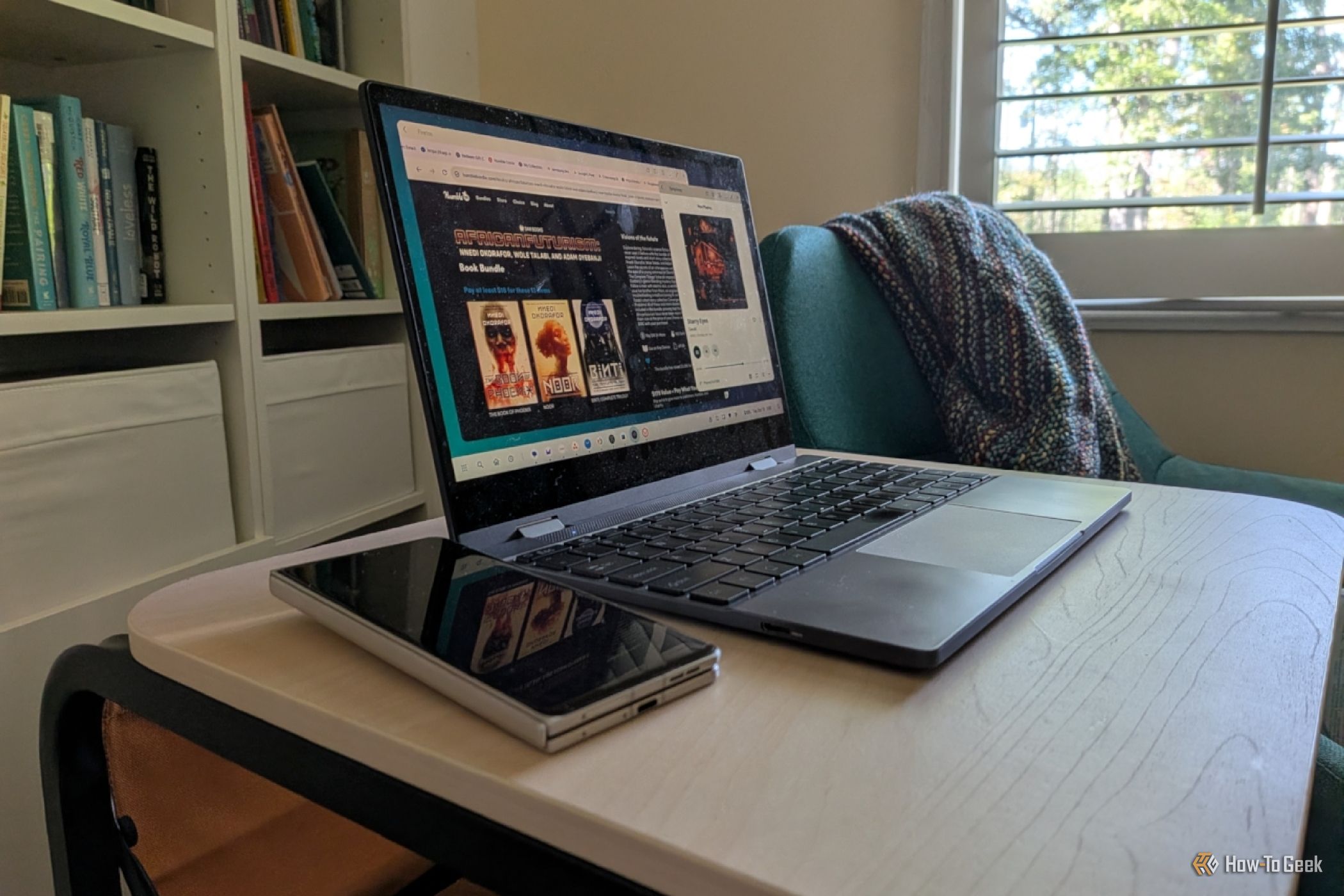
Learn how to transform your Android phone into a full-fledged desktop computer using external displays and accessories, providing a cost-effective and integrated alternative to new Googlebooks.