
How to Master Streaming: Find Shows & Premiere Dates with JustWatch
Learn to easily find any show or movie across 500+ streaming services and discover new season premiere dates with the free JustWatch app and website in just a few steps.
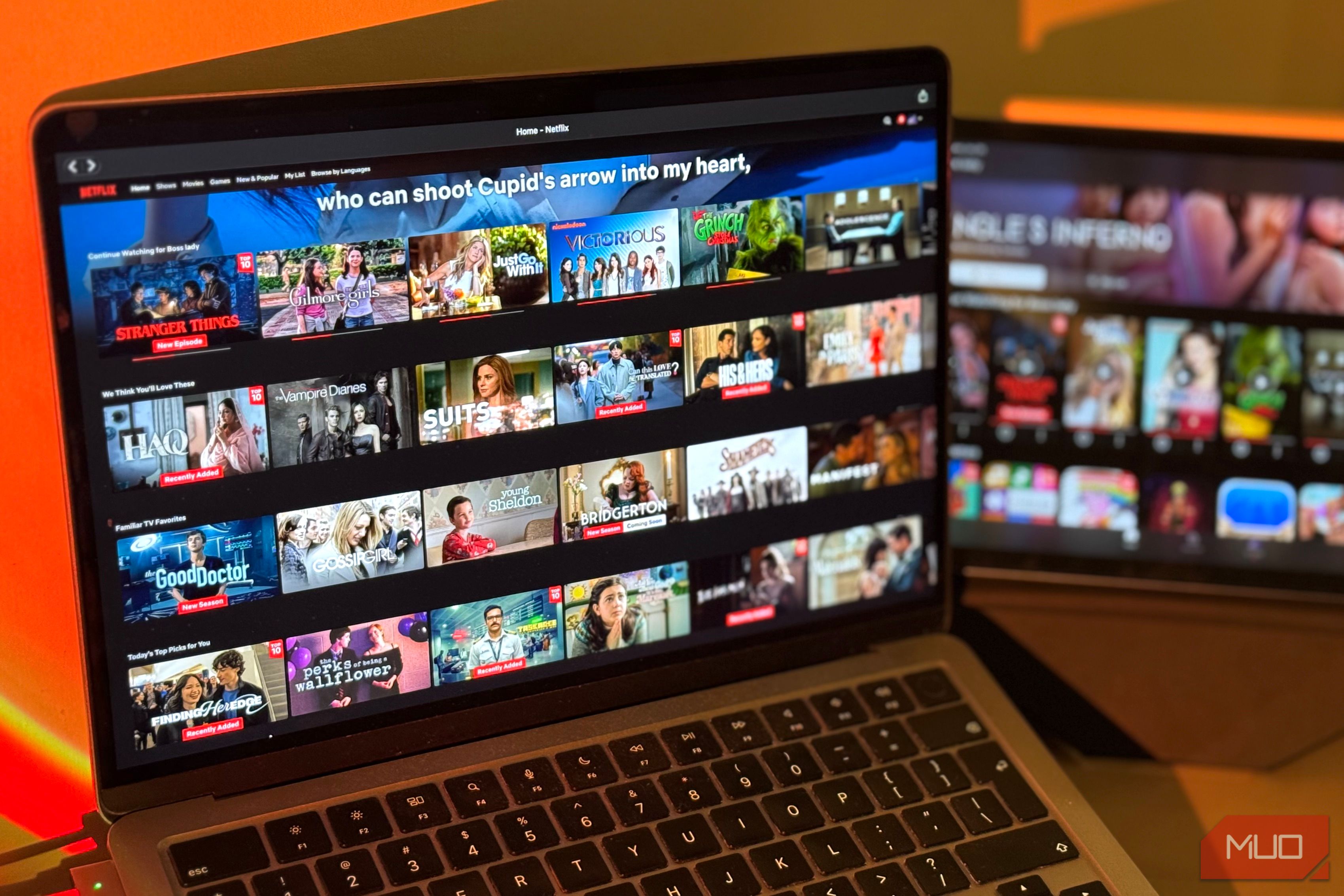
Are you tired of endlessly scrolling through Netflix, Max, or Prime Video, desperately trying to figure out when your favorite show's new season will drop? Do you struggle to remember which streaming service has that one movie you've been meaning to watch?
You're not alone. In today's fragmented streaming landscape, finding where to watch content and when new seasons premiere can feel like a full-time job. Major streaming services often prioritize promoting their latest releases over helping you track the shows you already love, leaving you to dig through menus and search engines for crucial information.
Thankfully, there's a free, brilliant solution: JustWatch. This comprehensive guide aggregates content from over 500 streaming platforms, making it incredibly easy to locate shows and movies, and – crucially – tell you exactly when those highly anticipated new seasons are set to return. JustWatch helps you escape the algorithm's push for new content and empowers you to watch what you truly want, when you want it.
In this guide, you'll learn how to leverage JustWatch to become a master of your streaming experience. You'll discover how to quickly find any show or movie, pinpoint its streaming location, and mark your calendar for upcoming premieres, ensuring you never miss a moment of your must-watch content.
Prerequisites
Before you dive into the world of streamlined streaming with JustWatch, here's what you'll need:
- An Internet Connection: JustWatch requires internet access to fetch up-to-date streaming information.
- A Compatible Device: You can access JustWatch via:
- Smartphone: Download the free app for iPhone or Android phones.
- Computer: Use the JustWatch website (justwatch.com) in any web browser.
- Smart TV: Apps are available for some smart TV platforms.
- Your Streaming Subscriptions: While JustWatch tells you where to watch, you'll still need active subscriptions to the respective streaming services (e.g., Netflix, Max, Prime Video, Peacock) to actually view the content.
Get Started with JustWatch
JustWatch is designed for ease of use, whether you prefer an app or a web browser.
-
Access JustWatch:
- On Mobile: Head to your device's app store (Apple App Store for iPhone, Google Play Store for Android) and search for "JustWatch." Download and install the free app. Once installed, open it.
- On Computer: Open your preferred web browser and navigate to justwatch.com. The website offers the same comprehensive features as the app.
- On Smart TV: If available for your specific smart TV, search for and install the JustWatch app through your TV's app store.
-
Familiarize Yourself with the Interface: Upon opening JustWatch, you'll see a clean interface. There's typically a search bar or icon, sections for popular content, and a menu that might include options like "Coming Soon" or "Top 10." Take a moment to browse the main screen to get a feel for its layout.
Find Where to Stream Any Show or Movie
One of JustWatch's primary strengths is its ability to tell you exactly where to find content, even as licensing agreements shift.
-
Use the Search Function: Locate the search bar or magnifying glass icon (usually at the top or bottom of the screen/page) and tap or click on it.
-
Enter Your Show or Movie Title: Type the full name of the content you're looking for, such as "The Office." As you type, JustWatch may suggest titles. Select the correct one from the search results.
-
View Streaming Sources: Once you select your show, JustWatch will display a detailed page. Prominently featured will be a list of all streaming services where the show is currently available. For example, for "The Office," it might show Peacock and Amazon Prime Video.
-
Check Season and Episode Availability: JustWatch goes a step further, often indicating which specific seasons and episodes are available on each service. This is particularly helpful if a show's content is split across multiple platforms.
Discover When Your Favorite Show Returns (Method 1: Coming Soon Section)
Never miss a premiere again by utilizing JustWatch's dedicated "Coming Soon" section.
-
Navigate to "Coming Soon": Look for a menu option or tab labeled "Coming Soon" or similar. This section is specifically curated to list upcoming releases and returning seasons across various streaming platforms.
-
Browse Upcoming Content: Within this section, you'll find a curated list of shows and movies that are either making their debut or returning for new seasons. You can often filter these lists or scroll through to find titles relevant to your interests.
-
Identify Premiere Dates: Each entry in the "Coming Soon" list will clearly display its premiere or return date, allowing you to plan your viewing schedule well in advance.
Discover When Your Favorite Show Returns (Method 2: Direct Show Search)
If you have a specific show in mind and want to know its return date, a direct search is often the fastest way.
-
Search for the Specific Show: As you did to find where to stream, use the search bar to type in the name of the show you're tracking (e.g., "Devil May Cry"). Select the correct show from the results.
-
Locate the Return Date: On the show's detail page, look for information regarding upcoming seasons. The return date for a new season will typically be displayed prominently, often above the list of streaming sources. For instance, you might see that "the second season of the Devil May Cry show will premiere on May 12, 2026."
-
Confirm the Latest Season: If you don't immediately see a return date, ensure you're looking at the information for the latest or next season. Sometimes, details for past seasons are displayed by default. JustWatch usually makes it clear which season's information you're viewing.
Explore New Content with Top 10 Lists
While JustWatch excels at helping you find what you already love, it also offers great tools for discovering new shows that align with popular opinion.
-
Access "Top 10" Lists: Look for a section or menu item dedicated to "Top 10" lists. These lists typically highlight the most popular or trending shows and movies currently available across various streaming services.
-
Discover Hot New Shows: These lists are an excellent way to find out what's currently captivating audiences before it becomes ubiquitous. It allows you to explore popular content that might otherwise be overlooked by your usual streaming service's personalized, often hit-or-miss, recommendations.
Troubleshooting Tips
While JustWatch is generally straightforward, here are a few tips if you encounter issues:
- Can't Find Your Show? Double-check the spelling of the show or movie title. Sometimes a slight typo can prevent accurate search results.
- No Return Date Displayed? Ensure you're looking at the details for the most recent or upcoming season. Older seasons won't have future premiere dates. If a show is very new or very old, or if a return date hasn't been officially announced, JustWatch might not have that information yet.
- Inaccurate Information? While JustWatch is highly accurate, streaming licenses can change rapidly. If you notice outdated information, try refreshing the app or website. For persistent issues, remember JustWatch is a guide, and the final source of truth for availability is usually the streaming service itself.
Tips for Best Practices
- Stream Intentionally: Use JustWatch to actively seek out the shows you want to watch, rather than letting algorithms dictate your viewing choices. This ensures you're making the most of your streaming subscriptions.
- Leverage All Features: Don't just use JustWatch for finding where to stream. Make it a habit to check the "Coming Soon" section or search directly for your favorite show's return dates. Explore the "Top 10" lists to broaden your horizons.
- Check Multiple Sources: Even if your favorite show is on one service, JustWatch might reveal it's also available elsewhere, potentially offering different seasons or better quality options.
Next Steps
Now that you're equipped with the knowledge to navigate JustWatch effectively, here's how to integrate it into your regular streaming habits:
- Make it Your Go-To: Before opening any streaming app, make a quick stop at JustWatch. This will save you time and frustration.
- Create a Watchlist (if available): Many streaming guides offer personal watchlist features. If JustWatch or a similar tool allows it, add your favorite shows and upcoming must-sees to stay organized.
- Share the Knowledge: Help your friends and family conquer their streaming woes by introducing them to JustWatch!
FAQ
Q: Is JustWatch truly free? A: Yes, JustWatch is a free app and website. You can sign up and use its core features to find streaming content and premiere dates without any cost.
Q: Does JustWatch work for all streaming services? A: JustWatch is designed to be a comprehensive guide, bringing together the libraries of over 500 platforms. This includes all the biggest streaming companies like Netflix, Max (formerly HBO Max), Amazon Prime Video, Peacock, and many more, making it very likely to cover your subscriptions.
Q: Can I watch shows directly on JustWatch? A: No, JustWatch is a streaming guide, not a streaming platform itself. It tells you where a show or movie is available (which service to subscribe to) and when it will return, but you'll still need to go to the respective streaming service's app or website to actually watch the content.
Related articles

Ditch Merge & Center: The Better Way to Align Text in Excel
Learn to use Excel's "Center Across Selection" to align text across cells without merging, avoiding common data manipulation issues. This guide provides steps to utilize this newly accessible feature and add it to your Quick Access Toolbar.

Stop Android Auto Battery Drain: Essential Features to Disable and
Android Auto offers unparalleled convenience, bringing your phone's most useful features directly to your car's display. From navigation and calls to messages and music, it keeps you connected without distracting you

Netflix is laying off around 1,000 employees: Layoffs — Key Details
Netflix is laying off approximately 1,000 employees, or six percent of its global workforce, in its largest-ever job cut. This move targets product, tech, HR, and legal teams to reduce costs and re-prioritize investments despite recent financial growth.

Turn Your Android Phone into a Powerful Desktop Replacement
Learn how to transform your Android phone into a full-fledged desktop computer using external displays and accessories, providing a cost-effective and integrated alternative to new Googlebooks.

VisionQuest Cameo Insight: A Pragmatic Look at MCU TV Realities
VisionQuest Cameo Insight: A Pragmatic Look at MCU TV Realities Verdict: The news surrounding VisionQuest's initial creative discussions offers valuable, albeit potentially disappointing, insight into the realities of

howto: Four Ways the Fitbit Edge Is Better Than the Charge 6, and Two
Learn the key differences between the Fitbit Edge and Charge 6, including four advantages of the Edge and two areas where it falls short, to help you choose the best fitness tracker for your needs.