
How to Choose the Right Hard Drives for Your NAS - Ensure Reliability
Learn to select appropriate hard drives for your Network Attached Storage (NAS) system in a few key steps to prevent premature drive failure, maintain warranty coverage, and ensure reliable 24/7 operation.

Choosing the right hard drives for your Network Attached Storage (NAS) system is a critical decision. While all hard drives store data, not all are created equal for the demanding environment of a NAS. This guide clarifies why NAS-specific drives are essential over standard desktop hard drives, helping you build a robust and reliable storage solution.
By the end, you’ll understand key differences, recognize risks of unsuitable drives, and make informed purchasing decisions for long-term data safety and accessibility.
Why Dedicated NAS Drives Are Essential
A NAS operates very differently from a typical desktop computer. Desktops typically run intermittently with light data transfers. A NAS often runs continuously, handling constant reads and writes from multiple sources in a potentially denser, warmer environment. This necessitates specific drive designs.
Step 1: Understand Fundamental Design Differences
The most crucial distinction lies in how desktop and NAS hard drives are engineered.
- Desktop Drives (e.g., WD Blue): Designed for typical desktop use—part-time operation, moderate data transfers, standard PC cooling. Not built for intensive, continuous operations. Many use Shingled Magnetic Recording (SMR) technology, which can significantly slow write performance and cause issues during RAID array rebuilds—a common NAS task.
- NAS Drives (e.g., WD Red, Red Plus, Red Pro): Purpose-built for heavy server workloads. Feature higher quality components, specialized firmware optimized for RAID configurations (avoiding SMR issues), and designed for constant readiness. While WD Purple drives exist for continuous video surveillance, the Red series is standard for general NAS use.
Step 2: Prioritize Drives with Explicit Workload Ratings
A clear indicator of a hard drive's intended use is its workload rating.
- Desktop Drives: Lack specific annual workload endurance ratings, reflecting their design for lighter, intermittent use.
- NAS Drives: Manufacturers provide clear annual workload ratings. For instance, a WD Red Plus might be rated for 180 terabytes of data transfer per year, while a higher-end WD Red Pro handles 550 terabytes. These ratings are vital; they indicate how much data the drive can reliably handle, a critical metric for an active NAS.
Step 3: Secure Your Warranty Coverage
A warranty protects your investment, but using a drive outside its intended application can void this protection.
- Desktop Drive Warranties: Typically shorter (e.g., two years for WD Blue). Manufacturers may deny warranty claims if a desktop drive was used under strenuous NAS conditions, deeming it "improper use" as the drive wasn't designed for such a workload.
- NAS Drive Warranties: Offer longer warranties (e.g., three years for WD Red Plus, five years for Red Pro) that explicitly cover NAS environments. This provides peace of mind that your investment is protected under expected operating conditions.
Step 4: Factor in 24/7 Operation and Environmental Resilience
A NAS is designed to run continuously, meaning its drives are constantly powered on and accessed. This continuous operation, coupled with dense drive packing, creates a challenging environment.
- 24/7/365 Uptime: NAS drives are engineered for continuous power-on and high uptime, often running for months or over a year without rebooting. This constant activity demands robust components that desktop drives lack, leading to premature failure if misused.
- Environmental Durability: NAS enclosures, especially multi-bay units, can experience higher internal temperatures and increased vibration. NAS hard drives are designed with better thermal resilience and vibration dampening to perform reliably in these harsher conditions, ensuring stability even when numerous drives spin simultaneously.
Step 5: Make the Smart Purchase Decision
Understanding why NAS drives are essential leads to how to acquire them responsibly.
- New NAS Drives: Always look for drives specifically advertised as "NAS drives" or "server drives." Western Digital's Red series (Red Plus, Red Pro) are prime examples. Verify specifications like workload ratings and warranty length.
- Recertified or Refurbished Drives: For budget-conscious builders, recertified or refurbished NAS drives from reputable vendors are viable. Many experienced NAS builders use them successfully to reduce costs without significantly compromising reliability. Ensure your source is trusted and offers a decent return policy.
- NAS Hardware Options: You don't always need a brand-new NAS appliance. Repurposing older rack-mount servers or other suitable devices can be a cost-effective way to build a powerful NAS system.
Tips for a Reliable NAS Setup
- Research Thoroughly: Investigate specific drive models. Check workload ratings, RPM, cache, and warranty terms to ensure they meet your NAS's demands.
- Monitor Drive Health: Regularly check drive health (e.g., using SMART data). Proactive monitoring helps identify potential issues before data loss.
Next Steps for Your NAS Journey
With your chosen NAS-grade hard drives, the next phase involves installation, configuring your storage pool or RAID array, and setting up desired services—be it a media server, photo backup, or home lab. The reliability of your NAS largely depends on its hard drives. Investing wisely now forms the bedrock of a stable, long-lasting storage solution.
FAQ
Q: Can I really not use my old desktop hard drives in a NAS, even if they're brand new?
A: While physically possible, it's strongly advised against. Desktop drives aren't designed for 24/7 demands, heavy workloads, or environmental conditions of a NAS. This risks premature failure, potential data loss (especially with SMR drives in RAID), and could void your warranty.
Q: What happens if I use a desktop drive in my NAS anyway?
A: You might experience a significantly shortened drive lifespan, slower performance (particularly during write-intensive tasks or RAID rebuilds due to SMR), and a higher chance of drive failure. When it fails, you'll likely be unable to claim warranty coverage, leading to an unreliable and frustrating NAS experience.
Q: Are recertified NAS drives a genuinely safe alternative to new ones?
A: Yes, for many users, recertified NAS drives offer an excellent balance of cost savings and reliability. They are typically drives returned, tested, repaired (if necessary), and certified by the manufacturer or a trusted vendor to be fully functional. The key is to purchase them from reputable sources that provide their own warranty or guarantee.
Related articles

Failing NASA Satellite Embarks on Its Final Cosmic Mission
NASA's Swift Observatory Begins Final Observations Before Atmospheric Reentry NASA's Neil Gehrels Swift Observatory, a venerable sentinel of the cosmos for 21 years, is embarking on its final mission as it inexorably

How to Pick and Play Top Roblox Games with Your Siblings This Weekend
Looking for the perfect way to connect and have fun with your siblings this weekend? Roblox offers a vast universe of experiences designed to entertain players across various age groups and preferences. Whether you have

How to Choose Your Next AirPods - Comparing 5, 4, and Pro 3
Navigating Apple's AirPods lineup can be tricky. With the new AirPods 5 potentially offering a better, cheaper option than the AirPods 4, and the AirPods Pro 3 still a premium contender, how do you decide which is right
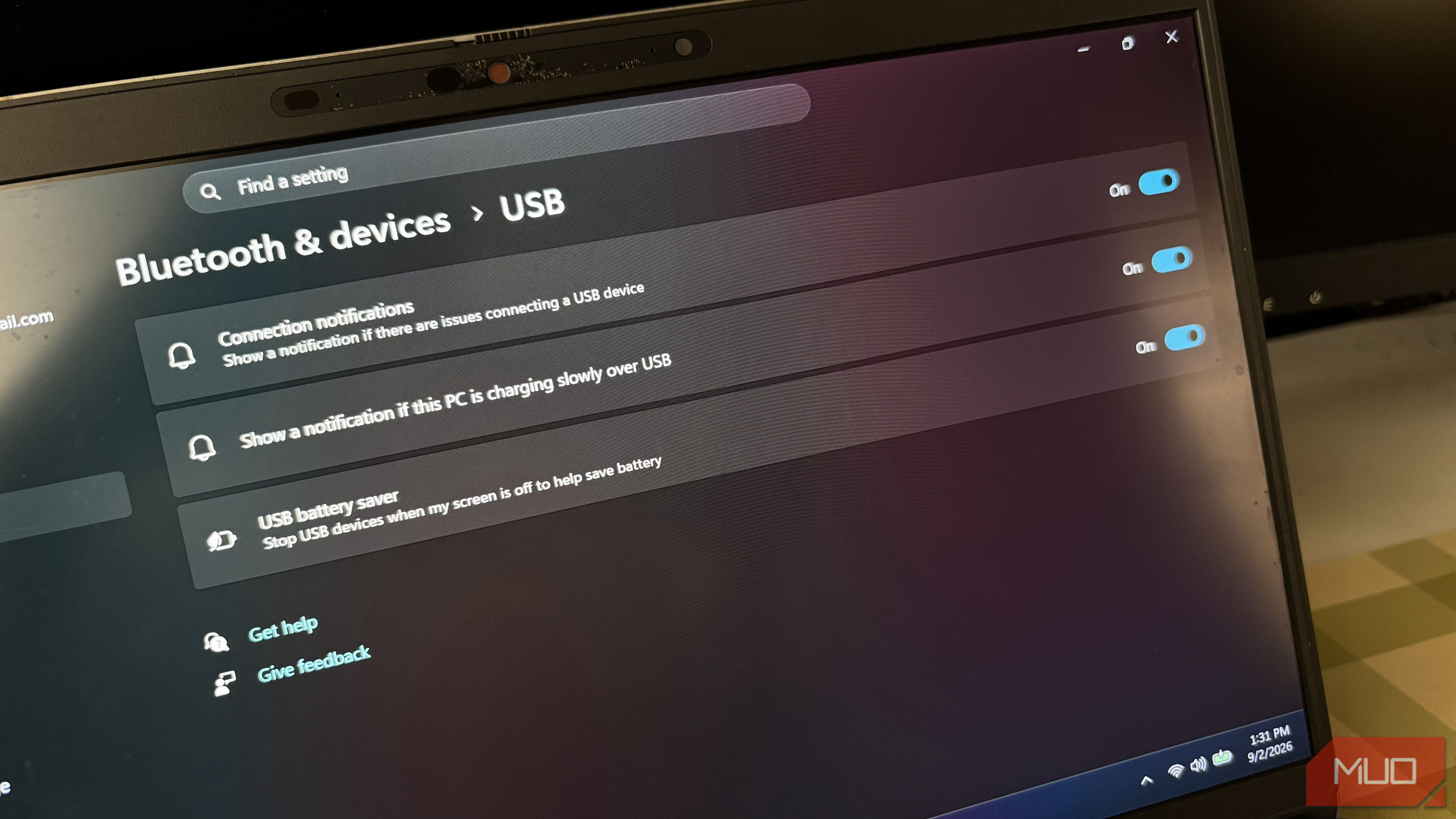
Stop Random USB Disconnections: Disable Windows Power Saving
Learn to fix random USB device disconnections by disabling Windows' power-saving features in Settings, Control Panel, and Device Manager.

Nintendo Direct September 2026: Metroid, Kirby, Persona 6 & More
Nintendo's September 2026 Direct unveiled a strong lineup for the Switch 2, including the new 2D Metroid Ravenous and Kirby and the World Beyond. Persona 6 was confirmed for the console, alongside enhanced editions of Pikmin 4 and Resident Evil remakes. The presentation highlighted Nintendo's focus on its new hardware, offering a mix of new titles and beloved classics.
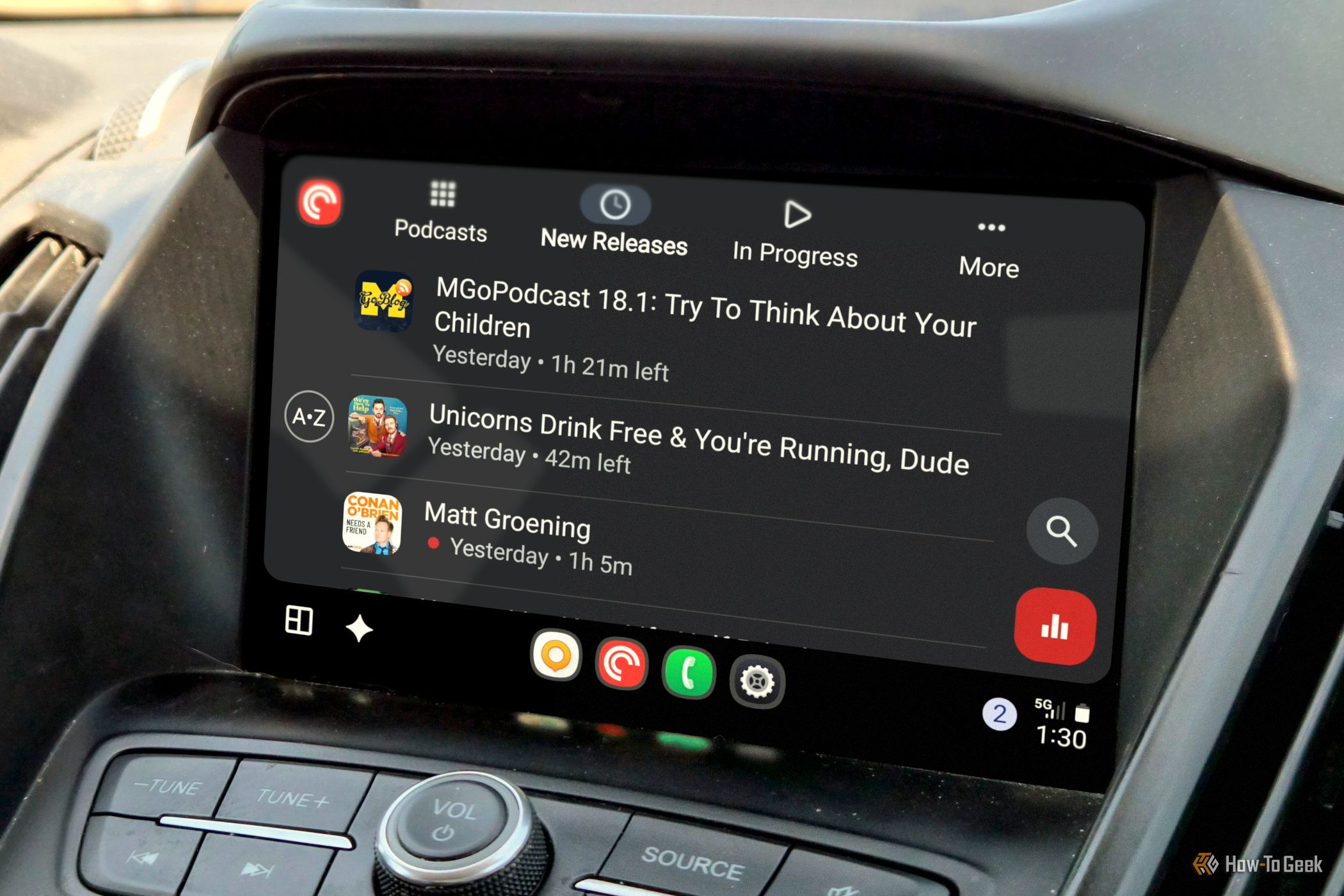
Master Podcasts in Android Auto with Pocket Casts for
Navigating podcast apps in Android Auto can often feel cumbersome, adding unnecessary complexity to your driving experience. Many apps force you to browse extensive libraries or fiddle with intricate menus while on the