
How to Avoid a Bad Laptop Buy: Choosing Between DDR5 and LPDDR5 RAM
When you're ready to invest in a new laptop, it's easy to get caught up in the excitement of shiny screens, powerful processors, and ample storage. Most people quickly scan the RAM spec, often thinking "16GB RAM? Good

When you're ready to invest in a new laptop, it's easy to get caught up in the excitement of shiny screens, powerful processors, and ample storage. Most people quickly scan the RAM spec, often thinking "16GB RAM? Good enough!" But here's a secret that could save you from buyer's remorse: not all RAM is created equal.
There's a crucial detail hidden in the spec sheet that significantly impacts your laptop's real-world performance, battery life, and even its lifespan. If you overlook it, you might end up with a machine that looks great on paper but falls short in daily use. That detail is whether your laptop uses DDR5 or LPDDR5 RAM. This guide will walk you through understanding these differences and empower you to make an informed choice, ensuring your next laptop is truly a great buy.
What You'll Accomplish
By the end of this guide, you'll be able to:
- Clearly distinguish between DDR5 and LPDDR5 RAM.
- Understand how each RAM type affects performance, power consumption, and upgradability.
- Confidently choose the RAM type that best suits your specific needs and usage patterns.
- Identify potential pitfalls and make a long-term smart investment in your laptop.
Before You Start: Prerequisites
To make the best decision, take a moment to consider:
- Your Primary Use Cases: What will you primarily use the laptop for? (e.g., intensive gaming, video editing, everyday browsing, office work, travel).
- Portability Needs: How important is a thin, light, and long-lasting battery for you?
- Your Budget: While not directly about RAM type, your budget often influences the overall build and component quality.
- Planned Lifespan: How long do you typically keep a laptop before upgrading?
Step 1: Demystifying DDR5 and LPDDR5 RAM
At first glance, DDR5 and LPDDR5 might seem like minor variations, both representing the latest generation of RAM with improvements in capacity, speed, and power efficiency over older standards. However, they are designed for very different purposes.
- DDR5 (Double Data Rate 5): This type of RAM is built for maximum speed and bandwidth. It typically comes in removable modules, making it common in high-performance desktops, gaming laptops, and servers. DDR5 offers flexibility and raw power.
- LPDDR5 (Low-Power Double Data Rate 5): As its name suggests, LPDDR5 is optimized for power efficiency alongside high speed. It's designed for devices where battery life and a compact, thin design are top priorities, such as ultrabooks, thin-and-light laptops, smartphones, and tablets. A key distinction is that LPDDR5 is usually soldered directly onto the motherboard.
In essence, DDR5 prioritizes performance and potential for future upgrades, while LPDDR5 focuses on energy efficiency and a compact form factor. Let's delve deeper into what these surface-level differences mean for you.
Step 2: Aligning RAM with Your Performance Demands
Many users assume that as long as there's "enough" RAM, performance will be consistent. But the RAM type profoundly influences how your system performs, from app-opening speeds to handling intense workloads.
When it comes to raw speed, there isn't a single, straightforward answer for which is "faster" as they achieve high performance differently.
- DDR5 Performance: DDR5 generally delivers higher sustained bandwidth. Its base data rate starts at 4,800 MT/s (Megatransfers per second) and can reach up to 8,400 MT/s. It excels in tasks requiring rapid CPU response and lower latency, meaning data is accessed more quickly. This makes DDR5 ideal for demanding activities like serious gaming, heavy multitasking, professional content creation, and other resource-intensive tasks.
- LPDDR5 Performance: LPDDR5 balances speed with energy savings, typically reaching a maximum data rate of 6,400 MT/s. While still fast, LPDDR5 usually has higher latency than DDR5. It performs well for mobile gaming and general multitasking, though it might show a slight lag in tasks requiring extremely quick memory access compared to DDR5. It's worth noting that LPDDR5X variants can offer speeds up to 8533 MT/s, putting them on par with some DDR5 speeds.
For everyday tasks, you might not notice a significant difference. However, DDR5 provides a more consistently smooth experience under demanding workloads, while LPDDR5 offers fast performance optimized for efficiency on compatible systems.
Step 3: Prioritizing Power Efficiency and Portability
This is where LPDDR5 truly distinguishes itself. Designed with "Low-Power" in mind, LPDDR5 consumes significantly less energy.
- LPDDR5 Efficiency: It operates at lower voltages and includes features that reduce power usage during idle periods or lighter workloads. This translates directly to less heat generation, a quieter machine, and considerably superior battery life. Laptops equipped with LPDDR5 RAM are often thinner, lighter, and ideal for users who prioritize portability and all-day battery performance.
- DDR5 Power Consumption: While powerful, DDR5 consumes more power. This doesn't mean DDR5 laptops inherently have poor battery life, but they are generally not as power-efficient as their LPDDR5 counterparts. If a cool, quiet machine with extended battery life is a top priority, LPDDR5 offers a distinct advantage.
Step 4: Considering Long-Term Value: The Upgradability Factor
This is arguably the most significant differentiator and a factor many regret overlooking: upgradability.
- LPDDR5's Fixed Nature: Because LPDDR5 is typically soldered directly onto the motherboard, it is not upgradable or replaceable. What you purchase at the time of sale is the maximum RAM capacity your laptop will ever have. If your computing needs grow over time, or if a RAM module fails, you are locked into your initial configuration, potentially shortening the usable life of your machine.
- DDR5's Flexibility: DDR5 RAM, conversely, usually comes in removable modules. This means you can often upgrade your RAM capacity later to extend your laptop's lifespan or replace a faulty module. For users planning to keep their laptop for many years, the ability to upgrade memory can be a crucial factor in the machine's longevity and adaptability to future software demands.
Making Your Choice: Which RAM is Right For You?
There's no single "better" option; the best choice depends entirely on how you intend to use your laptop and your priorities.
Choose DDR5 RAM if:
- You regularly run demanding applications such as high-end gaming, 3D modeling, video editing, or software development tools.
- You require consistent, high-speed performance under intense, sustained loads.
- You plan to keep your laptop for several years and desire the flexibility to upgrade memory in the future to meet evolving needs.
- You prioritize raw performance and upgradability over maximum battery life or an ultra-thin design.
Choose LPDDR5 RAM if:
- You prioritize a thin, lightweight, and highly portable laptop with excellent battery life.
- Your primary tasks include office work, web browsing, 4K video playback, light photo editing, or even modern workloads like advanced AI applications and mobile gaming.
- You are comfortable committing to a fixed RAM configuration, meaning you've purchased enough RAM upfront for your anticipated long-term needs.
- You value a cooler and quieter machine for everyday use.
Troubleshooting Tips & Best Practices
- Don't Just Look at the Number: Always check the RAM type (DDR5 or LPDDR5) alongside the capacity (e.g., 16GB) in the spec sheet. It's a critical detail often missed.
- Future-Proofing LPDDR5: Since LPDDR5 is fixed, if you anticipate your needs growing, it’s crucial to invest in a higher RAM capacity from the start (e.g., 32GB instead of 16GB) to ensure your laptop remains capable over its lifespan. You won't be able to add more later.
- Consider Your True "Heavy" Use: Be realistic about how often you'll push your laptop to its limits. Occasional heavy tasks might be fine on LPDDR5 if balanced with good power efficiency for most of your work.
What's Next?
Once you've decided on the right RAM type for your next laptop, remember that RAM is just one component of a balanced system. Continue your research by looking into the processor (CPU), graphics card (GPU), storage type (aim for NVMe SSDs for speed), and display quality to ensure you build a machine that perfectly matches all your needs.
FAQ
Q: Can I upgrade LPDDR5 RAM later if I find I need more?
A: No, LPDDR5 RAM is typically soldered directly onto the motherboard. This means you cannot upgrade, replace, or add more memory to a laptop with LPDDR5 once you've purchased it. What you buy initially is what you'll have for the life of the machine.
Q: Does having more RAM always mean better performance, regardless of type?
A: While having enough RAM (e.g., 16GB or 32GB) is crucial for multitasking and running demanding applications, the type of RAM matters significantly for how efficiently and quickly that memory is utilized. DDR5 generally offers higher sustained bandwidth and lower latency for intense tasks, while LPDDR5 excels in power efficiency, delivering fast performance in optimized systems without draining the battery as quickly. So, it's a balance of both quantity and type.
Q: Is LPDDR5 good enough for gaming?
A: Yes, LPDDR5 can be sufficient for mobile gaming and many modern games, especially on optimized systems. However, for serious, high-end gaming, particularly with competitive titles or complex graphics settings, DDR5 generally offers a more consistent and responsive experience due to its higher sustained bandwidth and lower latency. LPDDR5X variants can bridge some of this performance gap.
Related articles

Ditch Merge & Center: The Better Way to Align Text in Excel
Learn to use Excel's "Center Across Selection" to align text across cells without merging, avoiding common data manipulation issues. This guide provides steps to utilize this newly accessible feature and add it to your Quick Access Toolbar.

Stop Android Auto Battery Drain: Essential Features to Disable and
Android Auto offers unparalleled convenience, bringing your phone's most useful features directly to your car's display. From navigation and calls to messages and music, it keeps you connected without distracting you
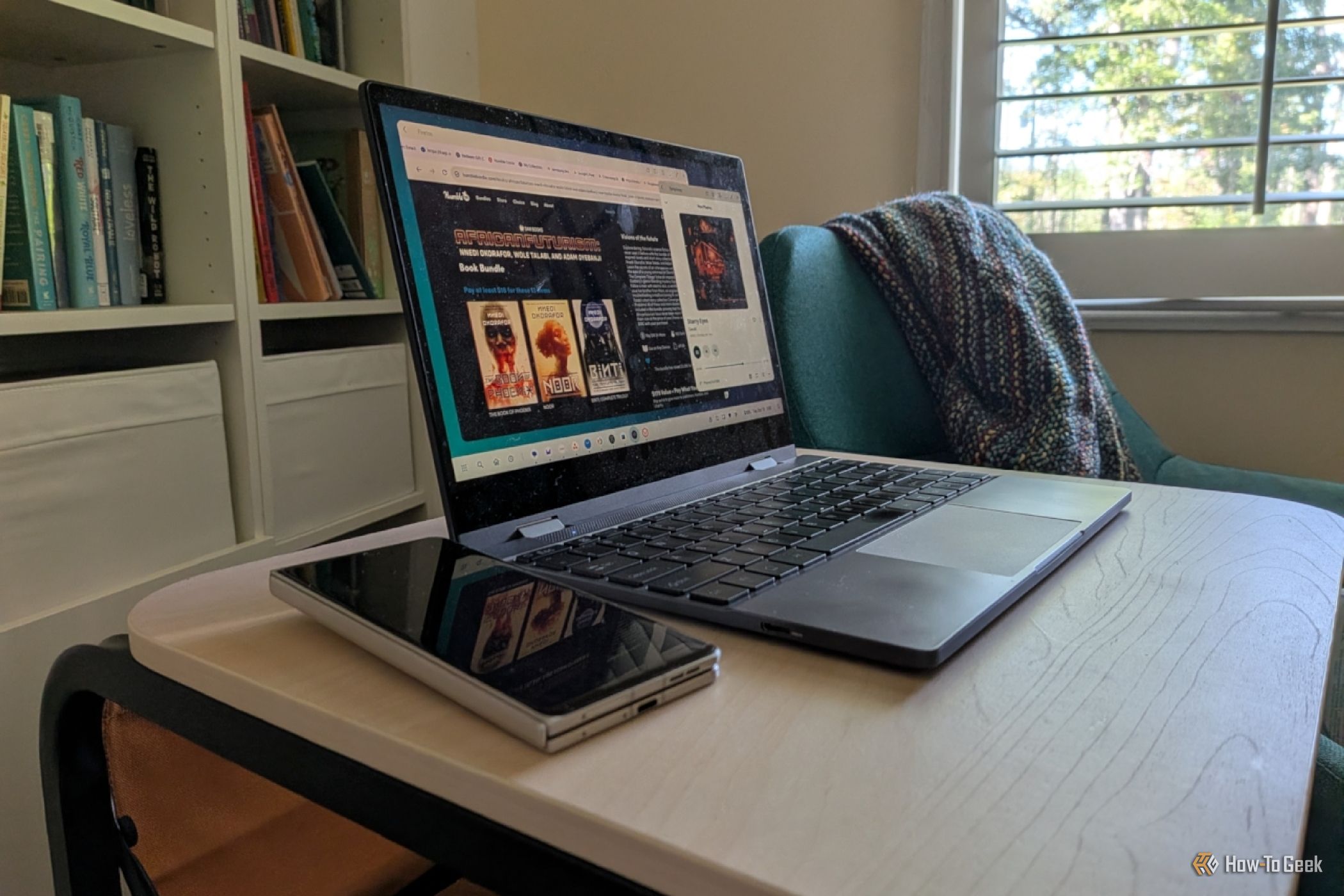
Turn Your Android Phone into a Powerful Desktop Replacement
Learn how to transform your Android phone into a full-fledged desktop computer using external displays and accessories, providing a cost-effective and integrated alternative to new Googlebooks.

howto: Four Ways the Fitbit Edge Is Better Than the Charge 6, and Two
Learn the key differences between the Fitbit Edge and Charge 6, including four advantages of the Edge and two areas where it falls short, to help you choose the best fitness tracker for your needs.
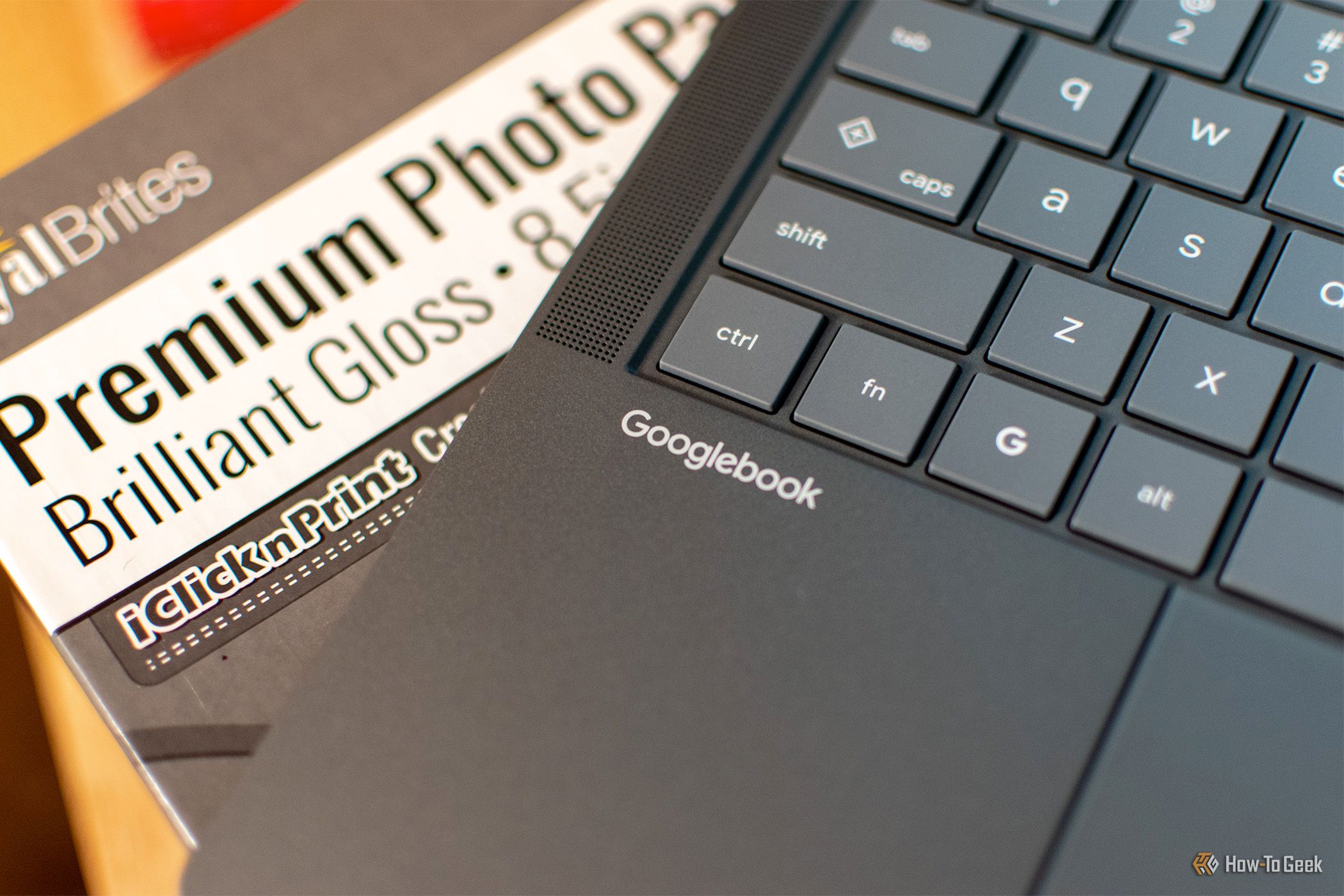
How to Connect Your Googlebook to a Printer - Print Documents with
Learn to quickly connect your Googlebook to a printer via Wi-Fi, USB, or Bluetooth and print documents in minutes. This guide covers direct printing, app-specific connections, troubleshooting, and even printing screenshots as a workaround.
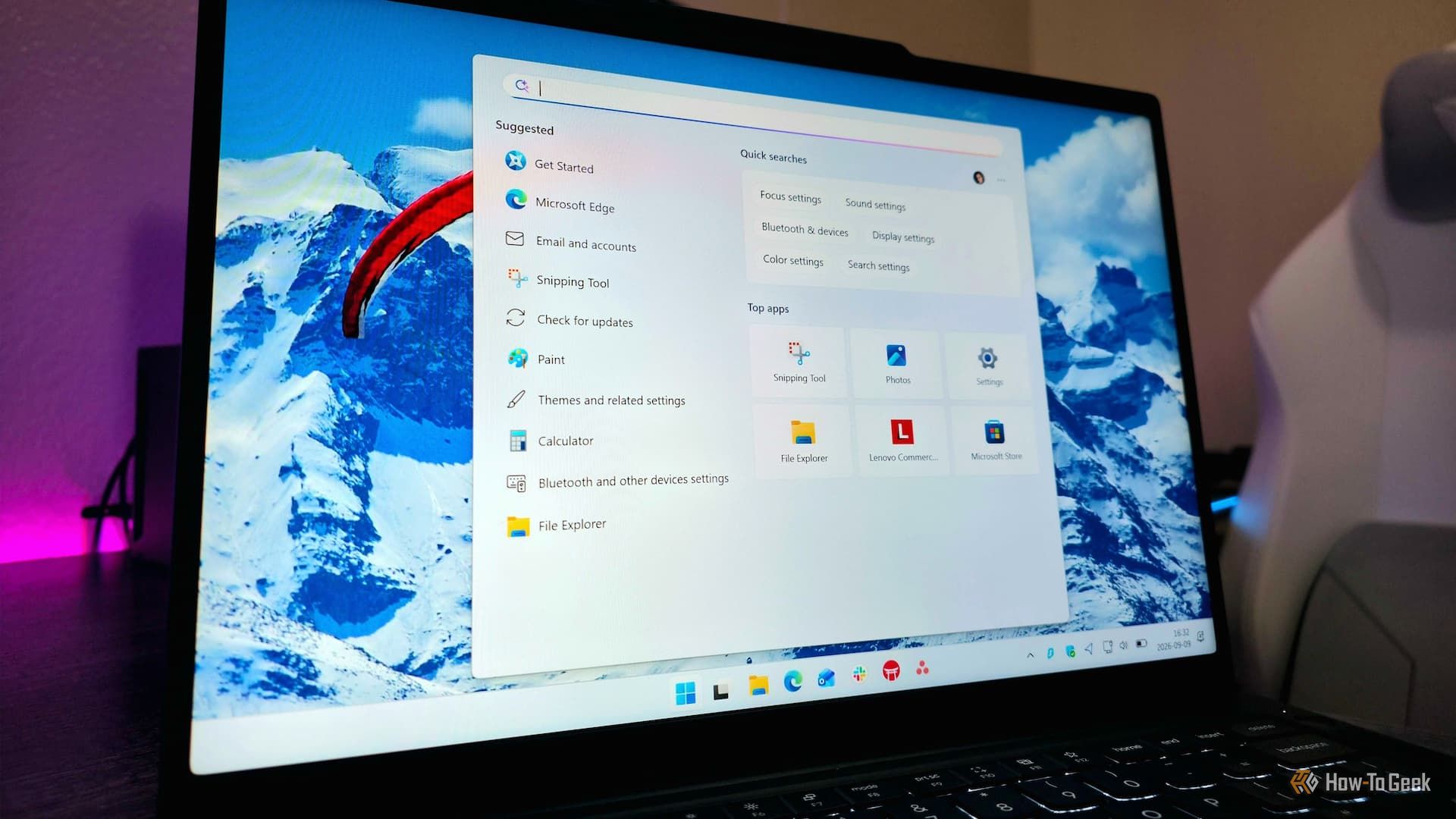
How to Debloat Windows 11 for a Faster, Cleaner PC
Learn to reclaim your Windows 11 PC's performance by removing bloatware, disabling ads, and optimizing startup processes in five easy steps.