
Accelerate UI Development: Building Interfaces with AI Prompts
Leverage AI prompts to rapidly build website user interfaces. This article explains how to craft detailed prompts for AI coding tools, utilizing `shadcn/ui`, Next.js, and Tailwind CSS to generate functional and reusable UI components. Learn to streamline your UI development workflow.
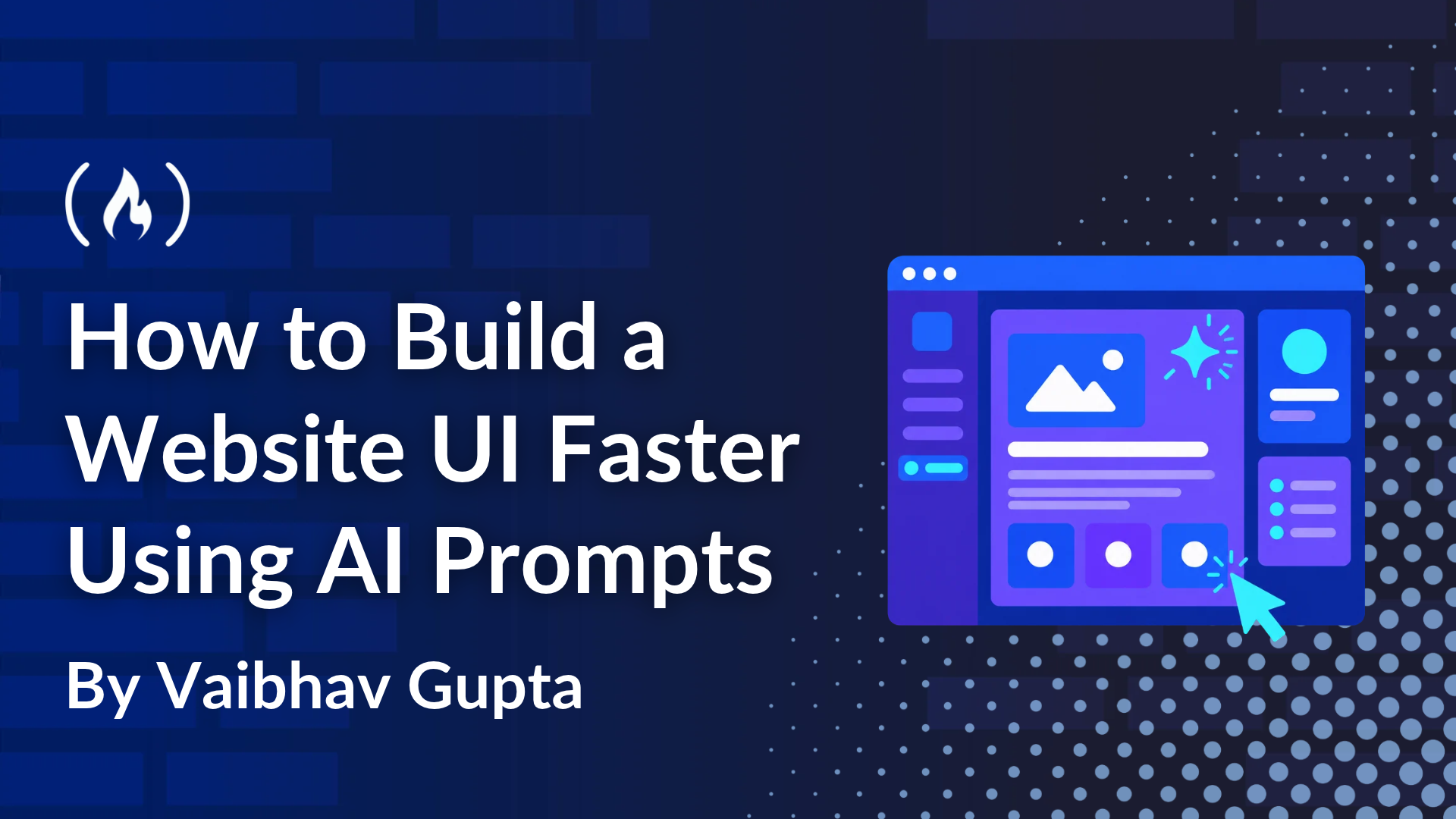
Developing modern website user interfaces (UIs) traditionally involves extensive manual coding of HTML, CSS, and component logic. AI coding tools now streamline this by generating initial UI code from natural language prompts, significantly accelerating the process. The key, however, lies in crafting clear and specific prompts that incorporate your tech stack and design rules, ensuring usable and functional output. This article will guide you through creating effective AI prompts to rapidly build complex UI elements, exemplified by a full-screen hero section and an animated, sticky navbar using Next.js, Tailwind CSS, and shadcn/ui.
Why shadcn/ui Excels with AI-Assisted UI
shadcn/ui is uniquely suited for AI-driven UI generation because it's not installed as a package. Instead, its component source files are copied directly into your project via a CLI. This local integration means your AI tool can 'read' and understand the exact structure and styling of your local DropdownMenu component, for instance, rather than generating a generic alternative. This ensures consistency and reduces post-generation refactoring. Benefits include built-in accessibility, seamless Tailwind CSS integration, consistent theming via shared variables, and no vendor lock-in. ShadcnSpace further enhances this by providing pre-designed shadcn/ui blocks and their corresponding AI prompts.
Crafting Effective AI Prompts
Think of your prompt as a concise technical specification, covering five critical areas for optimal AI results:
- Layout: Define element placement.
- Components: Specify desired components (e.g.,
shadcn/uiDropdownMenu). - Colors: Indicate primary colors, referencing theme tokens.
- Spacing: Establish content boundaries (e.g.,
max-w-7xl). - Responsive behavior: Describe UI adaptations for different screen sizes.
Avoid vague terms like 'modern' or 'beautiful'. You can either build a prompt from scratch or leverage pre-built prompts.
Option 1: Building a Prompt from Scratch
Describe your page in detail. For example: text Create a full-screen hero section for a Next.js project with TypeScript and Tailwind CSS. Layout:
- A sticky navbar with a logo on the left and a round menu button on the right.
- The menu button opens a dropdown with five links.
- A looping background video with a dark overlay so the text stays readable.
- A large headline and a short line of text at the bottom left. Rules:
- Use the shadcn/ui DropdownMenu for the menu.
- Use Motion for a fade-in on the headline and the navbar.
- Keep content inside max-w-7xl with horizontal padding.
- On small screens, reduce the headline size and stack the content in one column. Split the code into small files: page, navbar, nav link, hero, and index.
Option 2: Leveraging Pre-built Prompts
For efficiency, copy prompts directly from ShadcnSpace blocks. These are highly granular, including specific project requirements, file paths, and component code.
Generating and Understanding Your AI-Powered UI
After inputting your detailed prompt into an AI coding tool (with project access), code generation begins. Robust prompts specify the explicit tech stack, exact file paths, ordered implementation steps (for dependencies and shadcn/ui integration), and a clear 'done' definition.
The AI will produce files for your main page route, a block assembly, and individual components like hero.tsx, navbar.tsx, and navlink.tsx. Here are key technical insights:
-
Hero Section (
hero.tsx): Manages full-screen video backgrounds withloop,autoPlay,muted,playsInline,object-cover, and abg-black/50overlay. Animations use Motion'suseInView(once: true,amount: 0.1) for precise scroll-triggered effects. Responsive layouts are handled via Tailwind CSS, and"use client"is vital for client-side Next.js logic. -
Navbar (
navbar.tsx): Features asticky top-0header with an animated background, achieved by abefore:pseudo-element expanding based on scroll position. Scroll event listeners useuseEffectcleanup. A controlledshadcn/uiDropdownMenuallows flexible closure, whileAnimatePresenceensures smooth exit animations.shadcn/uitheme tokens maintain consistent styling, and"use client"is also required. -
Navigation Link (
navlink.tsx): Uses advanced Tailwind CSSgroup-hover:states to reveal an icon without layout shifts, animatingmax-w-0tomax-w-6withoverflow-hidden. -
Main Page Assembly (
index.tsx): CentralizesnavigationDatafor easy updates and employs a negative margin (-mt-20) on<main>to position the hero section correctly beneath theh-20navbar for a seamless full-screen visual.
Practical Takeaways
AI prompts are excellent for rapid UI scaffolding, but the generated code serves as a starting point. Always review for efficiency, best practices, and optimization. This approach quickly provides functional boilerplate, allowing developers to concentrate on customization, complex logic, and refining the user experience. Combining structured prompts with intelligent component libraries like shadcn/ui and thorough code review dramatically enhances UI development.
FAQ
Q: Why is shadcn/ui advantageous for AI-assisted UI generation?
A: shadcn/ui copies component source files directly into your project. This enables AI tools to 'read' your specific component implementations, resulting in more accurate and usable generated code that aligns with your project's style and structure.
Q: What are the essential elements of an effective AI prompt for UI?
A: A strong prompt functions as a technical specification, covering UI layout, specific components (e.g., shadcn/ui), color usage (theme tokens), spacing rules, and responsive behavior. Specificity over vagueness is key.
Related articles
From Demo to Dependable: Building Production-Grade LLM Systems
The world of Large Language Models (LLMs) and autonomous agents is brimming with impressive demonstrations. We've all seen the videos: agents generating code, answering complex queries, or orchestrating tasks with

Taika Waititi's Star Wars Flick: Officially 'On Ice' After Years of
Director Taika Waititi has confirmed his long-anticipated Star Wars movie is now officially "on ice," putting an indefinite halt to the project after years of development. Citing a packed schedule with "four other movies," Waititi's unique vision for the galaxy far, far away is now in limbo, much to the disappointment of fans.

Amazon's AI Wearable, Booking's Seattle Gambit, and LinkedIn's
Seattle, WA – October 17, 2026 – Major tech developments are making headlines today as Amazon introduces its new Bee AI wearable devices, Booking Holdings plants a substantial AI travel venture in rival Expedia’s

RapidCanvas Secures $29M Series B to Scale Enterprise AI Solutions
Austin, Texas – RapidCanvas, a burgeoning startup specializing in building and running custom AI applications for enterprises, has announced a successful close of its Series B funding round, raising $29 million. Led by

TCG Pocket Responds: A Much-Needed Pace Shift for Pokémon Fans
Pokémon TCG Pocket is rolling out a major update for its second anniversary, primarily addressing player concerns about overwhelming content releases by shifting to a six-week set schedule. This aims to curb player decline and improve overall engagement by giving trainers more time to collect and strategize. The update also adds new collection methods, improved deck-building features, and enhanced trading functionality.

AI's Confidence vs. Formal Methods' Rigor: Design Flaws & Verification
While AI accelerates code generation, formal methods remain critical for ensuring system correctness. Languages like TLA+ and tools like Quint enable developers to model and verify system designs before coding, catching subtle flaws. Quint makes formal methods more accessible with developer-friendly syntax and executability. This approach is vital for verifying AI-generated code through trace validation and model-based testing, ensuring reliability against real-world data.