
4 Hidden Trade-Offs When Leaving Major Cell Carriers
Understand the 4 hidden trade-offs—deprioritized service, data caps, limited support, and fewer perks—before switching from major carriers to an MVNO.
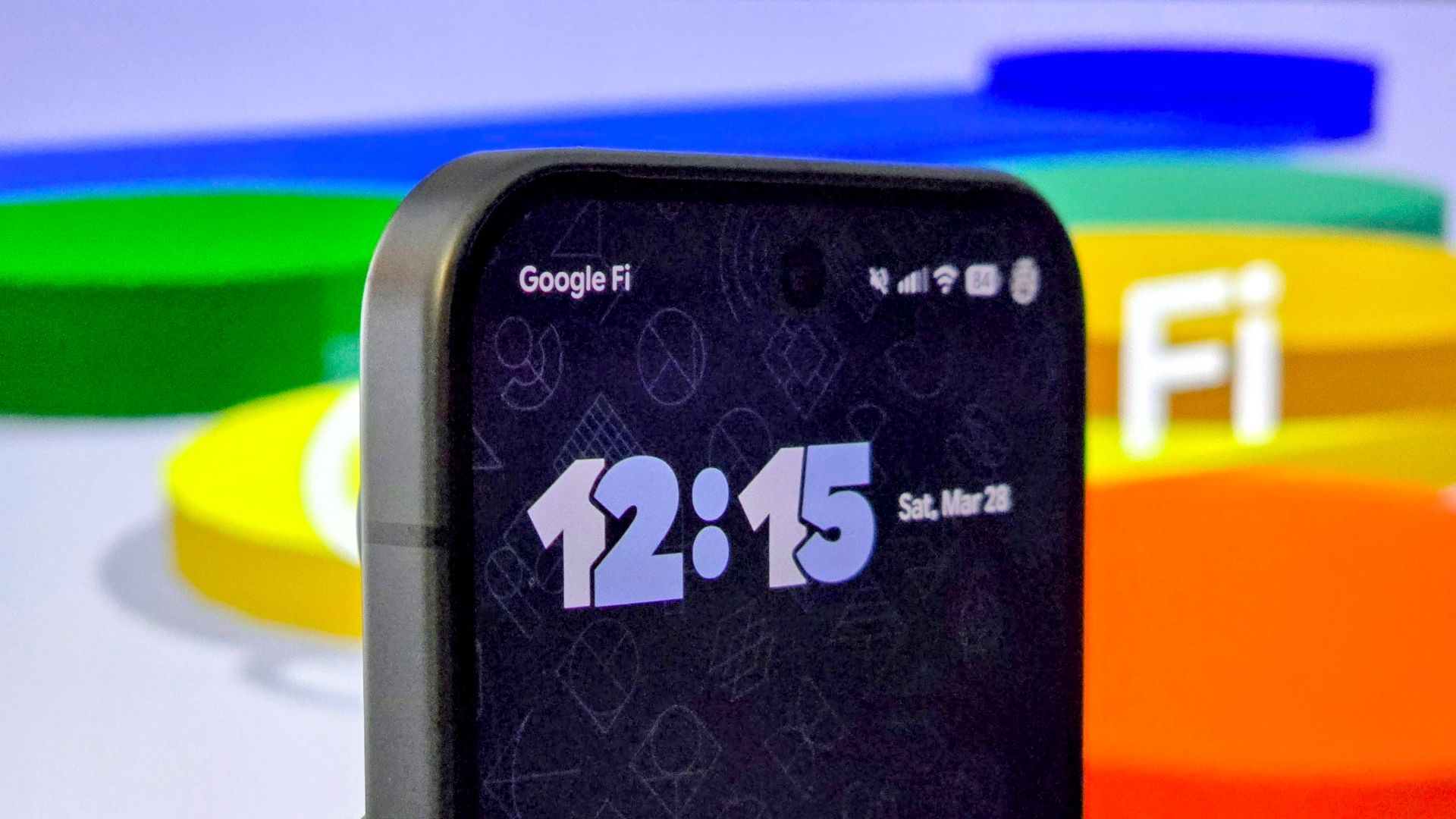
Most people in the United States rely on cellular service from one of the "big three": Verizon, AT&T, or T-Mobile. These postpaid plans often come with a hefty price tag, leading many to consider switching to a Mobile Virtual Network Operator (MVNO). MVNOs, like Google Fi or Mint Mobile, offer significantly lower monthly costs because they don't own their own network infrastructure. Instead, they purchase access to the major carriers' networks and resell it to consumers.
While the savings can be substantial—a $20 MVNO plan compared to a $75 postpaid unlimited plan for a homebody, for instance—these cost savings often come with hidden trade-offs. Understanding these compromises before you switch is crucial for avoiding unexpected frustrations and ensuring your new plan truly meets your needs. This guide will walk you through four common, often overlooked, trade-offs you make when moving away from a major carrier.
What You'll Accomplish
By reading this guide, you will:
- Understand the four primary hidden compromises associated with MVNO cellular plans.
- Be able to assess how these trade-offs might impact your personal cellular usage and experience.
- Gain the knowledge needed to make a more informed decision about switching from a major carrier to an MVNO.
Prerequisites and Considerations
Before diving into the trade-offs, consider the following:
- Current Usage Habits: How much data do you typically use? Where do you use your phone the most (crowded cities, rural areas, at home with Wi-Fi)? What kind of customer support do you prefer (in-person, online, phone)?
- Understanding MVNOs: Familiarize yourself with the concept that MVNOs operate on the same networks as the big carriers but might have different service priorities and features.
- Device Compatibility: Ensure your current phone is unlocked and compatible with the MVNO's network (most modern unlocked phones are, but it's always good to check).
The 4 Hidden Trade-Offs
When you opt for an MVNO, you're trading certain premium aspects for a lower price. Here are the four key areas where you'll likely notice a difference:
1. Deprioritized Service: When Your Data Takes a Back Seat
Imagine a highway during rush hour. Postpaid customers from the major carriers are in the express lane, while MVNO customers are in the regular lanes. This analogy holds true for cellular network access. MVNO customers often experience what's known as "deprioritized service."
What this means: When the network is congested—for example, at a crowded concert, a busy shopping center, or a college campus—the major carriers prioritize their own postpaid customers' data traffic. As an MVNO user, your speeds may slow down significantly as you receive the "table scraps" of available spectrum.
Impact: Your LTE speeds might "crater," making streaming, browsing, or even basic app usage frustratingly slow. While postpaid customers can also experience slowdowns in extremely crowded areas, MVNO users typically encounter this congestion-related throttling sooner and more severely.
Considerations:
- Location Matters: If you primarily use your phone in rural areas or rarely visit highly congested public spaces, you might not notice deprioritization as much, as there's often plenty of spectrum to go around.
- Wi-Fi as a Lifeline: The widespread availability of Wi-Fi can mitigate this issue, as you can often switch to Wi-Fi in places like malls, offices, or homes.
2. "Unlimited" Data Comes with Hidden Speed Limits
Many MVNOs advertise "unlimited data" plans at attractive prices. However, these plans rarely offer truly unlimited high-speed data. Instead, they typically include a significant cap on how much high-speed data you can use before your speeds are drastically reduced.
What this means: After you exceed a certain data allotment (e.g., 30GB, 50GB, or 100GB, depending on the plan and MVNO, like Google Fi's example of dropping to 256 kbps), your data speed will be severely throttled. While you can still technically use data, tasks requiring higher bandwidth will become impractical.
Video Quality Limits: To conserve network resources and prevent users from quickly consuming their high-speed data, many MVNOs also limit video streaming quality to 480p, regardless of whether you've hit your data cap. This is a common cost-saving measure.
Comparison: Postpaid carriers also sometimes throttle video, but usually to a less extreme extent (e.g., 720p or 1080p for standard plans). Truly uncompressed, high-definition video streaming usually requires a top-tier postpaid plan.
Actionable Advice: Always check the specific high-speed data cap and video streaming limitations of any "unlimited" MVNO plan you consider. Don't assume "unlimited" means unconstrained speed or quality.
3. Reduced Customer Support and Fewer Physical Locations
One of the most significant trade-offs for some users is the difference in customer support and accessibility. Major carriers boast extensive retail networks and often have domestic customer service centers. MVNOs, in contrast, largely operate online.
What this means:
- No Brick-and-Mortar Stores: Most MVNOs do not have physical retail locations. This can be a hurdle for individuals who prefer in-person assistance for purchasing phones, activating service, or resolving technical issues.
- Offshored Call Centers: To keep costs low, many MVNOs offshore their customer service operations. This can lead to longer wait times, language barriers, and less knowledgeable support agents, making complex problem-solving frustrating.
- DIY Activation: If you're new to buying unlocked phones, managing SIM cards (or navigating the complexities of eSIM activation), the lack of hands-on guidance can feel daunting.
Considerations:
- Tech-Savvy Users: If you're comfortable handling phone activation, troubleshooting minor issues, and researching solutions independently, this trade-off might be less impactful.
- Ease of Switching: A silver lining is that the prepaid nature of most MVNOs makes it relatively easy to switch providers if you encounter consistently poor customer service. There are no long-term contracts tying you down.
- Targeted Support: Some MVNOs, like Consumer Cellular (which targets seniors), may prioritize specific types of customer service, such as in-person help, but this often comes at the expense of other cost-saving measures.
4. Limited Perks, Phone Financing, and Trade-In Deals
Major carriers use a variety of incentives, such as "free" streaming subscriptions (e.g., Netflix Premium), generous phone financing options, and aggressive trade-in promotions, to attract and retain customers. These are typically absent or significantly scaled back with MVNOs.
What this means:
- Fewer "Freebies": Don't expect included streaming services, cloud storage, or other digital perks that major carriers bundle with their more expensive plans. While some MVNOs offer limited perks (e.g., Metro by T-Mobile's Amazon Prime on higher plans), they are less common and less comprehensive.
- Limited Device Financing: MVNOs rarely offer extensive phone financing plans, and if they do (like Google Fi's 24-month financing for Androids), they might be limited to specific phone types or brands. This means you'll likely need to pay for your phone upfront or seek financing elsewhere.
- Modest Trade-In Deals: The lucrative trade-in offers that can effectively make a new phone "free" with a major carrier are generally not available from MVNOs.
Perspective Shift:
- Are Perks Truly "Free"? Many people pay for perks they don't fully use. A "free" Netflix subscription bundled into a $75 plan might seem like a $27 discount, but only if you would have paid for Netflix anyway and can't find a cheaper plan without it.
- Alternative Financing: You can often find excellent trade-in deals and 0% financing directly from phone manufacturers (Apple, Samsung) or major retailers (Best Buy) without being locked into a specific carrier plan.
Making an Informed Decision: Tips for Switching
Navigating the world of MVNOs requires a bit of research, but the potential savings are often worth it. Here's how to ensure a smooth transition:
- Prioritize Your Needs: Make a clear list of what's most important to you: rock-solid coverage, high-speed data, specific customer support channels, or the absolute lowest price.
- Research MVNOs by Carrier Network: Since MVNOs use the major networks, find out which major carrier provides the best coverage in your most frequented areas. Then, look for MVNOs that operate on that specific network.
- Check Coverage Maps: Don't rely solely on an MVNO's word. Use online coverage maps (often provided by the underlying major carrier) to verify service quality in your home, work, and travel locations.
- Understand Data Caps and Throttling: Scrutinize the fine print of "unlimited" plans. Know exactly when high-speed data slows down and if video quality is restricted.
- Assess Your Comfort with Self-Service: Be realistic about your willingness to troubleshoot issues independently and manage your plan online or through phone calls.
- Embrace Flexibility: Remember that one of the biggest upsides of MVNOs is the ability to switch plans or providers relatively easily without long-term contracts. This flexibility can be a valuable "troubleshooting tip" in itself if a plan isn't working out.
Next Steps
After understanding these trade-offs, your next steps should involve active research:
- Identify specific MVNOs that align with your preferred major carrier network.
- Compare their detailed plan offerings, focusing on data caps, deprioritization policies, and any included features.
- Read user reviews specific to customer service experiences with those MVNOs.
- Consider a short-term prepaid plan (if available) to test coverage and service before committing to a longer-term MVNO.
FAQ
Q: What exactly is an MVNO, and how is it different from Verizon, AT&T, or T-Mobile? A: An MVNO (Mobile Virtual Network Operator) is a company that doesn't own its own cellular network infrastructure. Instead, it leases network access from one of the major carriers (Verizon, AT&T, T-Mobile) and resells that service to customers. The main difference is that MVNOs typically offer lower prices but often come with certain trade-offs, such as deprioritized data and fewer perks, because they don't have the same investment in infrastructure or direct control over network priority as the major carriers.
Q: Will my current phone work if I switch to an MVNO? A: In most cases, yes, especially if your phone is unlocked. When you leave a major carrier, your phone typically becomes unlocked after fulfilling contract terms or device payments. MVNOs generally support a wide range of unlocked devices. However, it's always a best practice to check the specific MVNO's website for device compatibility or bring-your-own-device (BYOD) tools to ensure your phone will work seamlessly on their network.
Q: Is it difficult to switch between different MVNOs if I'm not happy with one? A: One of the significant advantages of MVNOs is their flexibility. Most MVNO plans are prepaid and do not involve long-term contracts. This makes it relatively easy to switch between different MVNOs or even back to a major carrier if your current MVNO doesn't meet your expectations. You can typically port your phone number to a new provider without much hassle, giving you the freedom to find the best fit for your needs.
Related articles

TCG Pocket Responds: A Much-Needed Pace Shift for Pokémon Fans
Pokémon TCG Pocket is rolling out a major update for its second anniversary, primarily addressing player concerns about overwhelming content releases by shifting to a six-week set schedule. This aims to curb player decline and improve overall engagement by giving trainers more time to collect and strategize. The update also adds new collection methods, improved deck-building features, and enhanced trading functionality.

Ditch Merge & Center: The Better Way to Align Text in Excel
Learn to use Excel's "Center Across Selection" to align text across cells without merging, avoiding common data manipulation issues. This guide provides steps to utilize this newly accessible feature and add it to your Quick Access Toolbar.

Stop Android Auto Battery Drain: Essential Features to Disable and
Android Auto offers unparalleled convenience, bringing your phone's most useful features directly to your car's display. From navigation and calls to messages and music, it keeps you connected without distracting you

Turn Your Android Phone into a Powerful Desktop Replacement
Learn how to transform your Android phone into a full-fledged desktop computer using external displays and accessories, providing a cost-effective and integrated alternative to new Googlebooks.

howto: Four Ways the Fitbit Edge Is Better Than the Charge 6, and Two
Learn the key differences between the Fitbit Edge and Charge 6, including four advantages of the Edge and two areas where it falls short, to help you choose the best fitness tracker for your needs.
How to Connect Your Googlebook to a Printer - Print Documents with
Learn to quickly connect your Googlebook to a printer via Wi-Fi, USB, or Bluetooth and print documents in minutes. This guide covers direct printing, app-specific connections, troubleshooting, and even printing screenshots as a workaround.