
VLANs for Home Security: The Smart Way to Protect Your Network
In today's interconnected homes, our networks are busier than ever. Desktops, laptops, tablets, phones, and a rapidly growing army of IoT devices – smart thermostats, TVs, speakers, and more – all share the same digital
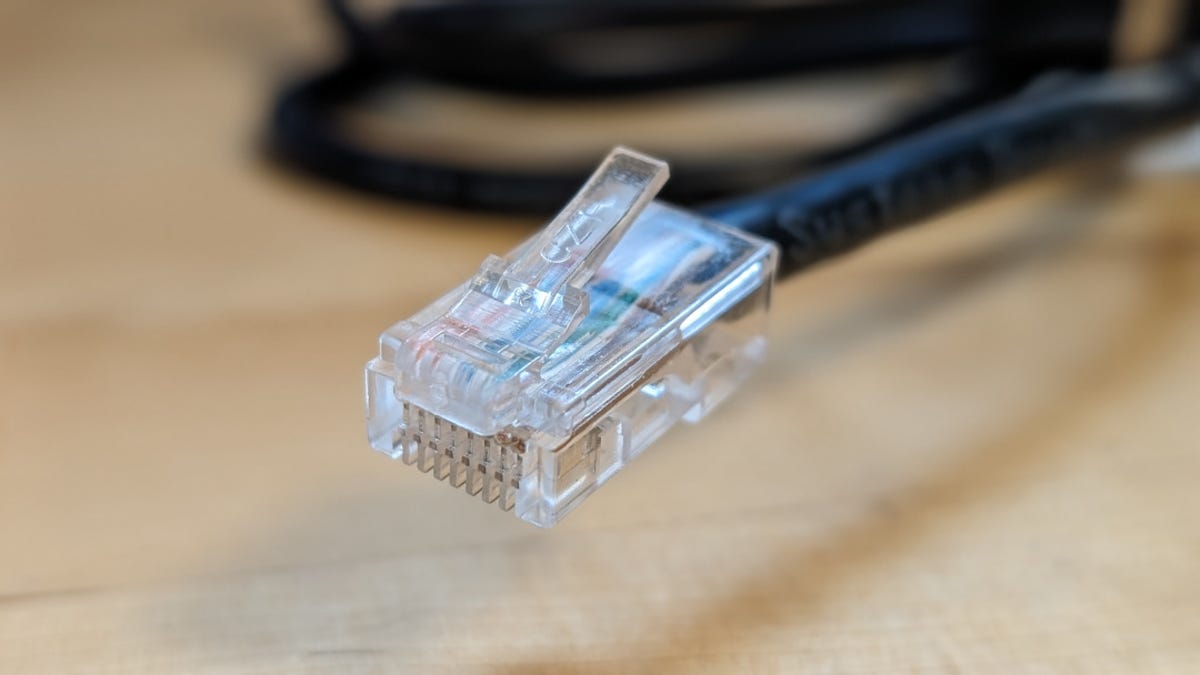
In today's interconnected homes, our networks are busier than ever. Desktops, laptops, tablets, phones, and a rapidly growing army of IoT devices – smart thermostats, TVs, speakers, and more – all share the same digital space. While convenient, this unified approach creates a significant vulnerability. Imagine a scenario where a less secure IoT device, like a smart light bulb, gets compromised by malware. Without proper isolation, that malicious code could easily spread to your personal computer, potentially exposing sensitive data like banking information. This isn't a hypothetical fear; it's a real and growing threat. This is where Virtual LANs, or VLANs, come into play, offering a robust solution to segment and better protect your home network.
Quick Verdict
Implementing Virtual LANs (VLANs) for your home network is a powerful, yet often overlooked, security upgrade. It requires a bit of technical know-how and often an investment in a new router, but the ability to isolate vulnerable smart home gadgets from your personal computers makes it an essential step for serious home cybersecurity. It’s not foolproof, but it’s a massive step up from a basic, flat network.
What is a VLAN and Why You Need It
A Virtual Local Area Network (VLAN) essentially allows you to create multiple, isolated networks that run on the same physical infrastructure. Think of it like carving up your single large house into several distinct apartments, each with its own access rules, even though they share the same building. On a technical level, your primary LAN might use an IP address range like 192.168.1.x, while a newly created VLAN could use 192.168.2.x. This difference in address schemes is key; it prevents devices on one VLAN from directly 'seeing' or accessing devices on another, without explicit routing rules.
The primary advantage here is device isolation. Taking our earlier example, if your desktops and laptops are on LAN1 (192.168.1.x) and all your IoT gadgets are relegated to LAN2 (192.168.2.x), a breach on LAN2 is contained. The compromised smart thermostat on LAN2 can only interact with other devices on LAN2, leaving your sensitive personal data on LAN1 untouched. This significantly reduces the attack surface for hackers.
Advanced VLAN Configurations & Use Cases
The beauty of VLANs is their flexibility. You're not limited to just two. You could easily establish a more granular setup:
- Primary LAN: For your most secure devices like desktops, laptops, and perhaps network-attached storage (NAS).
- VLAN1 (Mobile Devices): A dedicated segment for your smartphones and tablets.
- VLAN2 (IoT Devices): A critical isolation zone for all smart home gadgets, often the weakest link in home security.
- VLAN3 (Kids' Devices): A separate network with custom parental controls, limiting access to certain websites or content, without affecting adult devices.
- VLAN4 (Guest Network): A common use case, allowing visitors internet access without giving them visibility into your main network or personal devices.
- VLAN5 (Work-from-Home): A dedicated, potentially VPN-routed network for professional activities, ensuring work data remains separate and secure.
With the right hardware, you can fine-tune these relationships. For instance, your primary LAN could be configured to access devices on all VLANs, but crucial VLANs (like IoT or Kids) would be barred from accessing anything on the primary LAN. You could even configure an IoT VLAN so that devices within it cannot communicate with each other, only with the internet (WAN), further limiting potential lateral movement for an attacker.
Implementation: Getting Started with VLANs
Here's where the rubber meets the road, and for many home users, it's the biggest hurdle: implementing VLANs can be complex, and much depends on your existing network hardware. Most Internet Service Provider (ISP) provided router/modem units simply do not offer the functionality to create custom VLANs. They might offer a rudimentary 'guest network' feature, which is a simplified form of a VLAN, but full customization is usually off-limits.
This leaves home users with two primary paths: either embracing a more advanced network appliance or investing in a capable third-party router.
-
Dedicated Firewall/Router Software: For tech-savvy individuals, deploying a Linux distribution like OPNsense or IPFire on a dedicated mini-PC or older computer can transform it into a powerful, customizable router with extensive VLAN capabilities. This option offers maximum control but demands a higher level of technical expertise and ongoing management.
-
Third-Party Router: For most consumers, purchasing a third-party router specifically designed to support VLANs is the more straightforward approach. These devices integrate VLAN management into their web-based user interfaces, simplifying the setup process, though it still requires careful attention to detail and a willingness to dive into settings.
Recommended Hardware
When choosing a third-party router, ensure it explicitly states support for VLANs in its specifications. Here are a few examples of routers that offer this functionality, as highlighted in the source material:
- TP-Link ER605 V2 Gigabit VPN Router
- PW-AX1800 WiFi 6 Dual-Band Router with VLAN Support
- TP-Link BE6500 Dual-Band WiFi 7 Router (BE400)
- NETGEAR Nighthawk WiFi 7 Router (BE9300)
- ASUS RT-BE88U WiFi 7 Router
Beyond VLAN support, a third-party router can often provide other benefits, such as enhanced Wi-Fi range and performance, which can be a welcome bonus for larger homes or those with dead zones.
Naming Your VLANs
A small but important security tip concerns the naming of your VLANs. While it might seem intuitive to name them 'IoT', 'Kids', or 'Guests', this can actually be a security risk. If your wireless VLANs are visible to the outside world, these descriptive names could give a 'bad actor' (perhaps someone 'wardriving' near your home) valuable clues about your network's structure and potential weak points. Instead, opt for generic or non-obvious names (e.g., 'Network A', 'Segment B', or numbered VLANs like 'VLAN 10', 'VLAN 20') to obfuscate their purpose and add a small layer of obscurity.
Pros and Cons
Pros:
- Enhanced Security: Isolates vulnerable devices, significantly hindering the spread of malware and unauthorized access.
- Improved Control: Allows for custom rules, granular parental controls, and dedicated, segregated guest access.
- Better Organization: Segments network traffic, which can potentially improve network performance and make management easier.
- High Flexibility: Supports a wide array of specific use cases, from securing IoT devices to creating dedicated work-from-home environments.
Cons:
- Increased Complexity: Setup and ongoing management can be challenging, especially for networking novices.
- Hardware Investment: Often requires purchasing a separate, more advanced router, as most ISP-provided equipment lacks native VLAN support.
- Not Foolproof: While highly effective, VLANs are still vulnerable to misconfiguration and advanced attacks like VLAN hopping if not properly secured.
- Learning Curve: Requires a willingness to understand more intricate network concepts and navigate advanced router interfaces.
Are VLANs Foolproof? Important Caveats
It's crucial to understand that while VLANs significantly enhance network security, they are not a silver bullet. As the adage goes, 'if a device is connected to a network, it's vulnerable.' VLANs introduce a powerful layer of defense, but they aren't impervious to all threats. One notable concern is 'VLAN hopping,' an advanced attack technique where a hacker exploits misconfigured switch ports or VLAN-tagging mechanisms to bypass isolation and jump from one VLAN to another, or even to the primary LAN, gaining unauthorized access.
To mitigate these risks, diligent network management is essential. This includes ensuring your VLANs are configured correctly according to your hardware's documentation, keeping your router's firmware consistently updated, and applying all available operating system and software updates to every device connected to your network. While not a perfect solution, implementing VLANs correctly is undoubtedly a vastly more secure approach than leaving all your diverse devices on a single, flat network.
Buying Recommendation
For anyone serious about home network security, especially those with a growing collection of smart home devices or children using the internet, implementing VLANs is a highly recommended upgrade. It requires a willingness to invest some time and potentially purchase a new router, but the peace of mind that comes with isolating your most vulnerable devices from your most sensitive data is invaluable. Start by checking your current router's capabilities. If it lacks VLAN support (which is likely if it's ISP-provided), consider one of the third-party routers mentioned. Dive into the documentation, take your time with the setup, and you'll build a far more resilient and secure home network.
FAQ
Q: Is a VLAN difficult for a typical home user to set up? A: Setting up VLANs can be challenging for those new to networking. It often requires purchasing a third-party router and navigating its advanced configuration settings. However, with good documentation and a willingness to learn, it's achievable for most technically inclined home users.
Q: Do I need special hardware to create VLANs? A: Yes, in most cases. Many ISP-provided routers do not support custom VLAN creation. You'll typically need a third-party router that explicitly states VLAN support, or a dedicated device running firewall/router software like OPNsense or IPFire.
Q: Can VLANs completely prevent my network from being hacked? A: No, VLANs are not foolproof. They significantly improve security by isolating devices and limiting the spread of malware, but they cannot prevent all forms of attack. Proper configuration, up-to-date firmware, and updated device software are still critical components of overall network security.
Related articles

Nothing CMF Clip Pro Review: Open-Ear Awareness at a Steal
The Nothing CMF Clip Pro offers a unique open-ear listening experience, designed for situational awareness and comfort. Now $30 off at $69, it's an appealing option for those seeking spacious sound without sealing off the world.
Solve Annoying PDF Problems Locally in Your Browser with BentoPDF
Dealing with PDFs can often feel like a never-ending series of small, annoying tasks. You might need to combine several documents, reduce the size of a bulky file, or even make an image-only scan searchable. Typically,

Your Guide to LG's 115-inch QNED evo TV: Features, Gaming & Price
Welcome to an exciting exploration of LG's latest innovation in home entertainment: the colossal 115-inch QNED evo AI Mini LED TV. This guide is designed to walk you through everything you need to know about this

Apple's Touchscreen MacBook Pro: A Long-Awaited Touch
The Verdict Apple's rumored touchscreen MacBook Pro represents a long-overdue evolution, promising to blend the convenience of direct screen interaction with the powerful macOS laptop experience. While not an essential

The Super Mouse puts a touchscreen macro pad under your hand: Tech
Arctic Fox Technologies has launched the Super Mouse, an innovative peripheral featuring a 3.1-inch touchscreen for dynamic app controls, macros, and enhanced productivity. Available on Kickstarter for $199, this wired mouse aims to consolidate multiple desktop devices into one intuitive command center. Its contextual display and advanced features redefine user interaction.

CMF Watch 3 Pro: Affordable Style Meets Solid Performance
CMF Watch 3 Pro: Affordable Style Meets Solid Performance In the crowded market of smartwatches, finding a device that balances features, design, and affordability can be a challenge. Enter the CMF Watch 3 Pro, a