
Repurpose Your Old Laptop: A Smart Home Hub Verdict
Quick Verdict Giving an old laptop a second life as a smart home hub using Home Assistant is a brilliant, cost-effective way to centralize your smart home, especially if you're a tinkerer or want to experiment before
Quick Verdict
Giving an old laptop a second life as a smart home hub using Home Assistant is a brilliant, cost-effective way to centralize your smart home, especially if you're a tinkerer or want to experiment before investing in dedicated hardware. While it offers unparalleled control and reduces reliance on big tech, be prepared for a learning curve and consider its higher power consumption for long-term use. It's an excellent trial run, but might not be the ultimate permanent solution for everyone.
Giving New Life to Old Tech: The Laptop as a Smart Home Hub
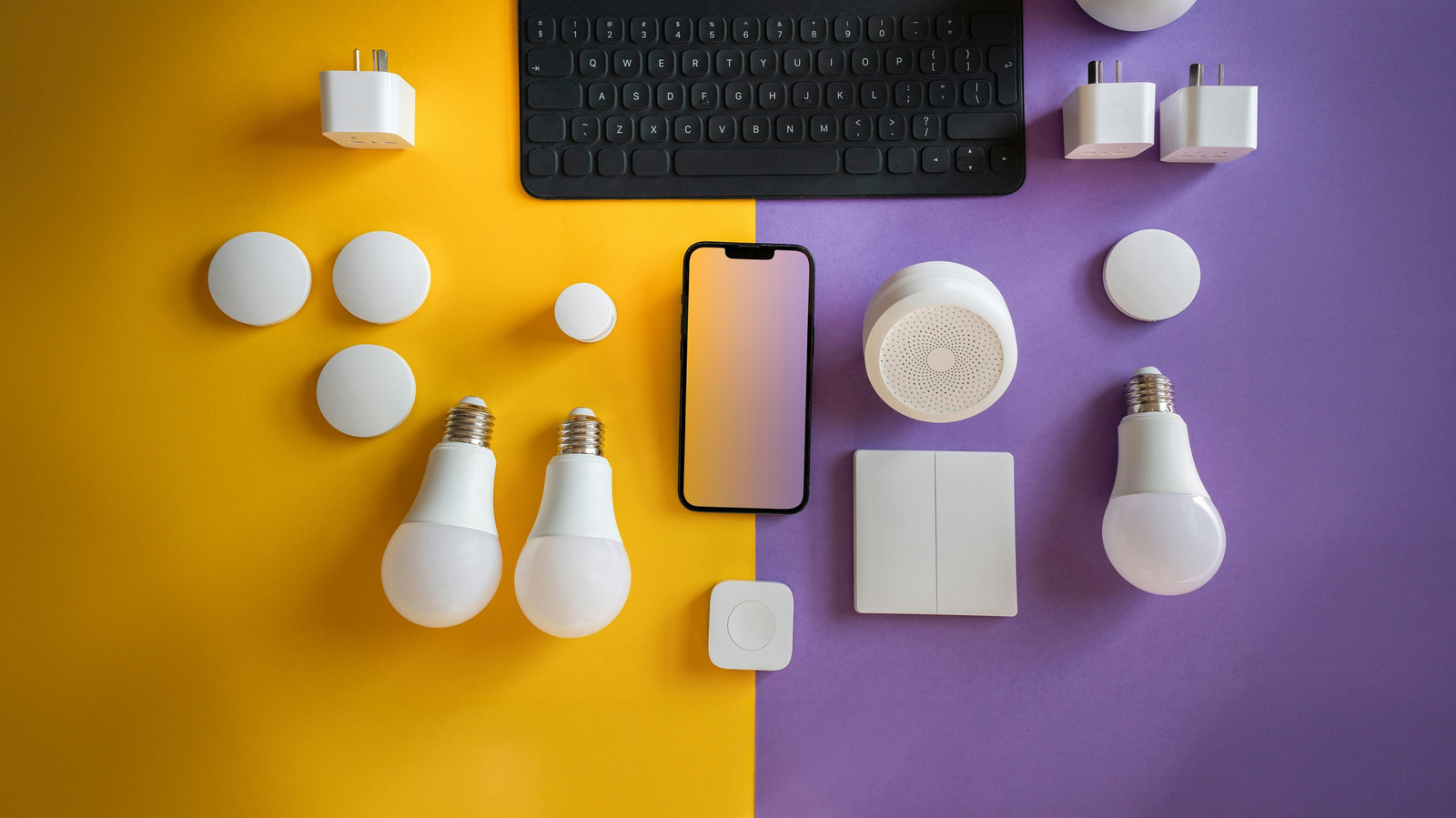
Many of us have an aging laptop gathering dust in a closet, deemed too slow for modern tasks but too good to simply discard. What if I told you that very machine could become the brain of your smart home? The concept, championed by the open-source platform Home Assistant, involves repurposing your dormant laptop to act as a central control system for all your disparate smart devices. It's a compelling proposition for those looking to declutter their digital lives and take charge of their connected gadgets without buying new hardware.
Smart homes, despite advancements in standards like Matter and Thread, often suffer from fragmentation. Different brands mean different apps, creating a disjointed experience. Home Assistant steps in to bridge these gaps, offering a local control center that can integrate devices from a multitude of manufacturers, including popular names like Philips Hue, Google Nest, Ring, Sonos, and Ecobee. This DIY approach not only saves you money on dedicated hub hardware but also empowers you with greater privacy and control over your data.
Why Consider Home Assistant?
Home Assistant shines for users with a diverse collection of smart home devices that don't natively play well together. Rather than juggling multiple manufacturer apps, Home Assistant unifies control under one roof. A significant draw is its ability to reduce reliance on manufacturer cloud services; many integrations can run locally, offering faster response times and continued functionality even during internet outages. This also means you're less dependent on the whims of tech giants, taking back a piece of your digital autonomy.
The platform supports robust automations, scenes, and scripts. Imagine your coffee maker starting as your morning alarm dismisses, or your lights dimming and doors locking automatically when you begin a movie. The possibilities for customization are extensive, allowing your smart home to truly adapt to your routines. While the setup isn't always plug-and-play, the deep level of customization and control it offers is a major advantage for those willing to invest a little time.
Assessing Your Old Laptop's Suitability
Fortunately, your old laptop doesn't need to be a powerhouse. Even a machine that struggles with contemporary software can often handle the relatively light load of Home Assistant. Its primary function will be to continuously listen for sensor updates and execute commands, tasks that are not CPU-intensive. The key is its ability to remain powered on and stationary without interruption.
For stability, an Ethernet connection is highly recommended, ideally positioning the laptop near your router. While Wi-Fi can work, it's inherently more susceptible to interference and connection drops, which can disrupt your smart home's reliability. Storage requirements are modest; an SSD will offer quicker boot times and better responsiveness, but an older mechanical hard drive can still function adequately. If running Home Assistant in a virtual machine (VM), the system recommends at least 2GB of RAM and two virtual CPUs, modest specifications even for many older machines.
A Crucial Component: The Laptop Battery
Before you commit your laptop to 24/7 smart home duty, a critical check is its battery health. A healthy battery can provide a brief power backup during short outages, keeping your smart home online (assuming your networking gear is also on a UPS). However, a swollen, leaking, or damaged battery poses a significant safety risk and should be immediately addressed. If the battery is compromised, it must be removed if the laptop can safely operate solely on its power adapter.
Some newer laptops offer features to cap the maximum charge level, which can prolong the battery's lifespan when kept plugged in constantly. If available, it's a feature worth utilizing. Older models might lack this, so monitoring the battery's condition is essential to avoid potential hazards and ensure safe, continuous operation.
Getting Started: Installation and User Experience
Home Assistant isn't typically a "set it and forget it" experience, particularly during initial setup. While some devices might be automatically discovered, others will demand manual configuration, often requiring a bit of research into Home Assistant's extensive documentation. There's a definite learning curve, and the interface, while functional, might not feel as polished or intuitive as commercial smart home apps.
There are two primary ways to install Home Assistant on your laptop:
- Virtual Machine (VM): This is the lower-commitment option, allowing Home Assistant OS (HAOS) to run within your existing operating system (Windows, macOS, or Linux) using free software like VirtualBox or VMware. This preserves your laptop's original OS but introduces some performance overhead.
- Direct Installation: For a dedicated hub, installing HAOS directly replaces your laptop's existing operating system. This is a cleaner setup, eliminating VM overhead, and is often preferred for underpowered machines. Ensure your laptop meets the x86-64 hardware requirements before proceeding.
Once configured, the laptop becomes largely invisible. You'll manage your smart home via a web browser on another device or through the Home Assistant mobile app. Remember to adjust power settings to prevent the laptop (and its host OS if using a VM) from sleeping when the lid is closed or idle.
Cost vs. Efficiency: Power Consumption and Long-Term Use
While the upfront cost of using an old laptop is zero, it's important to consider the ongoing expense of electricity. Older laptops generally consume more power than purpose-built, low-power alternatives like a Raspberry Pi or a mini PC. A plug-in power meter can give you exact data on your laptop's draw, helping you weigh the long-term energy costs against the initial saving.
For many, the laptop serves best as a proving ground. It lets you explore Home Assistant's capabilities, determine if its workflow suits you, and confirm its practical utility before investing in more power-efficient dedicated hardware. Home Assistant's robust backup and restore features facilitate this transition, allowing you to migrate your configurations and automations seamlessly to a new device without starting from scratch.
The Verdict: Is It Right for You?
Using an old laptop as a Home Assistant hub is an excellent entry point into advanced smart home automation. It's ideal for tech-savvy users who enjoy tinkering, want to consolidate devices from various brands, or aim to reduce reliance on commercial cloud services. It's particularly appealing as a trial run to see if the Home Assistant ecosystem fits your needs before spending money on new hardware like a Raspberry Pi or a mini PC. However, if ease of use is your top priority, or if you're concerned about higher ongoing electricity costs and don't want to deal with potential battery management, a dedicated, low-power hub might be a better long-term investment. For the right user, it's a resourceful and empowering project.
FAQ
Q: What kind of old laptop is suitable for this project? A: Your old laptop doesn't need to be powerful. Even one that struggles with modern applications can work. Key considerations are its ability to stay powered on continuously, a healthy or removable battery, and preferably an Ethernet port for stable connectivity. For running Home Assistant in a virtual machine, a minimum of 2GB RAM and two virtual CPUs is recommended.
Q: Is setting up Home Assistant on an old laptop difficult for a beginner? A: Home Assistant has a reputation for having a learning curve, and its interface may not be as intuitive as commercial smart home apps. While there's extensive documentation, new users should be prepared to spend some time learning and troubleshooting. Starting with a few devices or simple automations can make the learning process more manageable.
Q: Why should I use an old laptop instead of buying a dedicated device like a Raspberry Pi? A: The main advantage of using an old laptop is the zero upfront hardware cost – you're utilizing something you already own. It serves as an excellent "trial run" for Home Assistant, letting you explore its features and benefits before committing to buying purpose-built hardware like a Raspberry Pi or mini PC. However, dedicated devices are typically more power-efficient for 24/7 operation, making them potentially cheaper in the long run regarding electricity bills.
Related articles

Apple Unveils iPhone Duo: Pricey Foldable Sees Soaring Demand
Apple has officially entered the foldable smartphone arena with the long-anticipated launch of the iPhone Duo. Priced starting at a hefty $1,999, the device features a 5.4-inch outer display and a larger 7.6-inch inner
Android 17 QPR2 Beta 7.1: The Performance Relief You've Been Waiting
Android 17 QPR2 Beta 7.1: Finally Fixing the QPR1 Performance Woes Verdict: Android 17 QPR2 Beta 7.1 is a crucial and highly anticipated software update for Google Pixel users, specifically targeting and resolving the

DJI Solo Video Setups: Smart Choices for Lone Creators
This review delves into DJI's recommended solo video setups, highlighting the Osmo Pocket 3 Creator Combo as a top pick for its integrated camera, gimbal, and mic. It also covers stabilizers like the Osmo Mobile 8 and RS 4, and the DJI Mic Mini series for enhanced audio, providing honest pros, cons, and clear buying advice.

Ditch Merge & Center: The Better Way to Align Text in Excel
Learn to use Excel's "Center Across Selection" to align text across cells without merging, avoiding common data manipulation issues. This guide provides steps to utilize this newly accessible feature and add it to your Quick Access Toolbar.

Ars Technica's Rocket Report: Your Essential Space Industry Briefing
Quick Verdict Ars Technica's Rocket Report, presented by veteran space reporter Stephen Clark, offers an invaluable and meticulously organized weekly (or similar frequency, implied by "Edition 9.15") digest of the most

Apple iPhone Duo: A Daring Debut with Notable Compromises
Apple's highly anticipated iPhone Duo, priced at $2,000, has gone on pre-order. While hailed as "Apple's most exciting device in a decade" for its innovative foldable design and immersive display, it comes with significant drawbacks like the absence of FaceID and a premium camera.