
Mac Mini Server: Overkill Power, Practical Purpose
Reviewing a Mac Mini M4 used as a headless server for photo management and backups. It offers powerful performance for long-term support and seamless Apple ecosystem integration, but its M4 chip is significantly over-specced for the current tasks.
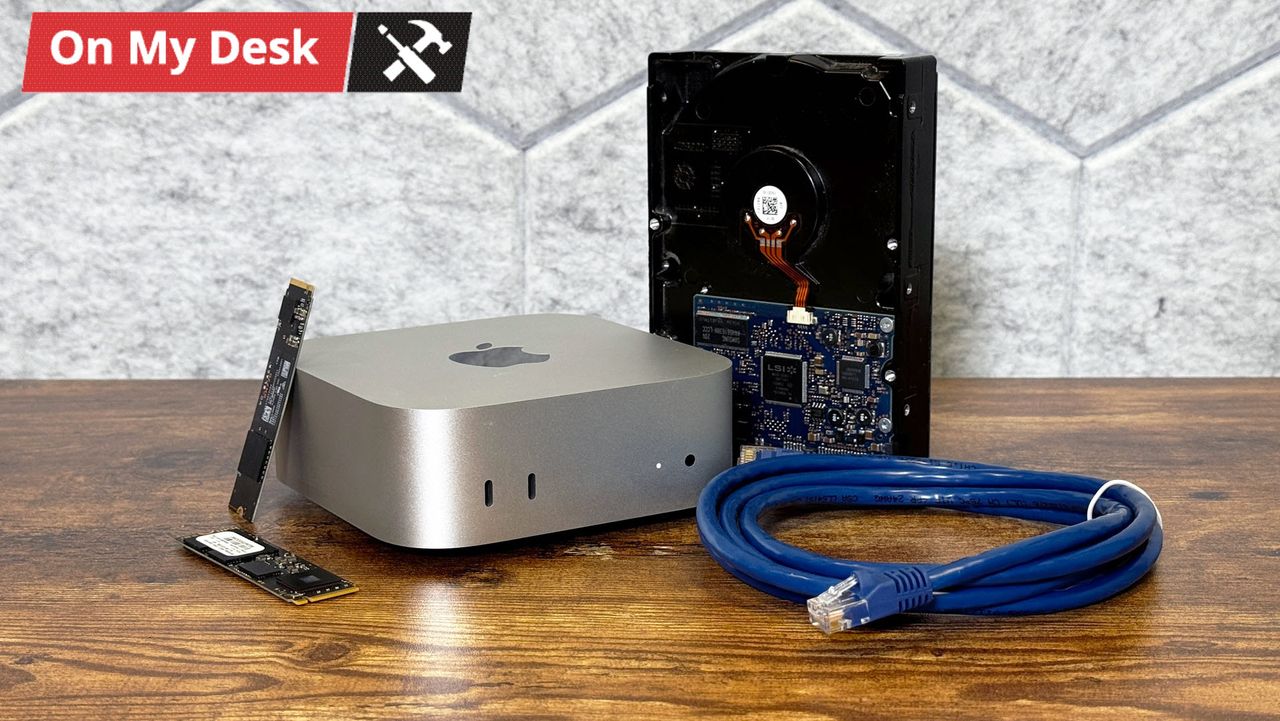
The Mac Mini M4, while a powerhouse, finds a unique role running headless in a closet as a dedicated home server for photo library management and backups. This setup leverages Apple's ecosystem benefits and the M4's longevity, despite being significantly over-specced for its current duties. It’s a robust, if extravagant, solution for those deeply invested in Apple's world looking for local data control.
Introduction
In an era where digital memories proliferate at an astounding rate, securing those precious photos and documents becomes a paramount concern. For one user, the sheer volume of family photos spurred a search for a backup solution beyond sporadic external drive connections. Initially considering a traditional Network Attached Storage (NAS) system, the rising cost of hard drives led to an alternative: a Mac Mini. This review delves into the practicalities and eccentricities of using a high-end Mac Mini as a dedicated, headless home server.
Hardware Overview
The heart of this home server is a Mac Mini featuring an M4 chip, 16GB of RAM, and 256GB of internal storage. The unit was acquired from Apple’s refurbished store, providing a slight cost advantage. While the M4 is acknowledged as "overkill" for the current server tasks—an M1 or even an older Intel/AMD mini PC would suffice—its inclusion provides exceptional future-proofing.
Connected to the Mac Mini are a trio of external storage devices:
- 4TB PCIe NVMe SSD: Housed in a Thunderbolt 3 enclosure, this serves as the primary data repository for important documents, the main Apple Photo library, and other non-critical files accessible across the network. It's partitioned into two volumes, one for core data and a smaller one for macOS content caching.
- 2TB PCIe NVMe SSD: Residing in a USB-C enclosure, this drive is dedicated solely to Time Machine backups, allowing seamless wireless backups from other Apple devices.
- Seagate FireCuda Vault X HDD: This traditional spinning hard drive, chosen for longer-term storage despite not being the cheapest, connects via USB-C bus power. It provides a crucial layer of redundancy, split into two volumes: an alternate Time Machine destination and a clone of critical data updated nightly using Carbon Copy Cloner.
The 256GB internal storage is reserved exclusively for the macOS operating system and applications, keeping data separate from system files.
Design and User Experience
Operating "headless" in a closet, this Mac Mini server is out of sight and presumably quiet, given its passive cooling (typical for M-series Minis under light load). Its placement in a closet is purely for convenience, aligning with the apartment's sole Ethernet connection, where the router and modem already reside. This setup means the Mac Mini runs continuously, a practical necessity given the power button's inconvenient location on the bottom, which would require a step-stool to access on the high shelf.
Accessing the server is handled remotely, either via VNC for graphical interaction or SSH for command-line operations, catering to various user comfort levels. The choice of macOS is largely driven by the user's significant investment in Apple's ecosystem, particularly to facilitate easy backups for a partner who exclusively uses Apple products. This integration is a significant benefit, ensuring smoother operations within an Apple-centric household.
Performance and Capability
While the M4 chip is undoubtedly powerful, it's explicitly stated as "overkill" for managing a photo library and handling backups. Tasks such as file transfers, photo indexing, and nightly cloning are easily handled, leaving substantial headroom for future demands. This excess power ensures the system remains responsive and capable for many years, offering a degree of future-proofing that simpler, less powerful mini PCs might not. The choice, though luxurious for the current workload, guarantees sustained support and performance longevity within Apple's ecosystem.
Backup Strategy and Redundancy
The user has implemented a multi-tiered backup strategy, though it's acknowledged not to fully satisfy the "3-2-1 backup rule" (three copies, two types of media, one offsite).
- Primary Data: Stored on the 4TB NVMe SSD, containing core photo libraries and important documents.
- Time Machine: Utilizes the 2TB NVMe SSD for fast, network-based backups of laptops. The HDD also serves as an alternate Time Machine destination, adding flexibility.
- Cloning: Critical data from the 4TB SSD and photo library are cloned nightly to a dedicated volume on the Seagate HDD using Carbon Copy Cloner, providing a direct copy.
Despite these robust local measures, the critical missing piece is a comprehensive offsite backup. In the event of a localized disaster like a fire affecting both the computers and the Mac Mini, much of the data would still be at risk. This highlights a common challenge in home server setups – extending redundancy beyond the immediate physical location.
Pros
- Apple Ecosystem Integration: Seamlessly backs up other Apple devices via Time Machine and provides shared access to photo libraries and documents for Apple users.
- Future-Proof Performance: The M4 chip offers significant processing power, ensuring the server remains capable and supported by Apple for many years.
- Compact and Quiet: The Mac Mini's small form factor and efficient M-series chip make it ideal for a headless, closet-based setup where space and noise are concerns.
- Versatile Access: Supports remote management via VNC for graphical control and SSH for command-line operations.
- Leverages Existing Drives: Efficiently utilizes a combination of existing external SSDs and a new HDD for varied storage needs.
Cons
- Overkill Hardware: The M4 Mac Mini is considerably more powerful and expensive than strictly necessary for basic photo management and backup tasks, potentially leading to unnecessary expenditure.
- No Integrated Drive Bays: Reliance on external drives means more cables and a less tidy setup, as evident from the user's note on cable management.
- Power Button Placement: The bottom-mounted power button is inconvenient for a server placed on a high shelf in a closet.
- Incomplete 3-2-1 Backup: While robust locally, the current setup lacks a true offsite backup, leaving data vulnerable to localized disasters.
- HDD Cost Factor: Although the initial decision steered away from NAS due to HDD costs, a new HDD was still purchased, suggesting potential for more cost-effective solutions if chosen differently.
Alternatives Comparison
| Feature/Product | Mac Mini Server Setup (M4) | Dedicated NAS (e.g., Synology/QNAP) | Generic x86 Mini PC (e.g., Intel NUC, custom build) |
|---|---|---|---|
| Initial Cost | High (especially for M4), plus external drives | Moderate to High (unit + expensive HDDs) | Low to Moderate (often good deals on older hardware) |
| Ecosystem Integration | Excellent for Apple users (macOS, Time Machine) | OS-agnostic, good cross-platform file sharing (SMB, NFS) | OS-agnostic (Linux/Windows), highly customizable |
| Performance | Extremely powerful (M4 is overkill for basic tasks) | Varies by model, optimized for storage and basic server tasks | Varies wildly by CPU, can be very powerful |
| Storage | External drives (SSD/HDD mix), flexible but messy | Integrated drive bays (1-20+), clean, often RAID support | External or internal drives, highly customizable |
| Ease of Setup | Relatively easy for Mac users, familiar OS, remote access | User-friendly OS, web interface, dedicated apps | Requires more technical knowledge (OS install, configs) |
| Power Consumption | Very low (M-series efficiency) | Low to Moderate, designed for 24/7 operation | Varies by components, can be optimized for low power |
| Future-Proofing | Very good (M4 power and long software support) | Good (software updates, hardware upgrades) | Varies (depends on chosen hardware and OS support) |
| Primary Use Case | Personal photo/document management, backups, general purpose | Dedicated file storage, media streaming, advanced server apps | Flexible, homelab, custom server, specific applications |
Buying Recommendation
This Mac Mini server setup is an excellent choice for individuals deeply embedded in the Apple ecosystem who prioritize seamless integration and powerful, future-proof hardware for their local data management and backup needs. If you frequently handle large photo libraries, require robust local backup solutions for multiple Apple devices, and are comfortable with remote access methods like VNC or SSH, this approach can be highly effective. However, potential buyers should be aware of the "overkill" nature of a top-tier M4 Mac Mini for these tasks and the associated cost. If strict budget adherence, integrated storage, or extensive offsite backup features are higher priorities, a dedicated NAS or a more budget-friendly mini PC with a Linux-based server OS might be a more sensible alternative.
FAQ
Q: Is a Mac Mini with an M4 chip truly necessary for a home server for photos and backups?
A: No, the review explicitly states that an M1 Mac Mini or even older Intel/AMD mini PCs would be sufficient for these tasks. The M4 is considered "overkill," but provides exceptional future-proofing and performance headroom.
Q: Does this Mac Mini server setup provide complete backup protection against all disasters?
A: While the setup offers robust local redundancy using multiple external drives and cloning software (Time Machine, Carbon Copy Cloner), it currently lacks a true offsite backup solution. This means data could still be lost in the event of a localized disaster like a house fire.
Q: What are the main advantages of using a Mac Mini for this purpose over a traditional NAS?
A: Key advantages include seamless integration with Apple's ecosystem (e.g., Time Machine backups for macOS devices), a familiar macOS operating system, and the powerful, future-proof performance of Apple Silicon. The decision was also partly driven by the high cost of HDDs for a NAS at the time of purchase.
Related articles

SpaceX Starfall Cargo Drop Pods: Space-Delivered Logistics, Tested
The USAF and SpaceX Starfall cargo drop pods successfully demonstrated orbital delivery of military supplies, offering rapid, safe logistics. While current capacity is 2,200 pounds, future plans aim for tens of tons.
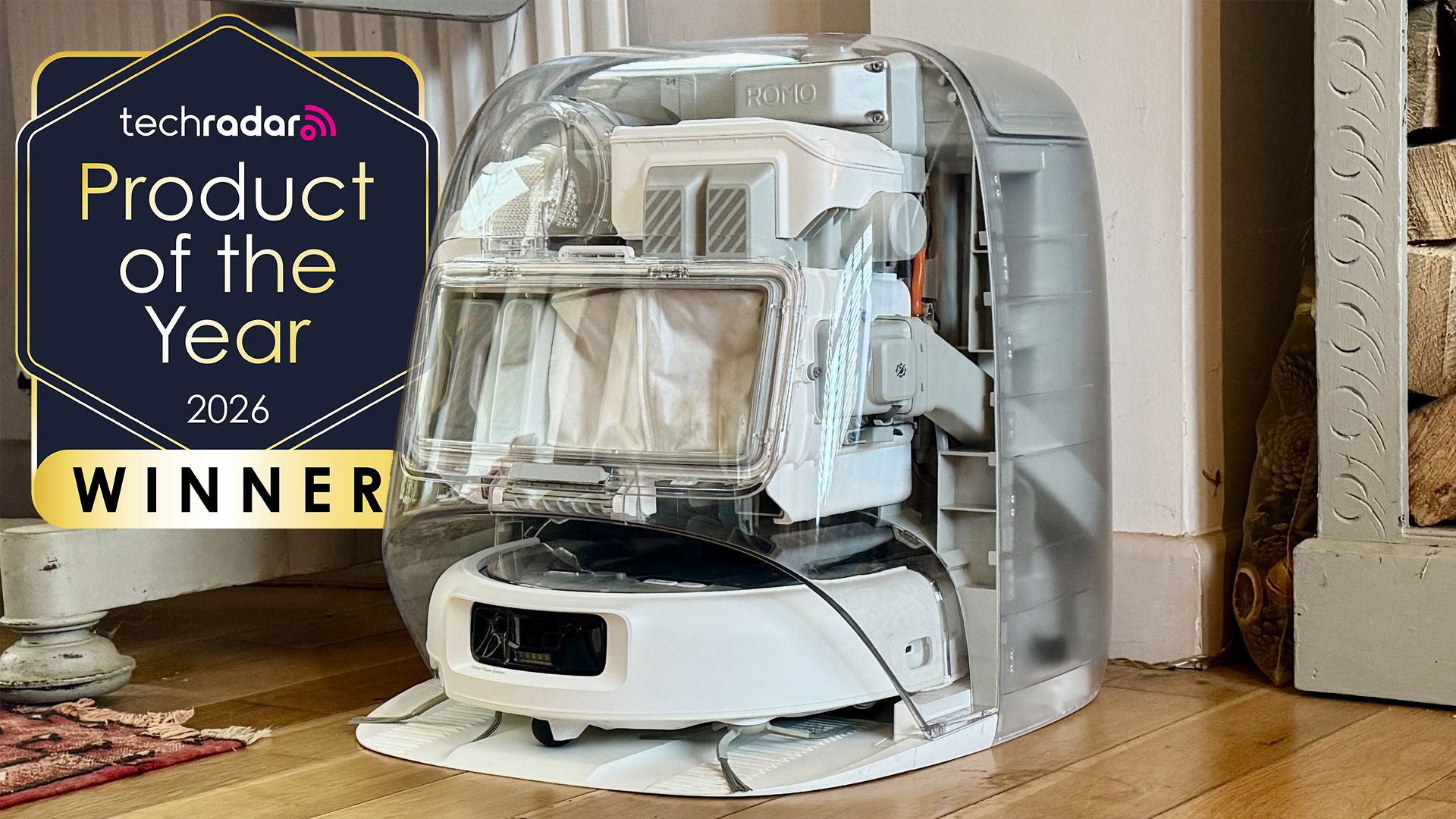
DJI Romo P Review: Drone Navigation Hits Your Floors with Impressive
Quick Verdict The DJI Romo P, our Home Device of the Year for 2026, marks an astonishing debut for DJI in the robot vacuum market. Leveraging its unparalleled drone-navigation technology, the Romo P offers class-leading

WhatsApp Group Chats: Smart Upgrades for Busy Conversations
WhatsApp rolls out significant group chat updates, including permanent message pins, private Group Status, and enhanced message discovery, aiming to tame chaotic conversations and improve user efficiency.

November 2026 Skywatching Guide: Your Stellar Companion for Autumn
The "November 2026 Skywatching Guide: Meteors, Planets, Stars and a Full Moon" from CNET positions itself as an essential companion for celestial enthusiasts. This comprehensive guide delivers a detailed roadmap to the
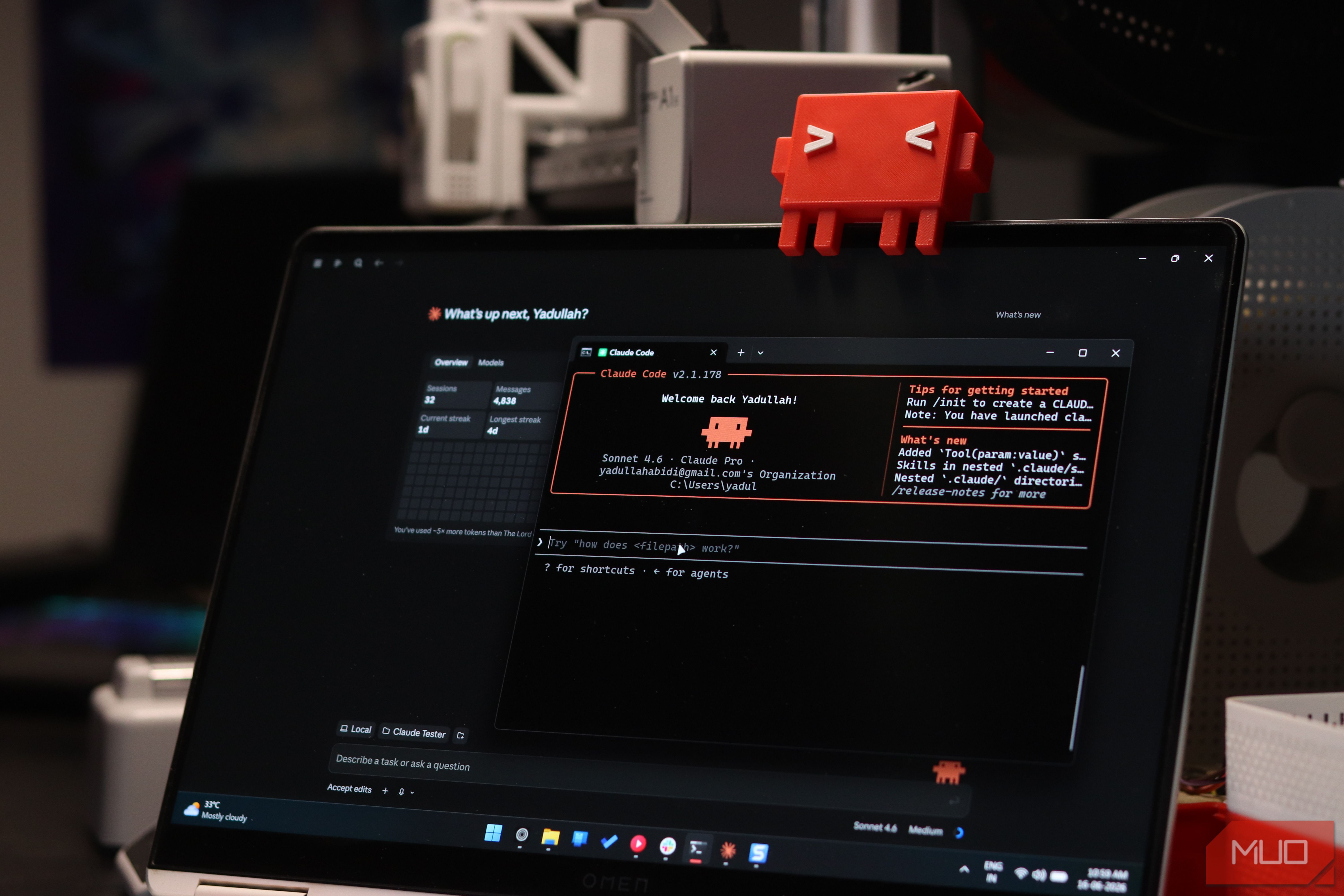
Securely Empower Your Smart Home: Integrating Claude Code with Home
Learn to integrate Claude Code with Home Assistant to automate and manage your smart home devices, focusing on secure practices for token usage and deployment.

TechRadar's Chelsea vs Man Utd Streaming Guide: A Detailed Review
TechRadar's 'How to watch Chelsea vs Man Utd' guide offers comprehensive streaming options, including a free Brazilian YouTube channel and global VPN solutions, for Premier League fans. Despite a hypothetical match date, its clear structure and practical advice make it a highly effective resource.