
How to Understand the MacBook Neo: Apple's Budget Game-Changer
Learn to evaluate the MacBook Neo's features, performance, and target audience in 5 easy steps to see if Apple's new budget laptop is the right choice for you.

Are you on the hunt for a new laptop that doesn't break the bank but still delivers a premium experience? Apple has just unveiled its latest innovation, the MacBook Neo, a budget-friendly laptop that promises to be a significant disruptor in the market. This guide will walk you through everything you need to know about the MacBook Neo, from its striking design and impressive battery life to its performance capabilities and target audience. Whether you're a student, a casual home user, or a budget-conscious buyer, understanding the Neo's unique combination of quality and value will help you determine if this game-changing machine is your next perfect device.
1. Meet the MacBook Neo: Price, Design, and Core Appeal
Released on March 4, the MacBook Neo is making waves with its accessible pricing and premium features.
- Unbeatable Price: Available for $599, and an even more attractive $499 for students, the Neo is designed to be affordable.
- Premium Aluminum Build: A major departure from typical budget laptops, the Neo features a solid aluminum construction, offering a high-end feel and look. It comes in appealing colors like indigo.
- Broad Appeal: While rooted in Apple's tradition of education-focused computers, its value proposition extends significantly to casual home users and anyone seeking a quality MacBook experience without the usual premium price tag.
2. Experience Unmatched Battery Life
One of the MacBook Neo's most compelling advantages is its phenomenal battery endurance.
- All-Day Power: Apple advertises a remarkable 16 hours of battery life, a claim that Apple's estimates usually deliver on. This translates to potentially double the real-world battery life compared to many Windows laptops in the same price bracket, and a notable lead over most Chromebooks.
- Efficient A18 Pro Chip: This exceptional battery performance is largely thanks to the A18 Pro chip, originally optimized for iPhones, known for its incredible efficiency.
- Fanless Design Benefits: The laptop’s fanless design not only ensures silent operation but also contributes to lower power consumption. To help prolong your battery's lifespan, a helpful tip is to avoid consistently charging it to 100%.
3. Evaluate Performance: A18 Pro and RAM Considerations
The A18 Pro chip is at the heart of the MacBook Neo's performance, bringing both significant strengths and a few considerations.
- Strong Single-Core Performance: The A18 Pro excels in single-core tasks, offering significantly higher benchmarks than many competing chips, such as the Intel Core Ultra 5. This translates to a very smooth experience for daily activities like launching apps, web browsing, and using macOS's automation tools.
- Multicore and Fanless Trade-offs: While excellent in single-core, the A18 Pro lags slightly in multicore performance. The fanless design, while great for quiet operation, means less active cooling, which could affect sustained performance during demanding, multithreaded tasks like video exporting.
- 8 GB RAM Limit: The Neo is configured with 8 GB of RAM with no upgrade options. While the 'RAM crisis' might make this less of a disadvantage than it once was, heavy multitaskers might prefer a 16 GB option for smoother operation with many applications open simultaneously.
4. Who Will Benefit Most from the MacBook Neo?
The MacBook Neo is specifically designed to meet the needs of several key user groups:
- Students: Its long battery life, robust build, and student discount make it an ideal academic companion.
- Budget-Conscious Buyers: Seeking premium quality and performance without the premium price tag.
- Casual Home Users: For everyday tasks like browsing, streaming, and light productivity, it offers a superior experience. The Neo is truly poised to attract those who might typically opt for a Windows laptop due to cost, compelling them to consider Apple's ecosystem.
Potential Considerations and Best Practices
While the MacBook Neo offers incredible value, keep these points in mind:
- Intensive Workloads: If your tasks regularly involve heavy video editing, complex 3D rendering, or running multiple demanding professional applications, its 8 GB RAM and multicore performance might be a bottleneck.
- Battery Longevity: As mentioned, avoid consistently charging to 100% to help extend the overall life of your battery.
- Pre-order vs. Wait: The Neo is available for preorder now and widely releases on March 11. Consider reading initial reviews post-release for real-world perspectives.
Next Steps
With its official wide release on March 11, the MacBook Neo is set to make a significant impact. If you're intrigued by its blend of affordability and premium features, take the next step. Explore more details on Apple's official site or prepare to see this game-changing laptop in action. The Neo offers a compelling reason for many to experience the macOS ecosystem.
FAQ
Q: What is the main target audience for the MacBook Neo? A: The MacBook Neo is primarily geared towards budget-conscious buyers, students, and casual home users who desire a premium Apple experience without the high cost typically associated with MacBooks.
Q: How does the MacBook Neo's battery life compare to other budget laptops? A: Apple estimates the MacBook Neo to have an impressive 16 hours of battery life. This is significantly more than most similarly-priced Windows laptops, potentially offering double the real-world battery life, and also generally outperforms most Chromebooks.
Q: Can I upgrade the RAM on the MacBook Neo? A: No, the MacBook Neo is limited to 8 GB of RAM, and there is no option to add more in any configuration. This is a fixed component of the machine.
Related articles
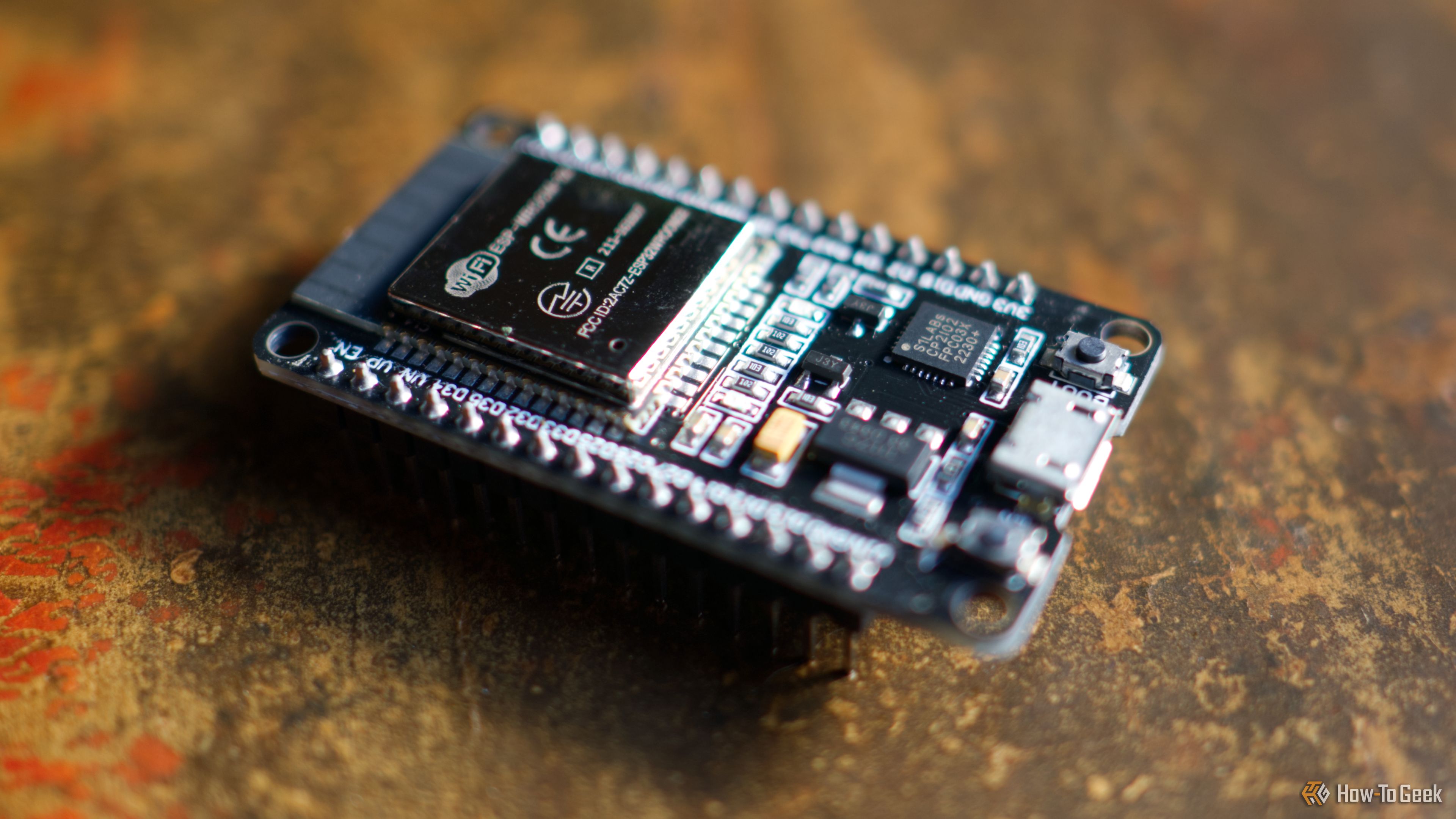
3 Clever Ways ESP32 Revitalizes Retro Computers
Discover three clever ways the versatile ESP32 microcontroller is revitalizing retro computers, from adding Wi-Fi and emulating disk drives to running full system emulators. Learn how this affordable board breathes new life into vintage tech.

Apple Unveils iPhone Duo: Pricey Foldable Sees Soaring Demand
Apple has officially entered the foldable smartphone arena with the long-anticipated launch of the iPhone Duo. Priced starting at a hefty $1,999, the device features a 5.4-inch outer display and a larger 7.6-inch inner

Ditch Merge & Center: The Better Way to Align Text in Excel
Learn to use Excel's "Center Across Selection" to align text across cells without merging, avoiding common data manipulation issues. This guide provides steps to utilize this newly accessible feature and add it to your Quick Access Toolbar.

Apple iPhone Duo: A Daring Debut with Notable Compromises
Apple's highly anticipated iPhone Duo, priced at $2,000, has gone on pre-order. While hailed as "Apple's most exciting device in a decade" for its innovative foldable design and immersive display, it comes with significant drawbacks like the absence of FaceID and a premium camera.

Ephemeral PR Preview Environments on GKE: A Deep Dive
Every development team eventually grapples with the limitations of shared staging environments. The familiar scenario: multiple features deployed simultaneously, database migrations clashing, and the phrase "it works on

Stop Android Auto Battery Drain: Essential Features to Disable and
Android Auto offers unparalleled convenience, bringing your phone's most useful features directly to your car's display. From navigation and calls to messages and music, it keeps you connected without distracting you