
How to Find Specific Google Play In-App Prices
Learn to find specific in-app purchase prices for Android apps by checking the Apple App Store, developer websites, and user reviews before downloading.
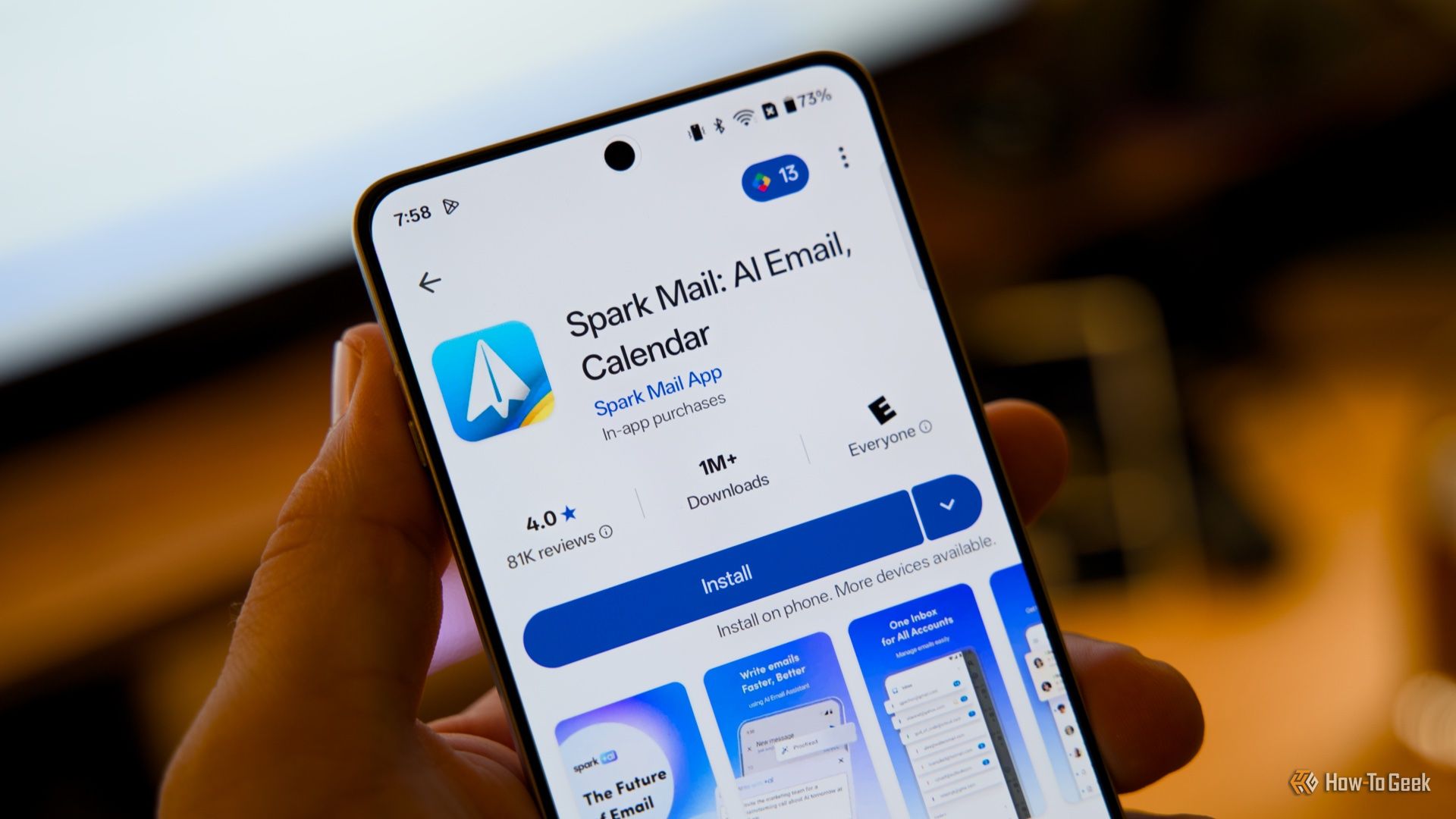
How to Find Specific In-App Prices on Google Play
Android apps often come with in-app purchases or subscriptions, but the Google Play Store typically displays these as a broad price range (e.g., "$0.99 - $99.99") instead of itemized costs. This vagueness can be frustrating when you want to understand an app's true financial commitment before downloading. This guide provides clear strategies to uncover specific in-app purchase details and prices, helping you make informed decisions.
Prerequisites
To effectively research in-app pricing, you'll need:
- Internet Access: Essential for browsing app stores and developer websites.
- A Web Browser: On any device (computer, tablet, or smartphone) to access the Apple App Store (via web) or developer sites.
- Your Android Device: To view Google Play Store details and initial app information.
Finding Specific In-App Purchase Details for Android Apps
Google Play's generic price ranges for in-app purchases can obscure an app's true financial commitment. Use these methods to get clearer pricing information.
1. Understand Google Play's Price Range Limitations
The "In-app purchases" section on Google Play (usually within "About this app") typically shows only a wide price range. This offers no specific details on individual item costs, subscription tiers, or what digital products are actually available. This lack of detail makes it challenging to assess an app's full cost before installation.
2. Check the Apple App Store for Itemized Pricing (Primary Method)
The most effective way to find specific in-app purchase details is to check if the app is also available on the Apple App Store. Apple's guidelines require developers to list all add-ons and their prices clearly on the app's page.
- How:
- Open your web browser and go to the Apple App Store website.
- Search for the Android app's name.
- If found, scroll down the app's product page to the "In-App Purchases" section. You should see an itemized list of items and their prices.
- Benefit: This provides a clear breakdown of specific offerings and their costs. While prices may sometimes differ slightly between platforms or regions, it gives an excellent estimate and helps determine if an app requires additional purchases.
3. Explore the Developer's Official Website (Alternative)
If the app isn't on the Apple App Store or if you need further details, the developer's official website is a valuable resource. Many developers provide comprehensive app information and monetization strategies there.
- How:
- On the Google Play app page, find the "Developer contact" section.
- Click the link to the developer's website.
- Search the site for "pricing," "subscriptions," or "premium features" sections to find detailed breakdowns of offerings and their costs.
- Benefit: Websites can offer specific plans, one-time purchases, or virtual currency details, and sometimes even direct payment options, which are especially useful for platform-exclusive apps.
4. Consult User Reviews for Real-World Insights (Alternative)
User reviews often contain practical information about an app's monetization that official listings miss.
- How:
- On the Google Play app page, go to "Ratings and reviews."
- Use keywords like "subscription," "price," "premium," or "in-app purchase" to filter comments and find relevant feedback.
- Read feedback for mentions of specific costs, paywalled features, or the overall value of in-app purchases.
- Benefit: Reviews offer anecdotal evidence and direct user experiences, clarifying what you get for your money and highlighting potential issues.
5. Utilize Google Play's "Ask Play about this app" (Limited Use)
Google Play has introduced an AI-powered feature, "Ask Play about this app," which can provide some answers regarding in-app purchases. However, its information on pricing tends to remain in ranges, not specific itemized costs.
- How:
- On certain Google Play app pages, look for a section like "Ask Play about this app" or a Gemini integration.
- Ask specific questions such as "What are the prices for add-ons?" or "What subscriptions does this app offer?"
- Limitations: This offers a quick, general overview but rarely provides a full, itemized list with precise costs, making it less detailed than other methods.
Tips for Making Informed Decisions
- Combine Research Methods: For the most thorough understanding, use the Apple App Store as your primary check, then supplement with the developer's website and user reviews.
- Platform Nuances: Remember that not all apps are available on both stores, and prices can slightly differ between iOS and Android or across regions. Use Apple App Store listings as a strong indicator, not a definitive guarantee.
- Spot Truly Free Apps: An app on the Apple App Store explicitly stating no in-app purchases is a good sign the Android version might also be genuinely free of additional costs.
Troubleshooting Common Challenges
- App Not Found on Apple App Store: If your desired Android app is exclusive, concentrate your efforts on the developer's official website (Step 3) and thoroughly review user comments on the Google Play Store (Step 4) for pricing details.
- Developer Website Lacks Pricing: Unfortunately, not all developers are fully transparent on their sites. If you can't find specific pricing, user reviews are your best alternative. Installing the app directly is a last resort if you need to see prices, though it bypasses pre-download research.
- "Ask Play about this app" Is Vague: This AI tool provides general information, not detailed pricing lists. Rely on other methods for specifics.
FAQ
Q: Why does Google Play only show a price range for in-app purchases? A: Google Play's policy allows developers to display a broad price range for all in-app items instead of requiring an itemized list, reducing transparency for users seeking specific costs.
Q: Are in-app prices on the Apple App Store always the same as on Google Play? A: Not always identical, but they offer an excellent estimate and insight into the offerings. Minor differences can arise from platform-specific factors, regional pricing, or developer decisions.
Q: How can I find in-app prices if an app is only available on Android? A: For Android-exclusive apps, prioritize checking the developer's official website for detailed pricing and thoroughly reading user reviews on the Google Play Store, where others often discuss costs and value.
Conclusion
Don't let Google Play's vague price ranges lead to unexpected costs. By leveraging the Apple App Store, developer websites, and user reviews, you can gain clear insight into an app's in-app purchases before downloading. Equip yourself with this knowledge to confidently navigate the app marketplace and avoid financial surprises!
Related articles
Fitbit Edge: Hold Your Horses on Day One
The Google Fitbit Edge has arrived with an MSRP of $179.99, sparking considerable interest in the wearables market. Positioned as a device that balances the utility of a basic fitness band with some advanced features,
Navigating Pixel vs. Galaxy: Understanding Exclusive Features Before
When considering a switch between Google Pixel and Samsung Galaxy phones, it's easy to assume that all Android flagships offer similar core features. However, as many users discover after making the leap, this isn't

Captain Price Actor Hails MW4 Campaign Praise, Urges Spoiler Control
Call of Duty: Modern Warfare 4's campaign is receiving widespread praise from early access players, hailed as one of the most brutal and intense in the series, earning comparisons to classic titles. Barry Sloane, the actor behind Captain Price, expressed gratitude for the positive reception of his performance. He also issued a plea to fans to avoid spoilers, ensuring everyone can enjoy the story unspoiled.
3 Clever Ways ESP32 Revitalizes Retro Computers
Discover three clever ways the versatile ESP32 microcontroller is revitalizing retro computers, from adding Wi-Fi and emulating disk drives to running full system emulators. Learn how this affordable board breathes new life into vintage tech.

Apple Unveils iPhone Duo: Pricey Foldable Sees Soaring Demand
Apple has officially entered the foldable smartphone arena with the long-anticipated launch of the iPhone Duo. Priced starting at a hefty $1,999, the device features a 5.4-inch outer display and a larger 7.6-inch inner
Android 17 QPR2 Beta 7.1: The Performance Relief You've Been Waiting
Android 17 QPR2 Beta 7.1: Finally Fixing the QPR1 Performance Woes Verdict: Android 17 QPR2 Beta 7.1 is a crucial and highly anticipated software update for Google Pixel users, specifically targeting and resolving the