
Headphones with Bluetooth Multipoint: A Non-Negotiable Feature
In the booming market of wireless audio, where sleek designs and robust active noise cancellation often grab the headlines, there's a less flashy but increasingly essential feature that every prospective headphone buyer
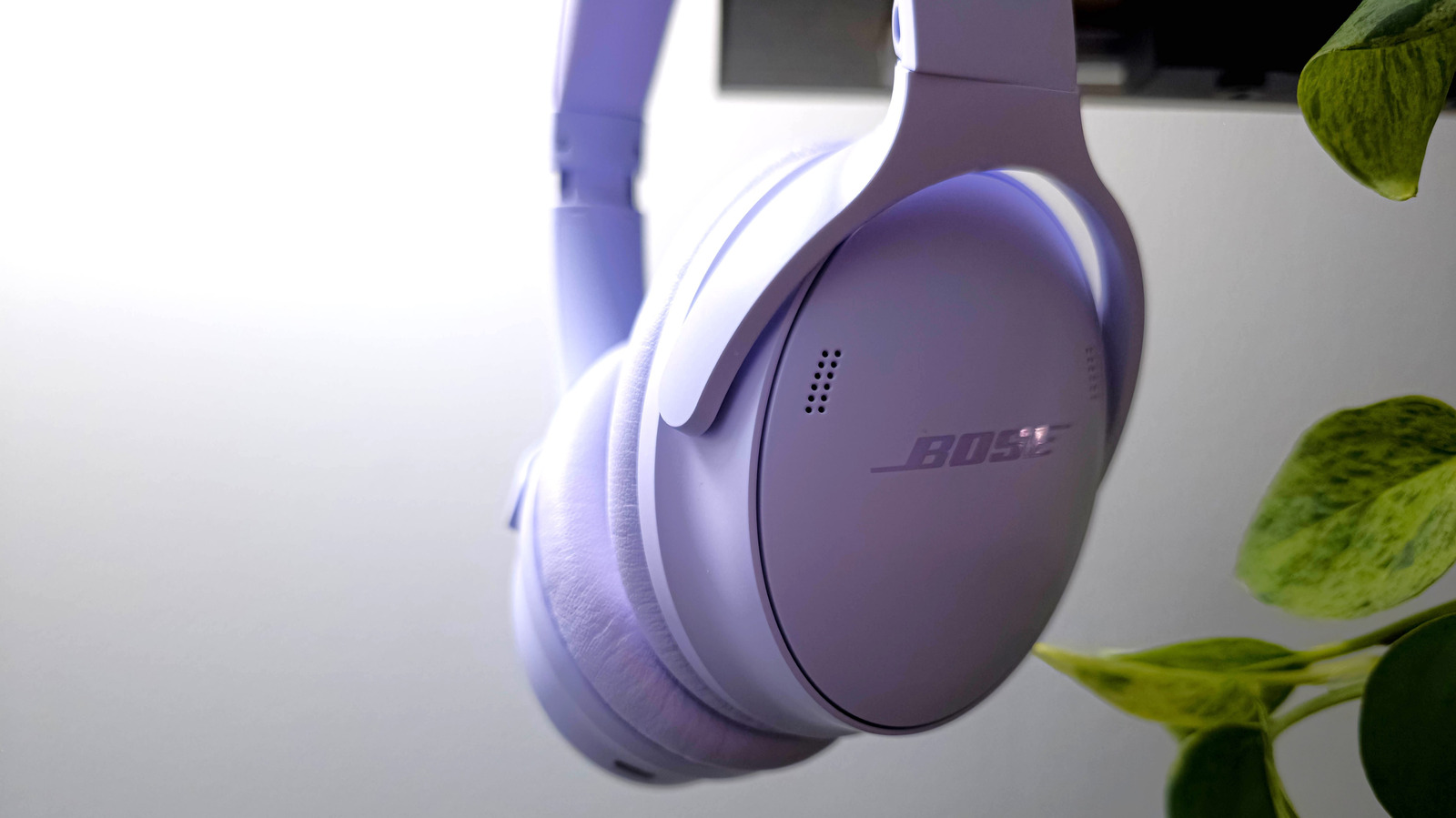
In the booming market of wireless audio, where sleek designs and robust active noise cancellation often grab the headlines, there's a less flashy but increasingly essential feature that every prospective headphone buyer should prioritize: Bluetooth multipoint. While the allure of untethered listening is undeniable, the traditional hassle of switching between multiple audio sources can quickly turn convenience into frustration. This review delves into why Bluetooth multipoint is no longer a luxury, but a fundamental requirement for anyone navigating a multi-device digital life.
Quick Verdict
Don't buy new Bluetooth headphones without multipoint. This feature dramatically reduces the friction of using your headphones across multiple devices like a phone and a laptop. While its implementation can sometimes be finicky and manufacturer-dependent, the benefits of automatic switching far outweigh the occasional quirks. It's a game-changer for productivity and seamless media consumption, making it a truly indispensable modern headphone capability.
The Evolution of Wireless Convenience
The widespread adoption of Bluetooth headphones, from over-ear cans like the Sony WH-1000XM series to ubiquitous earbuds like Apple's AirPods, has revolutionized how we consume audio. Gone are the days of headphone jacks and audio splitters, replaced by wireless freedom. However, this transition introduced a new headache: the often-cumbersome process of manually disconnecting from one device and pairing with another. Bluetooth, despite continuous updates, retains a somewhat finicky character when it comes to managing multiple connections. This is precisely where Bluetooth multipoint steps in, promising a more seamless experience by allowing your headphones to maintain simultaneous connections to several devices.
Understanding Bluetooth Multipoint: More Than Just a Connection
Bluetooth multipoint is a manufacturer-specific technology designed to let a wireless audio device stay connected to more than one audio source concurrently. Typically, this means two devices, though some advanced implementations might support more. It's crucial to understand that multipoint isn't a core part of the Bluetooth standard itself but rather a logic built on top of the Bluetooth protocol, leveraging its ability to handle multiple streams (introduced with Bluetooth 4.0).
Your headphones use various Bluetooth profiles for different audio types. For instance, music and media streams utilize the A2DP profile, which can also support high-resolution codecs like Qualcomm AptX or Sony LDAC. Control commands like volume and play/pause are handled by the AVRCP profile. When a phone call comes in, the headphones switch to the lower-quality, bidirectional HFP profile. Multipoint intelligently manages these profiles, prioritizing incoming calls over ongoing media playback from another device, ensuring you don't miss important communications. This automatic prioritization is the cornerstone of its convenience.
The Seamless Shift: Multipoint's Impact on User Experience
The primary benefit of Bluetooth multipoint is the significant reduction in friction for users with multiple devices. Imagine listening to music on your laptop, and your phone rings. Without multipoint, you'd have to manually disconnect your headphones from the laptop, connect them to your phone, take the call, then reverse the process to resume your music. With multipoint, your headphones detect the incoming call, automatically pause the laptop audio, and switch to your phone's call audio. Once the call ends, they often revert to your laptop, picking up your music where it left off. This effortless transition is invaluable for anyone juggling work, entertainment, and communication across various gadgets.
This convenience extends beyond calls. You could be watching a video on your tablet and switch to a podcast on your phone without ever touching your headphone's settings. It's about creating an uninterrupted audio flow that adapts to your immediate needs, making your headphones a truly central audio hub for your digital ecosystem.
The Hidden Headaches: Where Multipoint Can Fall Short
Despite its undeniable benefits, Bluetooth multipoint isn't a perfect solution, and its varied implementations can introduce new frustrations. Since it's a manufacturer-introduced feature rather than a Bluetooth standard, its performance can differ wildly between brands and even specific models. This lack of standardization means what works flawlessly on one pair of headphones might be clunky on another.
One common annoyance stems from multipoint's prioritization logic. While it's great for phone calls, it can be overly zealous with other audio sources. For example, scrolling through Instagram on your phone while listening to a podcast on your computer might cause an unwanted switch if Instagram's autoplay feature triggers an audio output, even if your phone's media volume is muted. Similarly, notification pings from your phone can hijack the audio stream, interrupting your current media playback. The key limitation here is that multipoint cannot simultaneously mix or sum multiple audio streams; it always chooses one to prioritize.
Proprietary Solutions vs. Universal Multipoint
Recognizing the limitations of generic multipoint, some tech giants have developed their own ecosystem-specific solutions. Apple's AirPods and Samsung's Galaxy Buds, for instance, offer a modified form of multipoint that works exceptionally well within their respective ecosystems. If you're an iPhone and MacBook user, your AirPods will intelligently switch between devices based on active audio, providing a smoother experience than many universal multipoint headphones. The same applies to Samsung's headphones within the Galaxy ecosystem.
Comparison of Multipoint Implementations
| Feature/Aspect | Universal Bluetooth Multipoint | Apple/Samsung Ecosystem Multipoint |
|---|---|---|
| Compatibility | Works across various brands and operating systems. | Primarily limited to the manufacturer's ecosystem. |
| Implementation | Manufacturer-specific, varies in reliability and features. | Highly optimized and integrated within its ecosystem. |
| Audio Prioritization | Automatically switches based on active audio (calls take precedence). | Intelligent switching, often more seamless within ecosystem. |
| Potential Issues | Can be triggered by minor audio events (autoplay, notifications); inconsistent performance. | Fewer unwanted switches within the ecosystem; less flexible outside. |
| Control | Less unified control due to diverse device manufacturers. | Tightly controlled, leading to a more polished user experience. |
While these proprietary systems often deliver a more polished and reliable switching experience, they come with a significant trade-off: ecosystem lock-in. If you mix and match devices (e.g., an Android phone with a Windows laptop), these specialized solutions won't offer the same seamless benefits. This makes universal Bluetooth multipoint a more critical feature for users who aren't fully committed to a single brand's ecosystem.
The Verdict: A Must-Have Feature
For most headphone shoppers today, Bluetooth multipoint should be a non-negotiable item on your checklist. The sheer convenience it offers in a world saturated with personal tech devices makes the occasional annoyance a minor trade-off. While it's wise to research specific implementations and, if possible, test the multipoint functionality with your primary devices before committing to a purchase, the overall benefit of reducing connection friction is immense. In an ideal scenario, all new wireless headphones would offer a robust, standardized multipoint experience. Until then, make sure your next pair of headphones comes equipped with this incredibly useful feature to streamline your audio life.
FAQ
Q: What exactly is Bluetooth multipoint? A: Bluetooth multipoint is a feature that allows your wireless headphones or earbuds to maintain active connections to multiple source devices (typically two) simultaneously. This enables the headphones to automatically switch between audio streams from these connected devices without requiring manual disconnection and re-pairing.
Q: Does multipoint allow me to listen to audio from two devices at once? A: No, Bluetooth multipoint does not allow you to mix or sum audio from multiple devices simultaneously. Instead, it intelligently prioritizes which audio stream takes precedence, usually pausing media on one device to switch to an incoming call or active media on another.
Q: Why isn't multipoint a standard feature on all headphones if it's so useful? A: Bluetooth multipoint is not part of the core Bluetooth specification; it's a technology implemented by individual headphone manufacturers on top of the existing Bluetooth protocol. This means each company develops its own logic, leading to variations in performance, reliability, and availability. Implementing it effectively requires additional engineering and software development, which not all manufacturers prioritize for all their products.
Related articles

Apple Unveils iPhone Duo: Pricey Foldable Sees Soaring Demand
Apple has officially entered the foldable smartphone arena with the long-anticipated launch of the iPhone Duo. Priced starting at a hefty $1,999, the device features a 5.4-inch outer display and a larger 7.6-inch inner
Android 17 QPR2 Beta 7.1: The Performance Relief You've Been Waiting
Android 17 QPR2 Beta 7.1: Finally Fixing the QPR1 Performance Woes Verdict: Android 17 QPR2 Beta 7.1 is a crucial and highly anticipated software update for Google Pixel users, specifically targeting and resolving the

DJI Solo Video Setups: Smart Choices for Lone Creators
This review delves into DJI's recommended solo video setups, highlighting the Osmo Pocket 3 Creator Combo as a top pick for its integrated camera, gimbal, and mic. It also covers stabilizers like the Osmo Mobile 8 and RS 4, and the DJI Mic Mini series for enhanced audio, providing honest pros, cons, and clear buying advice.

TCG Pocket Responds: A Much-Needed Pace Shift for Pokémon Fans
Pokémon TCG Pocket is rolling out a major update for its second anniversary, primarily addressing player concerns about overwhelming content releases by shifting to a six-week set schedule. This aims to curb player decline and improve overall engagement by giving trainers more time to collect and strategize. The update also adds new collection methods, improved deck-building features, and enhanced trading functionality.

Ditch Merge & Center: The Better Way to Align Text in Excel
Learn to use Excel's "Center Across Selection" to align text across cells without merging, avoiding common data manipulation issues. This guide provides steps to utilize this newly accessible feature and add it to your Quick Access Toolbar.

Ars Technica's Rocket Report: Your Essential Space Industry Briefing
Quick Verdict Ars Technica's Rocket Report, presented by veteran space reporter Stephen Clark, offers an invaluable and meticulously organized weekly (or similar frequency, implied by "Edition 9.15") digest of the most