
Google Vids Editing: AI-Powered Simplicity Reigns
Google Vids Editing: AI-Powered Simplicity Reigns Verdict: Google Vids' new Gemini Omni editing capabilities and personal avatars offer a compelling, user-friendly approach to video creation and editing, significantly
Google Vids Editing: AI-Powered Simplicity Reigns
Verdict: Google Vids' new Gemini Omni editing capabilities and personal avatars offer a compelling, user-friendly approach to video creation and editing, significantly reducing technical barriers. While not a replacement for professional tools, it's a powerful asset for quick, iterative content generation, especially for Google AI Pro/Ultra and Workspace business subscribers.
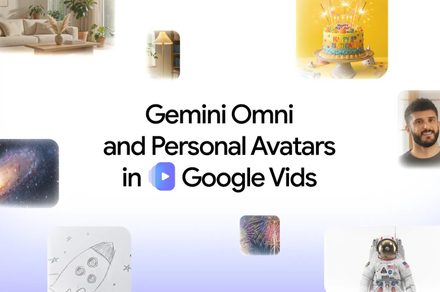
Google Vids is making a bold move to democratize video editing, shifting the paradigm from complex software interfaces to simple, natural language commands. With the introduction of Gemini Omni for conversational editing and personal avatars, Google is aiming to empower users to create and refine high-quality video content with unprecedented ease. Having spent years reviewing hardware and software that often demands technical expertise, I find this push towards intuitive, AI-driven workflows particularly intriguing. Let's dive into what these new features bring to the table.
https://www.youtube.com/embed/Chj7VE0qydw?feature=oembed
A New Era of Conversational Editing with Gemini Omni
The core of Google Vids' revamped editing experience lies with Gemini Omni. This isn't just another video generator; it's an all-purpose content model that was initially showcased at Google I/O 2026. Its integration into Vids allows users to begin their video creation journey by simply describing the desired clip. For those who want more granular control, there's also the option to include reference images to guide the AI's generation process.
What truly sets Gemini Omni apart is its conversational editing workflow. Once a first draft of your video is ready, you don't have to start from scratch to make changes. Instead, you can chat directly with Omni, instructing it to alter backgrounds, enhance lighting, add specific effects, or adjust individual elements within the scene. This iterative, chat-based approach means each new instruction builds upon the previous one. This is a crucial distinction that helps maintain consistency in the look, setting, and subjects across multiple edits, preventing the 'Frankenstein' effect often seen with simpler AI generators that struggle to preserve context.
Beyond newly generated clips, Omni's powerful tools can also be applied to existing videos, including those recorded on a smartphone. This versatility extends its utility significantly, allowing users to quickly enhance or modify their personal footage without needing to master complex editing suites. From a user experience perspective, this is a game-changer. It strips away much of the technical friction traditionally associated with video production software, making advanced editing concepts accessible through a simple dialogue.
Your Digital Double: Personal Avatars Arrive
Accompanying Gemini Omni are personal avatars, a feature that offers another fascinating avenue for content creation. The premise is straightforward: upload a selfie and a brief voice recording, then type out your script. Google Vids will then generate a digital avatar that not only looks like you but also sounds like you, ready to deliver your message on screen.
This feature has immediate, practical applications. Imagine needing to create a quick training video, a product demonstration, a company-wide update, or even a presentation where time constraints or lack of proper recording equipment are an issue. Personal avatars allow you to appear in the video, delivering your message professionally, without the need for studio setups, lighting, or even physically being present on camera. It's an ingenious solution for maintaining a personal touch in digital communications when traditional recording isn't feasible.
Availability and Important Details
It's important to note that these advanced features aren't for everyone. Gemini Omni and personal avatars are exclusively available to Google AI Pro and Ultra subscribers, as well as eligible Workspace business customers. This positions Google Vids as a premium AI tool, targeting users already invested in Google's AI ecosystem or business clients seeking streamlined content creation.
There are also specific limitations regarding personal avatars: they are restricted to adults in select regions and are strictly tied to the account holder's likeness. Furthermore, every clip generated using these new tools carries an invisible SynthID watermark. This is a sensible measure for provenance and ensuring accountability in the age of AI-generated content, an area where Google has been proactive.
User Experience: Simplicity Over Complexity
The most significant advantage of Google Vids' new features is the sheer simplicity of the user experience. Traditional video editing, even for basic tasks, often involves learning a new interface, understanding timelines, effects panels, and export settings. Software like Adobe Premiere Pro, DaVinci Resolve, or Final Cut Pro, while incredibly powerful, demand a significant time investment to master. Gemini Omni fundamentally alters this by replacing complex tools with natural language. You're not dragging clips; you're talking to your video.
This conversational paradigm drastically lowers the barrier to entry for video creation. It moves the focus from how to use the software to what you want to create. For small businesses, educators, marketers, or anyone needing to produce video content quickly without a dedicated editing team, this is an immense benefit. It empowers users who might otherwise be intimidated by professional editing suites to produce polished videos efficiently.
Pros and Cons
Pros:
- Intuitive Conversational Editing: Gemini Omni allows for video creation and iterative refinement using natural language, significantly lowering the learning curve.
- Consistent Edits: Edits build on previous instructions, maintaining visual consistency across changes.
- Versatile Application: Works for both newly generated clips and existing recorded footage (e.g., from a phone).
- Personal Avatars for Convenience: Creates a digital likeness for video delivery, ideal for presentations, training, or when recording yourself isn't possible.
- Reduced Technical Friction: Simplifies complex video editing tasks into plain language commands, making it accessible to a wider audience.
- Integrated Workflow: Expands Vids into a more complete, AI-powered creation and editing suite.
Cons:
- Subscription Required: Exclusively available to Google AI Pro/Ultra subscribers and eligible Workspace business customers.
- Regional & Age Restrictions for Avatars: Personal avatars are limited to adults in select regions.
- Invisible Watermark: Generated clips carry a SynthID watermark, which, while understandable, is a factor to consider for some users.
- Not a Professional Editor Replacement: While powerful for iterative content, it's designed for ease of use and quick creation, not necessarily the granular, frame-by-frame control offered by professional software.
Buying Recommendation
Google Vids, with Gemini Omni and personal avatars, is a compelling offering for a specific segment of users. If you are a current Google AI Pro or Ultra subscriber, or an eligible Workspace business customer looking for a highly efficient way to create and edit videos without the steep learning curve of traditional software, then this update makes Google Vids an incredibly valuable tool. It's particularly well-suited for content creators who prioritize speed, consistency, and ease of use in generating explanations, marketing materials, or internal communications.
However, if you're a professional video editor who requires advanced, precise control over every aspect of your footage, or if you're not subscribed to the prerequisite Google AI plans, this might not be the primary solution for your needs. For quick, iterative, and AI-assisted content creation, especially with a personal touch, Google Vids is now an extremely powerful contender in the market.
FAQ
Q: Do I need to be tech-savvy to use Google Vids' new editing features?
A: Not at all. The primary advantage of Gemini Omni is its conversational approach, allowing you to describe changes in natural language rather than navigating complex menus or tools. This significantly reduces the technical skill required for video editing.
Q: Can I use Gemini Omni to edit videos I've already recorded on my phone?
A: Yes, Gemini Omni's editing tools are versatile and can be used to modify existing videos, including those recorded using a phone. You can chat with Omni to change backgrounds, adjust lighting, add effects, and more.
Q: Are there any extra costs or subscriptions required for these new features?
A: Yes, the new Gemini Omni editing capabilities and personal avatars are available exclusively to Google AI Pro and Ultra subscribers, as well as eligible Workspace business customers. You will need one of these subscriptions to access them.
Related articles
Android 17 QPR2 Beta 7.1: The Performance Relief You've Been Waiting
Android 17 QPR2 Beta 7.1: Finally Fixing the QPR1 Performance Woes Verdict: Android 17 QPR2 Beta 7.1 is a crucial and highly anticipated software update for Google Pixel users, specifically targeting and resolving the

DJI Solo Video Setups: Smart Choices for Lone Creators
This review delves into DJI's recommended solo video setups, highlighting the Osmo Pocket 3 Creator Combo as a top pick for its integrated camera, gimbal, and mic. It also covers stabilizers like the Osmo Mobile 8 and RS 4, and the DJI Mic Mini series for enhanced audio, providing honest pros, cons, and clear buying advice.

Ars Technica's Rocket Report: Your Essential Space Industry Briefing
Quick Verdict Ars Technica's Rocket Report, presented by veteran space reporter Stephen Clark, offers an invaluable and meticulously organized weekly (or similar frequency, implied by "Edition 9.15") digest of the most

Apple iPhone Duo: A Daring Debut with Notable Compromises
Apple's highly anticipated iPhone Duo, priced at $2,000, has gone on pre-order. While hailed as "Apple's most exciting device in a decade" for its innovative foldable design and immersive display, it comes with significant drawbacks like the absence of FaceID and a premium camera.
Amazon Prime Video Launches AI-Powered Prime 360 for NBA Coverage
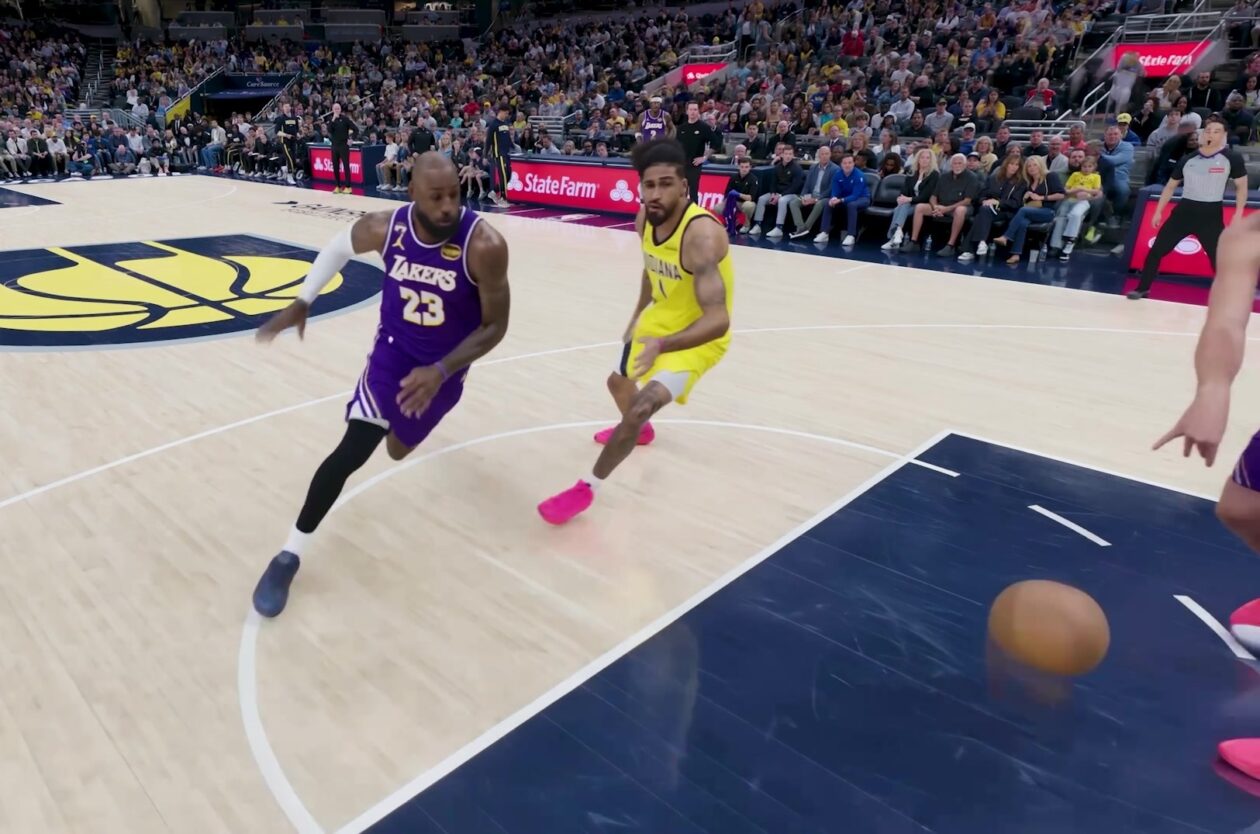
Amazon Prime Video is elevating its NBA coverage with the introduction of Prime 360, an AI-powered replay system offering immersive, 'fly through' views of the action. Kicking off its second season, Prime Video also adds Yahoo fantasy integration and gains exclusive Eastern Conference Finals rights, expanding its tech-driven sports broadcast. The new features aim to deliver a unique and interactive viewing experience for basketball fans.

KDE Plasma 6.8: A Future-Focused 30th Anniversary Update
Quick Verdict KDE Plasma 6.8, arriving as the "30th Anniversary Edition," is a pivotal release that decisively pushes the desktop environment into the future. With a definitive farewell to native X11 sessions and a