
Google's New reCAPTCHA: Verification or Vexation
Quick Verdict Google's latest iteration of its reCAPTCHA system, designed to bolster online security against bots, introduces a significant shift: mandatory reliance on Google Play Services for verification. While this
Quick Verdict
Google's latest iteration of its reCAPTCHA system, designed to bolster online security against bots, introduces a significant shift: mandatory reliance on Google Play Services for verification. While this might streamline the process for the vast majority of Android users, it spells potential trouble and increased friction for those who have chosen to de-Google their smartphones. It’s a move that prioritizes ease of use and tighter integration for the mainstream, but at the cost of accessibility and choice for a niche, yet growing, segment of privacy-conscious users.
Unpacking Google's Next-Gen reCAPTCHA: The Digital Gatekeeper
The internet, for all its wonders, is a battleground against automated bots, and CAPTCHA systems have long been our imperfect shields. Google's reCAPTCHA has evolved significantly over the years, moving from distorted text to image recognition puzzles, and now, it's taking another leap. The core change is a shift away from these traditional visual challenges towards a system that, when triggered by suspicious activity, requires a smartphone scan of a QR code.
Here’s the pivotal detail: for Android devices, this QR code verification is contingent on having Google Play Services version 25.41.30 or higher installed. This isn't just a minor update; it's a foundational requirement that integrates the reCAPTCHA process deeply within Google's mobile ecosystem. This groundwork, though seemingly overlooked until recently, has reportedly been laid since October of last year, indicating a planned strategic move rather than an impromptu change.
This new system aims to be more robust at identifying and blocking bots by leveraging the security features and identification capabilities inherent in Google Play Services. By requiring a verified Android device with specific Google components, the system creates a higher bar for automated programs trying to access websites. It's a sophisticated approach to security, but one that comes with notable trade-offs.
User Experience: A Tale of Two Androids
The user experience with this next-gen reCAPTCHA will starkly diverge depending on a user's chosen Android setup. For the average Android user, who likely has Google Play Services running on their device, the impact might be minimal, perhaps even perceived as an improvement. Instead of deciphering blurry images or clicking on endless grids of traffic lights, they might simply scan a QR code, a process many are already familiar with from other apps and services. This could, in theory, offer a quicker, less intrusive verification method when needed, although it still represents an additional step in the browsing process.
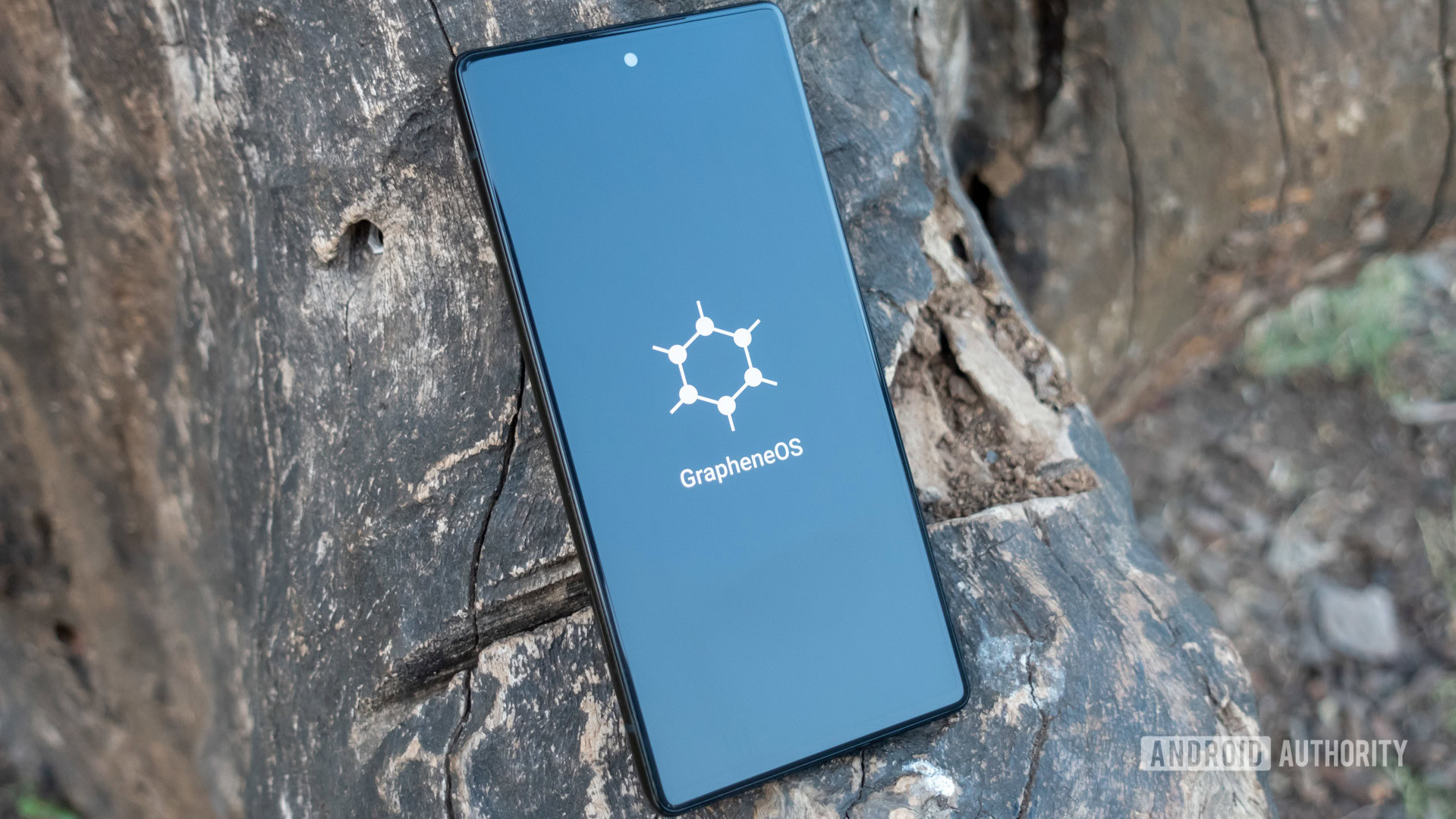
However, for a significant and vocal minority, particularly those committed to using de-Googled Android phones (such as devices running GrapheneOS or other custom ROMs that deliberately exclude Google Play Services), the experience will be considerably more frustrating. These users prioritize privacy and freedom from Google's extensive data collection, opting out of many of its integrated services. With this new reCAPTCHA, their phones will inherently lack the required Google Play Services component, leading to automatic failure of the verification test if it escalates to the QR code stage.
Imagine trying to access a website, only to be perpetually blocked by a security measure that your phone simply cannot pass, by design. This isn't just an annoyance; it's a potential barrier to essential web browsing and access to online services. For these users, what was once a minor inconvenience (the existing CAPTCHA puzzles) now becomes an insurmountable wall, making browsing the web a constant headache.
Pros and Cons: Weighing the Digital Scales
Pros:
- Enhanced Bot Protection: By requiring a verified Android device with Google Play Services, the system can potentially offer a more robust defense against sophisticated bots and automated attacks, making websites more secure.
- Potentially Smoother Verification (for most): For the majority of Android users, scanning a QR code might feel more modern and less tedious than solving complex image puzzles, potentially speeding up the verification process once the system is fully mature.
- Leverages Existing Infrastructure: Google is utilizing its widespread mobile service infrastructure to provide a more integrated and potentially more effective security solution.
Cons:
- Exclusion of De-Googled Phones: This is the most significant drawback. Users who intentionally remove or avoid Google Play Services on their Android devices will be unable to pass the verification, effectively blocking them from accessing websites that implement this reCAPTCHA.
- Increased Centralization: The mandatory reliance on Google Play Services further centralizes a critical piece of internet infrastructure (website access verification) within Google's ecosystem, raising concerns about vendor lock-in and reduced choice.
- Potential for Friction: While QR code scanning can be quick, it still adds a step. For users without immediate access to their phone or those who prefer a simpler, in-browser solution, it could introduce friction.
- Privacy Implications: For users actively trying to avoid Google's services, being forced into this ecosystem for basic web access runs counter to their privacy goals.
Recommendation: Adapting to the New Digital Reality
For the vast majority of Android users, this change will likely be a non-issue. Your phone already has Google Play Services, and the shift from image puzzles to a QR code scan might even be a welcome modernization. Continue browsing as usual, but be prepared for a new verification method when encountering suspicious activity online.
However, for users of de-Googled phones, this development presents a critical challenge. If unhindered web access is paramount, you'll need to seriously consider the implications. This system essentially creates a digital divide, making it difficult for your chosen setup to navigate the modern web. There isn't an obvious 'alternative' reCAPTCHA system available for websites to simply switch to if they want robust bot protection. Therefore, de-Googled phone users may need to explore alternative strategies, such as using desktop browsers more frequently for critical tasks, or, if absolutely necessary for their workflow, reconsidering their decision to completely forgo Google Play Services. For now, the best recommendation is awareness and preparation for potential access roadblocks on websites that adopt this new reCAPTCHA system widely.
FAQ
Q: Who will be most affected by this new reCAPTCHA system?
A: Users of de-Googled Android phones, such as those running GrapheneOS or other custom ROMs without Google Play Services pre-installed, will be most affected. They will be unable to pass the QR code verification requirement.
Q: Can de-Googled phone users bypass this requirement?
A: Based on the information available, if the reCAPTCHA system escalates to the QR code verification stage, de-Googled phones will fail by default due to the mandatory requirement for Google Play Services version 25.41.30 or higher. There is no indicated bypass for this specific requirement.
Q: When will this new reCAPTCHA system become widespread?
A: The source content indicates that Google has been laying the groundwork for this system since last year. While it's not explicitly stated when it will become universally widespread, the emerging support page details suggest it is rolling out and will increasingly be encountered when suspicious activity is detected.
Related articles
Android 17 QPR2 Beta 7.1: The Performance Relief You've Been Waiting
Android 17 QPR2 Beta 7.1: Finally Fixing the QPR1 Performance Woes Verdict: Android 17 QPR2 Beta 7.1 is a crucial and highly anticipated software update for Google Pixel users, specifically targeting and resolving the

DJI Solo Video Setups: Smart Choices for Lone Creators
This review delves into DJI's recommended solo video setups, highlighting the Osmo Pocket 3 Creator Combo as a top pick for its integrated camera, gimbal, and mic. It also covers stabilizers like the Osmo Mobile 8 and RS 4, and the DJI Mic Mini series for enhanced audio, providing honest pros, cons, and clear buying advice.

Ars Technica's Rocket Report: Your Essential Space Industry Briefing
Quick Verdict Ars Technica's Rocket Report, presented by veteran space reporter Stephen Clark, offers an invaluable and meticulously organized weekly (or similar frequency, implied by "Edition 9.15") digest of the most

Apple iPhone Duo: A Daring Debut with Notable Compromises
Apple's highly anticipated iPhone Duo, priced at $2,000, has gone on pre-order. While hailed as "Apple's most exciting device in a decade" for its innovative foldable design and immersive display, it comes with significant drawbacks like the absence of FaceID and a premium camera.

AI's Confidence vs. Formal Methods' Rigor: Design Flaws & Verification
While AI accelerates code generation, formal methods remain critical for ensuring system correctness. Languages like TLA+ and tools like Quint enable developers to model and verify system designs before coding, catching subtle flaws. Quint makes formal methods more accessible with developer-friendly syntax and executability. This approach is vital for verifying AI-generated code through trace validation and model-based testing, ensuring reliability against real-world data.

KDE Plasma 6.8: A Future-Focused 30th Anniversary Update
Quick Verdict KDE Plasma 6.8, arriving as the "30th Anniversary Edition," is a pivotal release that decisively pushes the desktop environment into the future. With a definitive farewell to native X11 sessions and a