
Google Drive vs. NAS: A Month in the Cloud, Barely Noticed
As an experienced tech reviewer, I'm always looking for ways to optimize workflows and understand how different technologies truly impact daily use. This past month presented an unexpected opportunity to put cloud
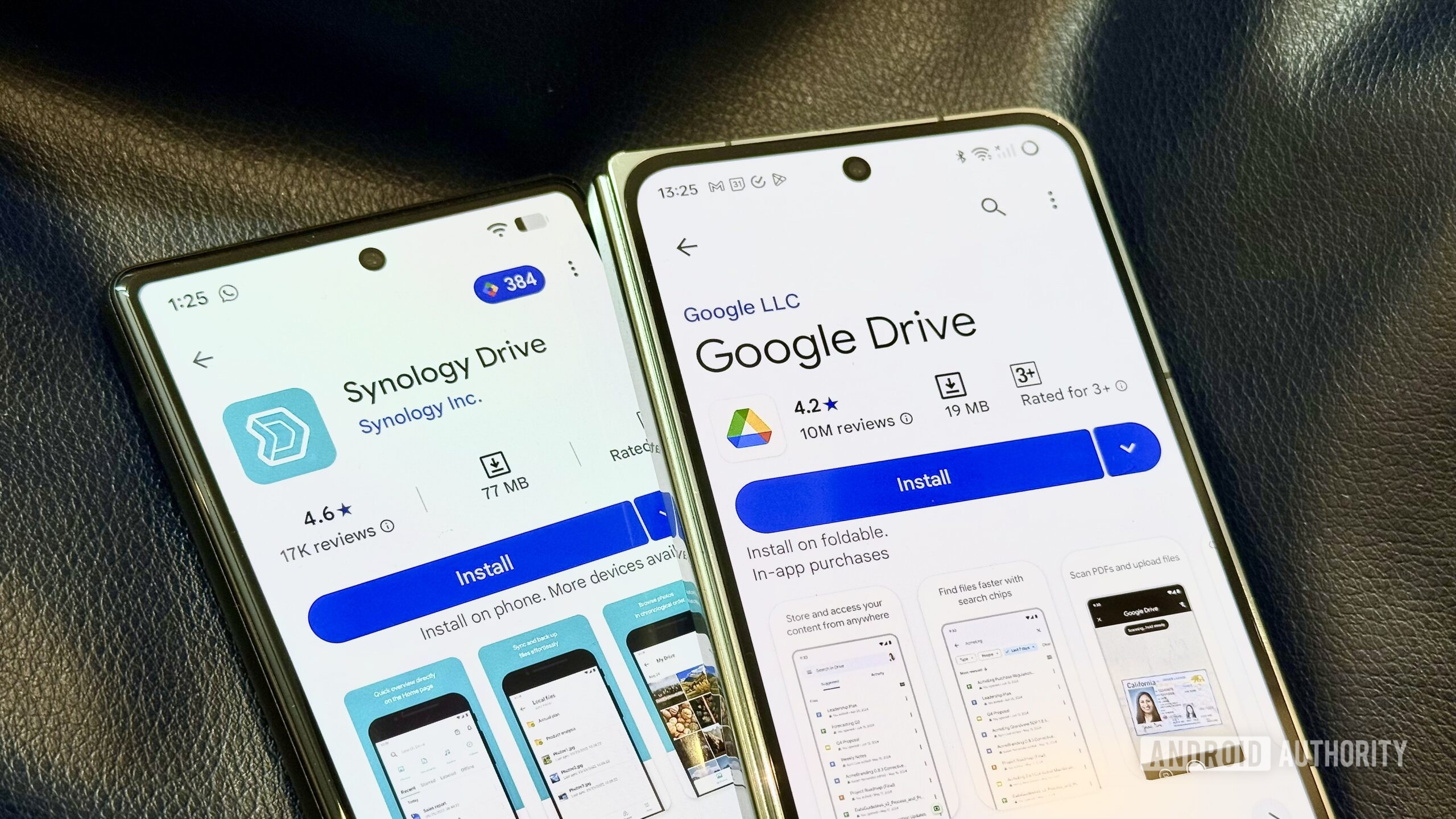
As an experienced tech reviewer, I'm always looking for ways to optimize workflows and understand how different technologies truly impact daily use. This past month presented an unexpected opportunity to put cloud storage to the ultimate test: replacing a well-established Network Attached Storage (NAS) setup with Google Drive and a portable SSD. The verdict? I barely noticed the change, challenging my assumptions about the necessity of local servers for many common tasks.
The Unexpected Shift
My Synology NAS has long been an integral part of my digital life, handling everything from file syncing to system backups. So, when a month-long trip necessitated its shutdown, I braced myself for significant inconvenience. However, armed with my existing Google One AI Pro plan (recently upgraded to a generous 5TB) and a trusty portable SSD, the transition to a cloud-first approach felt remarkably seamless. This impromptu experiment quickly highlighted the surprising strengths of modern cloud solutions, particularly Google Drive.
Cloud Storage: Convenience and Dependability Reign
We often overestimate the unique advantages of local network storage, especially when it comes to speed and constant uptime. While a NAS excels in mission-critical, offline scenarios, the broader picture reveals cloud storage, especially Google Drive, often triumphs in convenience and user experience.
Google Drive boasts a significantly more polished interface compared to the often enterprise-focused software found on most NAS devices. Its widespread adoption creates a powerful "network effect," making sharing links effortless, knowing recipients likely already use the platform. This inherent ease makes it a more productive solution for day-to-day work, quietly operating in the background without demanding constant attention.
Living without my NAS, I found that Google Drive seamlessly took over many responsibilities. It handled important folder backups and archival duties through its desktop application. While my automated Time Machine backups to the NAS were replaced by occasional manual backups to a portable SSD, the overall friction was minimal. If anything, the cloud felt more dependable; Google's robust infrastructure means server downtime is rare, in stark contrast to a personal NAS where any issue means you, the user, become the IT manager tasked with troubleshooting.
The expanded 5TB storage on my Google One AI Pro plan gave me ample space to upload older project files and safely store data, previously a task reserved for my NAS. This also facilitated a switch from 'Storage saver' to 'Original quality' backups in Google Photos, consolidating my photo backup strategy. Crucially, I observed that Synology's mobile apps for Photos and Drive, once competitive, have stagnated, leading to instances where I discovered months of media hadn't reliably backed up. Google's ecosystem, conversely, has made significant strides with superior design, tighter integrations, and the addition of AI features, resulting in a far more reliable and friction-free experience.
Where the NAS Still Shines
Despite the cloud's impressive performance, the NAS still holds undeniable advantages for specific workflows, making it irreplaceable for certain tasks:
- Automation: A constantly available local network device allows for seamless, intervention-free automation. My weekly NAS backups ran like clockwork, a stark contrast to needing to remember to plug in the portable SSD for Time Machine. This highlights a fundamental difference: the NAS can initiate tasks, whereas portable drives require user interaction.
- Offline Access: The biggest, most obvious benefit of local storage is its independence from an internet connection. When the internet goes down, the NAS remains accessible, capable of instantly transferring gigabytes of data without bandwidth concerns.
- Media Hosting: For those who prefer to host their personal media libraries for streaming services like Plex, a NAS is essential. Online streaming services are great, but the ability to access your own curated collection locally is a significant advantage.
- Mass Data Storage: My home security camera offloads hundreds of gigabytes of footage to the NAS for long-term storage. Managing this volume of data on portable drives would be impractical and inefficient. This is a workload where a NAS, with its local speed and effectively endless scalable storage, is purpose-built.
Cloud vs. NAS: A Comparative Overview
Here’s a breakdown of how the cloud-centric approach (Google Drive + portable SSD) stacked up against my traditional NAS setup:
| Feature / Aspect | Cloud (Google Drive + Portable SSD) | NAS (Synology) |
|---|---|---|
| Day-to-day File Access | Excellent (convenience, sharing, polished UI) | Good (local speed, robust desktop tools) |
| Syncing & Archiving | Excellent (5TB, easy upload, reliable desktop sync) | Excellent (large local capacity, desktop sync tools) |
| System Backups | Semi-automated (GD for folders, manual SSD for Time Machine) | Fully automated (desktop tools, set-and-forget) |
| Offline Access | Limited (requires pre-downloaded files) | Excellent (always available on local network) |
| Media Streaming (Plex) | Relies on online services, no local hosting | Essential for local Plex media hosting |
| Security Camera Storage | Impractical for large, continuous data streams | Purpose-built, efficient for large volume local storage |
| Ease of Use/Maintenance | Minimal (Google manages infrastructure) | High (user responsible for setup, updates, troubleshooting) |
| Reliability | High (Google's robust, redundant servers) | Moderate (dependent on user management, single point of failure) |
| Mobile App Experience | Excellent (integrated, modern Google ecosystem) | Lagging, less reliable (Synology apps often miss backups) |
| Cost | Subscription-based (e.g., Google One) | Upfront hardware cost + ongoing electricity |
The Hybrid Philosophy
My journey with the NAS started with an ambition to host everything locally and ditch cloud subscriptions. However, I soon realized I was often bending my workflow to justify the NAS, even when a cloud service offered superior convenience. This led to adopting a hybrid system, prioritizing the workflow itself. If a cloud tool like Google Keep was faster and more accessible, I'd use it. This flexibility meant I wasn't entirely dependent on a single setup, creating redundant workflows that could bypass either the NAS or the cloud if one wasn't performing. It allowed me to focus on actual work instead of constantly tinkering with infrastructure.
Buying Recommendation
So, will I replace my NAS completely? No. The experiment has, however, fundamentally shifted the balance of my digital storage strategy. I will increasingly lean on cloud storage for my day-to-day tasks due to its sheer convenience, robust ecosystem, and low maintenance. My NAS will now function primarily as infrastructure for fundamental workloads like automated system backups, long-term security camera footage storage, and local media hosting. It's not being retired, but rather getting a clear demotion in its role, optimizing my workflow without sacrificing critical local capabilities.
FAQ
Q: Can Google Drive fully replace a NAS for everyone?
A: No, not completely. While Google Drive (especially with ample storage and a portable SSD) can handle many day-to-day file syncing, archiving, and personal backup needs with greater convenience, it falls short for tasks requiring constant offline access, automated local backups, hosting personal media servers like Plex, or managing very large volumes of data from devices like security cameras locally.
Q: What are the main benefits of keeping a NAS alongside cloud storage?
A: A NAS provides invaluable benefits such as true offline access to your data, dedicated local media server capabilities (e.g., Plex), robust automated local system backups that don't rely on manual intervention, and efficient storage for massive data streams like security camera footage. It offers a foundational, independent layer of storage that complements the convenience of cloud services.
Q: Is cloud storage generally more reliable than a personal NAS?
A: For most users, yes. Major cloud providers like Google invest heavily in redundant infrastructure, ensuring very high uptime and professional management. A personal NAS, while offering control, places the burden of setup, maintenance, and troubleshooting entirely on the user. Any hardware failure, software bug, or misconfiguration can bring the entire system down, making it less reliable in a practical, day-to-day sense for the average consumer.
Related articles
Android 17 QPR2 Beta 7.1: The Performance Relief You've Been Waiting
Android 17 QPR2 Beta 7.1: Finally Fixing the QPR1 Performance Woes Verdict: Android 17 QPR2 Beta 7.1 is a crucial and highly anticipated software update for Google Pixel users, specifically targeting and resolving the

DJI Solo Video Setups: Smart Choices for Lone Creators
This review delves into DJI's recommended solo video setups, highlighting the Osmo Pocket 3 Creator Combo as a top pick for its integrated camera, gimbal, and mic. It also covers stabilizers like the Osmo Mobile 8 and RS 4, and the DJI Mic Mini series for enhanced audio, providing honest pros, cons, and clear buying advice.

Ars Technica's Rocket Report: Your Essential Space Industry Briefing
Quick Verdict Ars Technica's Rocket Report, presented by veteran space reporter Stephen Clark, offers an invaluable and meticulously organized weekly (or similar frequency, implied by "Edition 9.15") digest of the most

Apple iPhone Duo: A Daring Debut with Notable Compromises
Apple's highly anticipated iPhone Duo, priced at $2,000, has gone on pre-order. While hailed as "Apple's most exciting device in a decade" for its innovative foldable design and immersive display, it comes with significant drawbacks like the absence of FaceID and a premium camera.
Amazon Prime Video Launches AI-Powered Prime 360 for NBA Coverage
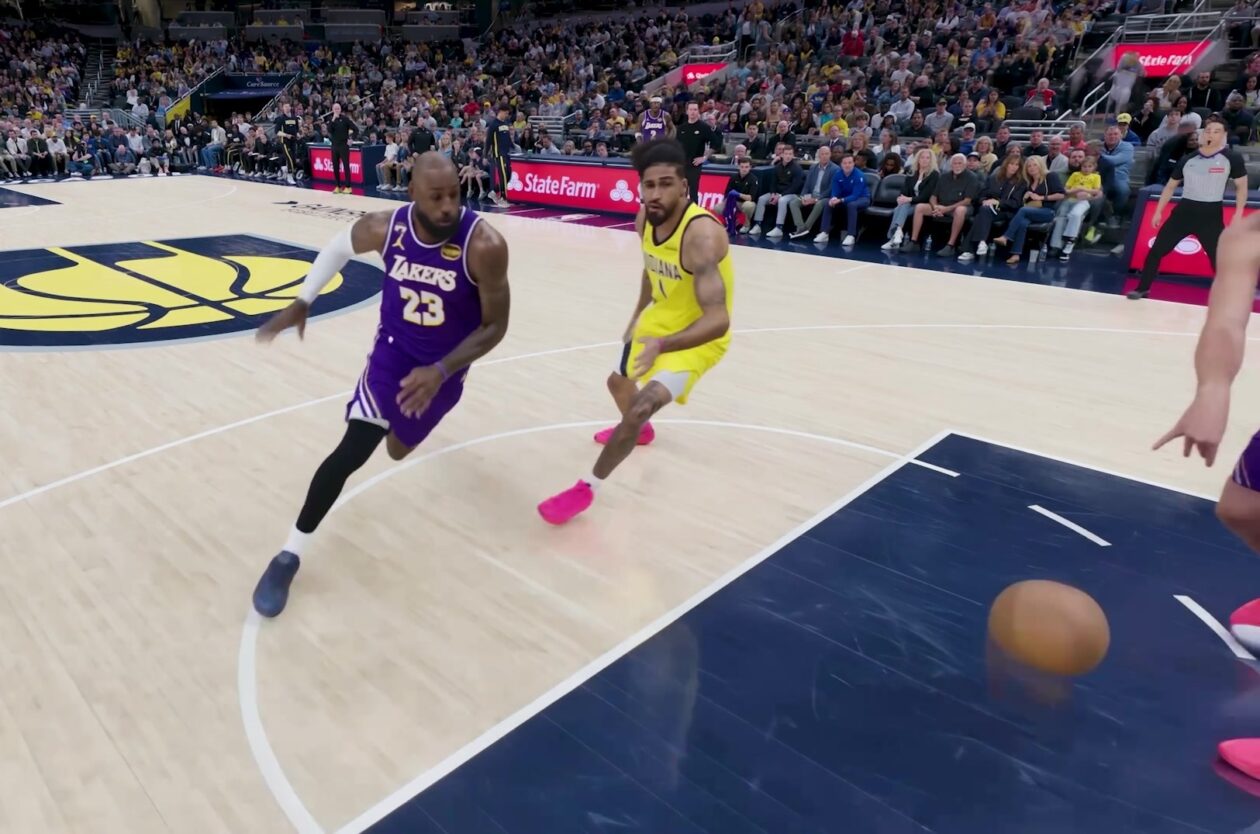
Amazon Prime Video is elevating its NBA coverage with the introduction of Prime 360, an AI-powered replay system offering immersive, 'fly through' views of the action. Kicking off its second season, Prime Video also adds Yahoo fantasy integration and gains exclusive Eastern Conference Finals rights, expanding its tech-driven sports broadcast. The new features aim to deliver a unique and interactive viewing experience for basketball fans.

KDE Plasma 6.8: A Future-Focused 30th Anniversary Update
Quick Verdict KDE Plasma 6.8, arriving as the "30th Anniversary Edition," is a pivotal release that decisively pushes the desktop environment into the future. With a definitive farewell to native X11 sessions and a