
Galaxy S26 Ultra App Essentials: Maximizing Your Flagship
Galaxy S26 Ultra review: This list of five apps, including DocuSign, Concepts, Colorfy, Readwise Reader, and MyScript Notes, focuses on maximizing the S26 Ultra's large 6.9-inch display and integrated S Pen for productivity, creativity, and reading.
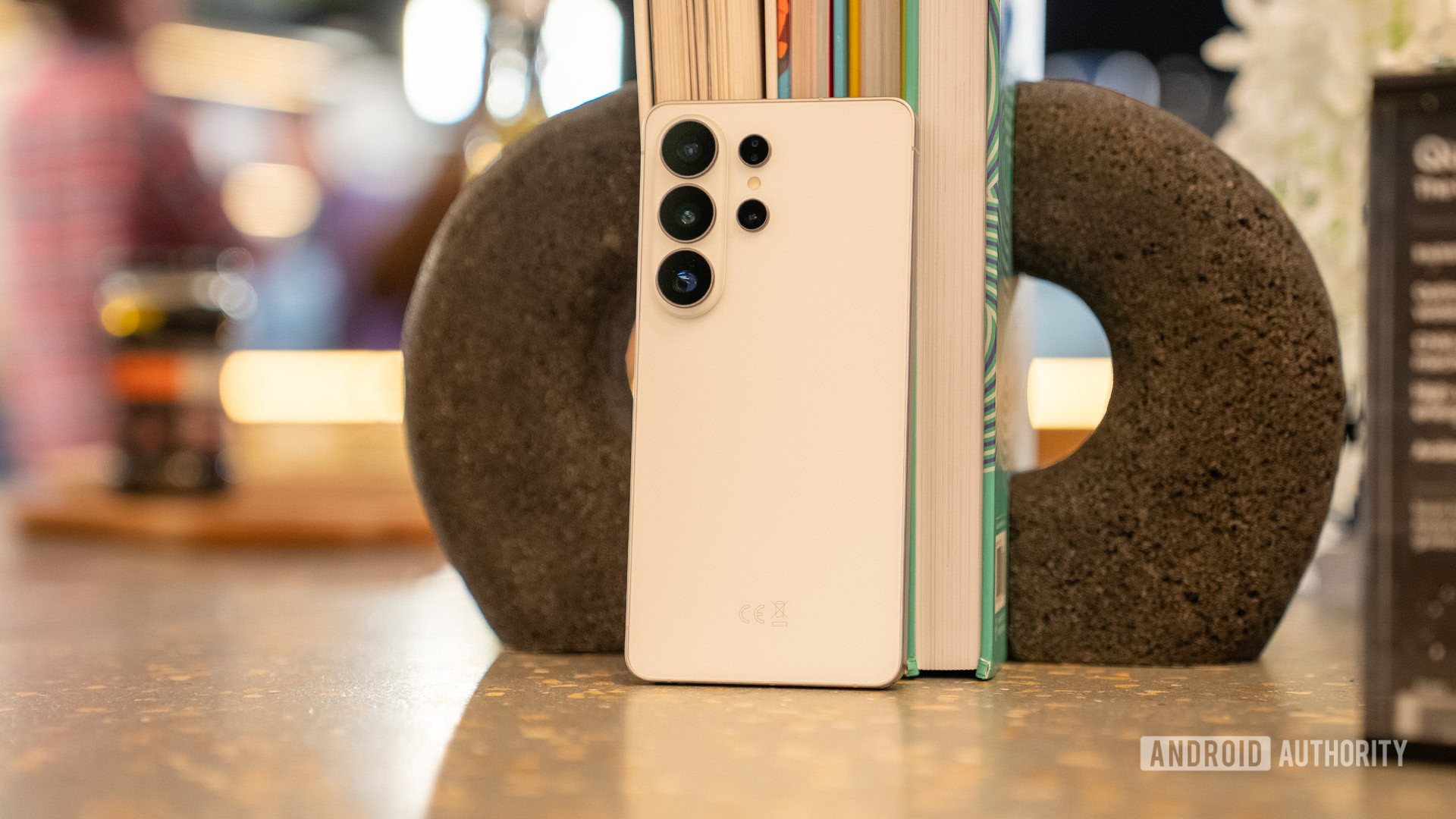
Galaxy S26 Ultra App Essentials: Maximizing Your Flagship
The arrival of the Samsung Galaxy S26 Ultra marks another step forward for premium smartphones, offering a substantial 6.9-inch display and the signature integrated S Pen. While many popular apps will undoubtedly find a home on this powerful device, our focus here is on a curated list of five applications designed specifically to leverage these standout features, transforming the S26 Ultra from a mere phone into a true productivity and creativity powerhouse. This selection aims to go beyond the obvious choices, highlighting how the device's unique hardware can elevate your daily digital interactions.
The Galaxy S26 Ultra: A Canvas for Productivity and Creativity
Before diving into the apps, it's worth reiterating what makes the S26 Ultra an ideal platform for these recommendations. This is Samsung's slimmest and lightest Ultra yet, packing a vibrant 6.9-inch 10-bit display, powered by the Snapdragon 8 Elite Gen 5 for Galaxy, and featuring advanced AI capabilities. Its top-tier cameras and a redesigned cooling system are impressive, but for our purposes, the expansive screen and the precision of the S Pen are the true stars. These are the elements these chosen apps capitalize on, promising to unlock new dimensions of usability that a finger alone, or a smaller screen, simply can't offer.
Core App Recommendations: Unleashing Device Potential
Here are the applications that we believe truly shine on the Galaxy S26 Ultra:
DocuSign: Effortless Digital Signatures
For anyone dealing with a regular stream of documents requiring signatures, DocuSign is an invaluable tool. The app simplifies the entire process of signing and sending documents, transforming what can often be a cumbersome task into a smooth operation. On the S26 Ultra, the S Pen elevates this experience significantly. Whether you're signing an invoice, an agreement, or any other official document, the S Pen offers a natural, precise writing experience that feels far more intuitive and accurate than using a fingertip. While the app is free for basic signing, those who frequently need to send documents for signatures will find themselves needing a subscription, which starts at around $10 per month, to lift these restrictions.
Concepts: An Infinite Digital Sketchpad
Moving into creative territories, Concepts stands out as a robust application for drawing, brainstorming with mind maps, or simply jotting down ideas. Its most compelling feature is an infinite canvas, ensuring you never run out of space to develop your thoughts or designs. This design philosophy perfectly complements the S26 Ultra's massive display, providing an expansive digital workspace. The S Pen integration is seamless, allowing users to switch between a wide array of tools like pens, pencils, and brushes with exceptional control and precision. While the free version offers a taste of its capabilities, unlocking the full suite of professional tools requires either a monthly subscription of $4.99 or a one-time purchase of $39.99.
Colorfy: Meditative Digital Coloring
Colorfy offers a different kind of creative outlet, focusing on relaxation and mindfulness through digital coloring. This app is designed to help users de-stress and clear their minds by engaging in the simple, focused task of filling in intricate designs. With an extensive library ranging from basic shapes to complex mandalas and animal illustrations, there's something for every mood. The S Pen is particularly effective here, allowing for precise coloring of tiny details that would be frustratingly difficult with a finger. Although some free designs are available, a subscription is generally needed to access the complete library and fully immerse yourself in the experience.
Readwise Reader: Your Intelligent Reading Hub
The Galaxy S26 Ultra's large, high-resolution display makes it an excellent device for reading. Readwise Reader capitalizes on this, serving as an all-in-one solution for aggregating and managing various reading materials, including web articles, PDFs, ePub files, and newsletters. A major benefit is its ability to strip away ads and pop-ups from web content, delivering a clean, clutter-free reading experience that looks fantastic on the Ultra's screen. The S Pen enhances this by allowing precise highlighting of text, making it easy to revisit key information later. Furthermore, its AI-powered Ghostreader feature can summarize lengthy articles, define complex terms, or elaborate on specific phrases, adding a layer of intelligent interaction to your reading process. After a 30-day free trial, access to Readwise Reader requires a subscription, currently priced at approximately $9.99 per month.
MyScript Notes: Bridging Handwriting and Digital Text
For those who appreciate the tactile nature of handwriting but desire the versatility of typed text, MyScript Notes is an exceptional choice. Built on advanced handwriting recognition technology, it allows users to jot down quick notes or compose detailed documents by hand, then effortlessly convert them into editable typed text with a simple tap. The app can even accurately transform complex mathematical formulas into an editable format. Its infinite canvas is a boon for freeform writing, sketching, and mind mapping, and it allows handwritten and typed content to coexist seamlessly on the same page. This makes it particularly effective for annotating PDFs without the constraints of traditional page margins. A free version with limitations is available, with the full experience accessible via a subscription starting around $1.99 per month, or a one-time lifetime purchase for permanent access.
The Investment: Understanding App Subscriptions
It's evident that while these apps offer significant enhancements to the S26 Ultra experience, many of their premium features are locked behind subscription models or one-time purchases. This is a common aspect of modern app development, ensuring ongoing development and support. Users should be aware of these costs, which can add up, and evaluate whether the enhanced functionality justifies the recurring expense based on their individual usage habits. For those who frequently engage in tasks these apps streamline, the investment will likely prove worthwhile.
Final Thoughts: Elevating the S26 Ultra Experience
These five applications truly demonstrate the potential of the Galaxy S26 Ultra, moving beyond basic smartphone functions to leverage its large display and S Pen for enhanced productivity, creativity, and mindful engagement. They transform the S Pen from a mere accessory into an indispensable tool, making the Ultra's hardware shine. If you're investing in Samsung's latest flagship, exploring these apps is a highly recommended step to fully realize its capabilities and tailor it to your personal and professional needs.
Q: Are these apps essential for every Galaxy S26 Ultra user?
A: Not necessarily for everyone, as usage patterns vary. However, they are excellent examples of applications that uniquely leverage the S26 Ultra's standout features (large display, S Pen), making them highly recommended for users who want to maximize those capabilities for productivity, creativity, or specific reading/signing tasks.
Q: Is the cost of these app subscriptions justified?
A: The justification depends on your individual use. If you frequently use the premium features of an app and it genuinely enhances your workflow or enjoyment on the S26 Ultra, the subscription cost can be a worthwhile investment. Most offer free tiers or trials to help you evaluate their value.
Q: Why were these specific apps chosen over others?
A: These apps were selected because they are purpose-built to take distinct advantage of the Galaxy S26 Ultra's large 6.9-inch display and the precision of its S Pen, offering experiences that are significantly improved compared to using a finger or a smaller-screened device. They move beyond generic app functionality to showcase the Ultra's unique hardware strengths.
Videos
Related articles
Android 17 QPR2 Beta 7.1: The Performance Relief You've Been Waiting
Android 17 QPR2 Beta 7.1: Finally Fixing the QPR1 Performance Woes Verdict: Android 17 QPR2 Beta 7.1 is a crucial and highly anticipated software update for Google Pixel users, specifically targeting and resolving the

DJI Solo Video Setups: Smart Choices for Lone Creators
This review delves into DJI's recommended solo video setups, highlighting the Osmo Pocket 3 Creator Combo as a top pick for its integrated camera, gimbal, and mic. It also covers stabilizers like the Osmo Mobile 8 and RS 4, and the DJI Mic Mini series for enhanced audio, providing honest pros, cons, and clear buying advice.

Ditch Merge & Center: The Better Way to Align Text in Excel
Learn to use Excel's "Center Across Selection" to align text across cells without merging, avoiding common data manipulation issues. This guide provides steps to utilize this newly accessible feature and add it to your Quick Access Toolbar.

Ars Technica's Rocket Report: Your Essential Space Industry Briefing
Quick Verdict Ars Technica's Rocket Report, presented by veteran space reporter Stephen Clark, offers an invaluable and meticulously organized weekly (or similar frequency, implied by "Edition 9.15") digest of the most

Apple iPhone Duo: A Daring Debut with Notable Compromises
Apple's highly anticipated iPhone Duo, priced at $2,000, has gone on pre-order. While hailed as "Apple's most exciting device in a decade" for its innovative foldable design and immersive display, it comes with significant drawbacks like the absence of FaceID and a premium camera.

KDE Plasma 6.8: A Future-Focused 30th Anniversary Update
Quick Verdict KDE Plasma 6.8, arriving as the "30th Anniversary Edition," is a pivotal release that decisively pushes the desktop environment into the future. With a definitive farewell to native X11 sessions and a