
Elevate Your Data Skills: Learning Excel Formulas the Developer Way
This article discusses freeCodeCamp's new course on Excel formulas and functions, tailored for developers. Taught by a former Amazon engineer, the course covers core mechanics, logic, aggregation, modern lookups like XLOOKUP, data manipulation, and dynamic arrays. It emphasizes a 'code-style' approach, enabling developers to master Excel as a powerful data analysis tool, bridging technical skills with business insights.
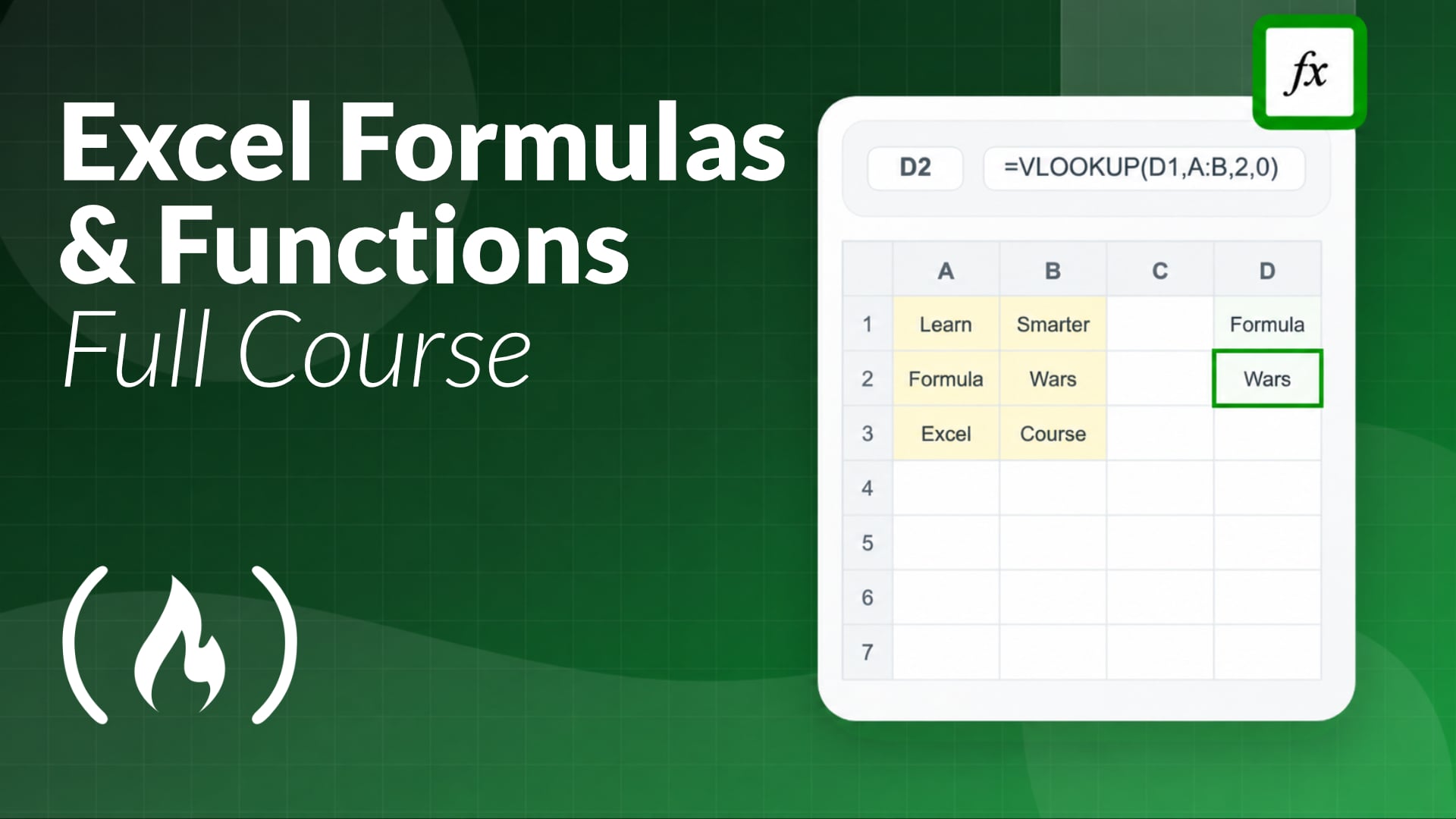
As software developers, we often operate in a world of code, APIs, and databases. Yet, despite the sophistication of our tools, a foundational application remains ubiquitous in almost every business and tech environment: Microsoft Excel. Far from being a mere spreadsheet for basic calculations, Excel, when mastered, transforms into an incredibly potent data manipulation and analysis engine.
However, truly harnessing its power, especially its formulas and functions, can feel like navigating a different programming paradigm. Recognizing this gap, freeCodeCamp.org has released a comprehensive new course specifically designed to demystify advanced Excel for users, presented with a 'code-style interactive approach' that will resonate with developers.
Why Excel Still Commands Attention
It might seem counter-intuitive for a developer to invest time in Excel, but consider the realities: data migration, reporting for non-technical stakeholders, quick prototyping of business logic, or analyzing exported datasets often land on a developer's desk. Excel's strength lies in its immediate visual feedback, its accessibility to business users, and its capacity for rapid iteration on data. Being proficient in Excel isn't about replacing your Python scripts or SQL queries; it's about adding a powerful, flexible utility to your toolkit for scenarios where a spreadsheet is the most efficient or required interface.
This new course is taught by Sergio, a former Amazon software engineer and the creator of Formula Wars. His background is particularly relevant, as he attributes his early mastery of Excel skills to opening doors for an investment banking internship, which ultimately set him on his path to software engineering. Sergio's unique perspective ensures the material is presented in a way that prioritizes practical application and logical understanding, akin to how developers approach problem-solving with code.
A 'Code-Style' Approach to Spreadsheet Logic
Sergio's methodology isn't just about memorizing functions; it’s about understanding the underlying mechanics and applying them programmatically. The course emphasizes immediate reinforcement through quizzes and hands-on practice problems, mirroring the iterative development and debugging process developers are familiar with. This approach helps learners grasp complex concepts by actively building solutions, rather than passively observing.
Key Concepts for the Spreadsheet Power User
The freeCodeCamp course covers a spectrum of essential to advanced Excel capabilities, structured to build a robust understanding:
Core Mechanics & Error Handling
Understanding how Excel evaluates formulas is fundamental. This section delves into cell referencing (absolute, relative, mixed), the order of operations, and crucial error handling techniques. Just as understanding stack traces and debugger output is vital in code, knowing how to troubleshoot REF!, VALUE!, or DIV/0! errors is key to stable spreadsheets. This foundational knowledge is crucial for writing robust and predictable formulas.
Logic & Branching
Excel's conditional functions are its equivalent of if/else statements and boolean operators in programming. You'll master IF, AND, OR, and the more modern IFS function. IFS is particularly valuable as it streamlines multiple conditional checks, eliminating the need for deeply nested IF statements, thereby improving readability and maintainability – qualities highly valued in codebases.
Aggregation
Summarizing data is a common task, and this module focuses on conditional aggregation functions. Think of these as powerful ways to perform SUMs, COUNTs, or AVERAGEs based on specific criteria. For developers, this can be likened to using GROUP BY and HAVING clauses in SQL, or applying filter and reduce operations on collections in various programming languages.
Modern Lookups
This section introduces XLOOKUP, hailed as the 'Swiss Army knife' of Excel lookups. XLOOKUP significantly surpasses VLOOKUP and HLOOKUP in flexibility, allowing lookups in any direction, approximate matches, and a much cleaner syntax. Alongside XLOOKUP, the course covers the versatile INDEX and XMATCH combination, which, when used together, offer unparalleled lookup power, akin to dynamic key-value lookups or joins across multiple data arrays in a program.
Data Manipulation
Messy data is a universal problem. This module equips you with functions for text normalization (e.g., cleaning up extra spaces, changing case, extracting substrings) and advanced date functions. These are analogous to string and date/time libraries in programming languages, allowing you to parse, format, and transform raw data into usable formats.
Dynamic Arrays
Finishing with one of Excel's most transformative features, dynamic arrays revolutionize how formulas handle multiple results. Functions like FILTER, SORT, and UNIQUE can now 'spill' their results across multiple cells automatically, creating dynamic ranges without needing to drag formulas. Mastering these modern functions is a significant differentiator, putting you ahead of 99% of Excel users by enabling more powerful, efficient, and maintainable data processing workflows directly within your spreadsheets. This paradigm shift mirrors functional programming concepts where functions operate on and return entire data structures.
Get Started
This two-hour comprehensive course offers a practical, hands-on path to becoming a true spreadsheet power user. If you're ready to enhance your data analysis and manipulation skills with a developer-centric approach, you can watch the full course immediately on the freeCodeCamp.org YouTube channel.
FAQ
Q: Why should a software developer invest time in learning advanced Excel functions?
A: While developers typically work with code, Excel remains a prevalent tool for data analysis, reporting, and quick business logic prototyping. Mastering advanced functions like XLOOKUP and dynamic arrays can significantly enhance a developer's ability to efficiently handle, analyze, and present data in common business contexts, bridging the gap between technical and business requirements.
Q: How does XLOOKUP improve upon older lookup functions like VLOOKUP?
A: XLOOKUP is described as the 'Swiss Army knife' of Excel lookups due to its enhanced flexibility. Unlike VLOOKUP, it can search in any direction (left or right), handle approximate matches more robustly, and offers cleaner syntax. It effectively combines the power of INDEX and MATCH into a single, more intuitive function, making it far more versatile for modern data lookup scenarios.
Q: What are dynamic arrays, and why are they considered a significant advancement in Excel?
A: Dynamic array functions (like FILTER, SORT, and UNIQUE) enable formulas to automatically 'spill' their results across multiple cells, creating dynamic ranges. This eliminates the need for manual array formulas or dragging formulas down columns, fundamentally changing how data can be processed and manipulated in Excel. Mastering them can significantly boost efficiency and capabilities, distinguishing users as advanced spreadsheet practitioners.
Related articles

Ditch Merge & Center: The Better Way to Align Text in Excel
Learn to use Excel's "Center Across Selection" to align text across cells without merging, avoiding common data manipulation issues. This guide provides steps to utilize this newly accessible feature and add it to your Quick Access Toolbar.

Ars Technica's Rocket Report: Your Essential Space Industry Briefing
Quick Verdict Ars Technica's Rocket Report, presented by veteran space reporter Stephen Clark, offers an invaluable and meticulously organized weekly (or similar frequency, implied by "Edition 9.15") digest of the most

AI's Confidence vs. Formal Methods' Rigor: Design Flaws & Verification
While AI accelerates code generation, formal methods remain critical for ensuring system correctness. Languages like TLA+ and tools like Quint enable developers to model and verify system designs before coding, catching subtle flaws. Quint makes formal methods more accessible with developer-friendly syntax and executability. This approach is vital for verifying AI-generated code through trace validation and model-based testing, ensuring reliability against real-world data.

regional: A two-person Seattle startup lands $1M to reinvent
Seattle startup TriMagnetix has secured $1 million to develop semiconductor chips that consume 800 times less energy and are radiation-resistant. The two-person company, leveraging nanomagnetic technology, is targeting space applications and data centers. With new funding and key partnerships, TriMagnetix aims for commercial sales within a year.

Ephemeral PR Preview Environments on GKE: A Deep Dive
Every development team eventually grapples with the limitations of shared staging environments. The familiar scenario: multiple features deployed simultaneously, database migrations clashing, and the phrase "it works on

Secure Internal API Access for AI Agents with MCP
AI agents accessing internal APIs directly pose significant risks, including identity loss, unrestricted queries, and security bypasses. The Model Context Protocol (MCP) offers a solution by defining explicit tools. A secure architecture involves an MCP server wrapping the API with strict input validation, coupled with a gateway that handles authentication, rate limiting, and audit logging, ensuring safe and accountable access.