
Dive into Marathon: Essential Tips for Your First Drops
Bungie's _Marathon_ is a challenging, free-to-play extraction shooter on PS5, Xbox, and PC. This guide offers essential tips for new players to navigate its complexities, focusing on early progression, tactical movement, and maximizing loot to survive its brutal learning curve.

Bungie's latest venture, Marathon, has dropped, throwing players headfirst into the chaotic, unforgiving extraction shooter genre. Available on PS5, Xbox, and PC as a free-to-play experience, it’s a game that’s both incredibly good and incredibly challenging. You'll die a lot – that's a given – but with these crucial tips, you'll be better equipped to navigate the dangers of Tau Ceti IV, secure valuable loot, and maybe, just maybe, make it out alive. Forget understanding everything immediately; Marathon demands patience, but our guide will help shorten that brutal learning curve.
Embracing the Early Game Chaos
Right off the bat, Marathon will overwhelm you. Don't stress about understanding every system or item immediately. It takes hours, even for veterans, to truly grasp its intricacies. The key is to accept this steep learning curve and focus on basics. When scavenging, prioritize anything labeled "Unstable Materials," especially Diodes and Biomass. Hoarding these is crucial for unlocking vital upgrades, like significantly expanding your vault size. Resist selling them; your future self will thank you for being a digital hoarder.
Faction Grind: Your Path to Power
Your first priority in Marathon should be unlocking all game factions. Look for 'Introducing' quests and tackle them ASAP. Once unlocked, these factions become your main source of progression. Always be completing contracts – they are the fastest way to earn reputation and level up. Higher faction levels grant access to better gear in the armory, stat boosts, and the ability to utilize unstable materials. Don't like a contract? Spend a few credits to reroll it. Also, check each faction’s 'agent screen.' They often reward bonus XP for specific in-run activities or loot, allowing you to multitask.
Movement, Stealth, and Escaping Trouble
Efficient movement and knowing when to disengage are vital. Sprinting and sliding generate 'heat,' temporarily preventing further sprints. To manage this, crouch to cool down faster. Even better, use the environment: running through shallow water or rain slows heat buildup. Combine both by crouching in water for super-fast cooldowns. When bots inevitably get aggressive, don't always fight. Smoke grenades excel at breaking line of sight, aiding escape without burning ammo. Similarly, Signal Jammer kits mask you from enemy robots and turrets, perfect for sneaking past patrols or ambushing players.
Tactical Tools for Survival
Don't underestimate your utility items. Claymores aren't just for viral drone antics; strategically placed, they can guard your back during looting or extraction, preventing nasty surprises. For player detection, look for TADs – antenna-like structures on the map. Activating them pings the surrounding area, revealing enemy players. Be warned: the pulses are visible to others, signaling your presence. Finally, those annoying yellowish-green toxic plants and their poison debuffs? A simple Mechanic Kit instantly cures the effects, letting you heal normally.
Maximizing Your Loot & Objectives
Efficient looting means knowing what to keep and what to use. Depleted shield kits and health packs don't extract, so use them freely. No point saving a half-used pack if it just vanishes! If you've got a lockbox key, look for red flares on buildings; they mark lockbox locations. For confusing contract objectives, open your map. Hovering over a contract on the right often reveals crucial details – a UI quirk, but a vital one. And don't forget Rook, your trusty robotic shell. You can make him a potent asset by upgrading factions and unlocking their 'Capstone' nodes, boosting his gear and combat effectiveness.
The Brutal Reality and the Rewarding Grind
Let's be real: Marathon is designed to be tough. Expect to die, often, and sometimes in frustrating ways. The initial confusion, steep learning curve, and constant threat from both AI and other players can be daunting. But stick with it. Bungie has crafted an extraction shooter with deep mechanics and rewarding progression. These tips give you a fighting chance, turning some 'WTF just happened?' moments into 'Phew, close call!' victories. It's a game where every successful extraction feels like a hard-won triumph.
Conclusion
Marathon demands dedication, offering a complex, strategic loop that pays off handsomely for those willing to learn its ropes. By focusing on faction progression, smart utility use, and tactical movement, you'll find your footing faster than going in blind. Dive in, embrace the chaos, and remember: every death is a lesson learned. Now get out there, Runner, and make those extractions count!
FAQ
Q: Is Marathon a free-to-play game?
A: Yes, Marathon is designed as a free-to-play extraction shooter with seasonal content, available on PS5, Xbox, and PC.
Q: What should new players prioritize for loot?
A: Focus on collecting "Unstable Materials," particularly Unstable Diodes and Unstable Biomass, as these are critical for unlocking early game upgrades like increased vault size.
Q: How do I efficiently level up factions?
A: Complete "Introducing" quests to unlock factions, then prioritize completing contracts. Also, check each faction's agent screen for bonus XP opportunities from in-run activities.
Related articles

Wildwood: Laika Unleashes a Dark Fairy Tale From The Decemberists
Laika's *Wildwood*, from The Decemberists' Colin Meloy and artist Carson Ellis, brings a dark stop-motion fairy tale to life. Embracing unsettling folklore and a rare PG-13 rating, the film delves into the grimmer side of storytelling, inspired by classics like *The Dark Crystal*.

OpenAI's Deepfake Defense: A Timely, Imperfect Solution
Quick Verdict OpenAI's new safeguard against political deepfakes, by forcing politically sensitive image generations into a cartoon style, is a practical and timely step to protect election integrity. While not a

Is FromSoftware's Spooky Specter, The Duskbloods, Haunting 2027
As Halloween approaches, fans are increasingly convinced FromSoftware's *The Duskbloods* has been delayed to 2027. A lack of a firm 2026 release date, a crowded holiday schedule, and mixed feedback from its August network test fuel the speculation. While no official word exists, many expect an update at The Game Awards.

Google Fitbit Edge Review: Your Anti-Smartwatch Fitness Sweet Spot
Learn if the Google Fitbit Edge is the right fitness tracker for you, balancing core health features with a simplified experience. Discover its design, advanced tracking, and software insights to make an informed decision.

Entire: An Agent-First Revolution for AI-Driven Code Development
Quick Verdict Entire, a new developer platform from former GitHub CEO Thomas Dohmke, makes a bold entry into the code hosting and collaboration space with an "agent-first" philosophy. Designed specifically for the age
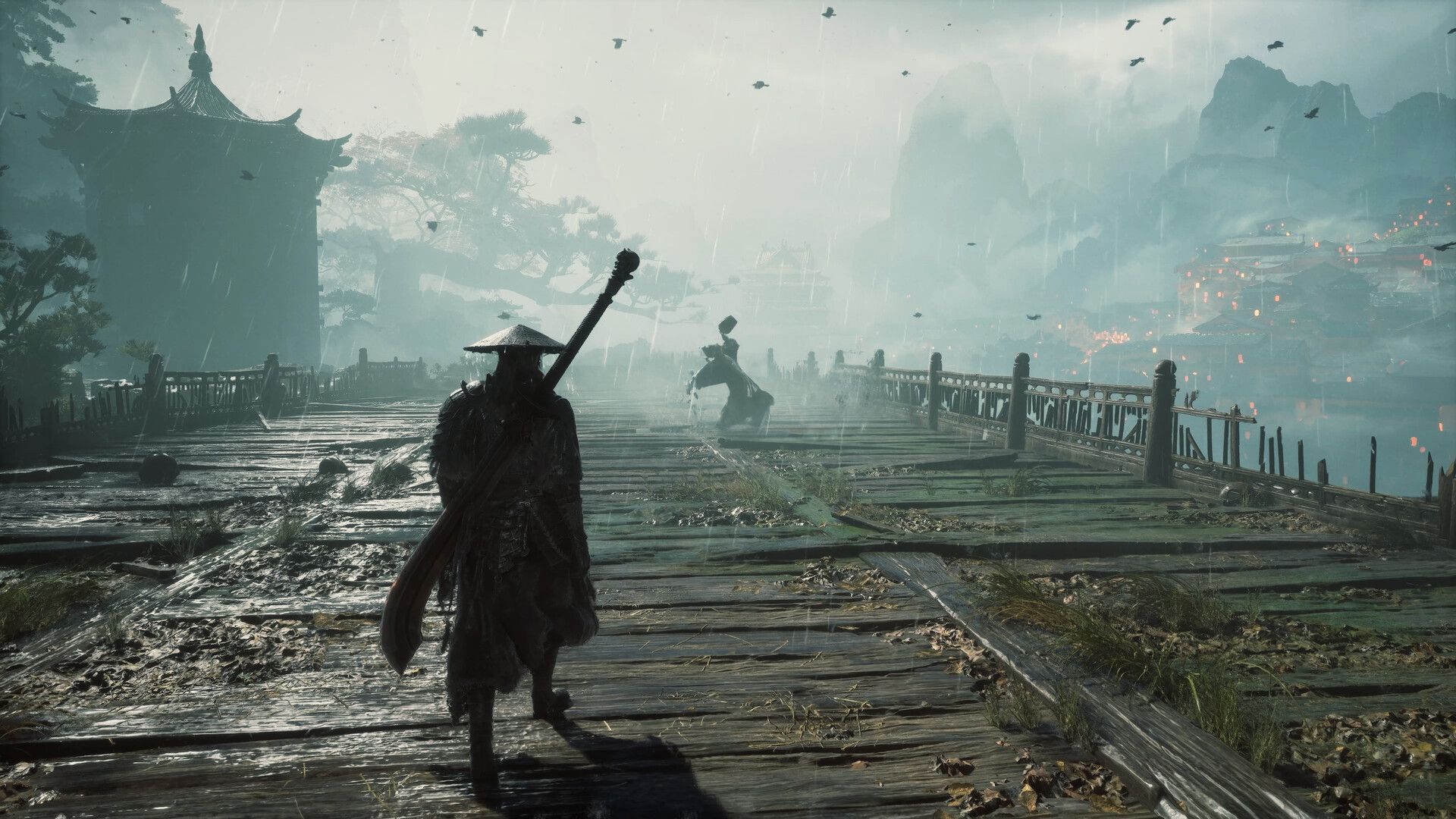
Phantom Blade Zero Smashes Records as 2026's Top Action Game
Phantom Blade Zero launched to critical acclaim, earning an 88 Metascore and becoming 2026's highest-rated action game so far. Critics laud its exceptional Wuxia combat and stunning aesthetic, despite noted narrative weaknesses. It's a strong Game Awards contender.