
Avec AI Feature: A Smart Way to Never Miss Deadlines
Avec AI Feature: A Smart Way to Never Miss Deadlines Verdict: Avec's new 'Never Forget Anything' AI feature promises to revolutionize how we manage email deadlines with a simple swipe, making forgotten follow-ups a
Avec AI Feature: A Smart Way to Never Miss Deadlines
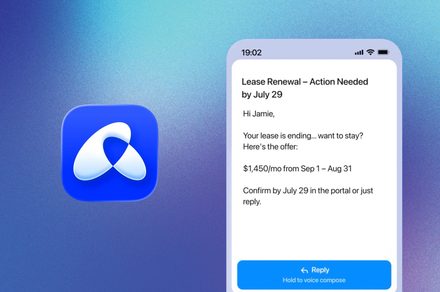
Verdict: Avec's new 'Never Forget Anything' AI feature promises to revolutionize how we manage email deadlines with a simple swipe, making forgotten follow-ups a thing of the past. While its core strength lies in its touted consistent AI detection, adopting a new email client requires trust in its long-term reliability and the utility of its other distinct features.
In the ever-growing deluge of digital correspondence, the simple act of remembering a deadline buried deep within an email thread can feel like a Herculean task. We've all been there: a crucial follow-up slips through the cracks, leading to apologies and unnecessary stress. Enter Avec, the AI-powered email application that has been carving out a niche for itself with its intuitive swipe gestures and voice dictation. Now, Avec is pushing the boundaries further with its latest innovation: the 'Never Forget Anything' AI feature, designed to ensure you genuinely never miss an important email deadline again.
A Deeper Dive into 'Never Forget Anything'
At its heart, Avec has always aimed to transform the often-dreaded email experience into something more manageable and, dare we say, enjoyable. Its interface, reminiscent of popular dating apps, allows users to triage their inbox with simple left and right swipes, quickly sorting through messages. Coupled with efficient voice dictation for replies, Avec positions itself as a streamlined alternative to more traditional email clients. The 'Never Forget Anything' feature builds directly upon this philosophy of effortless interaction.
Here’s how it works: when you encounter an email containing a critical date – be it a project deadline, a scheduled follow-up, or a reminder for an upcoming task – and you’re unable to address it immediately, a simple left swipe is all that's required. From that single gesture, Avec's AI takes over. It intelligently scans the email's content, identifying and extracting the specific due date or action date mentioned within the text. This process occurs quietly in the background, requiring no further input from the user.
The real magic, as Avec's Founder and CEO Jonathan Unikowski describes it, is the automatic due date detection. He openly admitted that the team initially harbored doubts about achieving consistent reliability for this complex task. However, the current iteration, according to Unikowski, "works every time." When the identified date arrives, the email intelligently resurfaces at the top of your inbox. Crucially, it comes paired with a concise, clear notification, explicitly reminding you of the specific reason why that email is important and requires your attention. This hands-off approach eliminates the need for manual calendar entries, setting reminders, or re-reading long threads to pinpoint deadlines, aiming to make forgotten obligations a relic of the past.
User Experience and Core Philosophy
A significant part of Avec's appeal lies in its commitment to simplifying email management. The 'Never Forget Anything' feature perfectly aligns with this core identity. The convenience of a single swipe replacing multiple manual steps for setting reminders is a compelling proposition for anyone who frequently deals with a cluttered or demanding inbox. The promise of an AI system reliably handling the granular details of date detection means users can focus more on content and less on administrative overhead.
Traditional email clients, while powerful, often require explicit actions to set reminders, flag emails, or transfer information to a separate task manager. This can disrupt workflow and add to cognitive load. Avec's approach aims to embed this crucial functionality directly into the email triage process, making it an integral, seamless part of how you interact with messages. The founder's candidness about the technical challenges in achieving consistent reliability also adds a layer of authenticity to their claims, suggesting that significant effort has gone into refining this feature.
The Upside of Intelligent Automation
The most obvious benefit of Avec’s ‘Never Forget Anything’ is the potential for a drastic reduction in missed deadlines and forgotten tasks. For professionals and individuals juggling multiple responsibilities, an automated system that intelligently highlights time-sensitive emails can be a genuine lifesaver. The ability to process an email, acknowledge its importance, and then essentially defer its reappearance until it's actionable, all with a single gesture, streamlines inbox management significantly. This proactive resurfacing, coupled with a specific notification, helps maintain context and urgency, which is often lost in generic email flags.
Moreover, by offloading the task of date tracking to AI, users can free up mental bandwidth. Instead of constantly scanning emails for dates or manually transferring information to separate calendars or to-do lists, Avec claims to handle this automatically, fostering a more focused and less anxious approach to email. This could lead to improved productivity and a greater sense of control over one's digital workload.
Considerations and Recommendations
While the 'Never Forget Anything' feature presents a powerful solution to a common problem, potential users should consider a few aspects. Firstly, the reliability of the AI is paramount. While Avec's CEO states it "works every time," real-world usage across diverse email formats and phrasing will be the ultimate test. Users must trust the AI to correctly interpret deadlines from potentially ambiguous language. Secondly, adopting Avec means committing to a new email client, potentially shifting away from established ecosystems like Gmail or Outlook, which may have their own integration benefits with other services.
For those who frequently find themselves overwhelmed by email volume and struggle with manually tracking deadlines, Avec’s 'Never Forget Anything' feature could be a transformative tool. If you're open to exploring a new email experience centered around intuitive gestures and intelligent automation, Avec offers a compelling proposition. It's particularly appealing for users who prioritize efficiency and want to minimize the mental effort required for email management. The focus on making email "less of a chore" is palpable, and this new AI capability directly supports that mission.
FAQ
Q: How does Avec’s 'Never Forget Anything' feature work? A: You simply swipe left on an important email containing a deadline or follow-up date. Avec’s AI then scans the message, identifies the relevant date, and automatically schedules a reminder. When the date arrives, the email reappears at the top of your inbox with a clear notification.
Q: Do I need to manually set dates or reminders with this feature? A: No, the core benefit of this feature is that Avec’s AI handles the date detection and reminder setting automatically after you perform the initial left swipe. There is no manual date picking or reminder configuration required from the user.
Q: What makes Avec different from other email apps in managing deadlines? A: While many email apps offer reminder features, Avec's 'Never Forget Anything' distinguishes itself by its fully automated, AI-driven date detection. Instead of requiring you to manually input or select a date for a reminder, Avec claims its AI intelligently understands the due date from the email's content with just a single swipe, then surfaces it proactively.
Related articles

TCG Pocket Responds: A Much-Needed Pace Shift for Pokémon Fans
Pokémon TCG Pocket is rolling out a major update for its second anniversary, primarily addressing player concerns about overwhelming content releases by shifting to a six-week set schedule. This aims to curb player decline and improve overall engagement by giving trainers more time to collect and strategize. The update also adds new collection methods, improved deck-building features, and enhanced trading functionality.

Ditch Merge & Center: The Better Way to Align Text in Excel
Learn to use Excel's "Center Across Selection" to align text across cells without merging, avoiding common data manipulation issues. This guide provides steps to utilize this newly accessible feature and add it to your Quick Access Toolbar.

Ars Technica's Rocket Report: Your Essential Space Industry Briefing
Quick Verdict Ars Technica's Rocket Report, presented by veteran space reporter Stephen Clark, offers an invaluable and meticulously organized weekly (or similar frequency, implied by "Edition 9.15") digest of the most

Apple iPhone Duo: A Daring Debut with Notable Compromises
Apple's highly anticipated iPhone Duo, priced at $2,000, has gone on pre-order. While hailed as "Apple's most exciting device in a decade" for its innovative foldable design and immersive display, it comes with significant drawbacks like the absence of FaceID and a premium camera.
Amazon Prime Video Launches AI-Powered Prime 360 for NBA Coverage
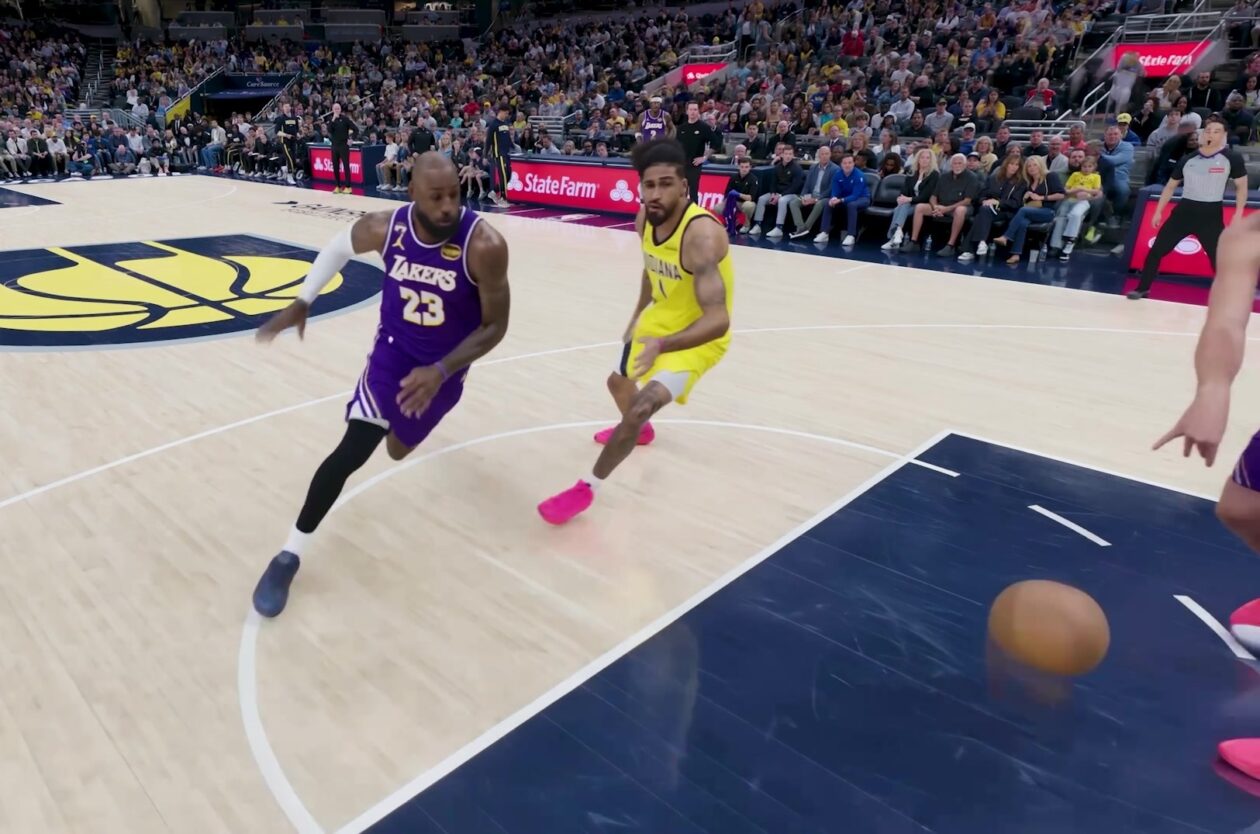
Amazon Prime Video is elevating its NBA coverage with the introduction of Prime 360, an AI-powered replay system offering immersive, 'fly through' views of the action. Kicking off its second season, Prime Video also adds Yahoo fantasy integration and gains exclusive Eastern Conference Finals rights, expanding its tech-driven sports broadcast. The new features aim to deliver a unique and interactive viewing experience for basketball fans.

KDE Plasma 6.8: A Future-Focused 30th Anniversary Update
Quick Verdict KDE Plasma 6.8, arriving as the "30th Anniversary Edition," is a pivotal release that decisively pushes the desktop environment into the future. With a definitive farewell to native X11 sessions and a