
6 3D Printing Projects to Make Your Home Feel Custom-Built
Discover 6 creative 3D printing projects to customize your home, from organizing cables and enhancing lighting to creating custom smart device mounts and modular storage systems, making your space truly your own.
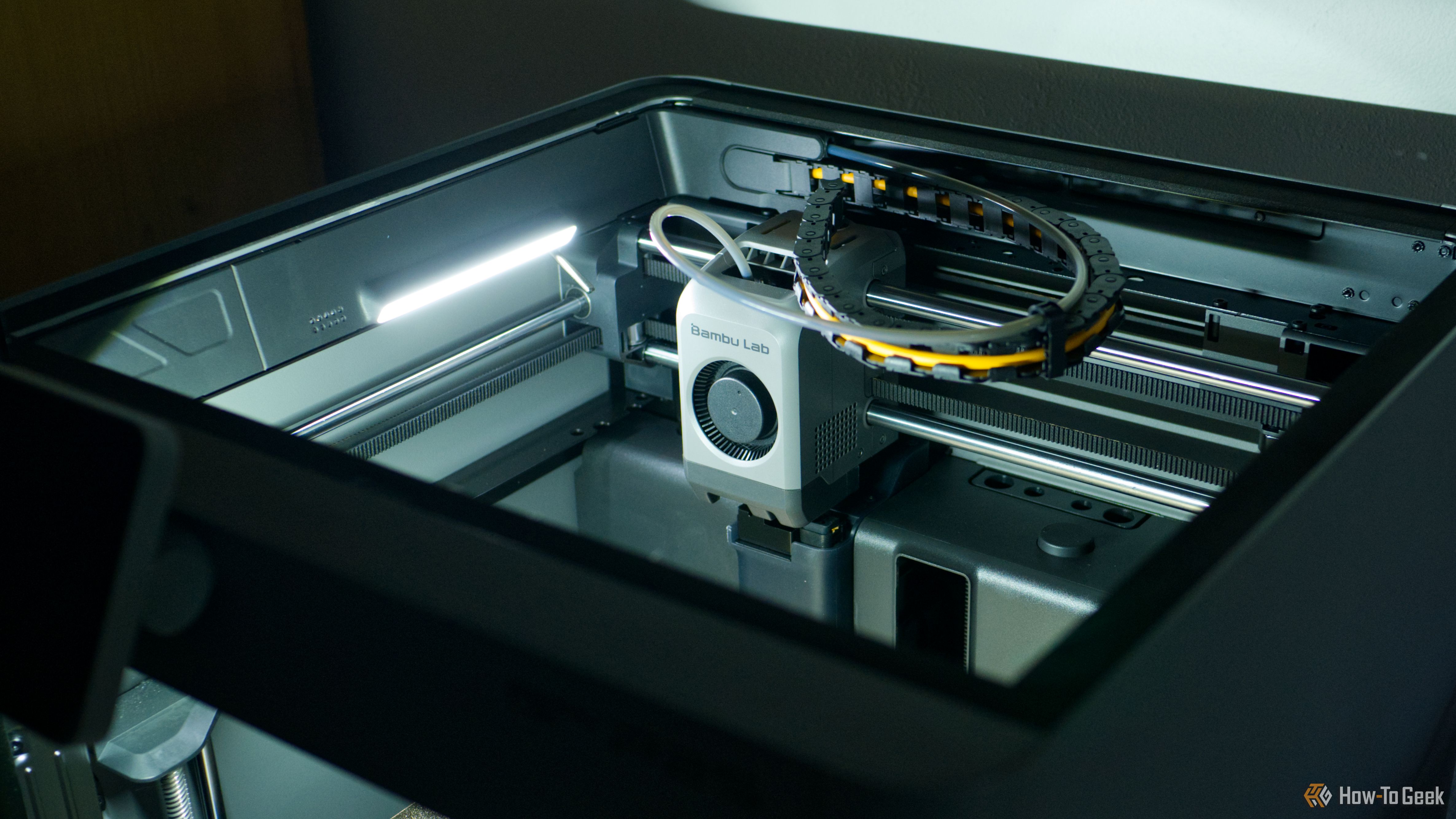
A custom-built home reflects your unique style and adapts perfectly to your routines. While a full renovation might be out of reach, a 3D printer empowers you to bring this custom-fit philosophy to your existing living space. You can transform everyday clutter into organized elegance, enhance your lighting, and seamlessly integrate smart home tech, all with the precision and personalization that only 3D printing offers. This guide explores six practical 3D printing projects that will elevate your home's functionality and aesthetic, making it feel truly custom-designed for you.
Prerequisites
Before diving into these projects, you'll need a few essentials:
- A 3D printer: Capable of printing the desired models.
- Filament: Various types (e.g., clear filament for LED diffusers) will be needed depending on your chosen project and desired aesthetic.
- Basic understanding of 3D printing: Familiarity with downloading models, preparing prints, and basic printer operation.
- Basic DIY tools: Some projects, like cable passthroughs, may require tools such as a drywall saw for installation.
The Projects: Elevate Your Home with 3D Printing
1. Conceal and Organize Messy Cables
Few things detract from a clean home setup like a tangle of cables. It's easy to grow accustomed to them, even if you planned to organize them eventually. Your 3D printer offers a practical solution to this common problem, allowing you to create custom cable management solutions.
How to get started:
- Find models: Look for ready-to-download models for routing cables, managing slack, and keeping wires neat. These can be attached to the underside of desks or the back of furniture, keeping cables off the floor.
- Consider permanent solutions: For an even cleaner look, you can print cable passthroughs and parametric grommets. These can be integrated into walls or desks for a truly seamless appearance, though they may require some light DIY work like using a drywall saw.
2. Elevate Lighting with LED Diffusing Strips
LED strip lights are a popular way to add customizable ambient lighting to your home, from subtle glows to vibrant party effects. While functional, the individual LEDs can sometimes be distracting. A 3D printer can transform these strips into high-end accent lighting.
How to get started:
- Print diffusers from clear filament: The key to a soft, even glow is a diffuser. You can 3D print custom channels and covers from clear filament to scatter the light, making individual LEDs less obvious and creating a more sophisticated, diffused light effect.
- Consider a custom LED solution: For greater control and lower costs, you might consider rolling your own LED solution with WLED. This gives you the freedom to control your strips precisely and even integrate them with smart home platforms like Home Assistant.
3. Custom Fixtures for Smart Home Sensors and Devices
While smart home technology enhances convenience, the devices themselves can sometimes look out of place or be difficult to position optimally. Many users prefer their smart homes to blend seamlessly into their decor without visible sensors or bulky gadgets. Your 3D printer can help you achieve this discreet integration.
How to get started:
- Print custom mounts: Download and print free models for wall mounts that can elevate presence sensors (for better room coverage) or mount smart speakers off desks. This helps place devices where they function best without cluttering surfaces.
- Hide microcontrollers: Many DIY smart home sensors, especially those powered by microcontrollers like ESP32s used for Bluetooth presence detection, can be concealed with simple 3D-printed cases. These prints help the devices blend into the room, making them virtually invisible.
4. Maximize Kitchen Space-Savers
Modern kitchens often feature clever space-saving and organizational tricks. You can bring similar utility to your own kitchen without the expense of a full renovation by 3D printing practical organizers.
How to get started:
- Install pot lid holders: Solve the perennial problem of storing pot lids by printing holders that attach to the inside of cupboard doors or sides. This utilizes dead space and frees up cupboard room.
- Mount rolls and boards: Print holders to mount cling wrap, aluminum foil, or cutting boards under cabinets or on walls, keeping them easily accessible and off your countertops.
- Create specialized storage: Explore models for pan stackers, coffee mug shelves, cleaning spray holders, and even custom storage for appliance attachments like those for KitchenAid mixers. These items are designed to fit your specific needs and appliances.
5. Stylish Stands and Holders for Everything
Look around your home — are headphones casually left on the desk, game controllers scattered on an entertainment unit, or mail piling up on the counter? Giving these items a designated home not only helps you find them easily but also improves the overall tidiness and appearance of your space.
How to get started:
- Print hooks and stands: Create 3D-printed hooks for headphones that mount under desks or on walls. Print visually pleasing or subtle stands for game controllers, or even novelty stands to add a touch of personality.
- Organize small items: Design and print small bins, trays, or mail organizers for your kitchen counters or entryways. The ability to make these yourself allows you to choose filament colors and designs that perfectly match your decor, making them feel like an integral part of the room.
6. Modular Organizers for Drawers and Walls (Gridfinity & Multiboard)
For a truly purpose-built feel, modular and customizable storage systems are unmatched. Systems like Gridfinity for drawers and Multiboard for vertical wall organization allow you to optimize every inch of space, adapting it perfectly to your specific needs.
How to get started:
- Plan your organization: Before printing, take time to consider exactly how you want to organize your space. Think about the items you need to store and how you want them arranged for maximum efficiency and accessibility.
- Print Gridfinity modules: Transform cluttered junk drawers into highly organized spaces where every item has its dedicated spot. Gridfinity's modular nature allows for endless customization.
- Implement Multiboard systems: Turn garages, workshops, or home offices into functional spaces by creating wall-mounted storage for tools, filament spools, and other essentials. This ensures important items are always within reach and neatly stored.
Tips for Success
- Match your aesthetic: When printing stands, holders, or organizers, select filament colors and designs that complement your home's existing decor for a truly custom-built look.
- Plan ahead for modular systems: For projects like Gridfinity and Multiboard, carefully consider your organizational needs before committing time and filament to printing, ensuring the solution perfectly fits your use case.
- Consider DIY smart lighting: Using platforms like WLED for LED strips can offer greater control and flexibility in integrating lighting into your smart home ecosystem, often at a lower cost.
FAQ
Q: Where can I find 3D models for these home organization projects?
A: Many models for these projects, including cable management solutions, kitchen organizers, and modular systems, can be found on platforms like MakerWorld.
Q: What kind of filament should I use to create LED diffusers?
A: To create effective LED diffusing strips that scatter light for a subtle glow, you should 3D print them using clear filament.
Q: Can 3D printing help me hide my smart home sensors or devices?
A: Yes, you can 3D print custom mounts and cases to conceal devices like presence sensors, smart speakers, or microcontrollers (like an ESP32 for Bluetooth detection), helping them blend seamlessly into your home environment.
These 3D printing projects offer a fantastic way to adapt your home to your lifestyle, creating functional and beautiful spaces that feel uniquely yours. So, fire up your 3D printer and start transforming your home. And remember, your living space isn't the only area that can benefit; a 3D printer can also enhance your hobbies!
Related articles

The Super Mouse puts a touchscreen macro pad under your hand: Tech
Arctic Fox Technologies has launched the Super Mouse, an innovative peripheral featuring a 3.1-inch touchscreen for dynamic app controls, macros, and enhanced productivity. Available on Kickstarter for $199, this wired mouse aims to consolidate multiple desktop devices into one intuitive command center. Its contextual display and advanced features redefine user interaction.

How to Stop Google Using Your Gmail & Drive Data for Ads
Google's "Personal Intelligence" feature, designed to offer more tailored AI responses, may inadvertently lead to your personal data from apps like Gmail, Google Drive, and Google Photos being used for targeted

Google Fitbit Edge Review: Your Anti-Smartwatch Fitness Sweet Spot
Learn if the Google Fitbit Edge is the right fitness tracker for you, balancing core health features with a simplified experience. Discover its design, advanced tracking, and software insights to make an informed decision.

Entire: An Agent-First Revolution for AI-Driven Code Development
Quick Verdict Entire, a new developer platform from former GitHub CEO Thomas Dohmke, makes a bold entry into the code hosting and collaboration space with an "agent-first" philosophy. Designed specifically for the age
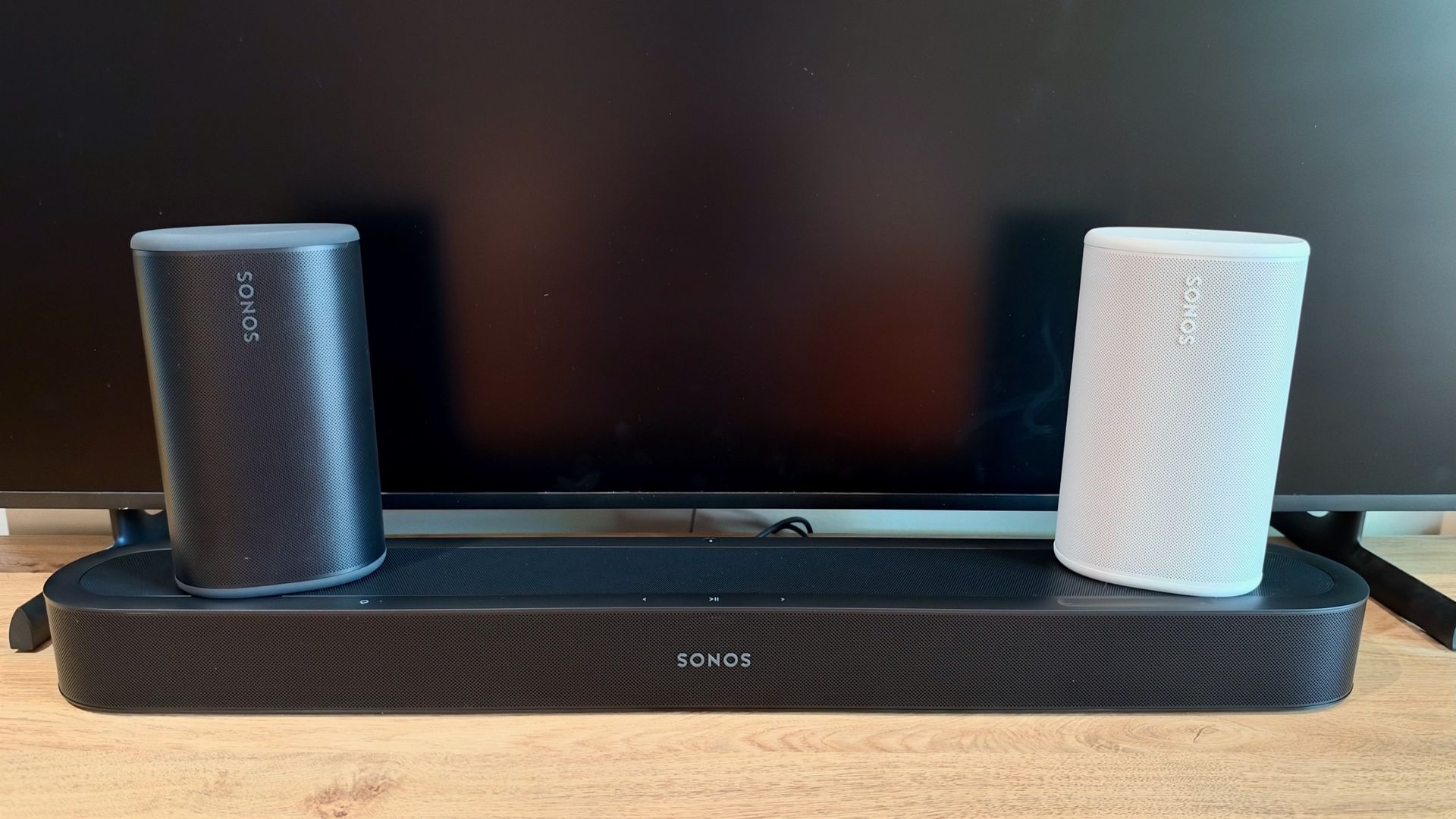
Sonos Surround Trick: Flexible Home Theater Gets Real
As an experienced tech reviewer and a long-time admirer of Sonos' innovative approach to home audio, I've filled my living spaces with their speakers. From dedicated home theater setups to stereo pairs for music, the
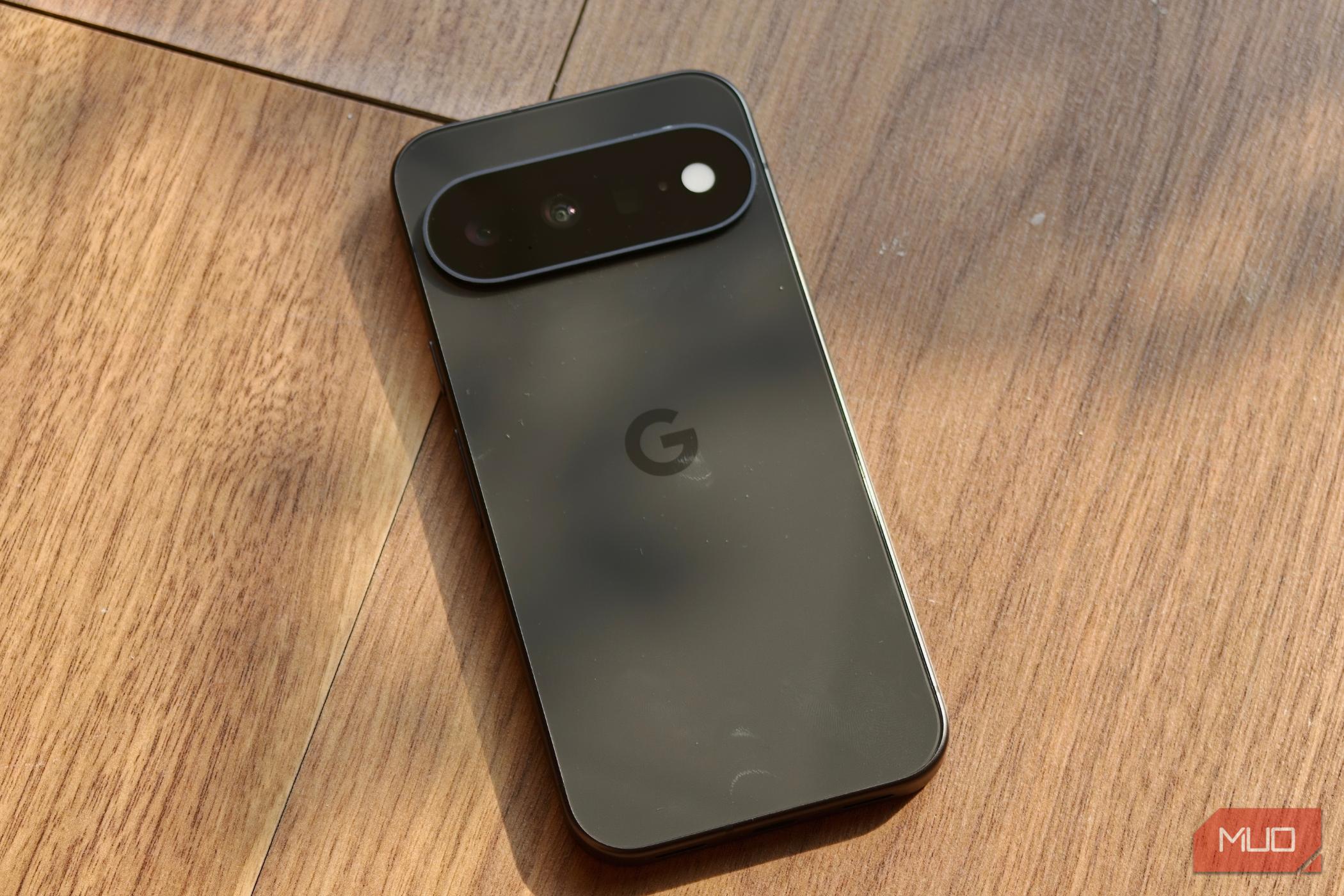
Unlock Your Pixel's Hidden Potential: Essential Features to Enable
Learn to enable six essential features on your Pixel phone, including Lockscreen Widgets, Screen Saver, Notification History, Clear Calling, Smooth Display, and Adaptive Vibration, to enhance your user experience in just a few steps.